
Windows 11 26H1 Explained: Why Your Existing PC Can’t Upgrade and What PC Buyers Should Know in 2026
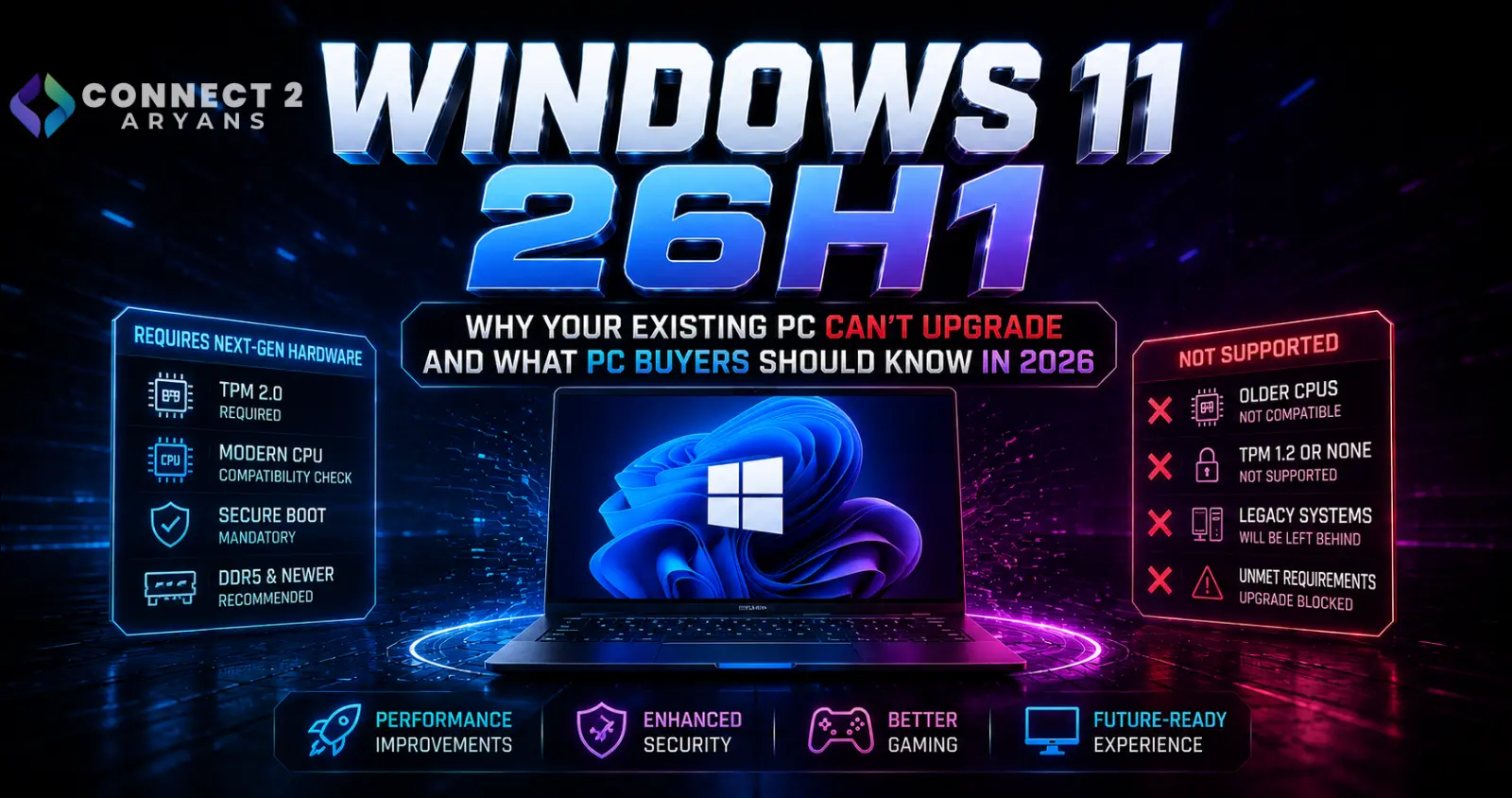
Windows 11 26H1 Explained: Why Your Existing PC Can’t Upgrade and What PC Buyers Should Know in 2026
Microsoft has introduced an unusual Windows release in 2026:
Windows 11 version 26H1.
Normally, seeing a newer Windows version creates an obvious question:
“When will my PC receive the update?”
With Windows 11 26H1, however, that is the wrong question.
Microsoft says Windows 11 26H1 is not designed to be offered or installed on existing devices. It is instead a hardware-optimized Windows release created to support a new generation of silicon and is available only on select new PCs.
That means a perfectly modern gaming PC running Windows 11 25H2 may never receive a button saying:
Upgrade to Windows 11 26H1.
And according to Microsoft, that's intentional.
So what exactly is 26H1, why did Microsoft create it, and should someone building or buying a PC in 2026 care?
What Is Windows 11 26H1?
Windows 11 26H1 is a special Windows 11 release designed around next-generation hardware platforms.
Microsoft officially published its Windows 11 26H1 support information on February 10, 2026.
According to Microsoft, the release enables next-generation silicon and hardware innovation and is intended to support new Windows devices with advances in performance and battery life.
However, Microsoft makes an important distinction:
26H1 is not the normal annual Windows feature update.
Instead, it is a hardware-specific release.
That changes almost everything about how users should think about it.
Why Is It Called 26H1?
Microsoft's Windows version naming convention is relatively straightforward.
26 refers to 2026.
H1 refers to the first half of the year.
So:
26H1 = 2026, first half.
But this does not mean Microsoft has returned to releasing major Windows feature updates twice every year.
Microsoft says Windows will continue using its annual feature-update schedule, with the regular feature update planned for the second half of 2026.
Therefore:
26H1 ≠ normal 2026 Windows upgrade
It exists primarily because Microsoft needed Windows support for new hardware arriving earlier in the year.
Why Can't Existing PCs Upgrade to Windows 11 26H1?
This is the most important part of the story.
Microsoft explicitly states that Windows 11 26H1:
is not offered as an in-place update from Windows 11 24H2 or 25H2.
Windows Update will therefore not simply offer 26H1 to ordinary existing PCs.
Microsoft's Windows release-health documentation describes 26H1 as a hardware-optimized release developed for next-generation silicon in partnership with hardware and silicon manufacturers.
So if you have a desktop running:
Windows 11 24H2
or
Windows 11 25H2
and Windows Update doesn't show 26H1, your system isn't necessarily broken or missing an update.
That is expected behavior.
Windows 11 26H1 Uses a Different Windows Core
There is an even more important technical reason behind the separation.
Microsoft says Windows 11 26H1 is based on a different Windows core from:
Windows 11 24H2
Windows 11 25H2
and the upcoming second-half 2026 Windows feature update.
This is why Microsoft isn't treating 26H1 like a normal update that gets installed over 25H2.
It exists as a separate platform branch designed to enable specific new hardware.
Which PCs Get Windows 11 26H1?
Microsoft says 26H1 is available only on select new devices shipping with new silicon.
The first devices are based on the Qualcomm Snapdragon X2 Series.
That tells us something important about the purpose of 26H1.
Microsoft isn't trying to move the entire Windows PC population onto this version.
Instead, the release provides the operating-system foundation needed by a new hardware generation entering the market before Microsoft's regular annual Windows update.
Can You Manually Install 26H1 on an Existing Gaming PC?
Microsoft's guidance is clear:
Windows 11 26H1 is not intended as an in-place upgrade for existing Windows 11 systems and won't be offered through Windows Update to devices running earlier versions.
For a normal gaming PC running 24H2 or 25H2, there is therefore no practical reason to hunt for unofficial workarounds simply to make the version number say 26H1.
Doing so would provide no meaningful advantage if the operating system branch was not designed for your hardware.
Your supported Windows branch is the one that matters.
Does Windows 11 26H1 Have New Features?
This is where things become even more interesting.
Microsoft says Windows 11 26H1 includes the same features introduced with the Windows 11 2025 Update, version 25H2.
In other words, 26H1 is not primarily about giving users a huge collection of exclusive desktop features.
Its significance is much more closely tied to the underlying platform and hardware support.
That's another reason existing 25H2 users shouldn't feel like they are missing a major feature release.
Should Windows 11 25H2 Users Be Worried?
No.
Microsoft specifically says systems running Windows 11 25H2 and 24H2 will continue receiving:
monthly security updates
quality updates
and
new features
according to their normal servicing timelines.
Windows 11 25H2 remains a fully supported mainstream Windows release.
For Home and Pro editions, Microsoft's lifecycle documentation lists Windows 11 25H2 support through:
October 12, 2027.
There is therefore no reason for an ordinary 25H2 gaming-PC owner to panic because 26H1 exists.
What About Windows 11 24H2?
Windows 11 24H2 remains supported too, but its Home and Pro lifecycle is much closer to ending.
Microsoft currently lists Windows 11 24H2 Home and Pro support ending on:
October 13, 2026.
That date is important for users who are still running 24H2.
However, the upgrade path isn't:
24H2 → 26H1
for ordinary existing PCs.
Instead, users should follow the normal Windows servicing path available for their device, such as moving to 25H2 where offered and supported.
Windows 11 Home/Pro Support in 2026
Microsoft's current lifecycle information gives the following support dates:
| Windows 11 Version | Home & Pro Support Ends |
|---|---|
| 24H2 | October 13, 2026 |
| 25H2 | October 12, 2027 |
| 26H1 | March 14, 2028 |
These dates apply to Microsoft's Home and Pro lifecycle and differ for Enterprise/Education editions.
The important point for typical gaming-PC users is:
25H2 is not obsolete because 26H1 exists.
They are serving different hardware situations.
Will 26H1 PCs Get the Next 2026 Feature Update?
Not immediately.
Microsoft says devices running Windows 11 26H1 will not be able to update to the next annual feature update planned for the second half of 2026 because 26H1 uses a different Windows core.
Microsoft says those systems will instead receive a path to update in a future Windows release.
This reinforces just how unusual 26H1 is.
It's essentially its own hardware-oriented Windows branch rather than the new universal destination for Windows PCs.
Does 26H1 Make 25H2 Old?
No.
A newer-looking version number doesn't automatically make another supported Windows branch outdated.
Consider two PCs:
PC A: Existing gaming desktop running Windows 11 25H2.
PC B: New Snapdragon X2 laptop shipping with Windows 11 26H1.
PC B having “26H1” in Settings doesn't mean PC A needs an upgrade.
Each machine is running the Windows branch intended for its platform.
Both continue receiving updates according to Microsoft's lifecycle policies.
How to Check Which Windows Version You Have
Microsoft provides two simple methods.
Go to:
Start → Settings → System → About
Then look under:
Windows specifications → Version
You can also press Start, type:
winver
and press Enter.
Microsoft specifically recommends these methods in its 26H1 update documentation.
You'll see a version such as:
24H2
25H2
or on relevant new hardware:
26H1.
Should You Force a Windows Feature Update?
Generally, no.
If Windows Update isn't offering a particular hardware-specific release to your system, forcing it solely because the version number is newer can create unnecessary compatibility risks.
Feature-update eligibility can depend on:
hardware
drivers
firmware
known compatibility issues
and
Microsoft's rollout policies.
For ordinary existing PCs, Microsoft has explicitly said 26H1 is not intended as an upgrade.
There is therefore no reason to bypass that design.
What This Means for Gaming PCs
For conventional desktop gaming PCs, Windows 11 26H1 currently isn't something you need to chase.
Your priorities should remain:
a supported Windows version,
current GPU drivers,
current chipset drivers,
appropriate motherboard firmware,
security updates,
and stable game/software compatibility.
The version number alone doesn't improve gaming performance.
A well-configured Windows 11 25H2 system doesn't become slower simply because another hardware-specific Windows branch exists.
Does Windows 11 26H1 Improve Gaming Performance?
Microsoft describes 26H1 as enabling new silicon and hardware innovations, including improvements relevant to performance and battery life on the devices it targets.
But that should not be interpreted as:
26H1 gives existing gaming PCs more FPS than 25H2.
Microsoft isn't even offering the release to those existing systems.
The improvements are associated with supporting the new hardware platforms for which 26H1 was designed.
For a desktop gaming PC, your CPU, GPU, memory configuration, drivers and game itself remain much more important performance factors.
Don't Reinstall Windows Just to Get 26H1
Reinstalling Windows is sometimes useful for:
corrupted installations,
major software problems,
storage replacement,
or setting up a completely new PC.
It is not a sensible method for trying to turn an ordinary 25H2 gaming PC into a 26H1 machine.
Microsoft explicitly says 26H1 isn't designed for existing devices.
If you genuinely need to reinstall your current Windows system, follow Microsoft's supported installation path for your hardware.
How to Install Windows on PC or Laptop — Connect2Aryans
What If You're Building a New Desktop PC in 2026?
For a new desktop build, don't choose components based on whether they say:
“Windows 11 26H1 compatible.”
Instead, check Microsoft's Windows 11 hardware requirements and the support provided by your chosen component manufacturers.
Important considerations include:
CPU support
TPM 2.0
UEFI/Secure Boot capability
motherboard drivers
GPU drivers
network drivers
and
storage drivers.
A new conventional desktop can run an appropriate supported Windows 11 release without needing the special 26H1 branch.
Browse Motherboards on Connect2Aryans
What If You're Buying a New Laptop?
This is where 26H1 becomes much more relevant.
If you purchase a new laptop built around hardware specifically designed for Windows 11 26H1, then seeing 26H1 installed is completely normal.
Microsoft says the first 26H1 devices use Qualcomm Snapdragon X2 Series processors.
You should not attempt to downgrade or replace that Windows version simply because another PC uses 25H2.
The operating system supplied for that device is designed around its hardware platform.
Windows 11 26H1 Is Not Windows 12
Another potential source of confusion is Microsoft's version numbering.
26H1 is still:
Windows 11.
It isn't Windows 12.
Microsoft's official support pages explicitly identify it as:
Windows 11, version 26H1.
So don't interpret the unusual release branch as evidence that Microsoft has launched an entirely new Windows generation.
Windows 10 Users Have a Different Problem
While Windows 11 users are discussing 24H2, 25H2 and 26H1, Windows 10 users face a much more important support issue.
Standard Windows 10 support ended on:
October 14, 2025.
Microsoft says Windows 10 PCs still function, but ordinary unsupported installations no longer receive the normal technical assistance, feature updates and security fixes that supported Windows versions receive.
For compatible PCs, Microsoft recommends moving to Windows 11.
Windows 10 Extended Security Updates Still Exist
Users who cannot immediately move away from Windows 10 have another option.
Microsoft offers the Extended Security Updates (ESU) program.
Microsoft's current consumer support guidance says ESU can protect eligible Windows 10 consumer devices through:
October 12, 2027.
ESU is intended to provide additional security-update time.
It does not turn Windows 10 back into a normally supported feature-development platform.
For someone buying a new gaming PC in 2026, Windows 11 is therefore the much more logical target.
Don't Confuse Windows Version With Windows Edition
These are different things.
A Windows version is something like:
24H2
25H2
26H1.
A Windows edition is something like:
Windows 11 Home
Windows 11 Pro
Windows 11 Enterprise
or
Windows 11 Education.
Support timelines can differ between editions.
For example, Microsoft's Enterprise and Education lifecycle gives longer servicing periods than Home and Pro for corresponding releases.
Most home and gaming-PC buyers will primarily be dealing with Home or Pro.
Why Support Dates Matter
A Windows installation doesn't suddenly stop booting on its end-of-support date.
The important change is servicing.
When a Windows version reaches the end of servicing, it no longer receives the same ongoing security and quality updates.
That makes checking the Windows version worthwhile, particularly on PCs that have not been updated for a long time.
For a gaming PC, staying on a supported release also improves the chances of maintaining compatibility with current:
GPU drivers,
game launchers,
anti-cheat software,
peripherals,
and newer hardware.
Should You Upgrade From 24H2 to 25H2?
If Microsoft offers 25H2 to your compatible system through the normal supported update path, moving to a currently supported release makes sense—particularly with 24H2 Home and Pro reaching end of support on October 13, 2026.
But this should not be confused with needing 26H1.
For an ordinary existing PC:
24H2 → 25H2
is a normal servicing progression.
25H2 → 26H1
is not.
Should You Upgrade From 25H2 to 26H1?
For most existing PCs, you can't—and Microsoft doesn't intend you to.
Windows 11 25H2 Home and Pro remain supported until October 12, 2027.
Continue installing normal Windows updates and maintain your drivers.
There is no benefit in worrying about an operating-system branch that Microsoft deliberately created for different hardware.
Should 26H1 Affect Which Gaming PC You Buy?
Usually, no.
If you're comparing two gaming desktops, don't choose one merely because its Windows version number looks newer.
Much more important specifications include:
graphics card
processor
RAM
storage
power supply
cooling
and
upgrade capability.
For users choosing individual components:
Browse PC Components on Connect2Aryans
And for users who want a complete system:
Browse Pre-Built PCs on Connect2Aryans
New Hardware Is the Reason 26H1 Exists
This is ultimately the easiest way to understand the release.
Microsoft needed a Windows branch capable of supporting hardware arriving before its normal second-half annual update.
Instead of making every existing PC move to that branch, Microsoft created 26H1 specifically for those new systems.
That means Windows can support new silicon without unnecessarily changing the servicing path for hundreds of millions of existing Windows 11 PCs.
Microsoft's release-health documentation describes 26H1 precisely as a hardware-optimized release for next-generation silicon.
Windows 11 26H1 Quick Comparison
| Feature | Windows 11 24H2 | Windows 11 25H2 | Windows 11 26H1 |
|---|---|---|---|
| Existing Windows PCs | Yes | Yes | Not intended as upgrade |
| Normal Windows Update path | Yes | Yes | No for existing 24H2/25H2 PCs |
| Hardware-specific release | No | No | Yes |
| Home/Pro support end | Oct. 13, 2026 | Oct. 12, 2027 | Mar. 14, 2028 |
| First availability | Oct. 2024 | Sept. 2025 | Feb. 2026 |
| Intended for select new silicon | No special restriction | No special restriction | Yes |
Microsoft's current lifecycle and 26H1 support documentation provide these servicing dates and release distinctions.
Frequently Asked Questions
What is Windows 11 26H1?
Windows 11 26H1 is a hardware-optimized Windows release designed to support select next-generation devices introduced in 2026. Microsoft says it is not intended as a normal feature update for existing PCs.
Why isn't Windows 11 26H1 showing in Windows Update?
If your existing PC runs Windows 11 24H2 or 25H2, this is expected. Microsoft says 26H1 will not be offered as an in-place update to those existing systems.
Can I upgrade Windows 11 25H2 to 26H1?
Microsoft does not provide 26H1 as an in-place upgrade from 25H2. It is intended for select new hardware.
Is Windows 11 25H2 outdated now?
No. Windows 11 25H2 Home and Pro remain supported until October 12, 2027.
When does Windows 11 24H2 support end?
For Windows 11 Home and Pro, Microsoft currently lists October 13, 2026 as the end-of-support date for version 24H2.
Is Windows 11 26H1 Windows 12?
No. Microsoft officially identifies 26H1 as a version of Windows 11.
Does Windows 11 26H1 improve gaming FPS?
Microsoft positions 26H1 as a release enabling next-generation silicon rather than an FPS upgrade for existing PCs. Existing PCs aren't offered the update, so gamers should not treat 26H1 as a performance patch they need to install.
Which processors first shipped with Windows 11 26H1?
Microsoft says the first devices use Qualcomm Snapdragon X2 Series processors.
Will Windows 11 26H1 receive security updates?
Yes. Microsoft says 26H1 devices continue receiving monthly security, quality and feature updates.
Should I reinstall Windows to get 26H1?
No. Microsoft specifically says 26H1 is not designed for existing 24H2 or 25H2 systems. Use the supported Windows release intended for your hardware.
Conclusion
Windows 11 26H1 looks like a conventional Windows update.
It isn't.
Microsoft created it as a hardware-optimized release for select next-generation PCs, with the first devices using Qualcomm Snapdragon X2 Series silicon.
That explains why your existing gaming PC may never see Windows 11 26H1 in Windows Update.
Nothing is wrong.
Microsoft explicitly says 26H1 isn't intended as an in-place upgrade from Windows 11 24H2 or 25H2.
Existing PCs continue on their normal servicing branch.
For Windows 11 Home and Pro users, 24H2 support currently ends October 13, 2026, while 25H2 remains supported until October 12, 2027.
So if you're running 25H2 on a modern gaming PC, you do not need to search for a way to install 26H1.
Keep Windows updated.
Keep your chipset and GPU drivers current.
Keep your motherboard firmware appropriately maintained.
And use the Windows release officially supported for your hardware.
For someone buying a new PC, 26H1 may appear naturally on certain next-generation systems.
For everyone else, the more important Windows update will be Microsoft's regular annual feature release planned for the second half of 2026.
How to Install Windows on PC or Laptop
Browse Motherboards on Connect2Aryans

