
Filters
Price Range
From
To
Brand
Availability
Peripherals » Audio & Sound » Microphones
Shop microphones in Pakistan for streaming, gaming, recording, podcasts, calls, and content creation. Compare USB and XLR microphones, pickup patterns, connectivity, controls, mounting options, compatibility, features, and prices.
22 Products
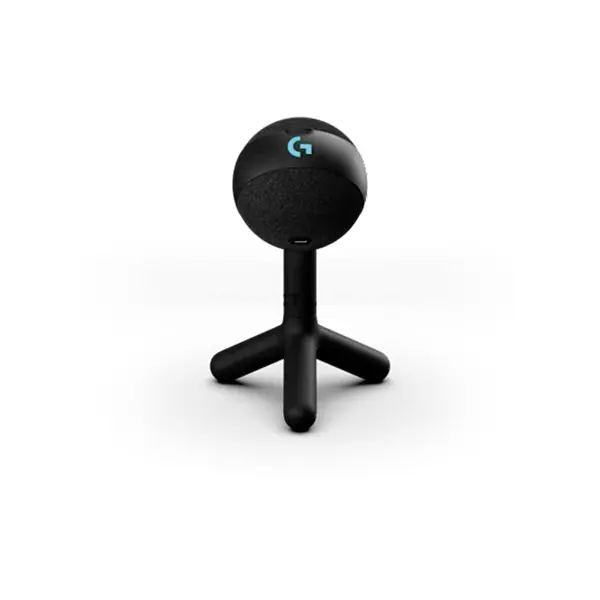
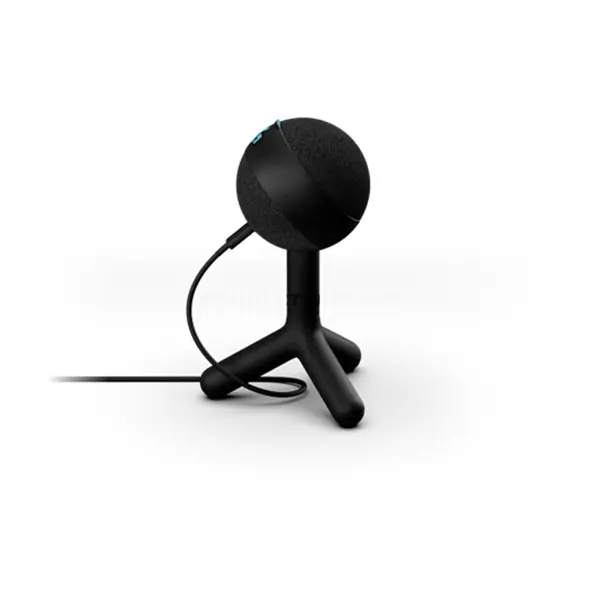
Quick view
Rs. 18,950
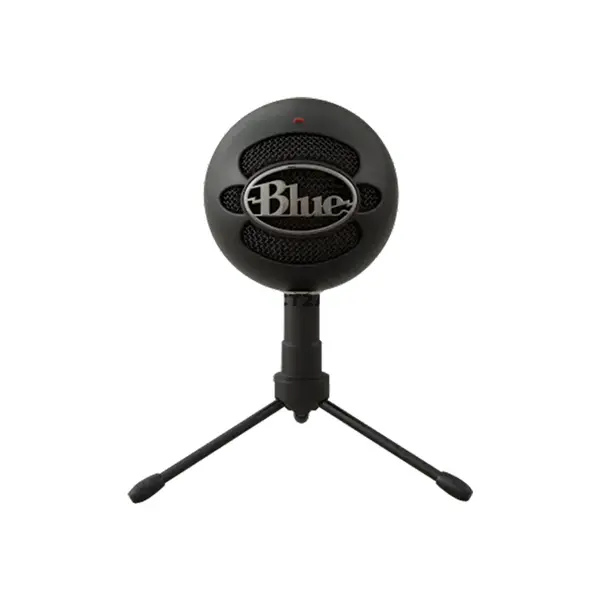
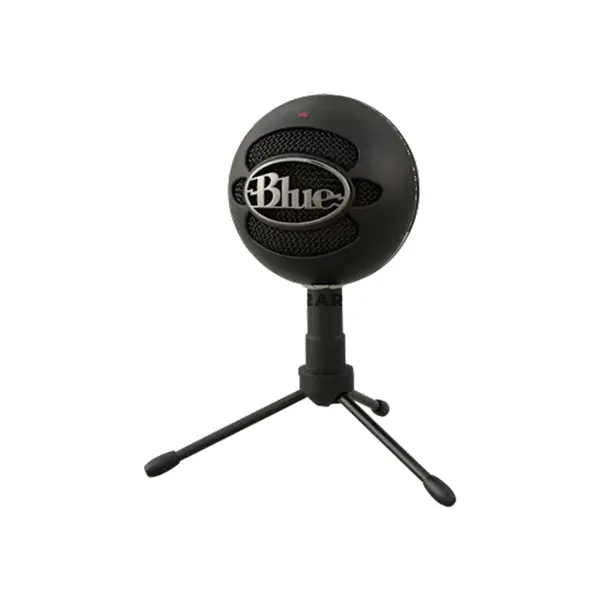
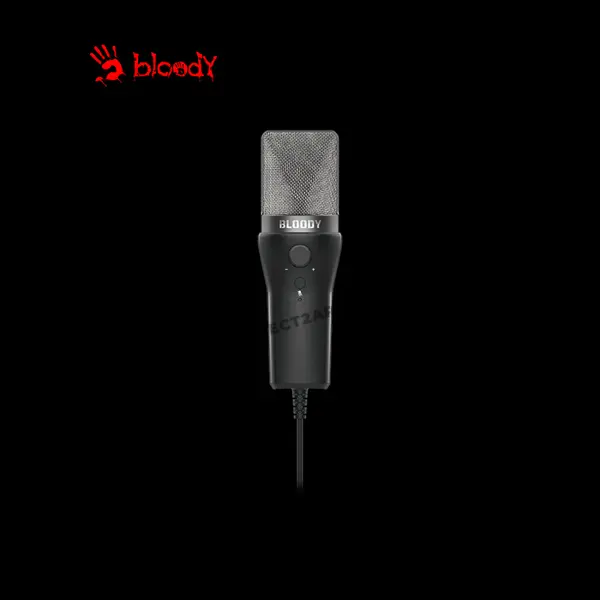
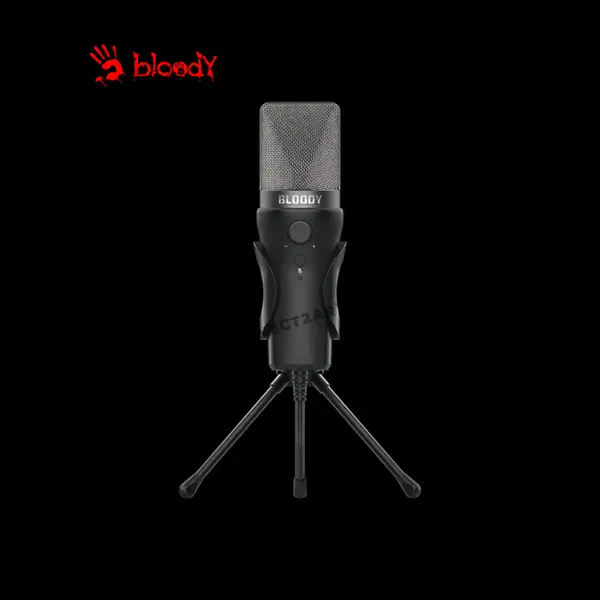
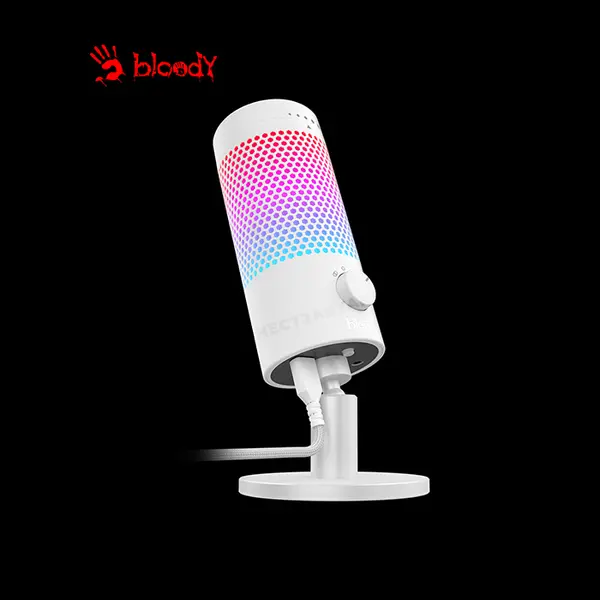
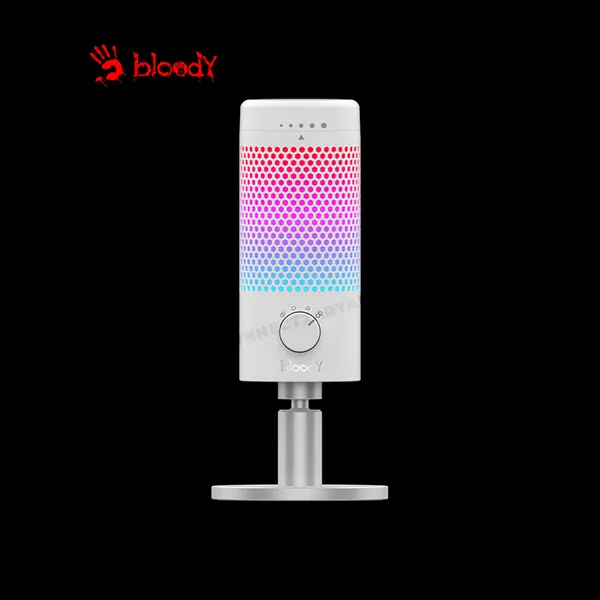
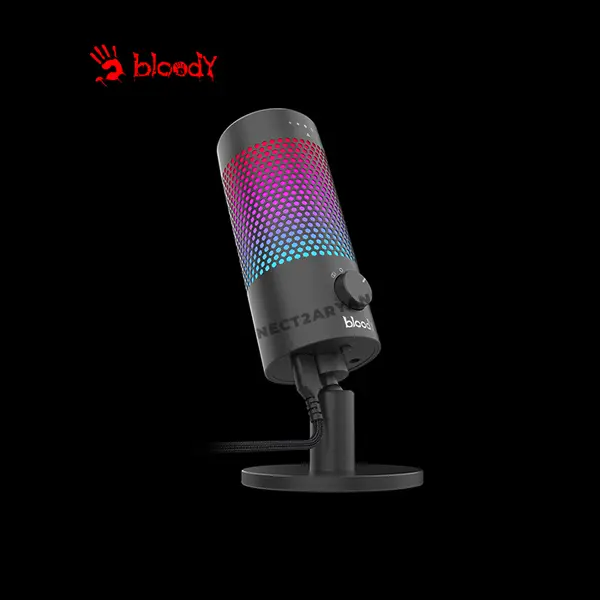
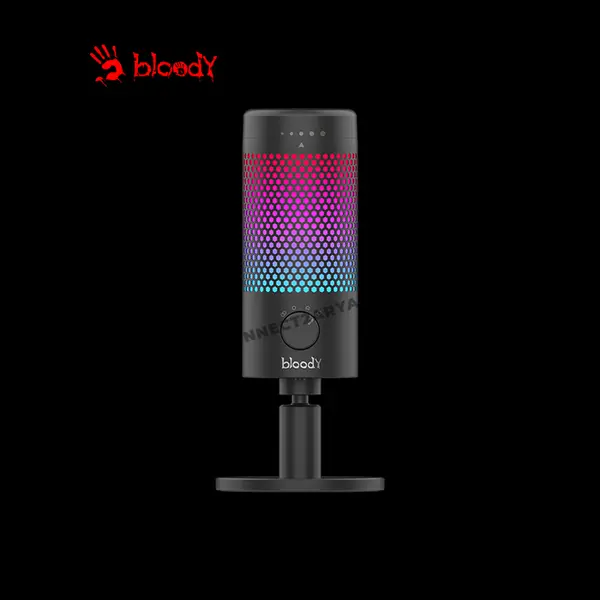
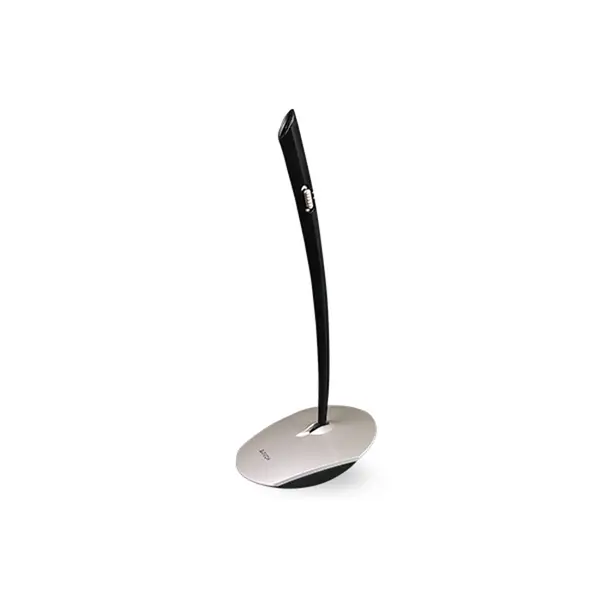
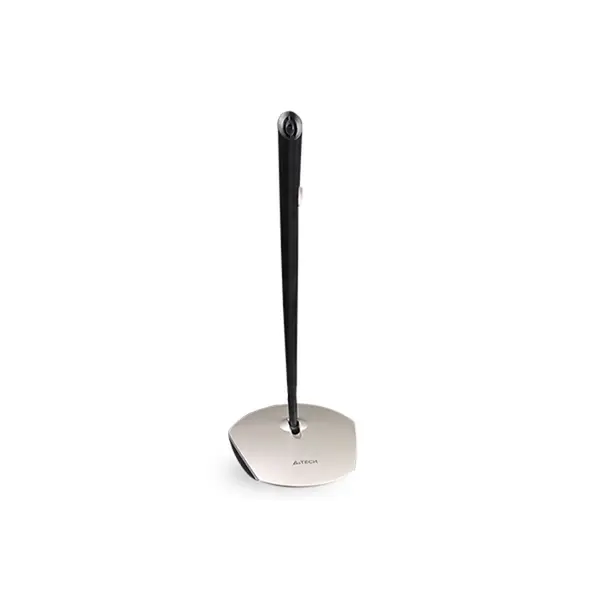
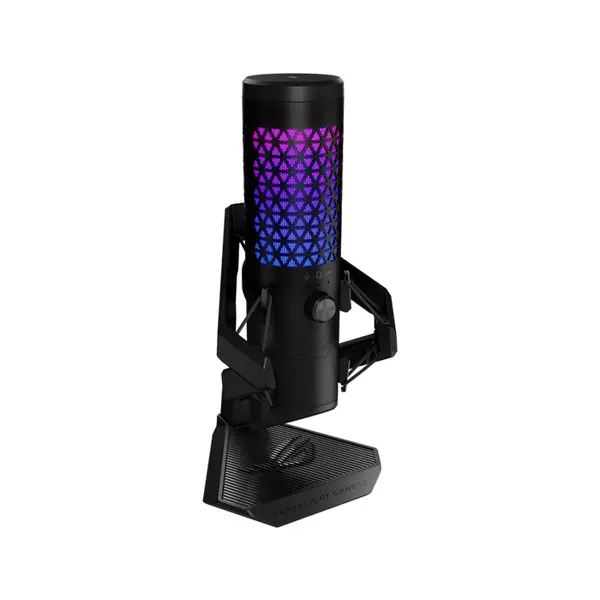
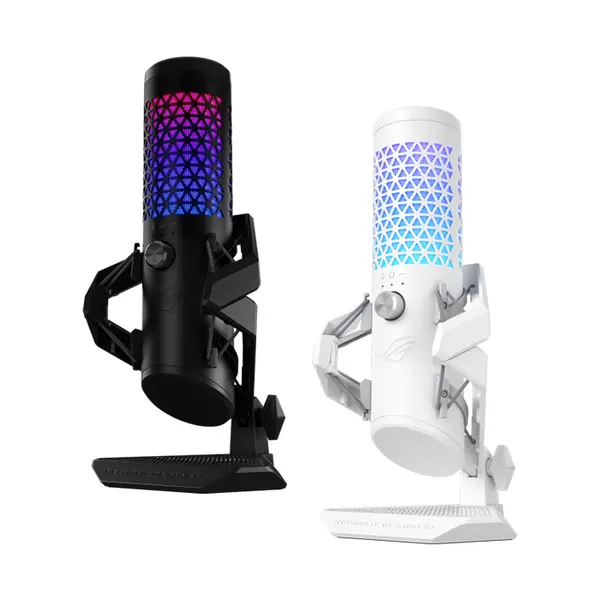
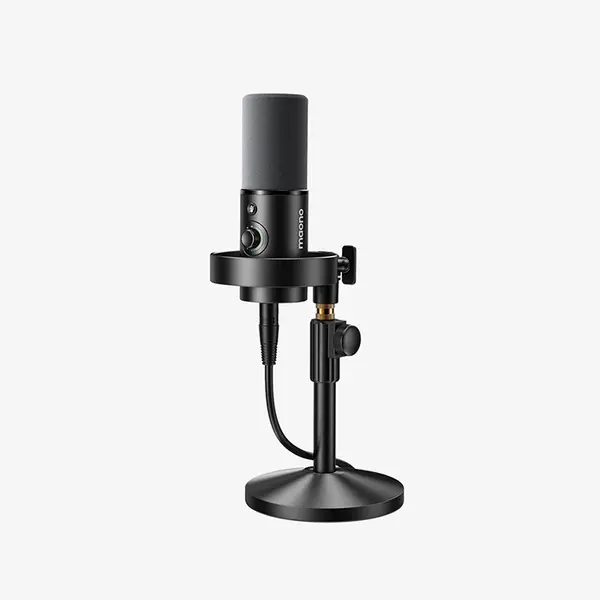
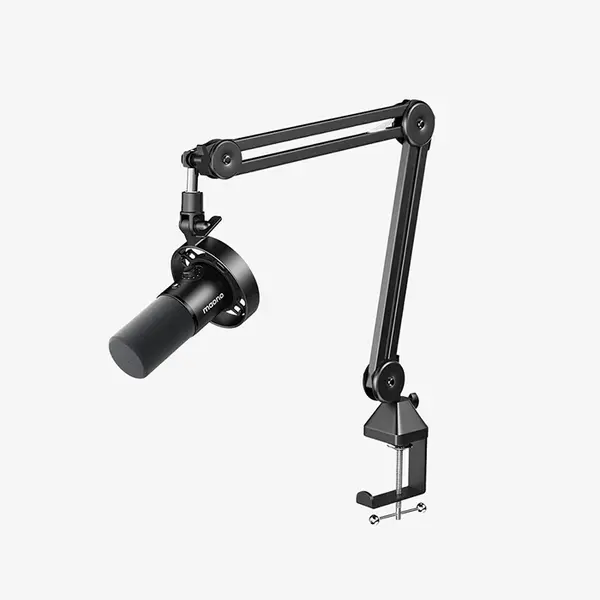
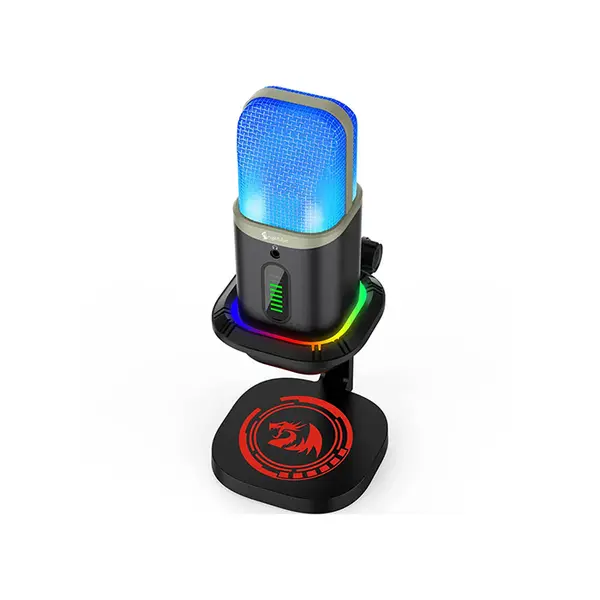
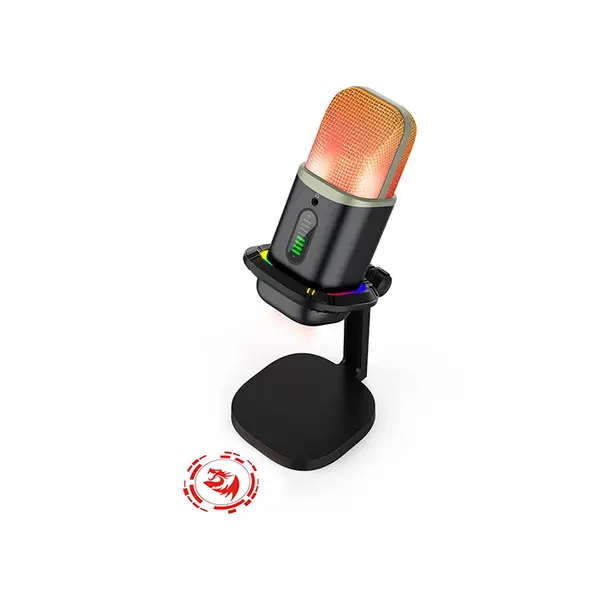
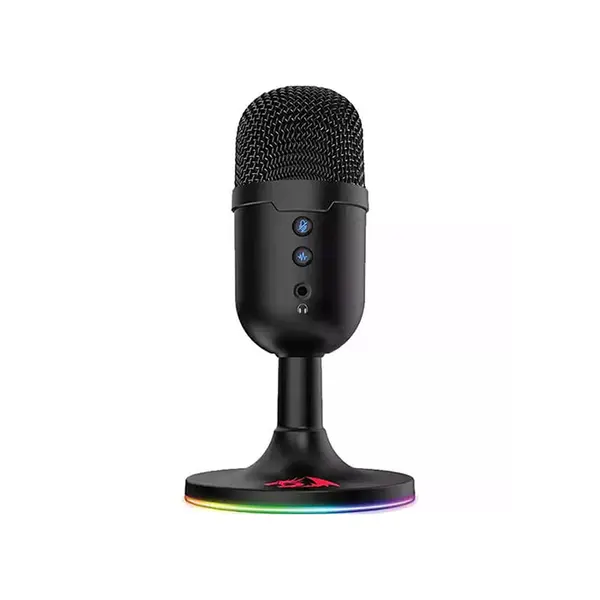
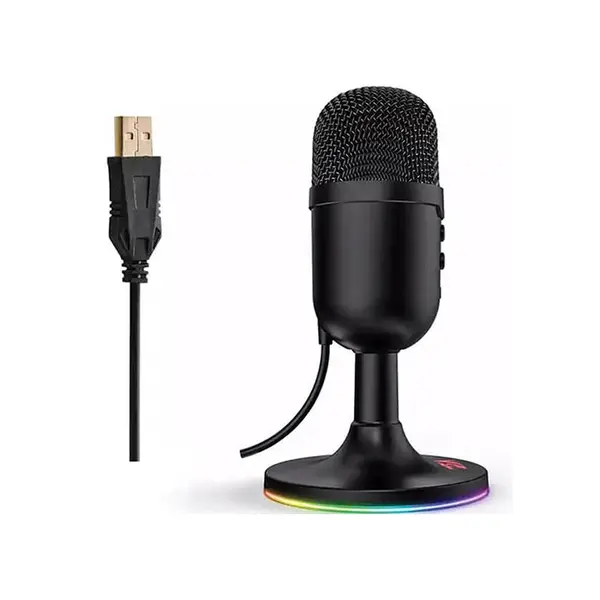
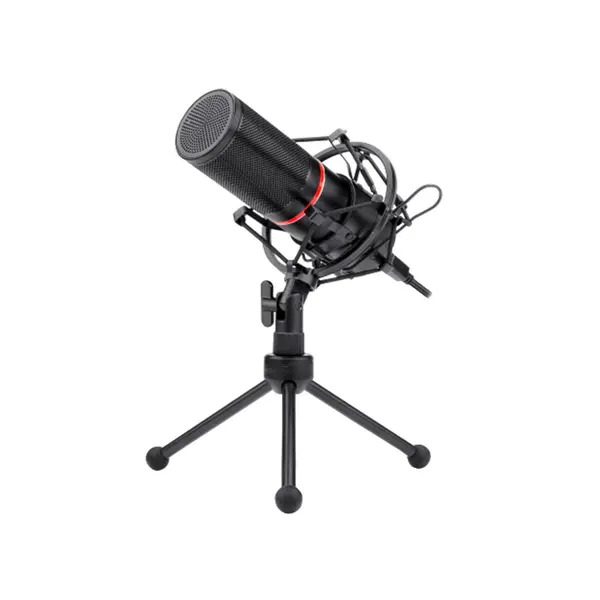
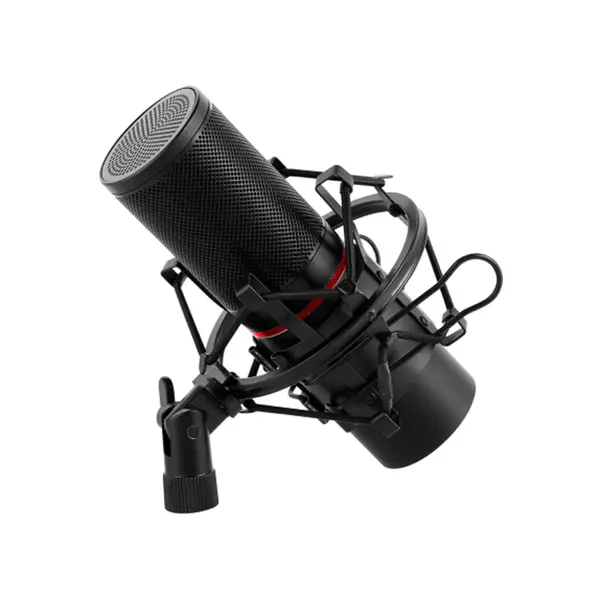
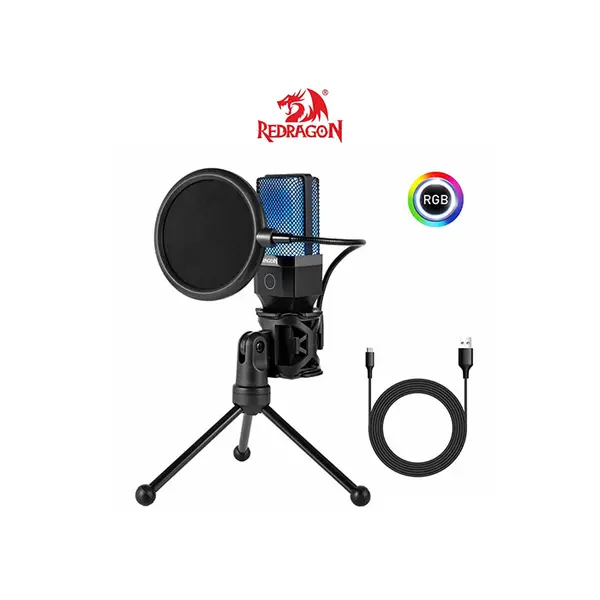
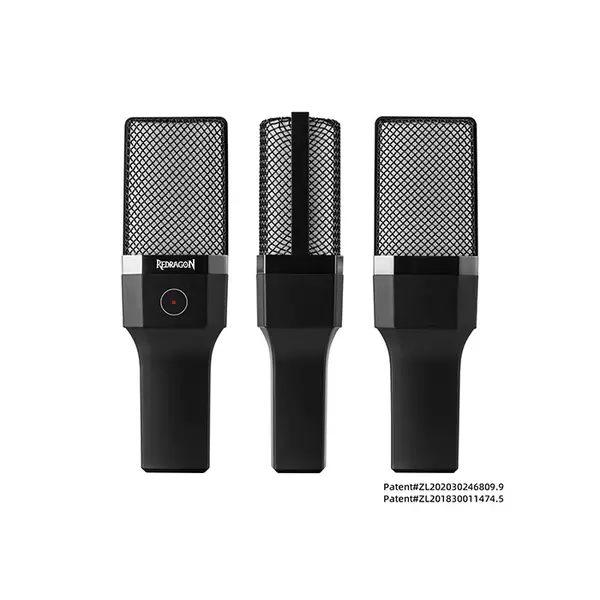
Microphone Price in Pakistan
Compare microphone prices in Pakistan across models designed for streaming, gaming, recording, podcasts, meetings, voice communication, and content creation. Microphones vary by transducer type, pickup pattern, connection method, controls, mounting design, included accessories, and device compatibility. Compare individual specifications according to your recording environment and intended application.
Microphones for Streaming, Gaming & Recording
Different applications can require different microphone characteristics. Streamers and gamers may prioritize convenient computer connectivity and positioning, while podcasting, voice recording, music production, meetings, and other applications can have different requirements. Consider your recording environment, source, equipment, and workflow before choosing a microphone.
Streaming Microphones
Streaming microphones can be used for live broadcasts, gameplay commentary, online content, and other voice applications. Depending on the model, features can include USB connectivity, headphone monitoring, gain controls, mute controls, multiple pickup patterns, lighting, and manufacturer software. Available functionality varies considerably between microphones.
Gaming Microphones
A separate microphone can be used alongside headphones, speakers, or other audio equipment for gaming communication and content creation. Consider microphone placement, pickup pattern, connection method, available desk space, controls, and compatibility with your gaming PC or other intended platform.
Podcast Microphones
Microphones used for podcasting vary from simple USB models to microphones designed for use with external audio equipment. The appropriate choice depends on the number of speakers, recording environment, available inputs, microphone positioning, monitoring requirements, and production workflow.
Recording Microphones
Recording microphones can be used for voice, instruments, podcasts, content creation, and other audio sources depending on their design. Different microphones respond differently to sound sources and recording environments, so there is no single microphone type that is automatically best for every recording application.
USB Microphones
USB microphones include digital connectivity that allows compatible models to connect directly to computers and certain other supported devices. Depending on the microphone, features can include headphone monitoring, gain adjustment, mute controls, software support, and other functions. Check operating-system and device compatibility before purchasing.
XLR Microphones
XLR microphones use an analog XLR connection and generally require compatible audio equipment such as an audio interface, mixer, microphone preamplifier, or other appropriate input. Requirements vary by microphone, and some models may require phantom power while others do not. Check the microphone and connected equipment specifications before purchasing.
USB vs XLR Microphones
USB and XLR describe connection methods rather than guaranteed audio quality. USB microphones can provide an integrated solution with built-in digital conversion, while XLR microphones are used with separate compatible audio equipment. Choose according to your equipment, workflow, required inputs, expandability, and features rather than assuming one connection automatically sounds better.
Condenser Microphones
Condenser microphones are used in many recording, streaming, voice, and music applications. Their electrical and power requirements vary by design. Some XLR condenser microphones require phantom power, while USB and other condenser designs can use different power arrangements. Always check the specifications of the individual microphone.
Dynamic Microphones
Dynamic microphones are another common microphone type used for voice, instruments, live sound, broadcasting, and recording applications. Their characteristics vary by model and should be evaluated according to the intended sound source, microphone placement, environment, and connected equipment.
Microphone Pickup Patterns
A microphone's polar or pickup pattern describes how its sensitivity varies with the direction of incoming sound. Common patterns can include cardioid, omnidirectional, bidirectional, and other designs. Some microphones provide one fixed pattern, while others allow the user to select between multiple patterns.
Cardioid Microphones
Cardioid microphones are generally more sensitive to sound arriving from the front than from the rear, although their exact directional response varies by microphone and frequency. Correct microphone positioning remains important, and a cardioid pattern does not automatically eliminate keyboard noise, room reflections, or other unwanted sounds.
Omnidirectional Microphones
Omnidirectional microphones are designed to capture sound from directions around the microphone, although actual response varies by product and frequency. They can be useful for certain recording and communication applications where sound from more than one direction needs to be captured.
Bidirectional Microphones
Bidirectional or figure-eight microphones are primarily sensitive to sound from the front and rear while reducing sensitivity from the sides. Availability and implementation vary between microphones. This pattern can be useful for particular recording arrangements but is not required for most setups.
Microphone Gain Controls
Some microphones include an onboard gain control that adjusts the microphone's input level or associated preamplification depending on the design. Other microphones require level adjustment through an audio interface, mixer, operating system, or software. Available controls should be checked for each model.
Microphone Monitoring
Some microphones provide a headphone output for monitoring. Depending on the implementation, this can allow users to monitor the microphone signal, computer audio, or a combination of sources. Monitoring functionality and controls vary between products.
Microphone Mute Controls
Some USB and other microphones include a physical or touch-sensitive mute control. Mute behaviour, indicators, software integration, and whether the function affects the microphone at hardware or software level vary by product.
Microphone Stands & Boom Arms
Microphone positioning can affect recording results and ease of use. Depending on the product, a microphone may include a desktop stand, tripod, mounting adapter, shock mount, or other accessory. Boom arms and other mounting equipment may need to be purchased separately, so check the included accessories and mounting compatibility.
Pop Filters & Windscreens
Pop filters and windscreens are accessories intended to help manage certain air movements and unwanted sounds around a microphone. Some microphones include these accessories or incorporate related design elements, while others require separate accessories. Their usefulness depends on the microphone, placement, and application.
Microphone Connectivity & Compatibility
Before purchasing, identify the devices and equipment that will connect to the microphone. Check whether the microphone uses USB-A, USB-C, XLR, 3.5 mm, or another interface and whether additional equipment, adapters, drivers, or software are required. Connector shape alone does not guarantee compatibility with every device.
Choosing the Right Microphone
Start with what you plan to record and where you will use the microphone. Then compare connection type, pickup pattern, microphone type, controls, monitoring features, mounting requirements, included accessories, software support, and device compatibility. For XLR models, also check the requirements of your audio interface, mixer, or other connected equipment.
Buy Microphones Online in Pakistan
Browse available microphones at Connect2Aryans and compare current prices, USB and XLR connectivity, microphone types, pickup patterns, controls, monitoring features, mounting options, included accessories, compatibility, and available models. Check individual product specifications before choosing a microphone for your setup.
Frequently Asked Questions About Microphones
Should I buy a USB or XLR microphone?
It depends on your equipment and workflow. USB microphones can connect directly to compatible devices and may integrate several functions into one product. XLR microphones require compatible external audio equipment but can suit setups where separate components or multiple inputs are needed.
Is a standalone microphone better than a headset microphone?
Not automatically. Performance depends on the individual microphones, placement, recording environment, processing, and intended application. A standalone microphone can provide different positioning and feature options, while a headset microphone keeps the microphone at a relatively consistent position near the user.
What microphone pickup pattern should I choose?
It depends on what you need to capture and your recording environment. Cardioid, omnidirectional, bidirectional, and other patterns have different directional characteristics. Consider microphone placement and the location of both wanted and unwanted sound sources.
Do XLR microphones need an audio interface?
An XLR microphone needs compatible audio equipment with an appropriate microphone input. For a computer-based setup, this is commonly an audio interface or mixer, although other compatible equipment can also be used. Check whether the microphone requires additional features such as phantom power.
Not sure which microphone fits your setup? Read our guide on choosing the right microphone for more detailed buying advice.

