
Filters
Price Range
From
To
Brand
Availability
Monitors » Monitor Arms
Shop monitor arms in Pakistan for gaming, office, professional, and multi-monitor setups. Compare single and dual monitor arms, VESA compatibility, weight capacity, mounting methods, adjustability, and prices to find a suitable arm for your monitor and desk.
21 Products
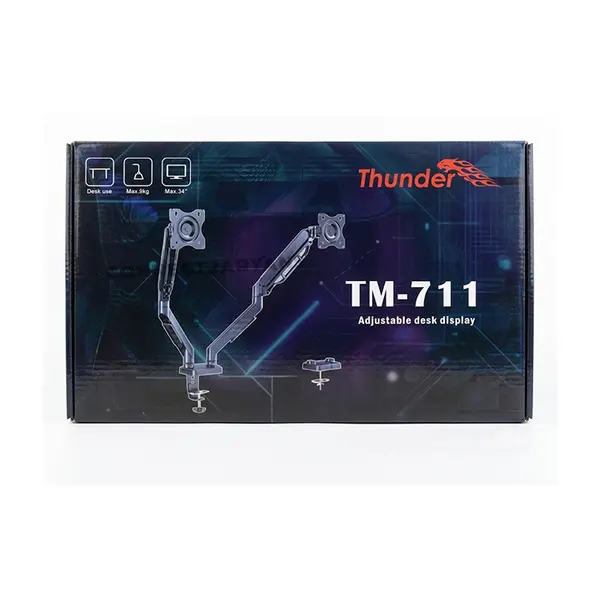
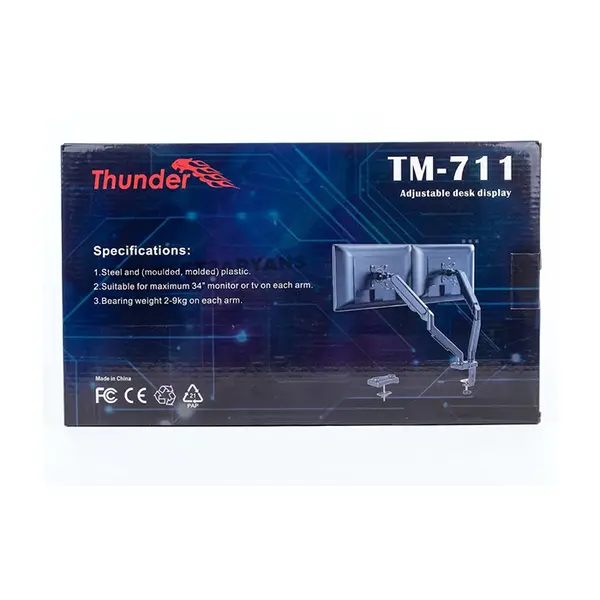
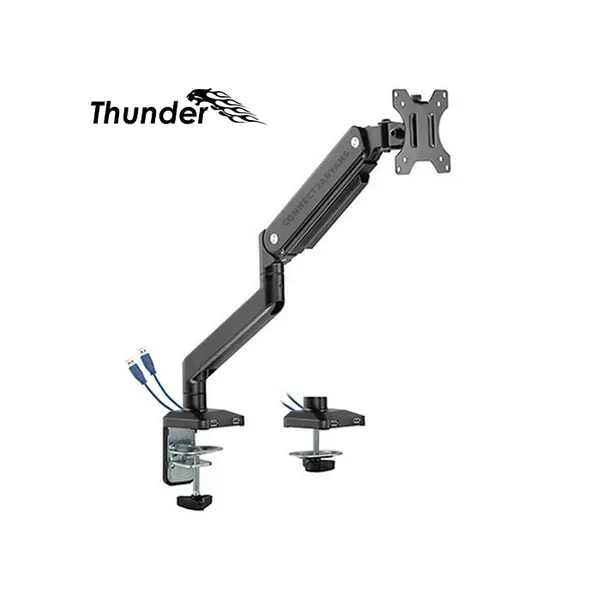
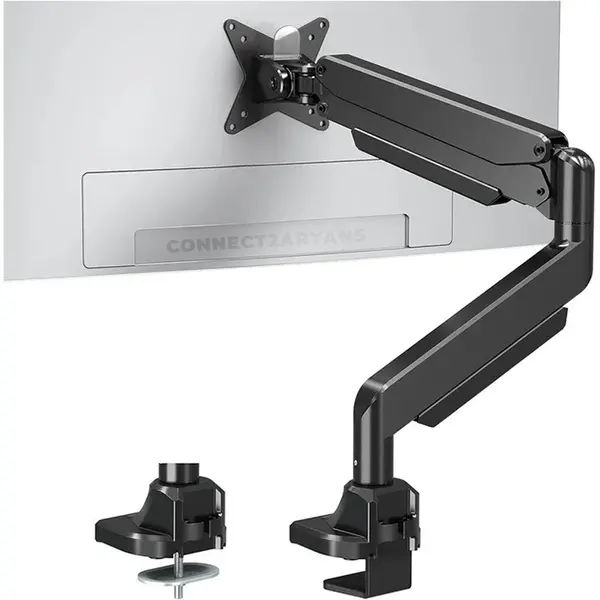
Quick view
Rs. 13,500
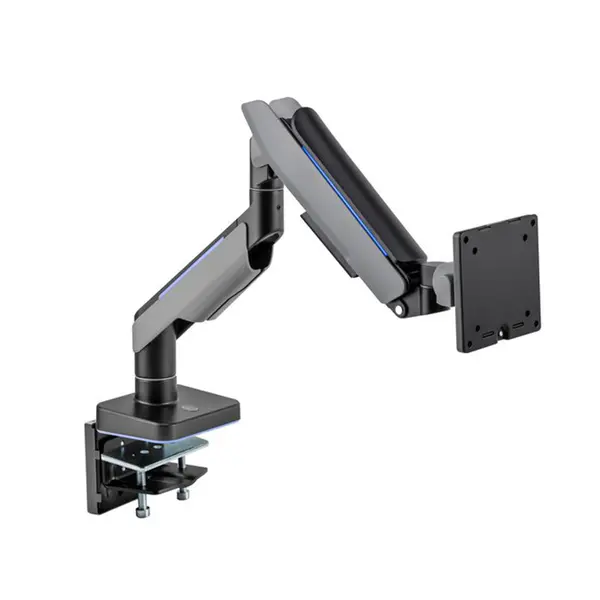
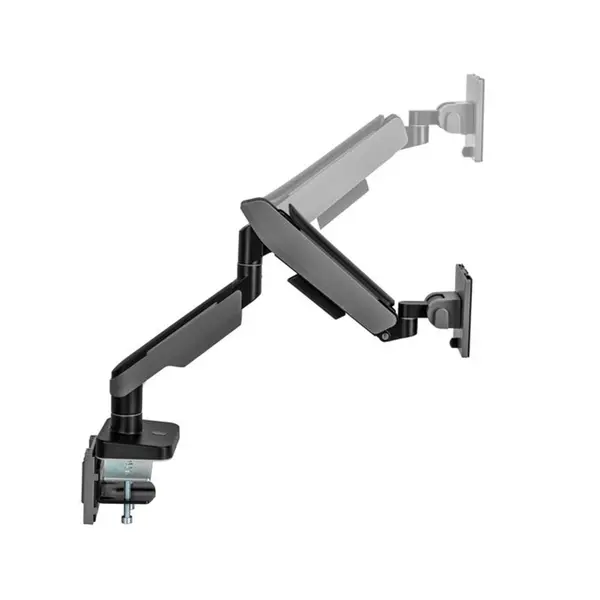
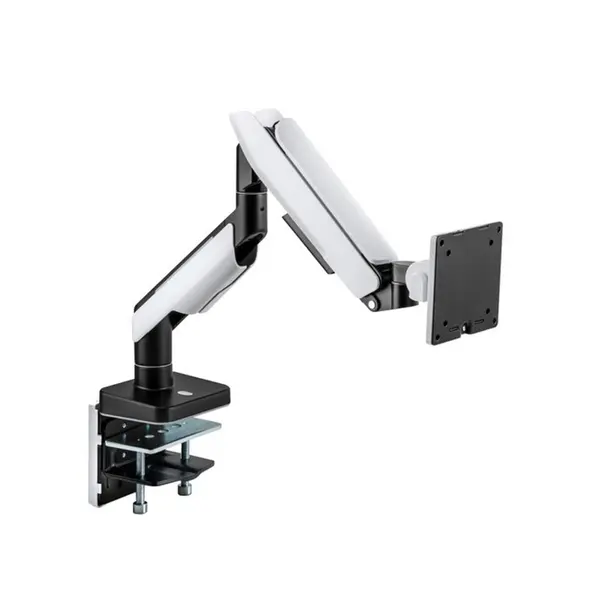
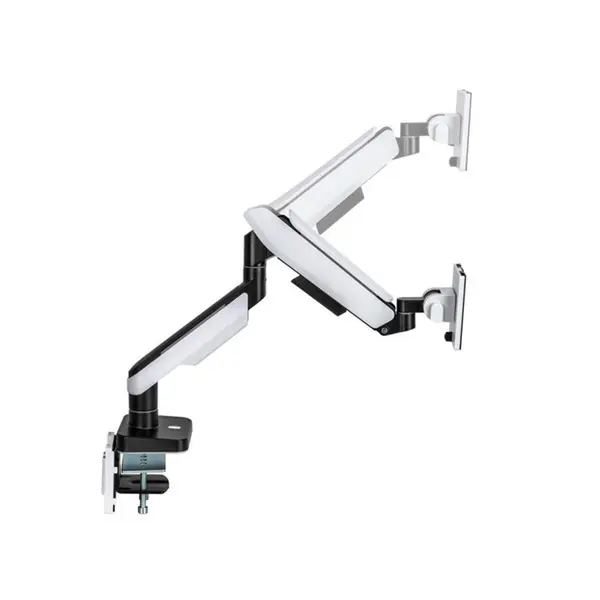
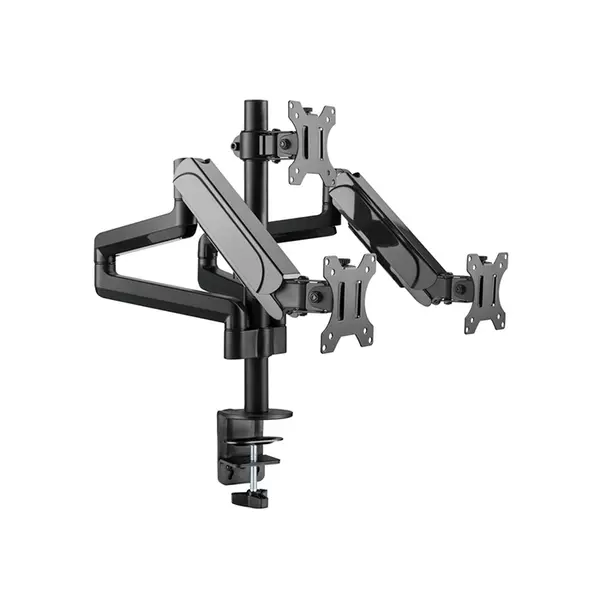
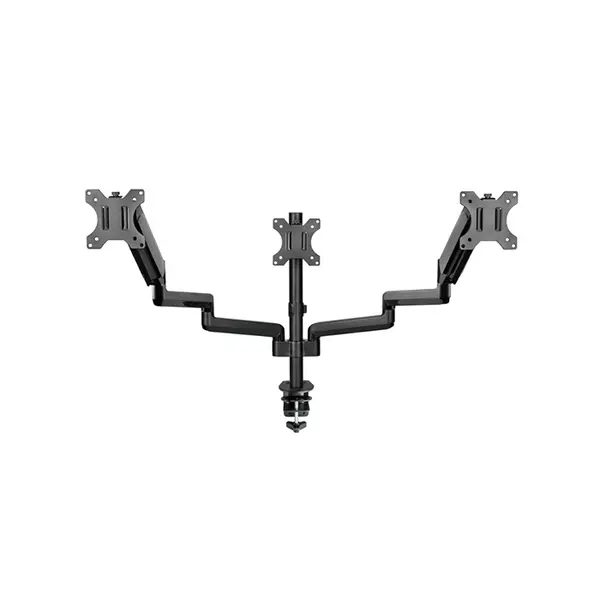
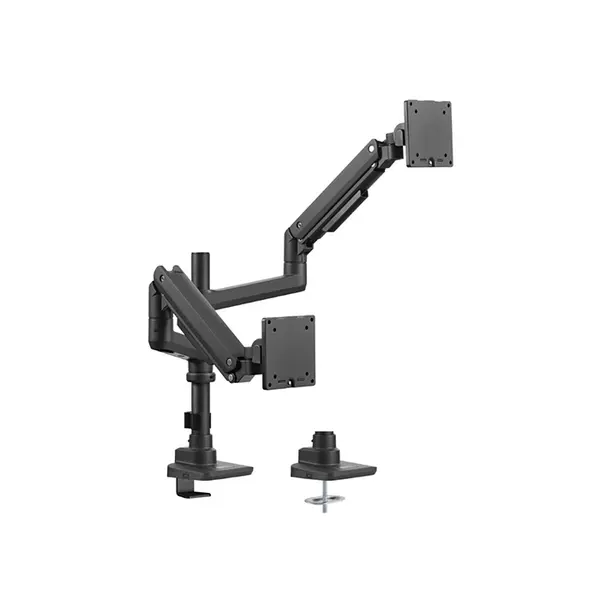
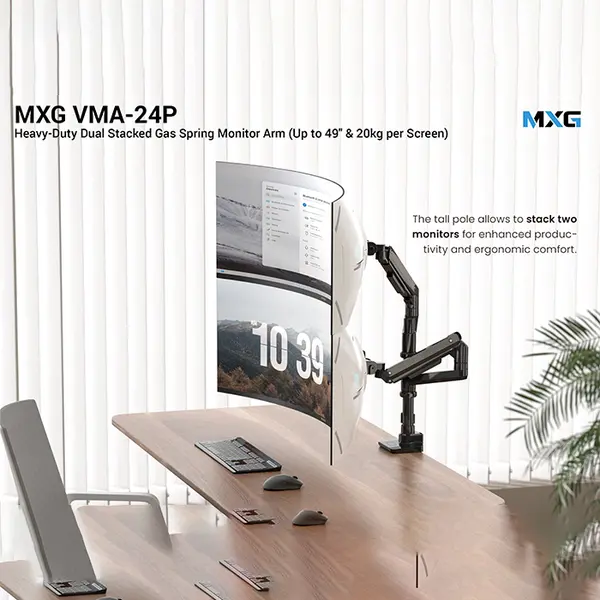
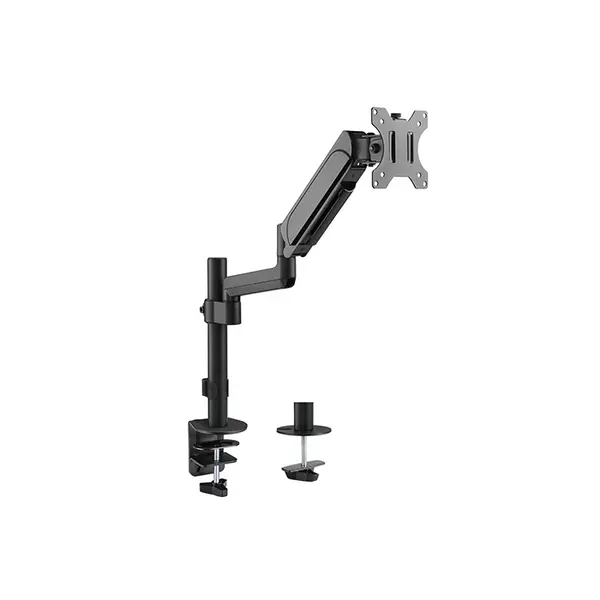
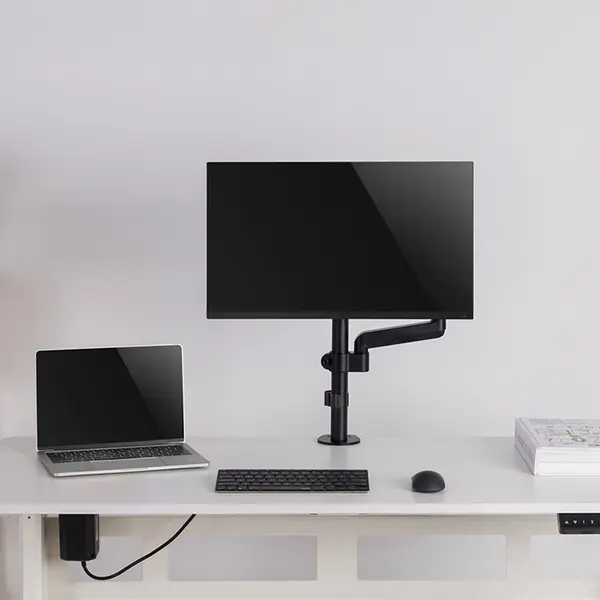
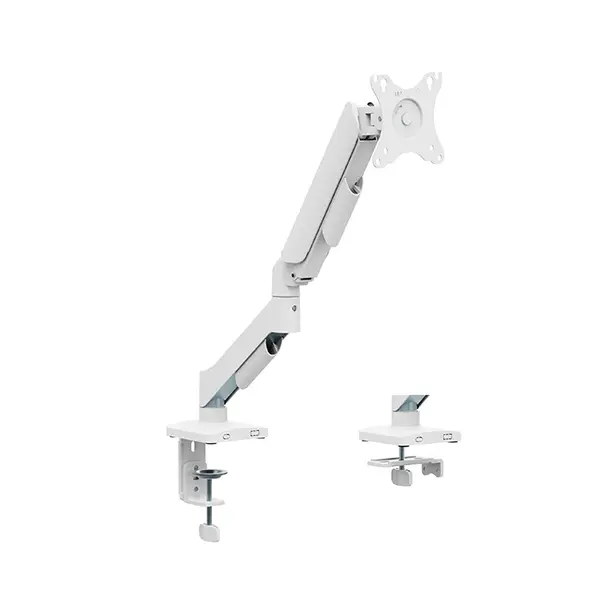
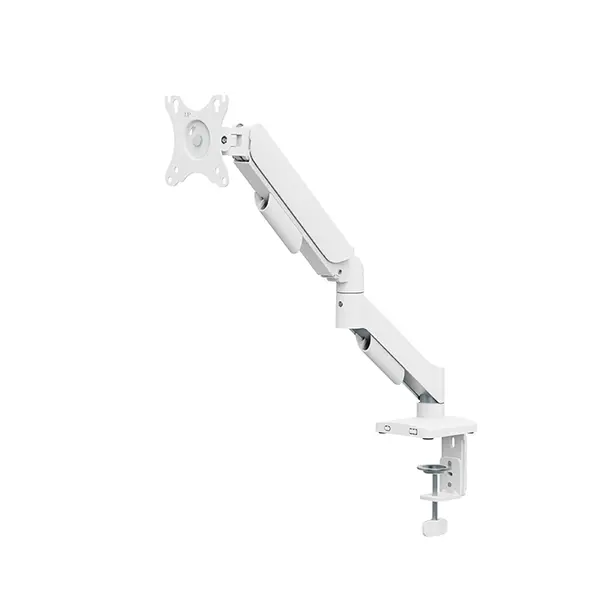
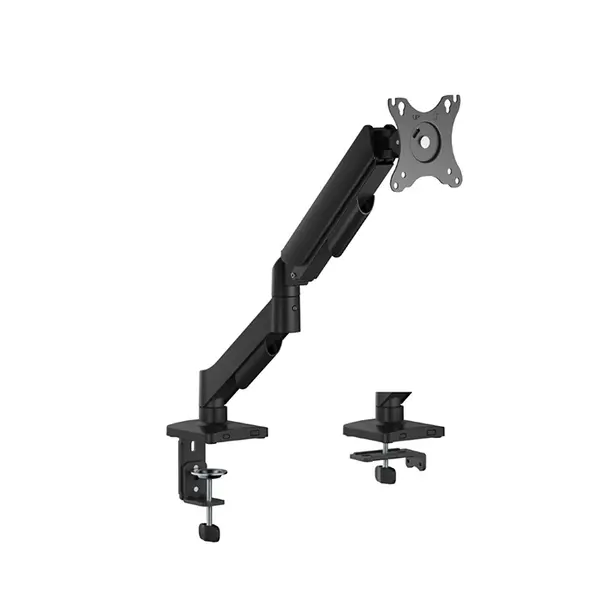
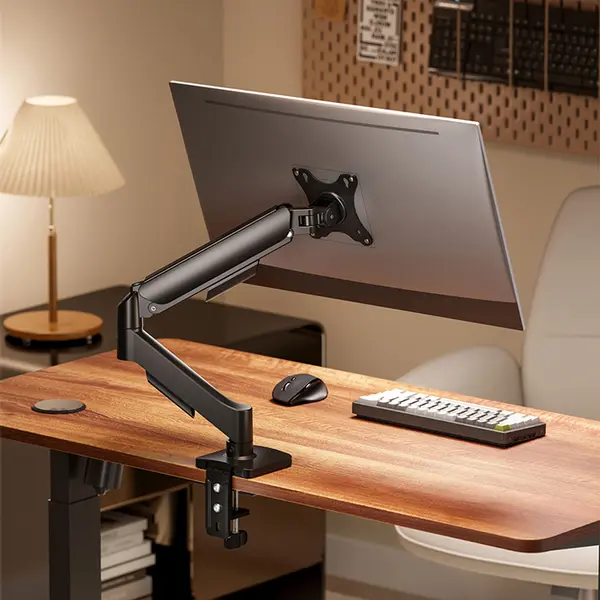
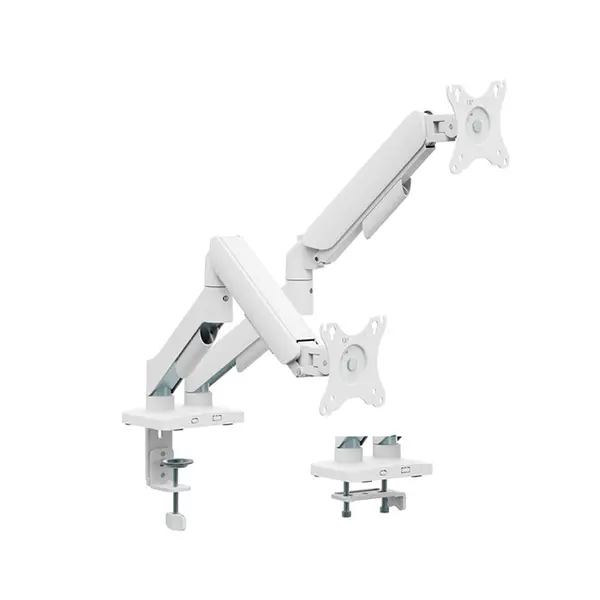
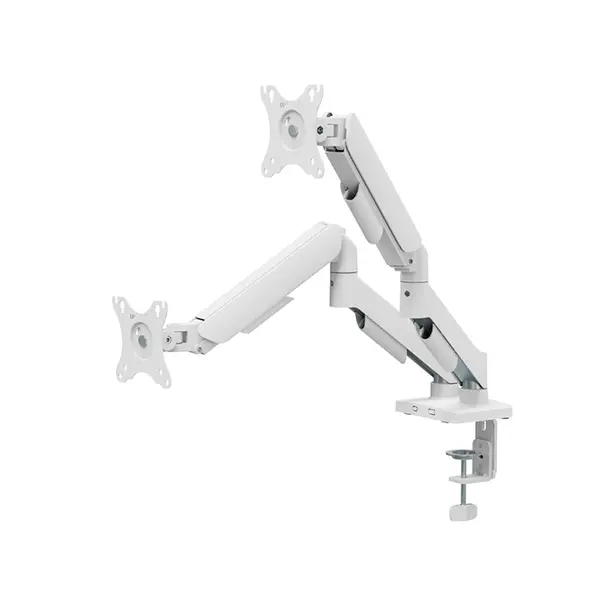
Monitor Arm Price in Pakistan
Compare monitor arm prices in Pakistan across mounting solutions designed for gaming setups, offices, professional workstations, and everyday desks. Monitor arms can provide greater positioning flexibility while reducing the desk space occupied by a monitor's original stand. Available models differ in supported screen sizes, weight capacity, VESA compatibility, mounting method, range of adjustment, and number of monitors supported.
Single Monitor Arms
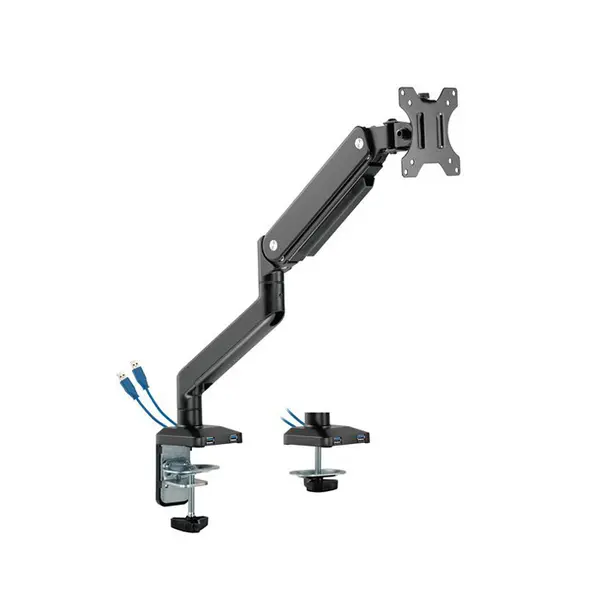
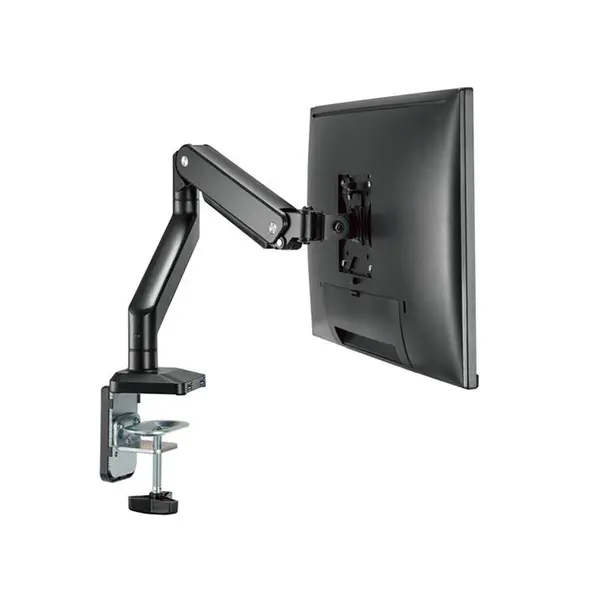
Single monitor arms are designed to support one compatible display and can provide greater positioning flexibility than many standard monitor stands. Depending on the model, adjustments may include height, tilt, swivel, rotation, extension, and viewing distance. Compare the arm's specifications with your monitor and desk rather than selecting an arm based only on screen size.
Dual & Multi-Monitor Arms
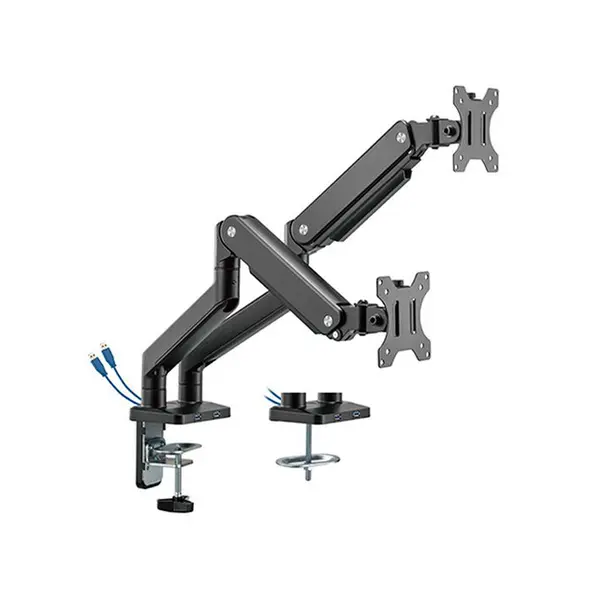
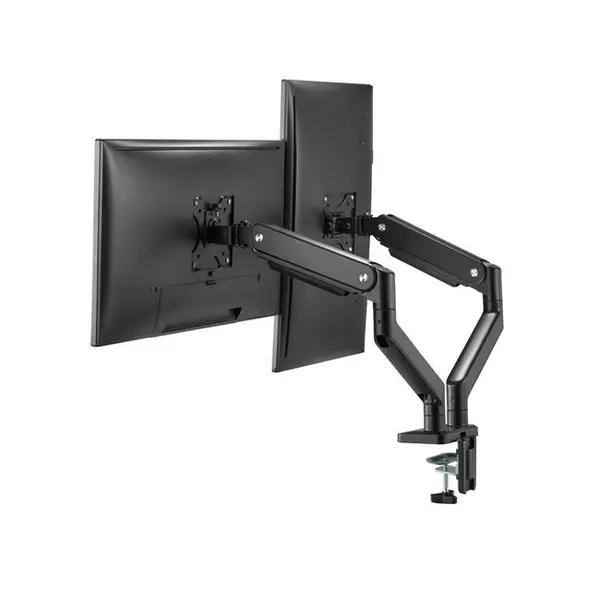
Dual and multi-monitor arms can mount two or more compatible displays from a shared mounting system, helping organize workstations used for multitasking, gaming, monitoring, editing, and other multi-screen applications. Check the supported number of monitors, individual and total weight limits, VESA patterns, available adjustment, and required desk space before purchasing.
VESA Compatibility for Monitor Arms
VESA mounting compatibility is one of the most important specifications to check before buying a monitor arm. Compatible monitors have mounting holes on the rear of the display that correspond with supported mounting patterns on the arm. Check the exact VESA specification of your monitor and the patterns supported by the monitor arm before installation.
Monitor Weight & Size Compatibility
Screen size alone does not determine whether a monitor arm is compatible. The monitor's weight must also fall within the supported range specified for the arm. Large, ultrawide, or otherwise heavy displays can place greater demands on the mounting mechanism. Compare your monitor's relevant weight specification and dimensions with the manufacturer's requirements for the arm.
Desk Clamp vs Grommet Mount
Monitor arms can use different desk-mounting methods. Clamp mounts attach around a compatible desk edge, while grommet mounting uses a suitable opening through the desk surface. Available mounting methods vary by product. Check desk thickness, edge design, available mounting space, construction, and any manufacturer requirements before installing an arm.
Monitor Arms for Gaming Setups
A monitor arm can provide additional positioning flexibility in a gaming setup by allowing a compatible gaming monitor to be adjusted according to the user's seating position and desk layout. Multi-monitor arms can also help organize setups using additional displays for communication, streaming, monitoring, or other applications. Compatibility remains more important than whether an arm is marketed specifically for gaming.
Monitor Arms for Office & Professional Workstations
Monitor arms can be useful in office and professional environments where screen position needs to be adjusted for different users, tasks, or desk layouts. Single and multi-monitor configurations can help organize workspaces used for documents, spreadsheets, development, editing, communication, and other applications. Appropriate positioning depends on the individual user, display, desk, seating arrangement, and workload.
Monitor Position & Ergonomics
A monitor arm provides greater flexibility for adjusting screen position, but comfortable positioning still depends on the individual user and workstation. Height, viewing distance, screen angle, chair position, desk height, and surrounding equipment should be considered together. An adjustable arm can make these changes easier when the monitor and mounting system are compatible.
Cable Management & Desk Organization
Some monitor arms include channels, clips, or other features for routing display and power cables along the arm. Cable-management capability varies between products, so check the available routing system if a clean desk setup is important. Leave enough cable length for the monitor to move through its intended adjustment range without placing excessive tension on connectors.
Monitor Arms for Ultrawide & Larger Displays
Larger and ultrawide monitors may require arms designed for higher weight loads and different display dimensions. Do not assume that an arm supporting a particular diagonal screen size will automatically support every monitor of that size. Check weight capacity, VESA compatibility, dimensions, mounting requirements, and the manufacturer's stated display support.
Choose the Right Monitor Arm for Your Setup
Start with your monitor's VESA pattern and weight, then compare screen dimensions, number of displays, desk mounting requirements, adjustment range, and cable-management features. For dual or multi-monitor setups, also consider whether the arm provides the positioning flexibility required to align your displays as intended.
Buy Monitor Arms Online in Pakistan
Browse available monitor arms at Connect2Aryans and compare current prices, supported monitor configurations, VESA compatibility, weight capacities, mounting methods, adjustment features, and available models. Monitor arms are available for customers in Karachi, Lahore, Islamabad, Rawalpindi, Faisalabad, and other cities across Pakistan, with nationwide delivery options available.
Frequently Asked Questions About Monitor Arms
Will a monitor arm fit my monitor?
Check the VESA mounting pattern and relevant weight of your monitor against the specifications of the monitor arm. Screen size can also matter, but it should not be used as the only compatibility measurement.
Can I use a monitor arm with an ultrawide monitor?
Yes, if the particular arm supports the monitor's weight, VESA pattern, dimensions, and other mounting requirements. Larger ultrawide displays may require an arm specifically designed for heavier monitors.
Should I choose a single or dual monitor arm?
Choose according to the number of monitors you intend to mount and your desk configuration. For a dual-monitor setup, confirm that the arm supports both displays' VESA patterns, weights, dimensions, and desired positioning.
Can every desk support a monitor arm?
No. Compatibility depends on the mounting method, desk thickness, construction, edge design, available mounting area, and requirements of the individual arm. Check both the desk and monitor-arm specifications before installation.
Not sure which monitor arm suits your display and desk? Read our guide on choosing the right monitor arm for more detailed buying advice.

