
Filters
Price Range
From
To
Brand
Availability
Peripherals » Drive Enclosure
Shop drive enclosures in Pakistan for converting compatible HDDs and SSDs into external storage. Compare 2.5-inch, 3.5-inch and M.2 enclosures by drive interface, supported form factor, USB connectivity, power requirements, features and prices to find the right enclosure for your storage device.
10 Products
Quick view
Rs. 3,700
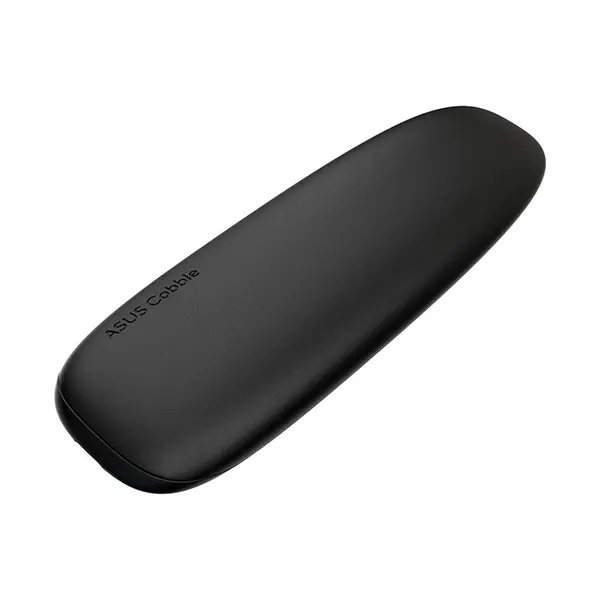
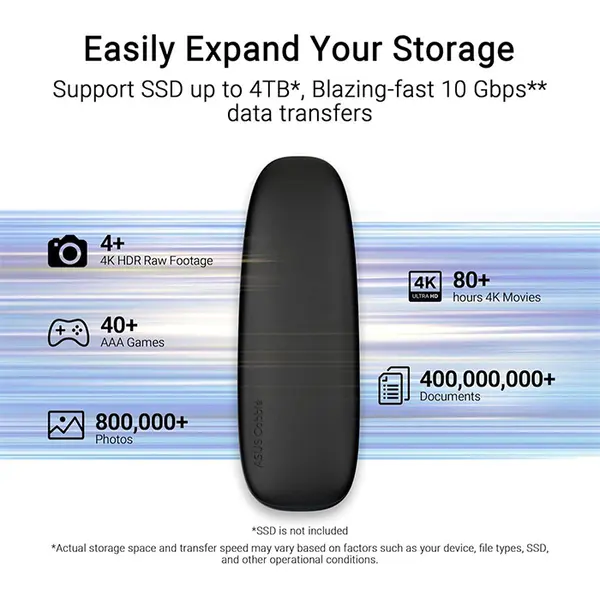
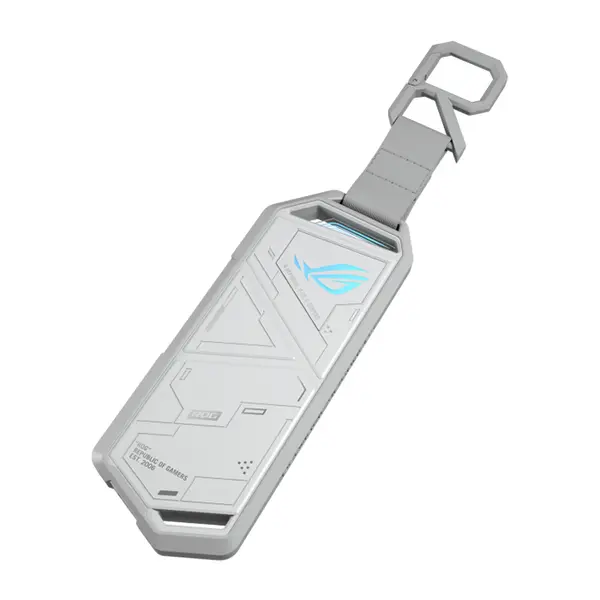
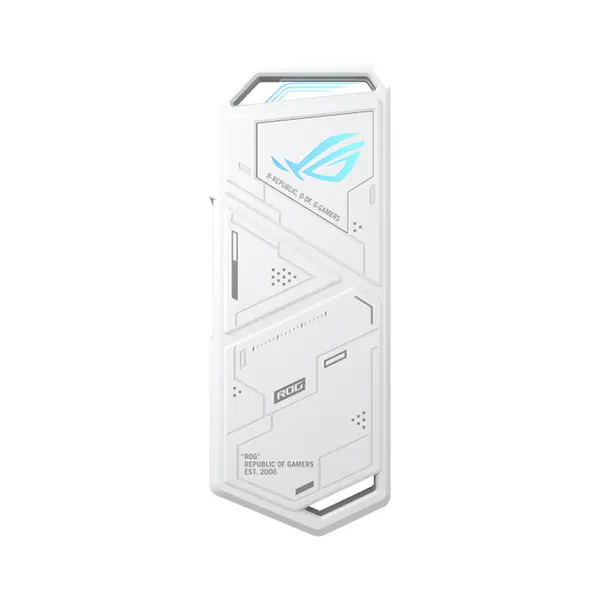
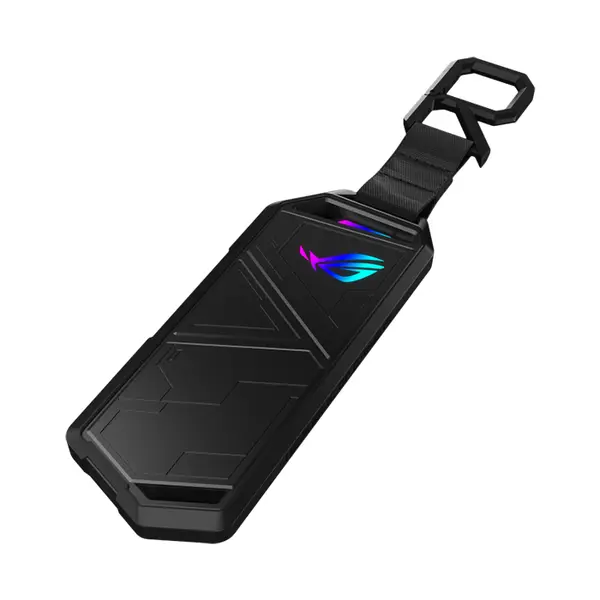
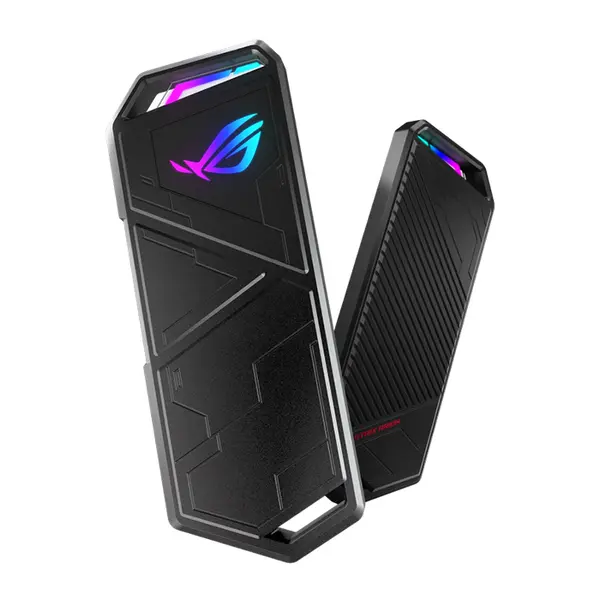
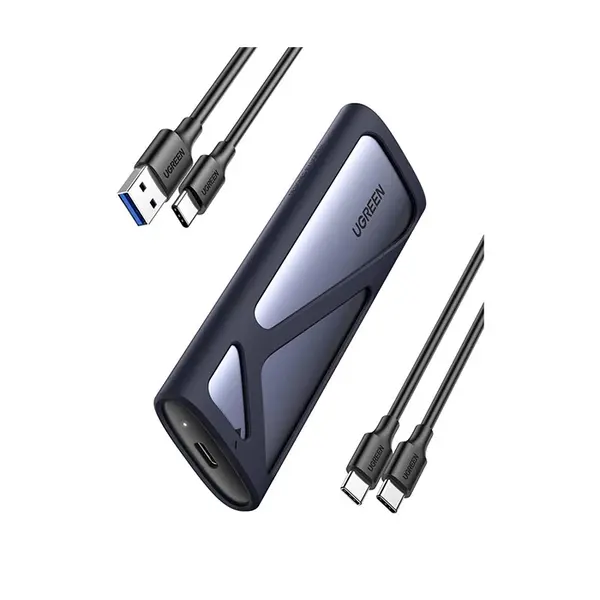
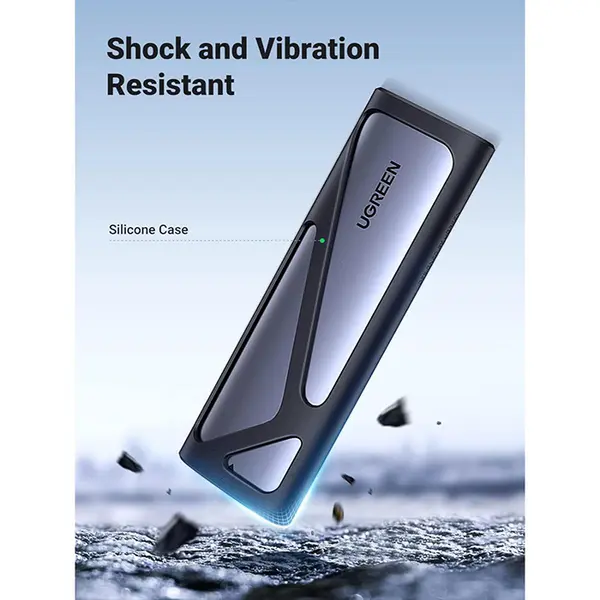
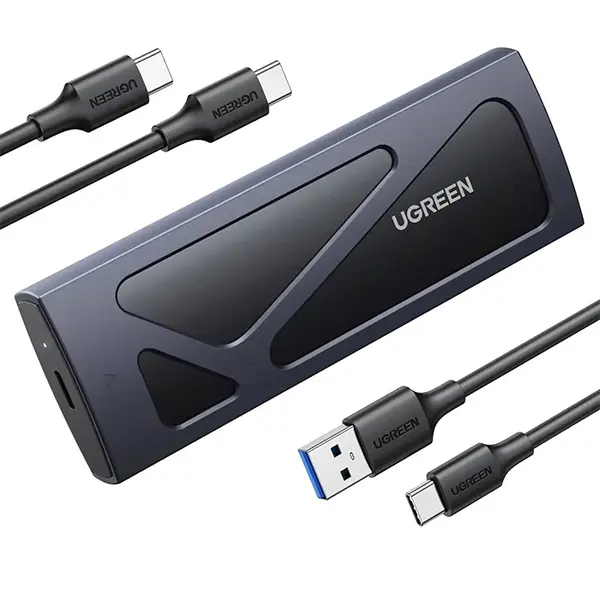
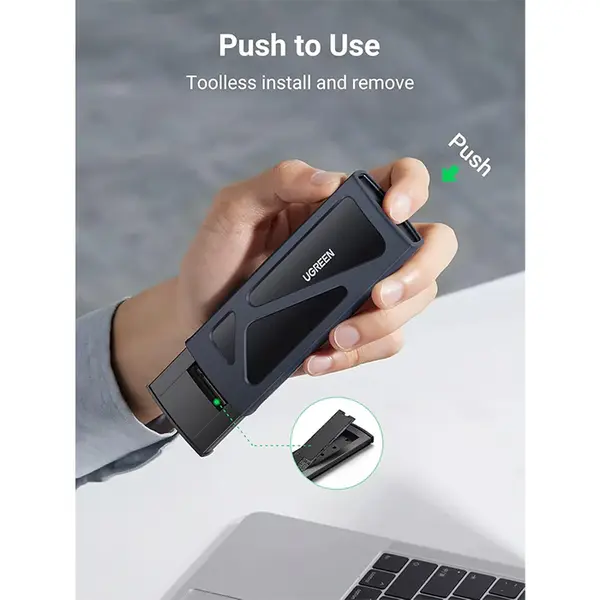
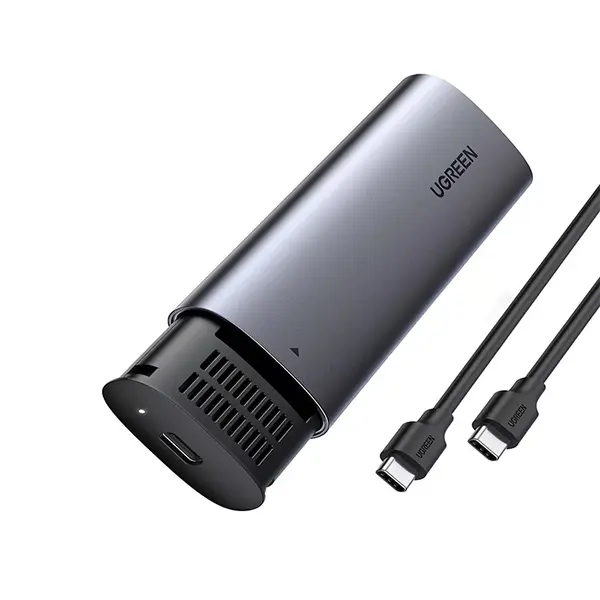
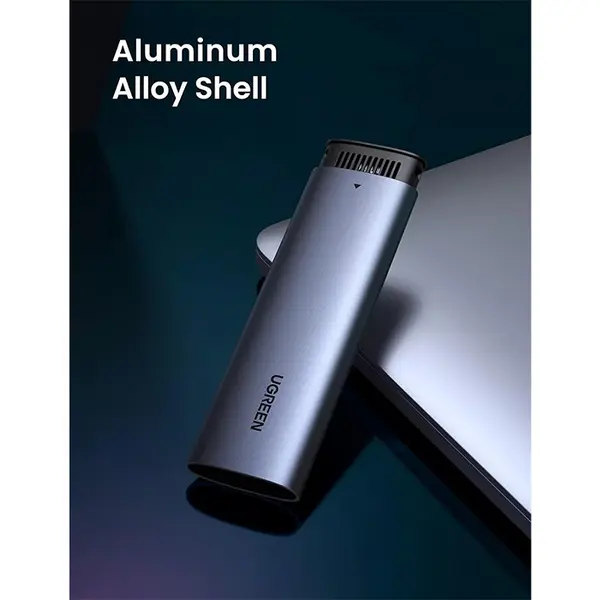
Drive Enclosure Price in Pakistan
Compare drive enclosure prices in Pakistan across models designed for compatible hard drives, SATA SSDs and M.2 SSDs. Enclosures vary by supported drive interface, physical form factor, USB connection, transfer capabilities, power requirements, materials and other features. Check both the drive and enclosure specifications carefully before purchasing because physical fit alone does not guarantee compatibility.
Drive Enclosures for External Storage
A drive enclosure allows a compatible internal storage device to connect externally to a desktop PC, laptop or other supported device. This can be useful for reusing an existing drive, accessing files from a removed drive, adding external storage or creating portable storage. Compatibility and performance depend on the drive, enclosure, connection and host device.
2.5-Inch SATA HDD & SSD Enclosures
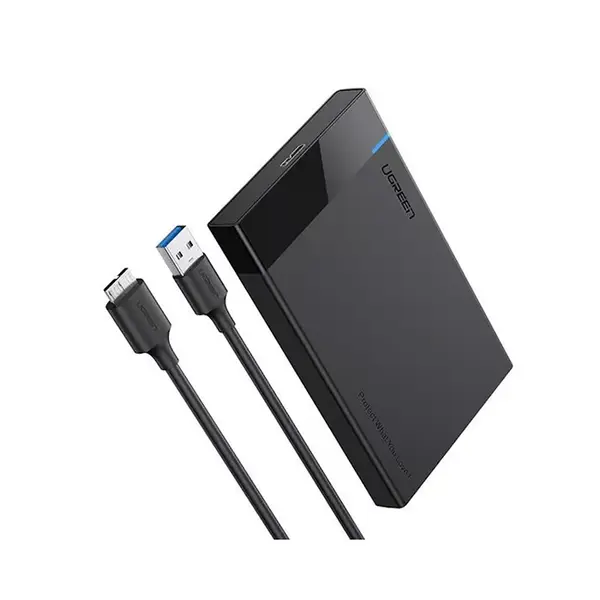
2.5-inch enclosures are commonly designed for compatible SATA hard drives and SATA SSDs. Check the enclosure's supported drive thickness, SATA interface, maximum supported capacity if specified, connector type and operating-system requirements. A 2.5-inch form factor alone does not confirm compatibility with every enclosure.
3.5-Inch HDD Enclosures
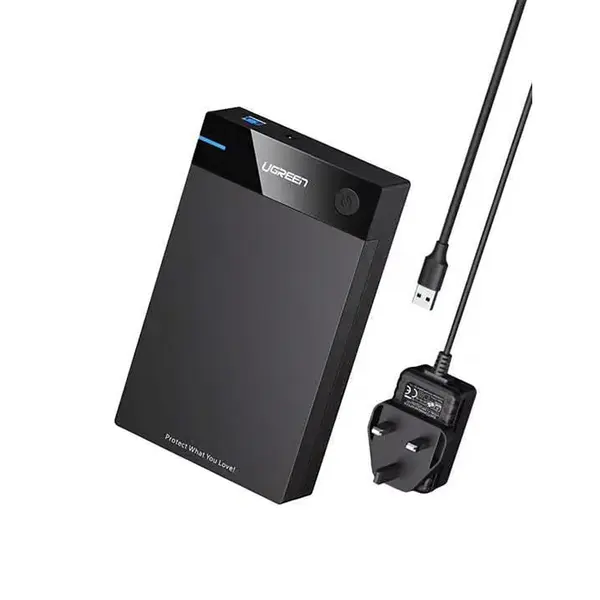
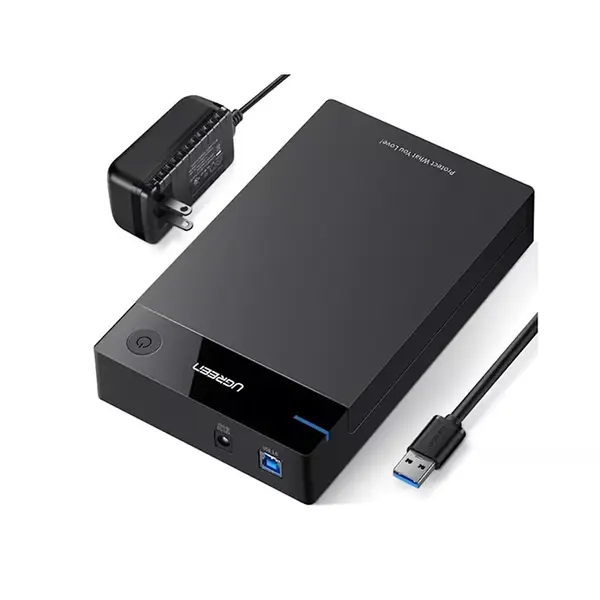
Desktop 3.5-inch hard drives generally have different physical and power requirements from smaller 2.5-inch drives. Compatible 3.5-inch enclosures may therefore use an external power adapter rather than relying solely on the host USB connection. Check the supported drive interface, dimensions and power requirements for the exact enclosure.
M.2 SSD Enclosures
M.2 enclosures are designed for particular M.2 SSD interfaces and physical sizes. M.2 describes the physical form factor and does not by itself indicate whether a drive uses SATA or NVMe. Check whether the enclosure supports M.2 SATA, NVMe over PCIe, or specific supported drive types before purchasing.
NVMe SSD Enclosures
An NVMe enclosure can provide external connectivity for a compatible NVMe SSD. Actual transfer performance depends on the SSD, enclosure controller, external interface, host port, cable, workload and thermal conditions. The internal speed rating of an NVMe SSD does not mean the same performance will be available when it is installed in an external enclosure.
M.2 Key Types & Drive Compatibility
M.2 SSDs can use different keying and interfaces depending on the drive. Enclosures may support particular M-key, B-key or B+M-key configurations and specific SATA or PCIe-based devices. Check the exact SSD model and enclosure specifications rather than assuming that any physically fitting M.2 drive will operate correctly.
USB Drive Enclosure Connectivity
Drive enclosures can use USB-A, USB-C or other connector configurations depending on the model. The physical USB connector does not determine the connection's maximum data rate. Check the supported USB standard on the enclosure, cable and host device when transfer performance is important.
Drive Enclosure Transfer Speeds
The maximum transfer rate of an external enclosure is affected by every part of the connection. The drive, enclosure controller, interface standard, cable and computer port can all influence performance. Advertised interface bandwidth should not be treated as guaranteed real-world file-transfer speed.
Drive Enclosure Cooling & Thermals
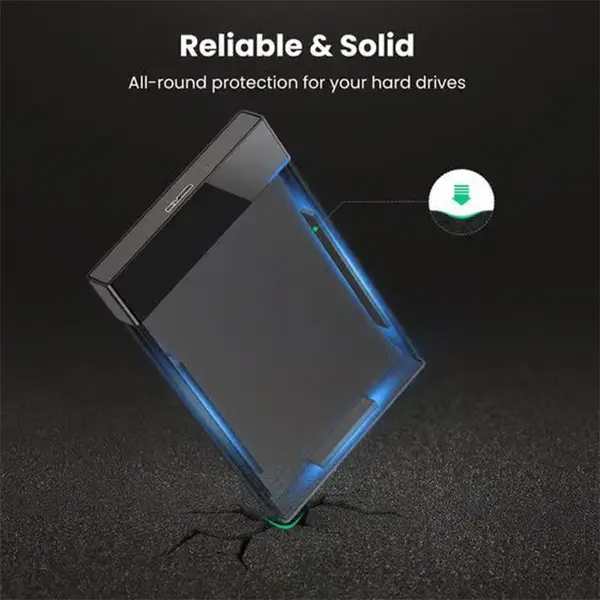
Storage devices and enclosure controllers can generate heat during sustained activity. Some enclosures use metal housings, thermal pads, heatsinks, ventilation or other thermal-management methods depending on their design. Cooling requirements vary by drive and workload, so check the manufacturer's installation instructions when thermal components are supplied.
Tool-Free & Screw-Based Enclosures
Some enclosures use tool-free installation mechanisms, while others require screws or mounting hardware. The installation method affects convenience but does not determine drive performance. Check drive dimensions, mounting requirements and included accessories before choosing an enclosure.
External Power Requirements
Some drive enclosures can operate using power supplied through their data connection, while others require an external power source. Power requirements depend on the drive type and enclosure design. Always use the power configuration specified by the enclosure manufacturer.
Drive Enclosures for PC & Laptop Storage
Compatible enclosures can provide additional external storage for desktop PCs and laptops without installing the drive internally. Before purchasing, check that the computer has the appropriate connection and supports the enclosure's interface, operating-system requirements and any required drivers or software.
Using an Old Drive in an Enclosure
An enclosure can be useful for repurposing a compatible drive removed during an upgrade, but the condition of the drive should be considered before relying on it for storage. An enclosure does not repair an unhealthy or failing drive, and important files should not exist on only one storage device.
Choose the Right Drive Enclosure
Start by identifying your drive's exact form factor and interface. Then compare the enclosure's supported drive types and sizes, external connection, transfer capabilities, power requirements, operating-system compatibility, installation method and thermal design. Confirm both physical and interface compatibility before purchasing.
Buy Drive Enclosures Online in Pakistan
Browse available drive enclosures at Connect2Aryans and compare current prices, supported drive types, form factors, interfaces, USB connectivity, transfer specifications, power requirements and available models. Check the enclosure specifications against your HDD or SSD and host device before purchasing.
Frequently Asked Questions About Drive Enclosures
Can I put any HDD or SSD into any enclosure?
No. Enclosures support particular drive sizes and interfaces. Check whether your drive is 2.5-inch, 3.5-inch or M.2 and identify its interface before selecting an enclosure.
Are M.2 SATA and M.2 NVMe enclosures the same?
Not necessarily. M.2 is a form factor, while SATA and NVMe-based drives can use different interfaces. Some enclosures support only particular M.2 drive types, so compatibility must be checked for the exact enclosure and SSD.
Will an NVMe enclosure provide the full speed of my NVMe SSD?
Not necessarily. External performance can be limited by the enclosure controller, external interface, computer port, cable, SSD, thermals and workload. Compare the complete connection rather than only the SSD's internal speed rating.
Can I use an old HDD or SSD as external storage?
Yes, if the drive is functional and compatible with the enclosure. Check the drive's health as well as its form factor and interface, particularly before using an older drive to store important data.
Not sure which enclosure is compatible with your drive? Read our guide on choosing the right drive enclosure for more detailed buying advice.

