
Filters
Price Range
From
To
Brand
Availability
Connectivity
Peripherals » Presentation Pointers
Shop presentation pointers in Pakistan for meetings, classrooms, training sessions, and professional presentations. Compare wireless presenters by connection type, operating range, slide controls, pointer features, compatibility, battery type, and prices to find the right presenter for your setup.
7 Products
Quick view
Rs. 31,000
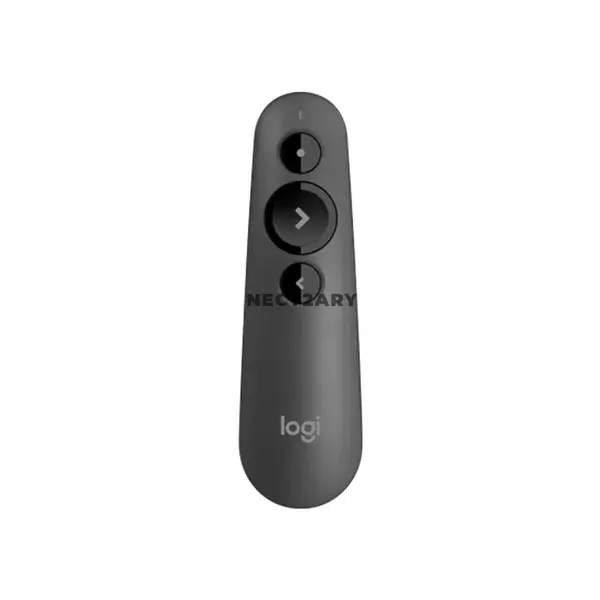
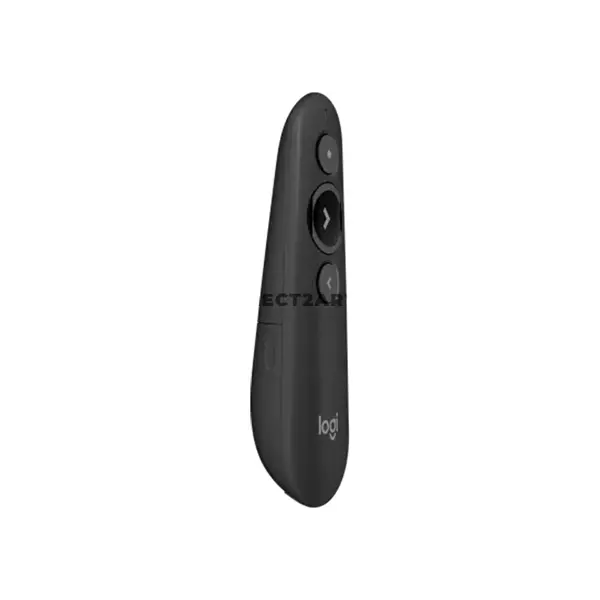
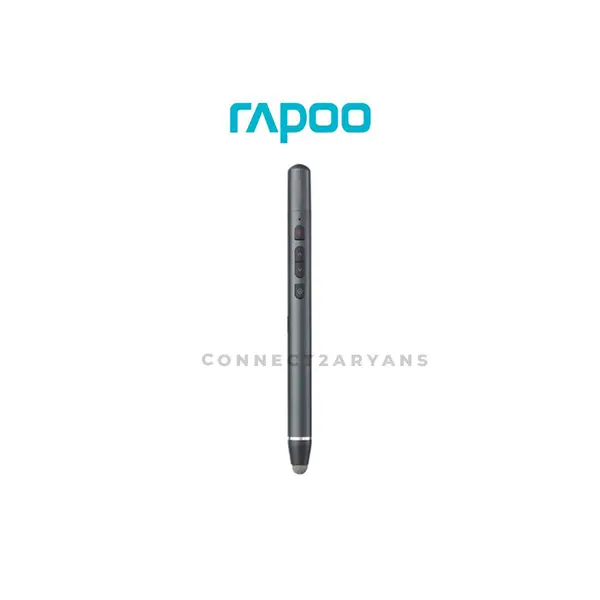
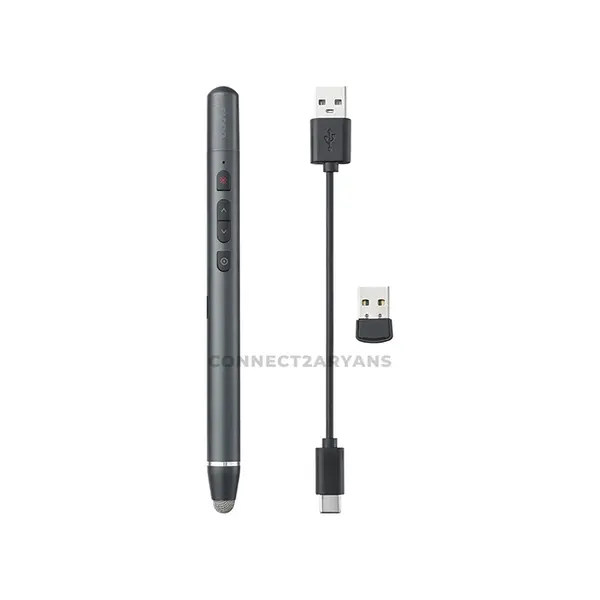
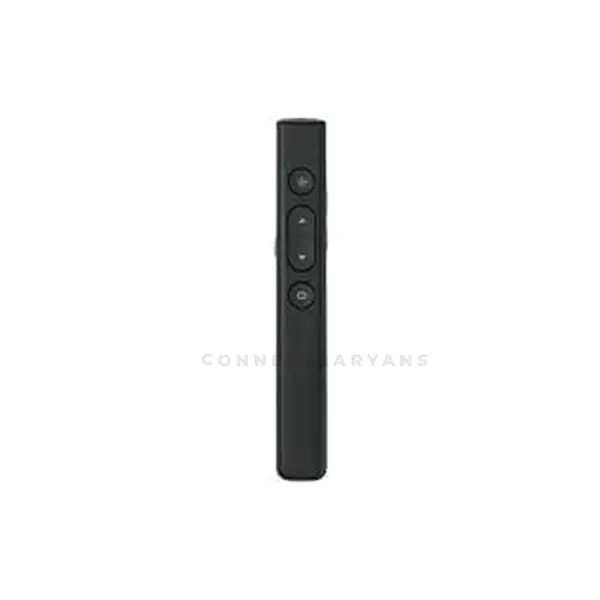
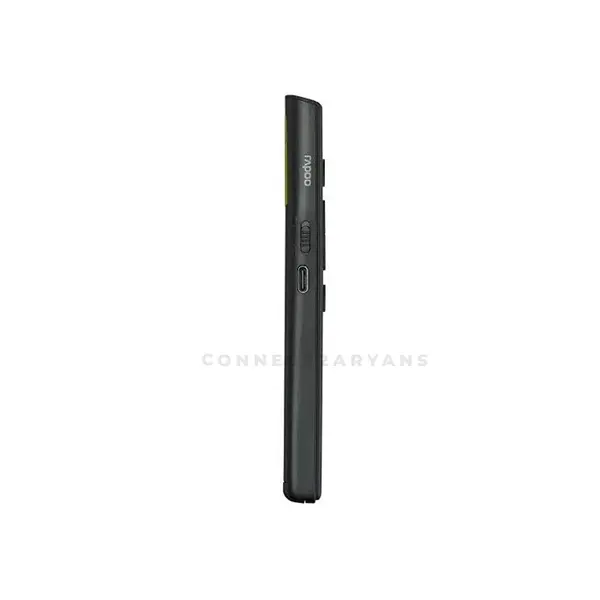
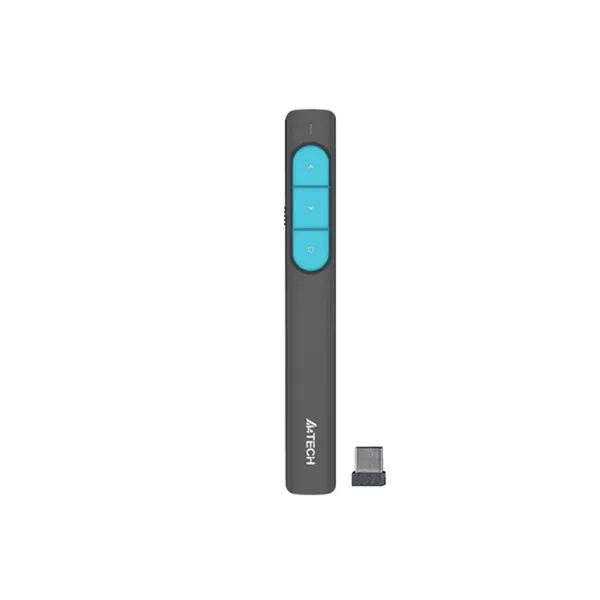
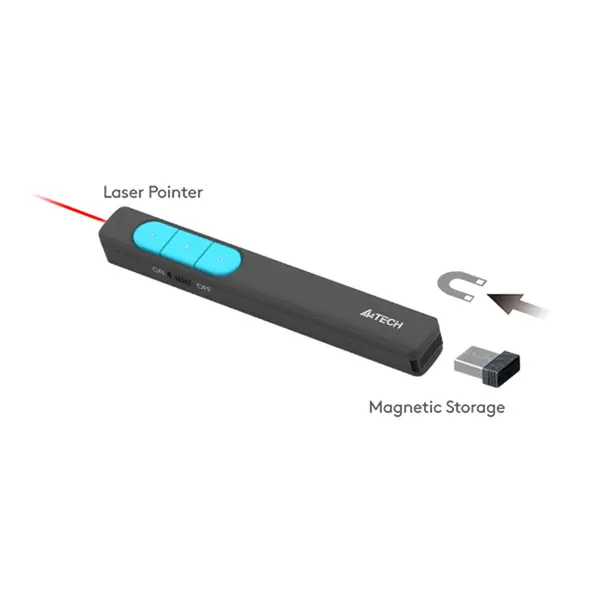
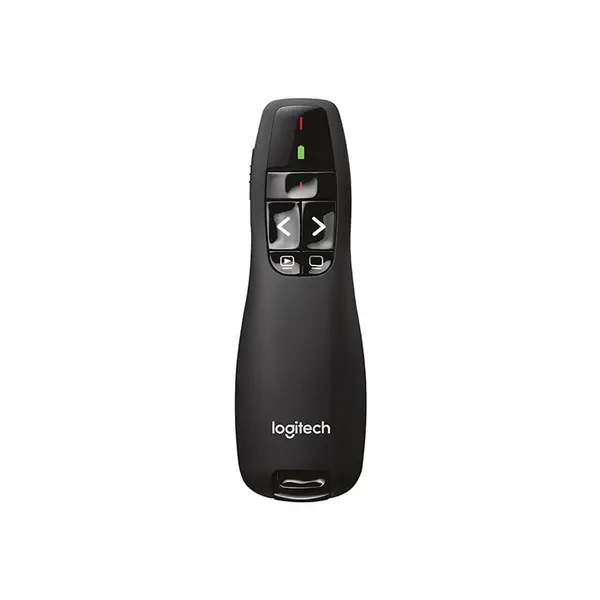
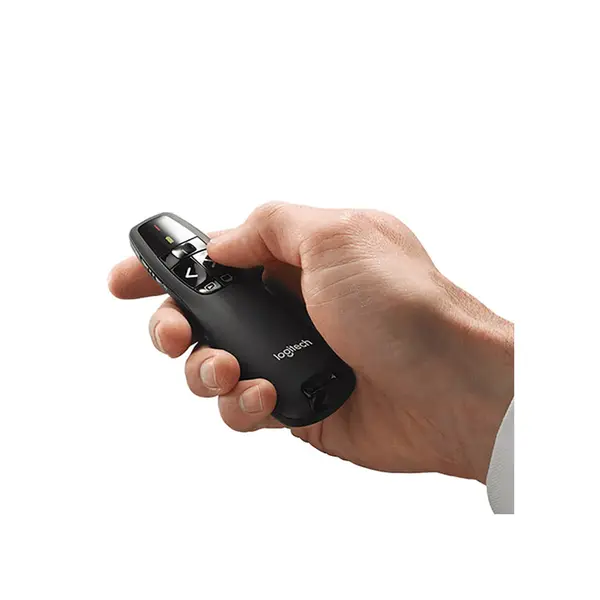
Presentation Pointer Price in Pakistan
Compare presentation pointer prices in Pakistan across wireless presenters designed for meetings, classrooms, training sessions, seminars, and other presentation environments. Models can vary in wireless technology, operating range, slide controls, pointer functions, battery type, supported operating systems, and software requirements. Compare the individual specifications with your presentation setup before purchasing.
Presentation Pointers for Meetings & Presentations
A presentation pointer can provide remote control over compatible presentation software, allowing the presenter to operate supported functions without remaining beside the computer. Available controls vary by model and may include next and previous slide buttons, presentation controls, volume functions, timers, or other features.
Presentation Pointers for Classrooms & Training
Teachers, lecturers, trainers, and students can use compatible wireless presenters to control slides while moving around a classroom or training space. The required operating range and controls depend on the room, computer position, presentation software, and how the presenter will be used.
Wireless Presentation Pointers
Wireless presenters can communicate with a computer through a USB receiver, Bluetooth, or another supported wireless connection depending on the model. Check the required interface, operating-system support, software requirements, and whether a dedicated receiver must remain connected during use.
Presentation Pointer Wireless Range
Operating range indicates the distance over which a presenter is designed to communicate with its receiver or connected device under specified conditions. Actual wireless performance can be affected by the environment, interference, obstacles, receiver placement, and other factors, so advertised range should not be treated as a guarantee in every room.
Laser & Digital Pointer Features
Some presentation remotes include a physical laser pointer, while others can provide digital highlighting, magnification, or on-screen pointer functions through compatible software. These features work differently, and compatibility can depend on the display technology, presentation software, operating system, and individual presenter.
Presentation Slide Controls
Basic presenters may provide next and previous slide controls, while other models can include additional buttons or programmable functions. Check which controls are available and whether any advanced functions require dedicated software before choosing a presenter.
Presentation Pointers for Laptops & PCs
Many presentation pointers can be used with a compatible laptop or desktop PC through USB, Bluetooth, or another supported connection. Compatibility depends on the presenter, available computer ports, operating system, drivers, software, and other requirements. Check the manufacturer's specifications for the exact model before purchasing.
Presentation Pointer Compatibility
Before choosing a presenter, confirm compatibility with your operating system and the presentation applications you intend to use. Basic slide navigation may work differently from advanced features, and some functions can require manufacturer software or specific application support.
USB Receivers & Connectivity
Presenters that use a USB receiver require a compatible port on the computer. Connector type can vary by model, so check whether the receiver uses USB-A, USB-C, or another interface. An adapter may be required when the receiver and available computer ports do not match.
Presentation Pointer Battery & Power
Presentation remotes can use replaceable batteries, built-in rechargeable batteries, or other power arrangements depending on the model. Consider battery type, charging requirements, expected usage, and any battery-status features listed by the manufacturer.
Presentation Pointers for Projectors & Displays
A wireless presenter generally controls the connected computer rather than directly controlling the projector or display. Pointer visibility and functionality can vary depending on whether the presenter uses a physical laser or software-based digital pointer, so check suitability for your particular presentation environment.
Choosing the Right Presentation Pointer
Start with the computer, operating system, and presentation software you plan to use. Then compare connection type, available ports, wireless range, slide controls, pointer technology, battery type, software requirements, and any additional features. For larger rooms, also consider the distance between the presenter and the connected computer.
Buy Presentation Pointers Online in Pakistan
Browse available presentation pointers at Connect2Aryans and compare current prices, wireless technologies, operating ranges, controls, pointer features, battery options, connectivity, compatibility, and available models. Check the individual product specifications against your computer and presentation requirements before purchasing.
Frequently Asked Questions About Presentation Pointers
What does a wireless presentation pointer do?
A compatible wireless presenter can remotely control supported presentation functions such as moving between slides. Some models also provide laser pointers, digital highlighting, timers, volume controls, or other functions depending on their design and software support.
How much wireless range do I need for a presentation pointer?
It depends on the size and layout of the presentation space and the location of the connected computer or receiver. Compare the manufacturer's specified operating range with your intended environment while remembering that actual wireless performance can be affected by interference and obstacles.
Do presentation pointers work with laptops?
Many models can work with compatible laptops through a USB receiver, Bluetooth, or another supported connection. Check the laptop's available ports, operating system, presentation software, and the presenter's compatibility requirements before purchasing.
Can I use a presentation pointer with a projector?
A presenter can generally control compatible presentation software running on the computer connected to the projector. A physical laser or digital pointer feature may behave differently depending on the presenter and display setup, so check the specific model's requirements.
Not sure which wireless presenter suits your setup? Read our guide on choosing the right presentation pointer for more detailed buying advice.

