
Filters
Price Range
From
To
Brand
Availability
Peripherals » Card Readers & Adapters
Shop card readers and adapters in Pakistan for transferring files between memory cards, cameras, PCs, laptops, and other compatible devices. Compare SD and microSD support, USB-A and USB-C interfaces, supported standards, transfer capabilities, compatibility, and prices to find the right reader or adapter for your setup.
11 Products
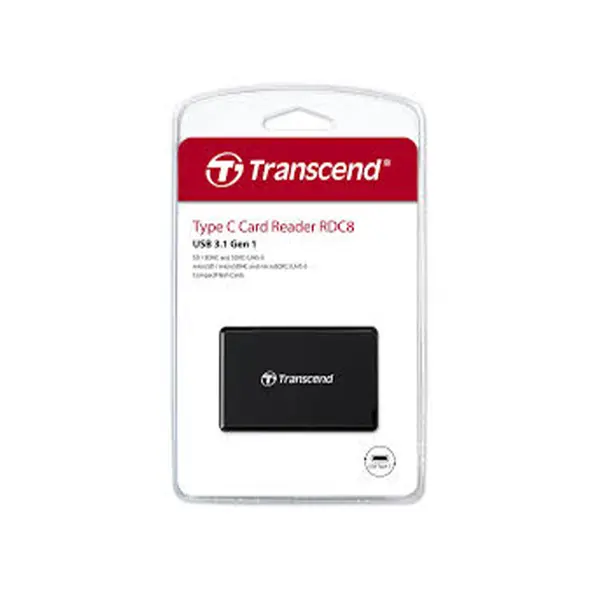
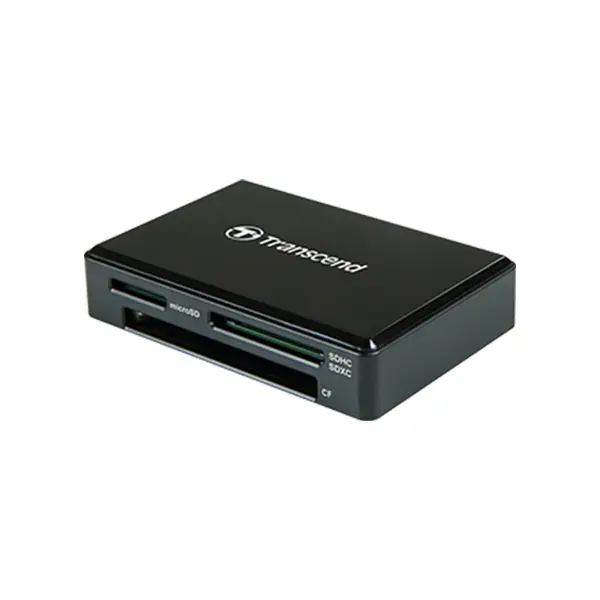
Quick view
Rs. 4,900
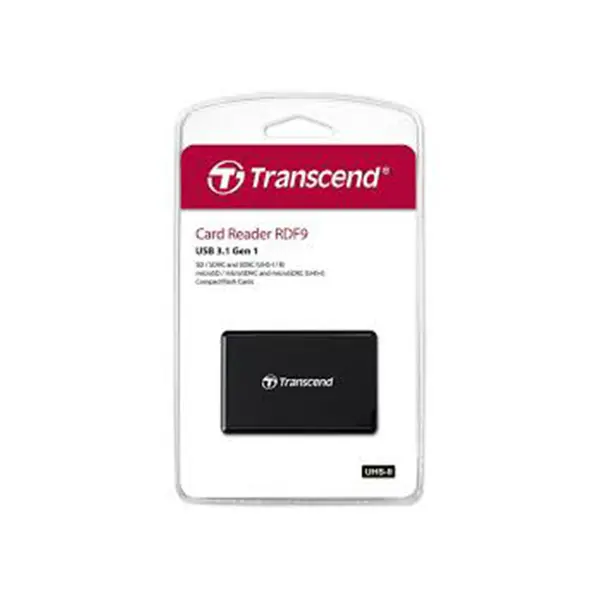
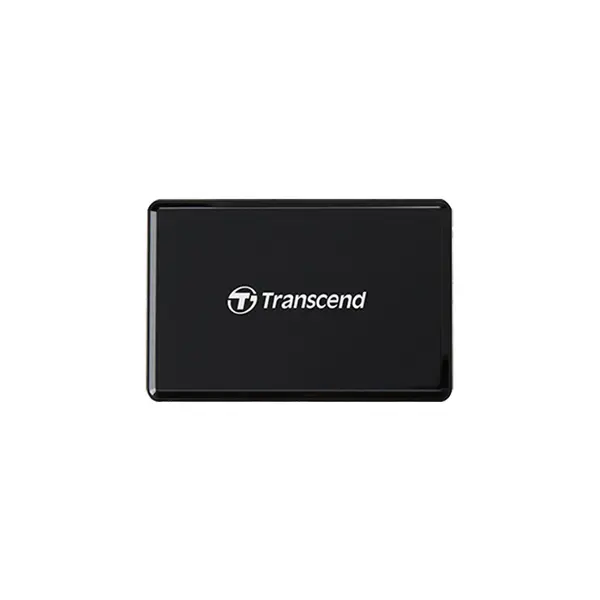
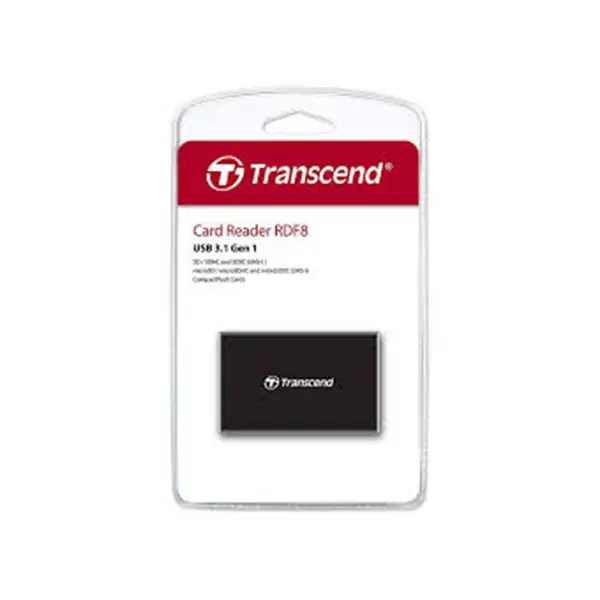
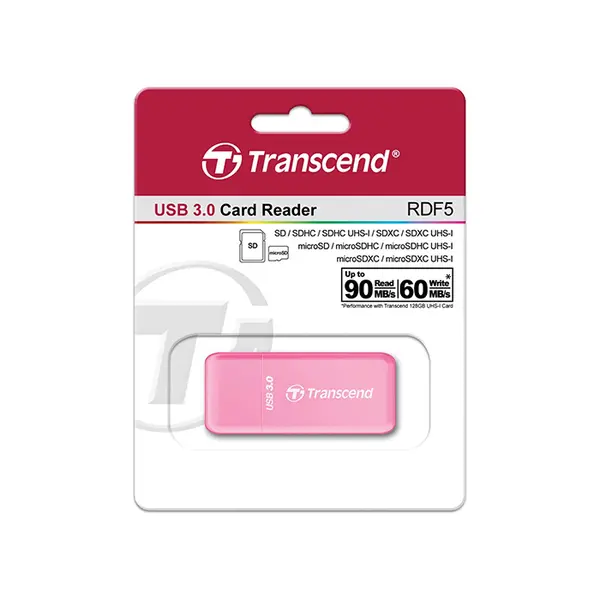
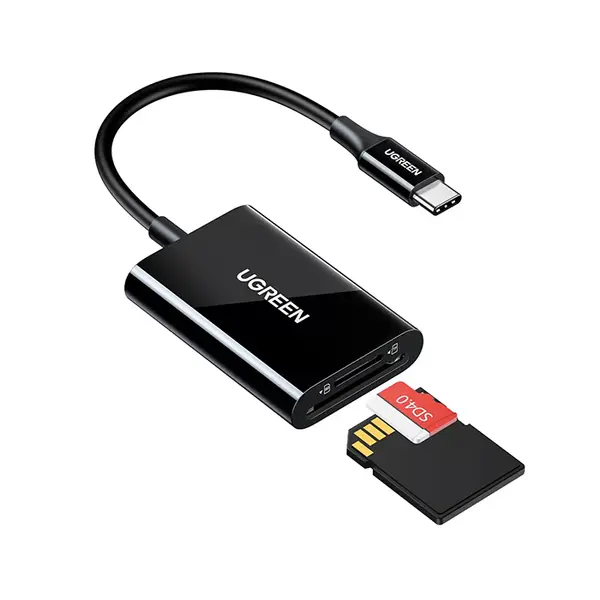
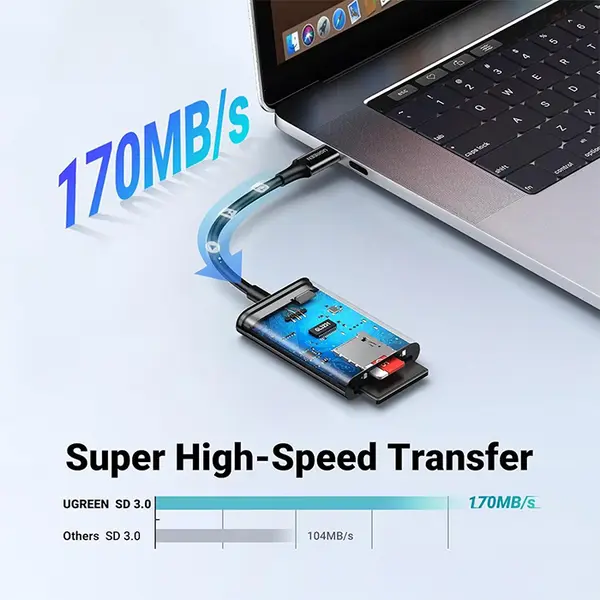
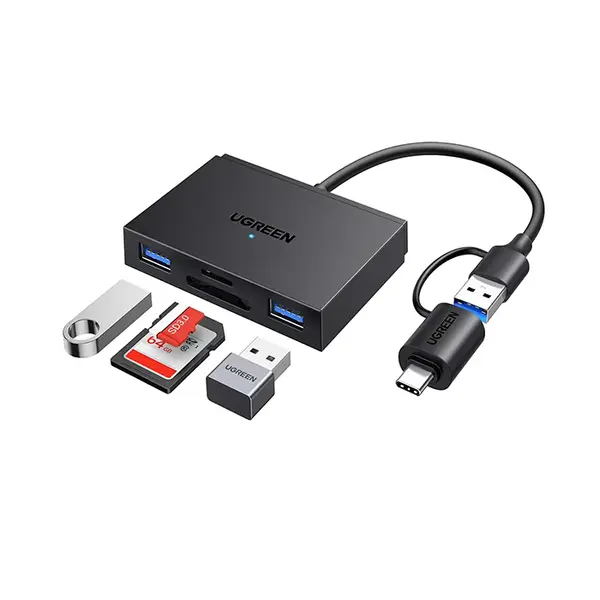
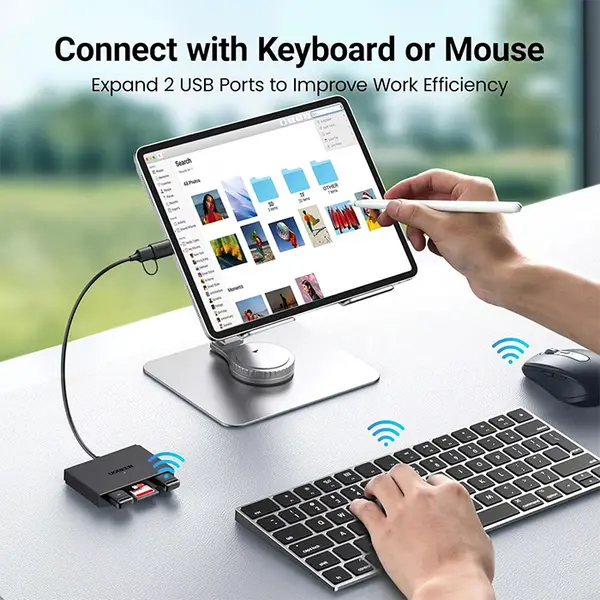
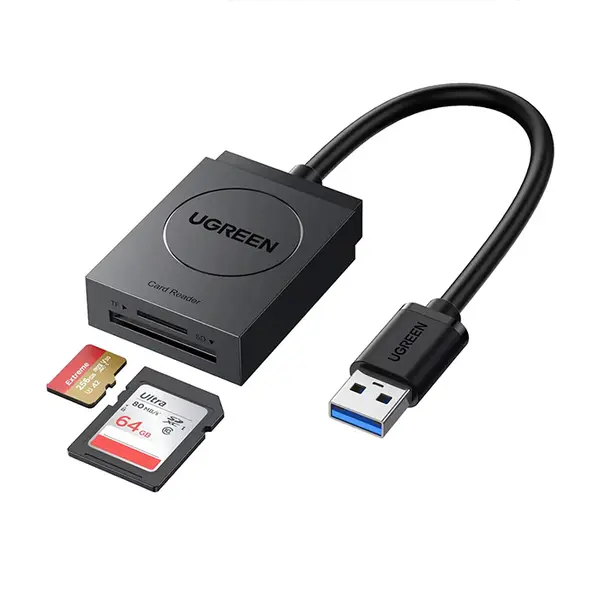
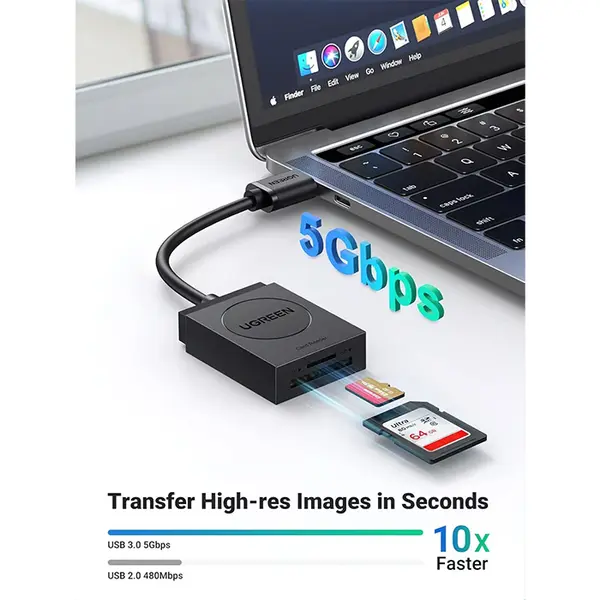
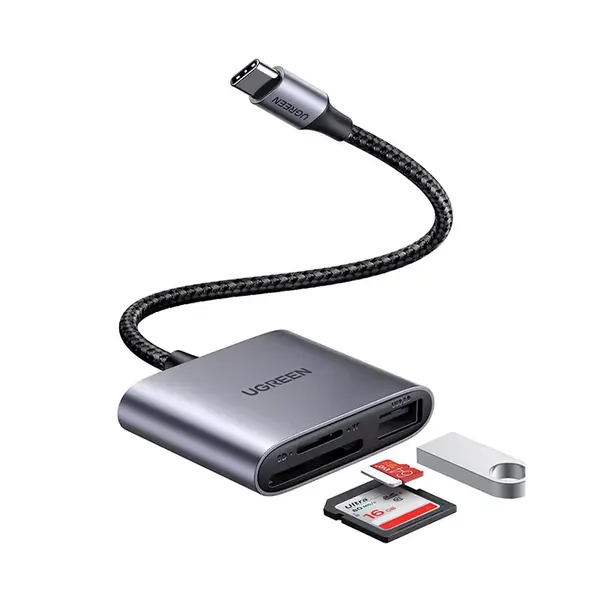
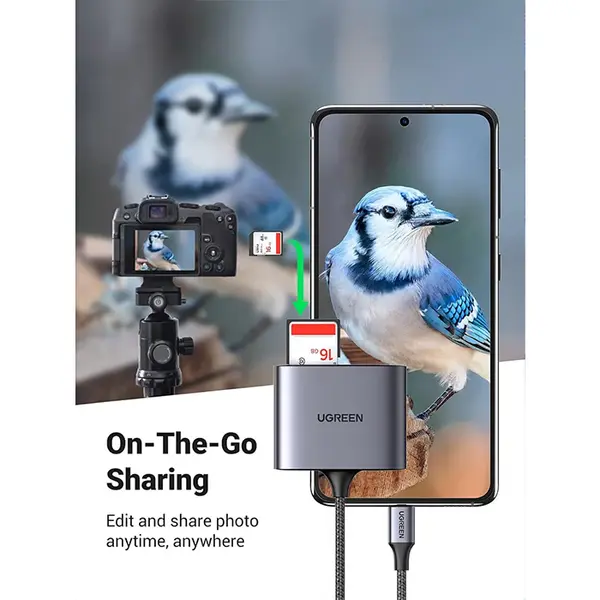
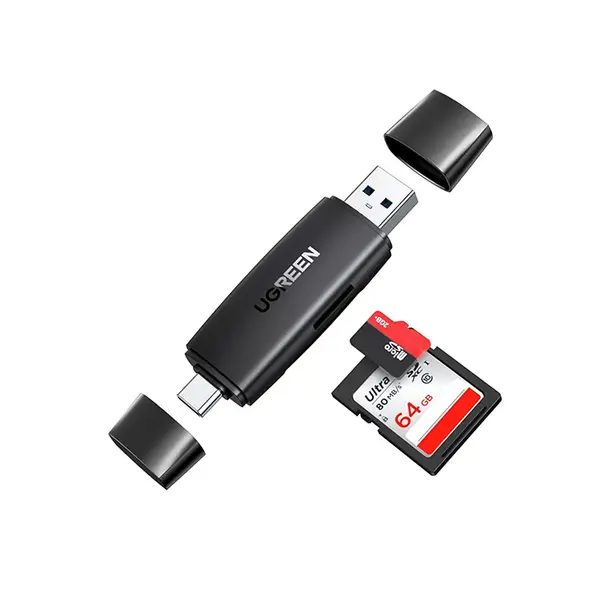
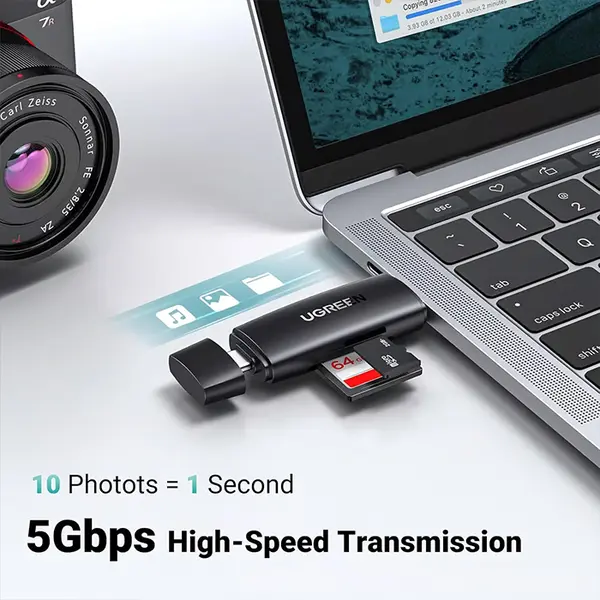
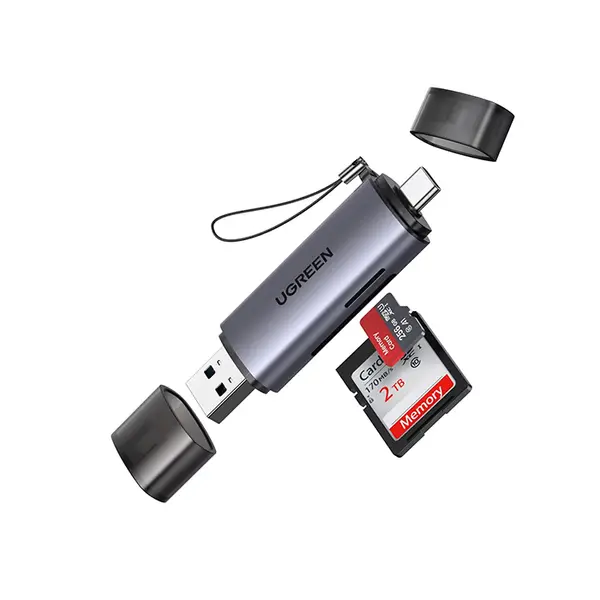
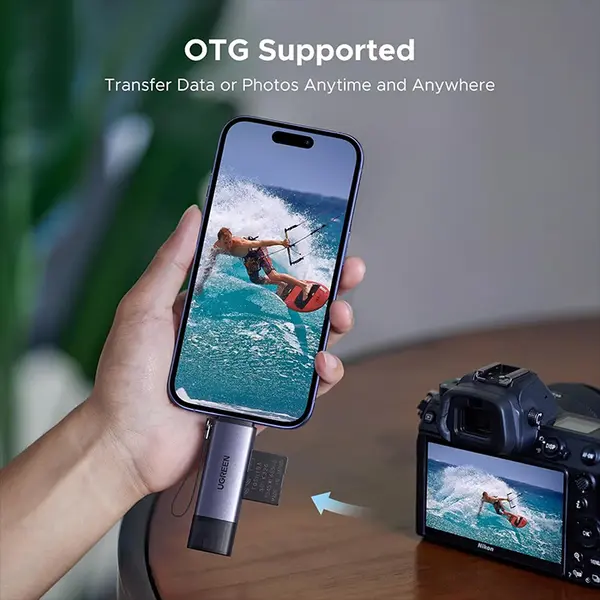
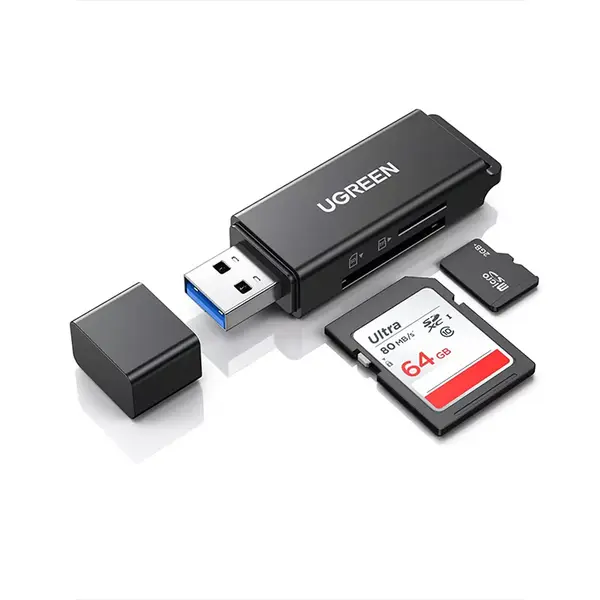
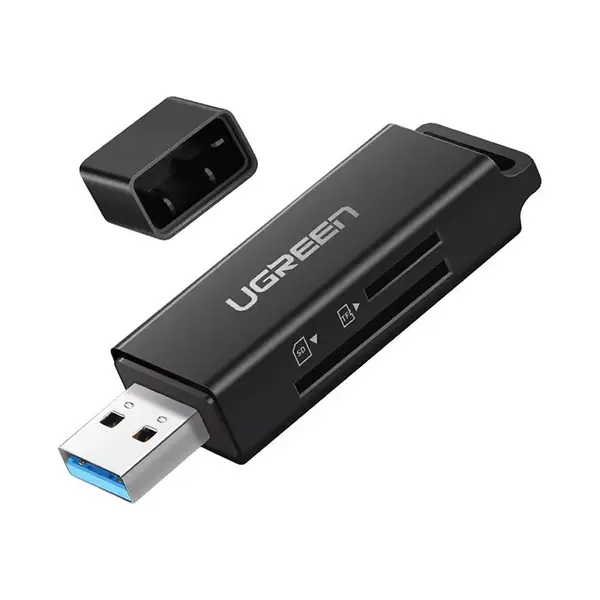
Card Reader & Adapter Price in Pakistan
Compare card reader and adapter prices in Pakistan across devices designed for memory-card access, file transfers, cameras, computers, laptops, and other compatible equipment. Available products can vary by supported card formats, USB interface, connector type, transfer standard, number of slots, device compatibility, and other features. Check the individual specifications before purchasing.
Card Readers for Memory Cards & File Transfers
A card reader allows a compatible memory card to connect to a computer or other supported device for accessing and transferring stored files. They are commonly used for moving photos, videos, documents, backups, and other data between removable storage and PCs or laptops. Actual compatibility and transfer performance depend on the reader, memory card, host device, interface, and supported standards.
SD Card Readers
SD card readers are designed for compatible Secure Digital memory cards commonly used by cameras and other electronic devices. Support can vary between SD, SDHC, SDXC, UHS standards, and other specifications, so check both the memory card and reader specifications rather than assuming every SD reader supports every card.
microSD Card Readers
A microSD card reader provides direct access to compatible microSD storage without requiring a full-size SD slot. This can be useful for transferring files from cameras, action cameras, mobile devices, and other equipment that uses removable microSD storage. Check supported card standards and capacities for the individual reader.
Multi-Card Readers
Multi-card readers provide multiple card slots within one device and can be useful when working with more than one memory-card format. The number and type of supported slots vary between models. Some readers may also have limitations regarding simultaneous card access, so check the manufacturer's specifications when that functionality is required.
USB-A Card Readers
USB-A card readers connect through a compatible USB-A port and can be suitable for desktop PCs, laptops, and other devices with the required interface. The physical USB-A connector does not by itself determine transfer speed, so compare the USB standard supported by the reader and host device.
USB-C Card Readers
USB-C card readers connect to compatible USB-C devices and can be useful with modern laptops, tablets, phones, and other supported equipment. A USB-C connector alone does not guarantee a particular transfer speed or device capability. Check the reader's interface specification and compatibility with the device you intend to use.
Card Reader Transfer Speeds
Actual file-transfer performance depends on several parts of the connection, including the memory card, card reader, USB interface, host device, file sizes, and workload. Advertised interface bandwidth should not automatically be interpreted as guaranteed real-world file-transfer speed. Performance can be limited by the slowest component in the transfer path.
Memory Card Standards & Compatibility
Memory cards can use different standards, capacities, speed classifications, and interfaces even when their physical dimensions appear similar. Before choosing a reader, identify your exact card type and check that the reader supports its relevant standard and capacity. For microSD storage options, you can also compare compatible microSD cards according to your device requirements.
Card Readers for Cameras & Content Creation
Photographers, videographers, and content creators can use card readers to transfer compatible camera media to a computer for editing, organization, backup, or other workflows. When regularly transferring large photo or video files, consider the specifications of the memory card, reader, computer interface, and storage destination together.
Card Readers for Laptops & PCs
Card readers can add removable-memory access to a laptop or desktop PC that does not provide the required built-in card slot. Before purchasing, check whether your computer has USB-A, USB-C, or another required connection and confirm operating-system and hardware compatibility where specified by the manufacturer.
Card Readers for Phones & Tablets
Some card readers can connect to compatible phones or tablets, but physical connector compatibility alone does not guarantee that the device can access the attached memory card. Device support, operating system, file system, power requirements, and reader compatibility can all affect functionality.
Card Readers vs Memory Card Adapters
A card reader connects a memory card to a host device for data access, while a memory-card adapter can allow one compatible card format to fit another physical slot or interface. These functions are different, so identify whether you need a reader, an adapter, or a product combining multiple capabilities.
Choosing the Right Card Reader or Adapter
Start by identifying the exact memory card or device you need to connect. Then compare supported card formats, capacity support, USB or other interface, connector type, transfer standard, number of slots, operating-system compatibility, and any device-specific requirements. For file transfers, also consider the capabilities of your memory card and computer rather than choosing solely by the reader's advertised interface.
Buy Card Readers & Adapters Online in Pakistan
Browse available card readers and adapters at Connect2Aryans and compare current prices, supported memory-card formats, USB-A and USB-C interfaces, transfer specifications, slot configurations, compatibility, and available models. Check the individual product specifications against your memory card and device requirements before purchasing.
Frequently Asked Questions About Card Readers & Adapters
What card reader do I need for an SD or microSD card?
Choose a reader that explicitly supports the format and standard of your memory card. Some readers provide separate SD and microSD slots, while others support only particular card types. Check the individual reader specifications before purchasing.
Is a USB-C card reader faster than a USB-A card reader?
Not necessarily. USB-A and USB-C describe physical connector types and do not by themselves determine transfer speed. Performance depends on the USB standards supported by the reader and host device as well as the capabilities of the memory card.
Can I transfer camera photos and videos with a card reader?
Yes, when the camera's memory card format is supported by the reader and the connected computer or device can access it. Transfer performance depends on the memory card, reader, interface, host device, and files being transferred.
Will every card reader support high-capacity memory cards?
Not necessarily. Supported card formats, standards, and capacities can vary between readers. Check the manufacturer's specifications for the exact reader and memory card before purchasing.
Not sure which reader or adapter is compatible with your memory card or device? Read our guide on choosing the right card reader or adapter for more detailed buying advice.

