
Filters
Price Range
From
To
Brand
Availability
Interactive Display Solutions
Shop interactive displays in Pakistan for classrooms, training centers, conference rooms, and collaborative workspaces. Compare screen sizes, touch capabilities, resolution, connectivity, built-in features, software support, and prices to find the right interactive display for your requirements.
13 Products
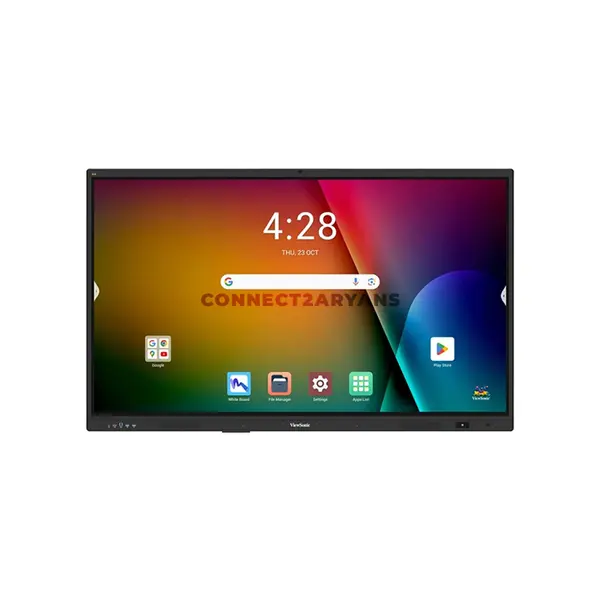
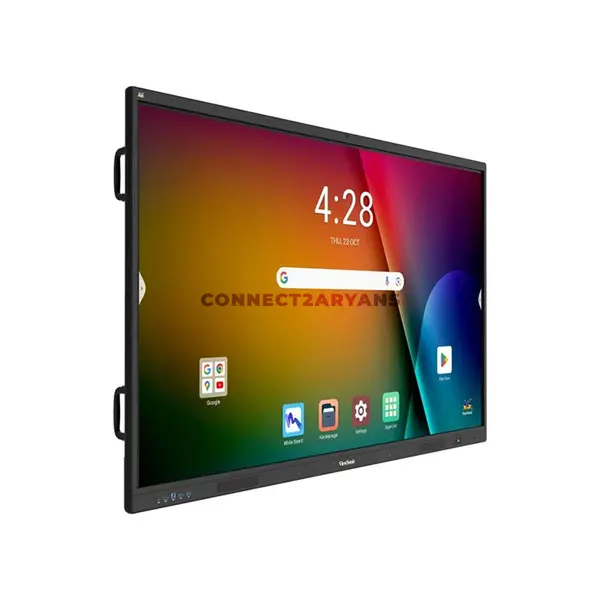
Quick view
Rs. 570,000
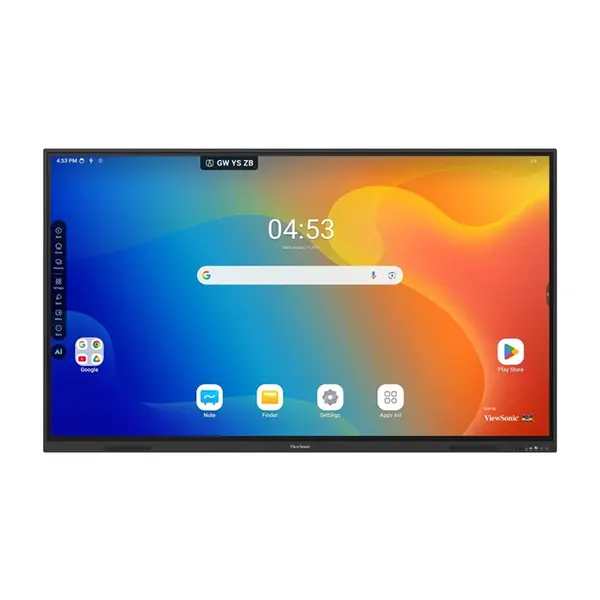
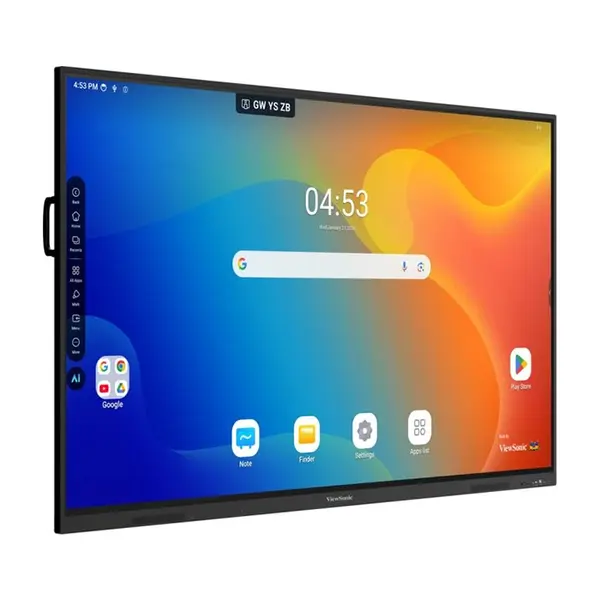
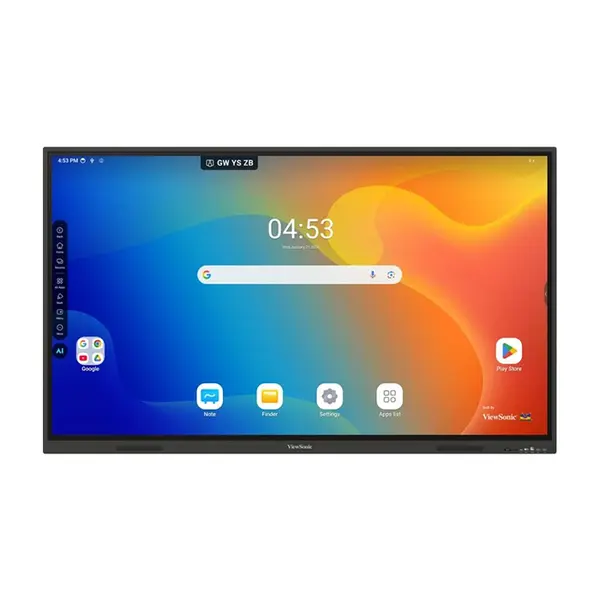
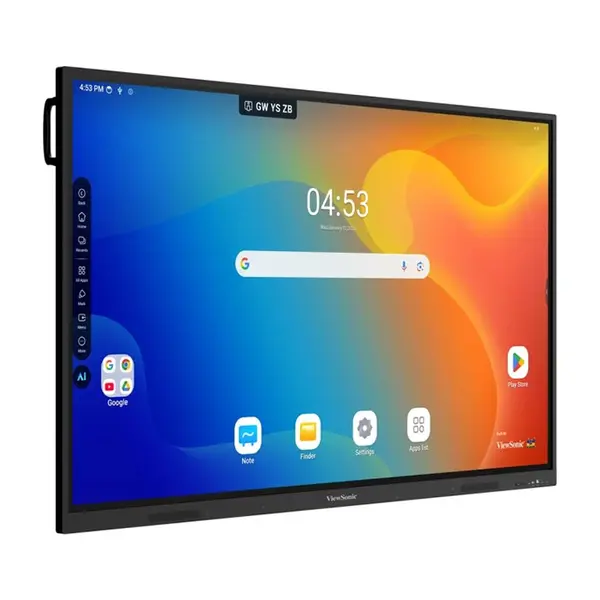
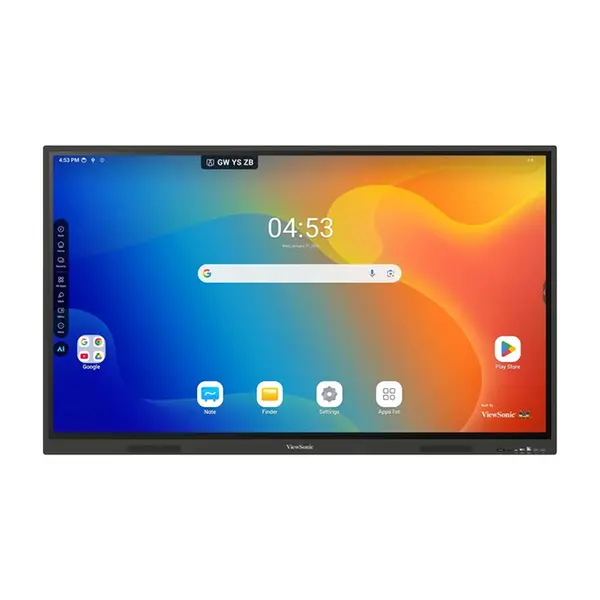
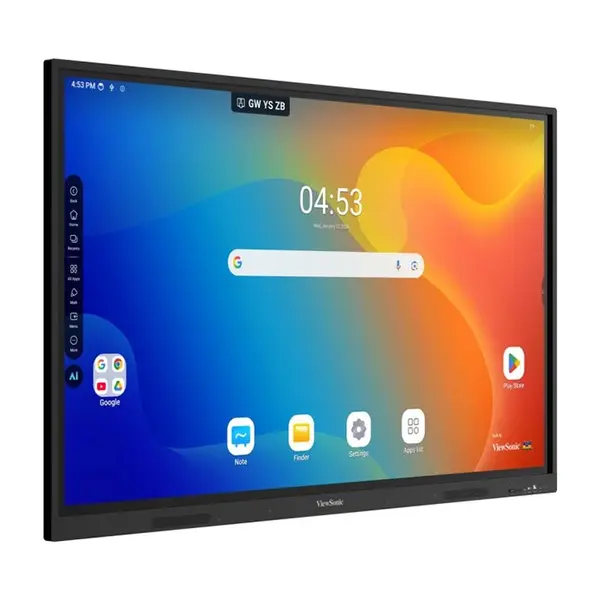
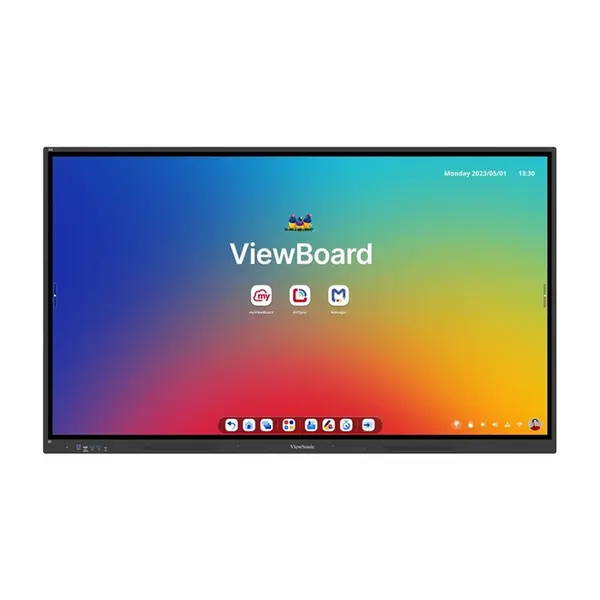
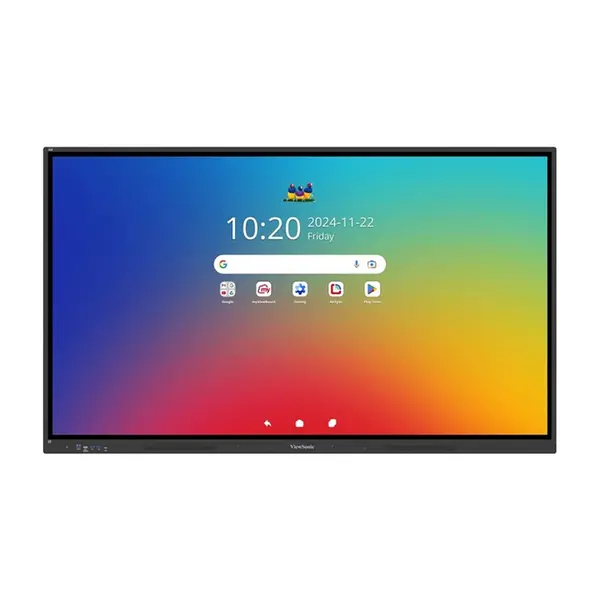
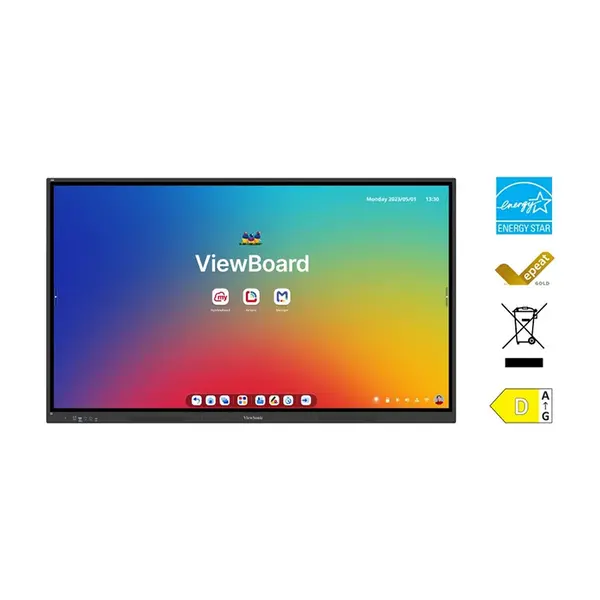
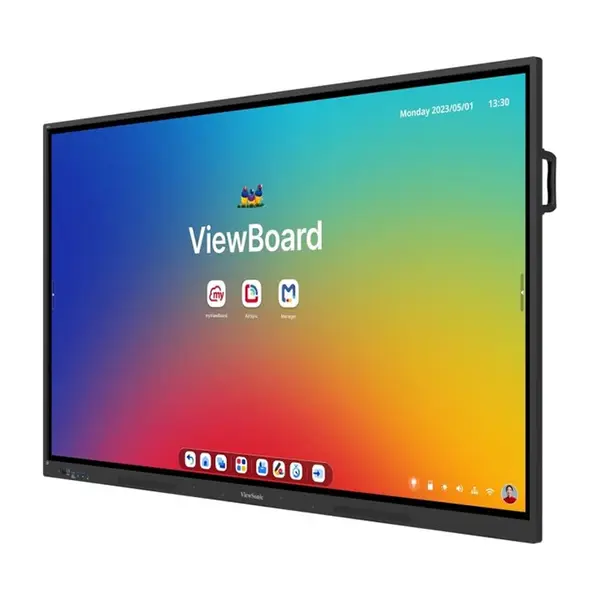
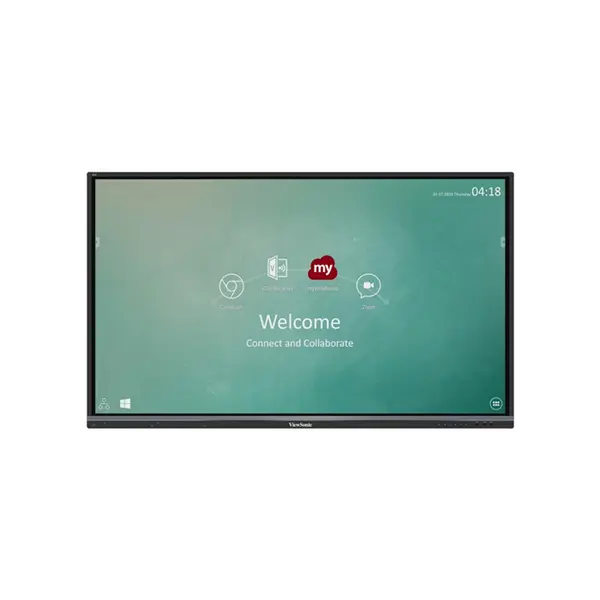
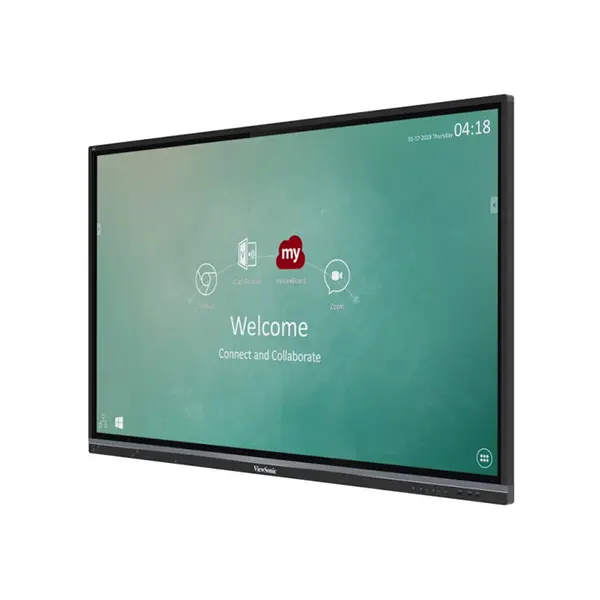

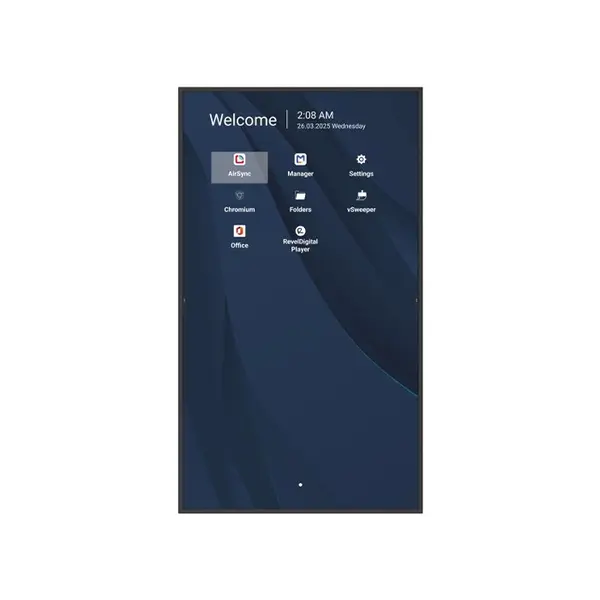
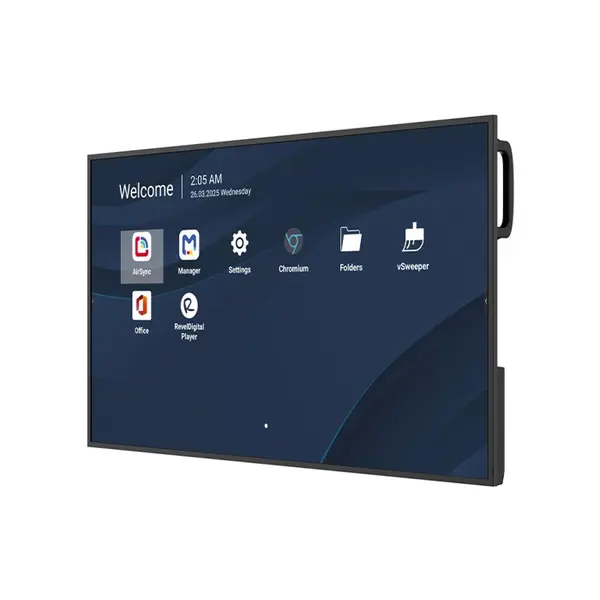
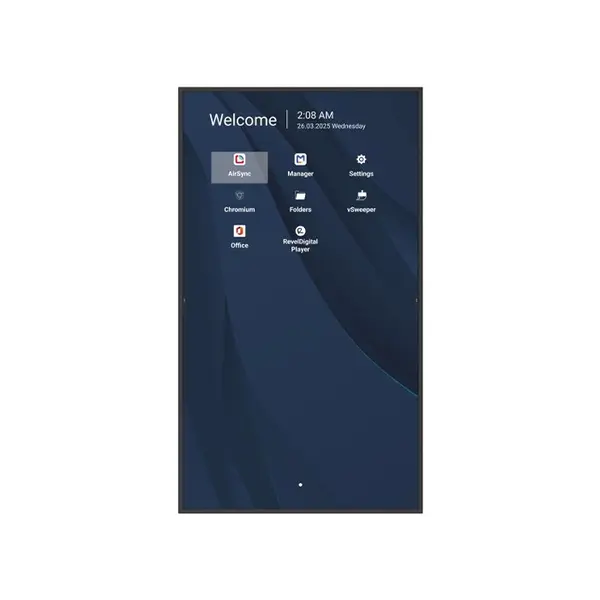
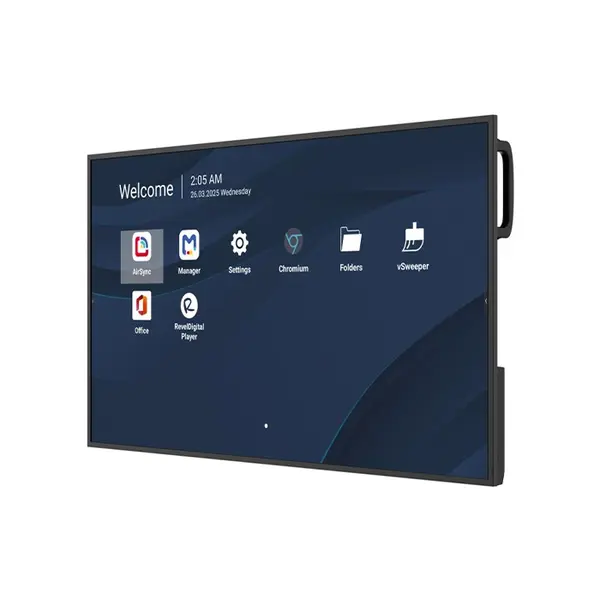
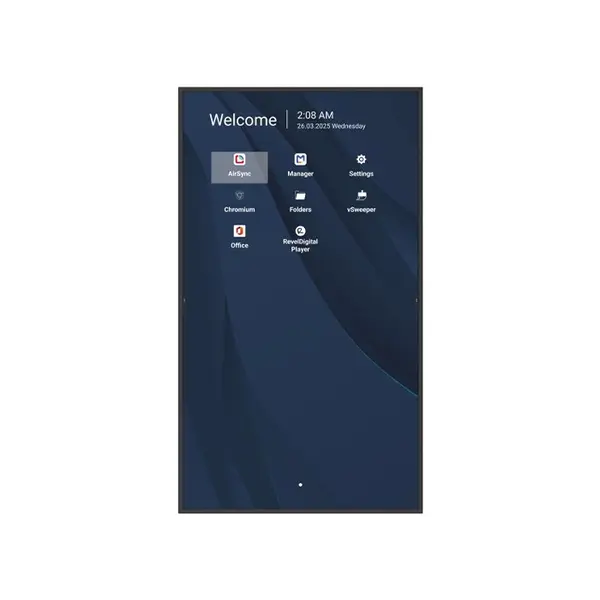
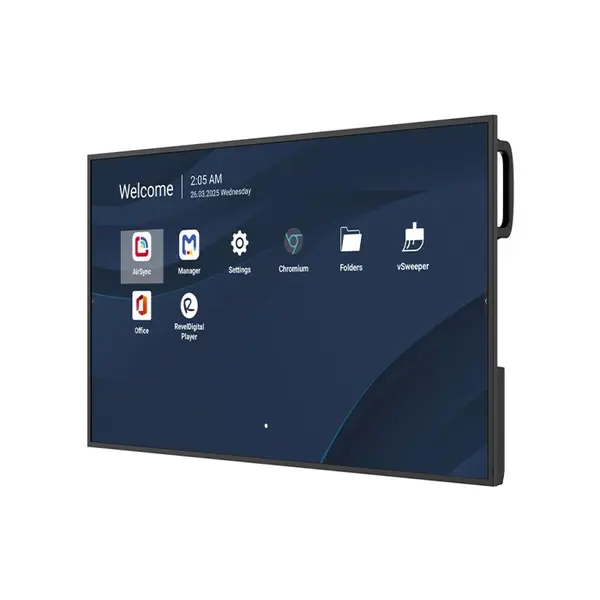
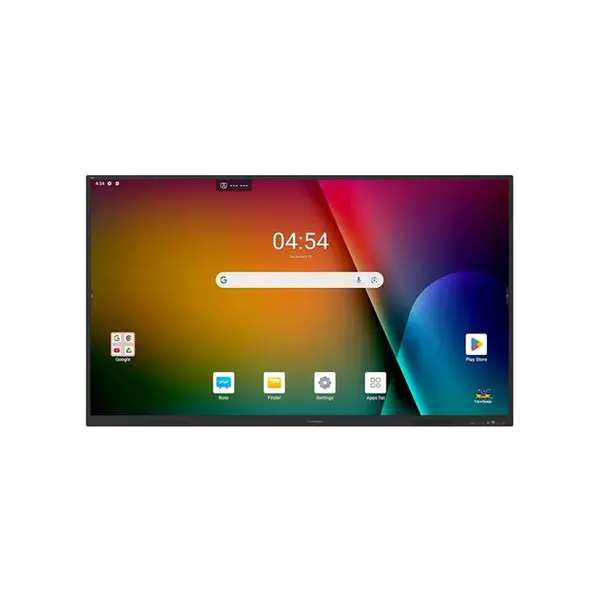
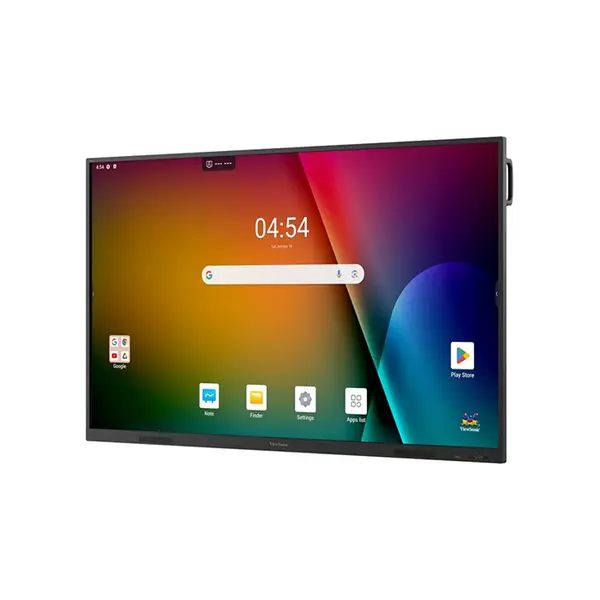
Interactive Display Price in Pakistan
Compare interactive display prices in Pakistan across models designed for education, training, presentations, meetings, and collaborative workspaces. Interactive displays vary in screen size, resolution, touch technology, connectivity, operating features, software support, speakers, mounting requirements, and other specifications. Compare the complete display with your room, users, connected devices, and intended applications before purchasing.
Interactive Displays for Classrooms
Interactive displays can provide teachers and students with a large digital surface for presentations, annotation, lessons, multimedia, and compatible educational applications. Requirements vary between classrooms, so consider screen size, viewing distance, touch capabilities, connectivity, software compatibility, mounting position, and the devices that will connect to the display.
Interactive Displays for Meeting & Conference Rooms
Businesses can use interactive displays for presentations, meetings, collaboration, annotation, and compatible video-conferencing workflows. The appropriate configuration depends on room size, number of participants, connected computers, conferencing equipment, and software requirements. Check the exact display specifications rather than assuming every interactive display provides the same collaboration features.
Interactive Display Screen Size
Interactive displays are available in different screen sizes depending on the product range. The appropriate size depends on room dimensions, viewing distance, seating arrangement, mounting position, content, and available installation space. Rather than relying on one universal screen-size recommendation, evaluate the individual room and how the display will be viewed.
Interactive Display Resolution & Image Quality
Resolution determines the number of pixels available for displaying text, images, presentations, video, and other content. Image quality also depends on factors beyond resolution, including panel characteristics, brightness, contrast, viewing conditions, source quality, and display settings. Compare the complete display specifications according to your intended environment.
Touch Technology & Multi-Touch Support
Interactive displays can use different touch technologies and support different numbers of simultaneous touch points depending on the model. Touch accuracy, latency, supported gestures, stylus functionality, and multi-user interaction can also vary. Check the manufacturer's specifications when these capabilities are important for teaching, annotation, or collaborative work.
Interactive Display Annotation & Collaboration
Annotation features can allow users to write, draw, highlight, or interact with compatible content directly on the display. Available functionality depends on the display hardware, operating environment, included software, connected devices, and applications being used. Confirm that the required collaboration and annotation features are supported by the exact model.
Interactive Display Connectivity
Connectivity can include HDMI, USB, USB-C, network connections, wireless features, and other interfaces depending on the display. A connector's physical type alone does not guarantee support for every capability. Check specifications for video input, data transfer, touch functionality, charging, networking, and other required features.
Connect Laptops to Interactive Displays
Interactive displays can be used with compatible laptops for presentations, lessons, meetings, and collaborative applications. Connection methods vary by display and laptop and may include HDMI, USB, USB-C, or supported wireless technologies. Check both devices for compatible video, touch, audio, and data capabilities before planning the setup.
Interactive Displays vs Projectors
Interactive displays and projectors provide different approaches to presenting content in classrooms and meeting rooms. Interactive displays integrate a flat-panel screen with touch capabilities on supported models, while projectors create an image on a separate projection surface. Room lighting, image size, installation, interaction requirements, maintenance, available space, and budget can all affect which solution is more appropriate.
Interactive Display Mounting & Installation
Interactive displays can be large and heavy, making installation requirements an important consideration. Depending on the model and environment, installation may involve a compatible wall mount, mobile stand, or other mounting solution. Check display dimensions, weight, mounting specifications, installation surface, cable routing, and manufacturer requirements before installation.
Interactive Display Built-In Features
Some interactive displays include speakers, operating systems, computing functionality, wireless connectivity, microphones, cameras, or other integrated features, while others rely more heavily on external devices. Available functionality varies substantially between models, so check the exact specifications rather than assuming these features are included.
Choose the Right Interactive Display
Start with the room, audience, and applications for which the display will be used. Then compare screen size, resolution, touch capabilities, software support, connectivity, mounting requirements, built-in features, and compatibility with your existing devices. Educational and business environments can have different requirements, making the complete system more important than any single specification.
Buy Interactive Displays Online in Pakistan
Browse available interactive displays at Connect2Aryans and compare current prices, screen sizes, resolutions, touch capabilities, connectivity, software features, mounting requirements, and available models. Interactive displays are available for educational, business, training, and collaborative environments across Pakistan, with nationwide delivery options available.
Frequently Asked Questions About Interactive Displays
What should I check before buying an interactive display?
Consider room size, viewing distance, screen size, resolution, touch capabilities, connectivity, software compatibility, mounting requirements, built-in features, and the computers or other devices you intend to connect.
What size interactive display do I need?
There is no single screen size suitable for every room. Consider room dimensions, viewing distance, seating arrangement, content, installation position, and available space when comparing display sizes.
Is an interactive display better than a projector?
Neither is automatically better for every environment. Interactive displays and projectors differ in image size, installation, touch interaction, room-light requirements, maintenance, and cost. Choose according to the requirements of the individual classroom or meeting room.
What is multi-touch on an interactive display?
Multi-touch allows a compatible display to recognize multiple simultaneous touch inputs. The number of supported touch points and how they can be used depend on the display hardware, operating system, software, and individual application.
Not sure which interactive display suits your classroom or meeting room? Read our guide on choosing the right interactive display for more detailed buying advice.

