
Filters
Price Range
From
To
Brand
Availability
PC Cases » Gaming Cases
Shop gaming cases in Pakistan for gaming PCs, high-performance systems, and showcase builds. Compare airflow designs, tempered-glass panels, RGB and ARGB support, motherboard compatibility, GPU clearance, fan and radiator support, dimensions, and prices to find a case compatible with your components.
200 Products
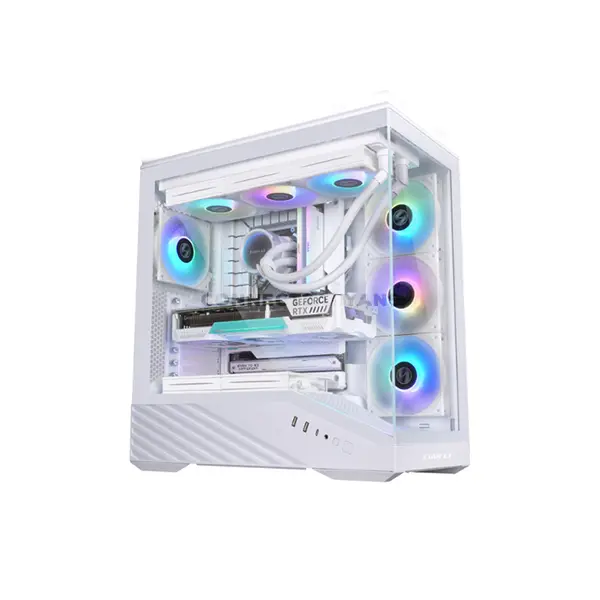
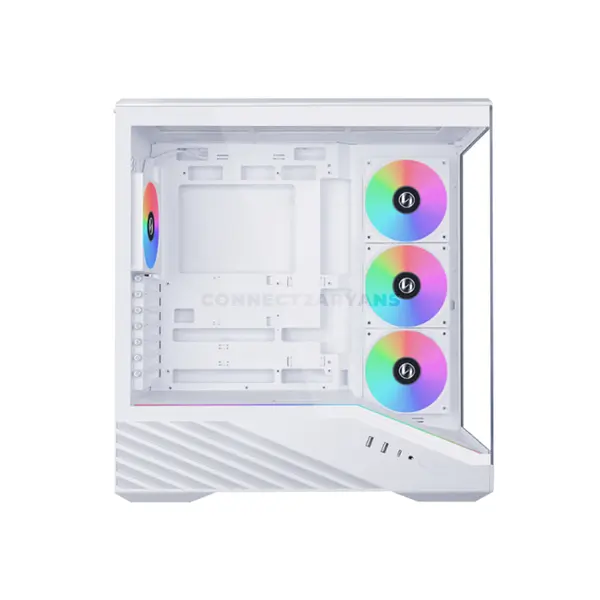
Quick view
Rs. 24,000
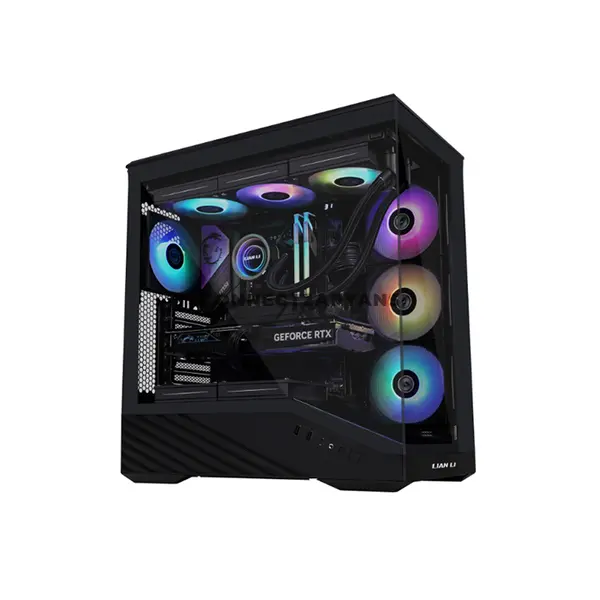
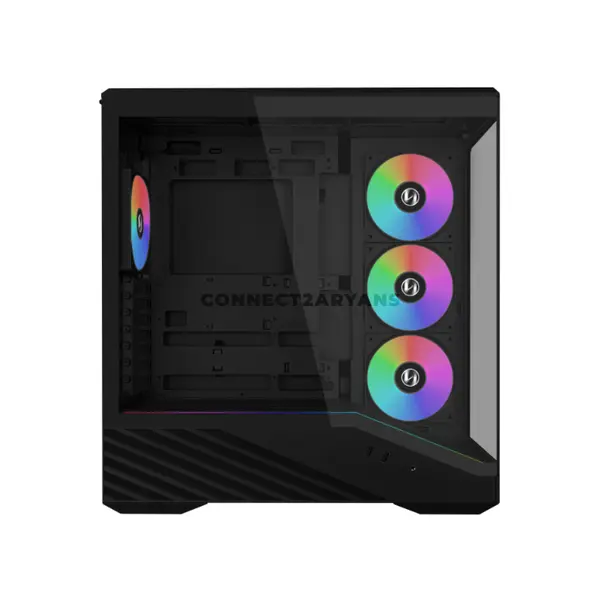
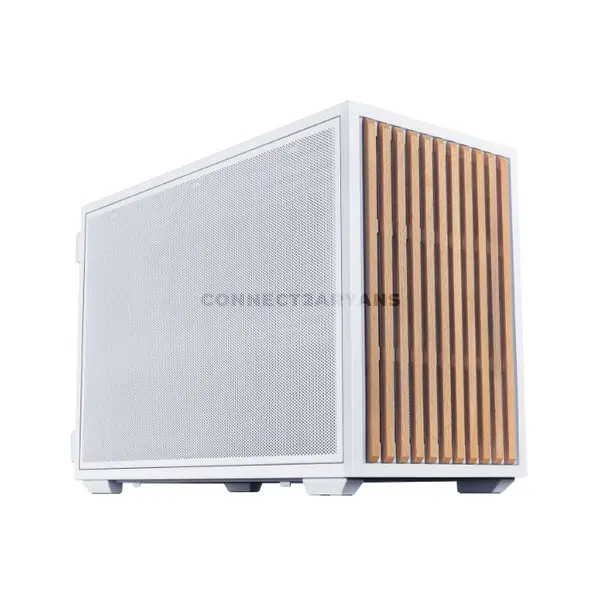
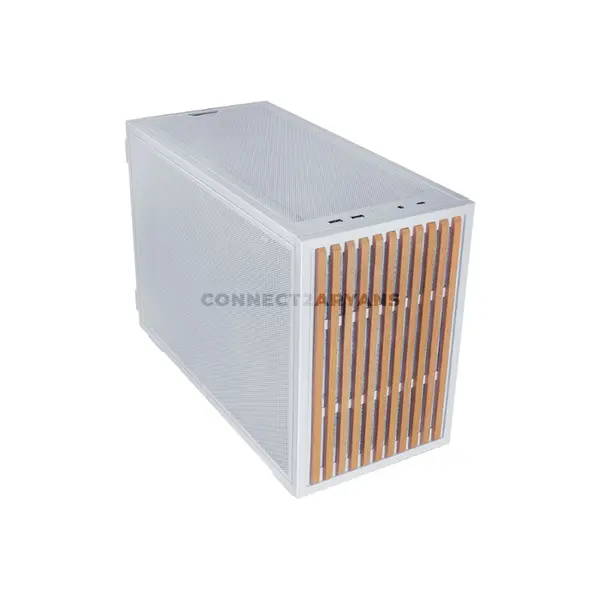
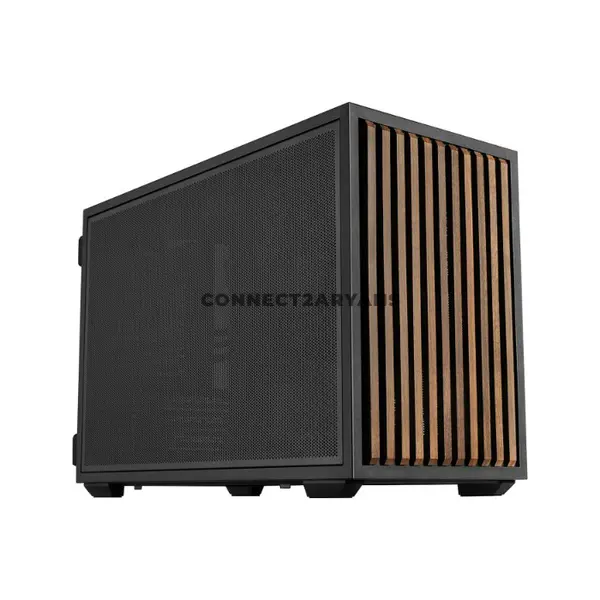
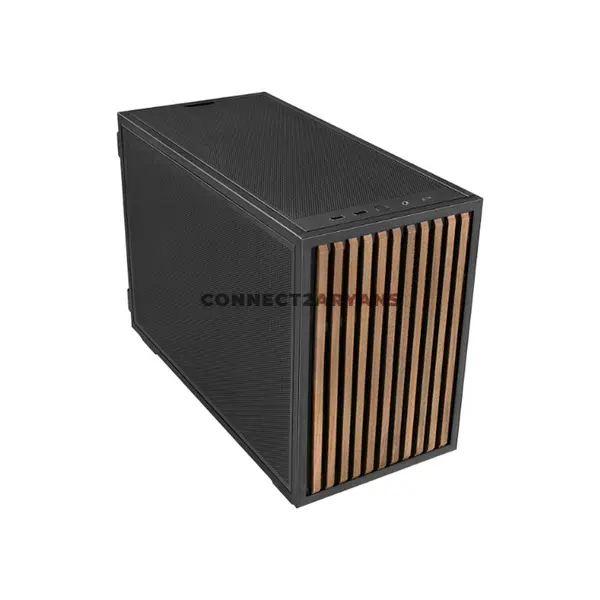
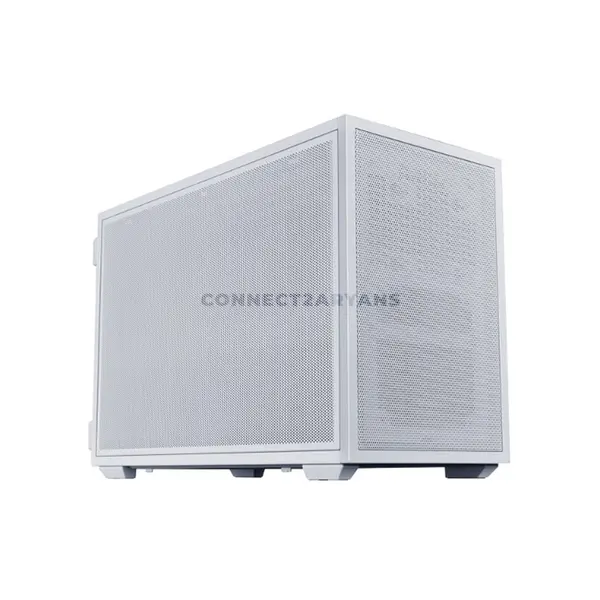
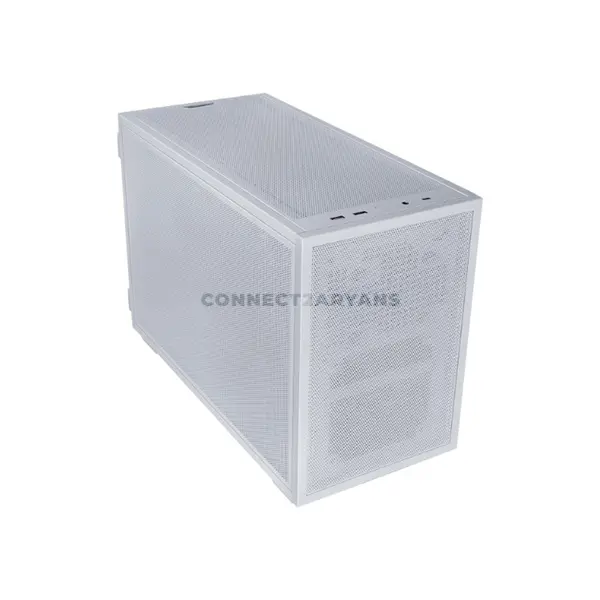
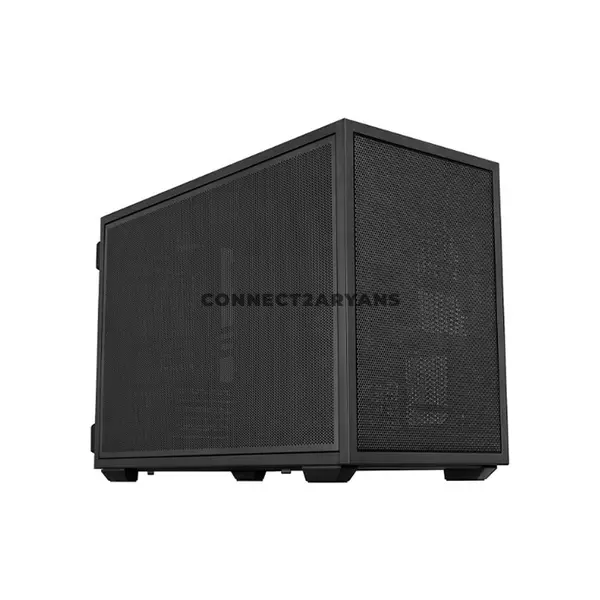
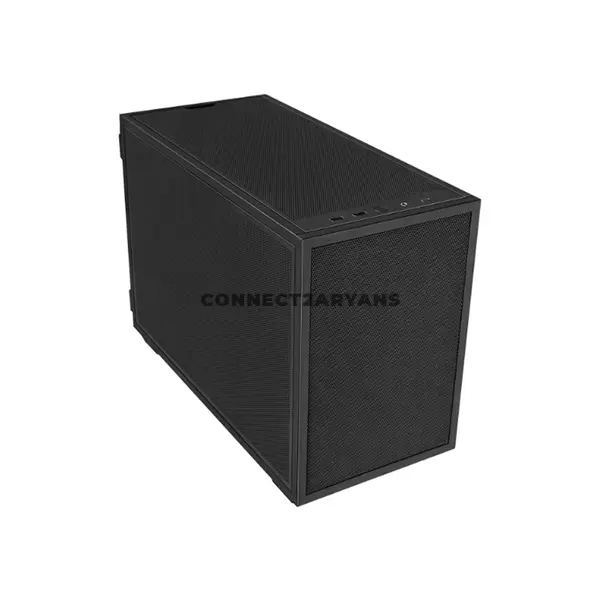
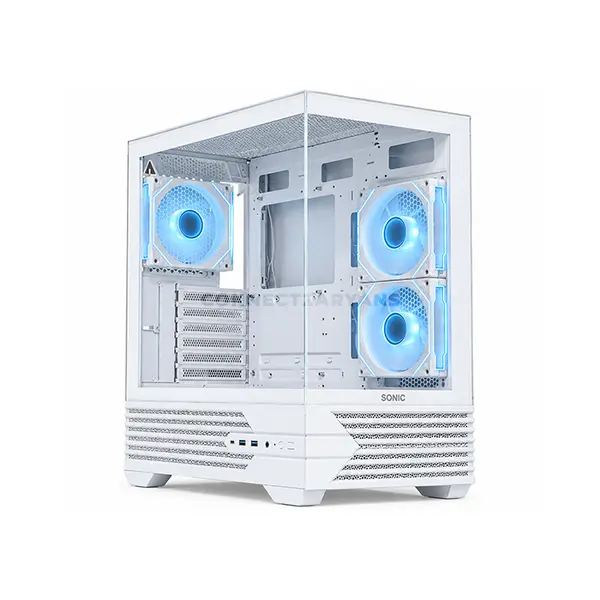
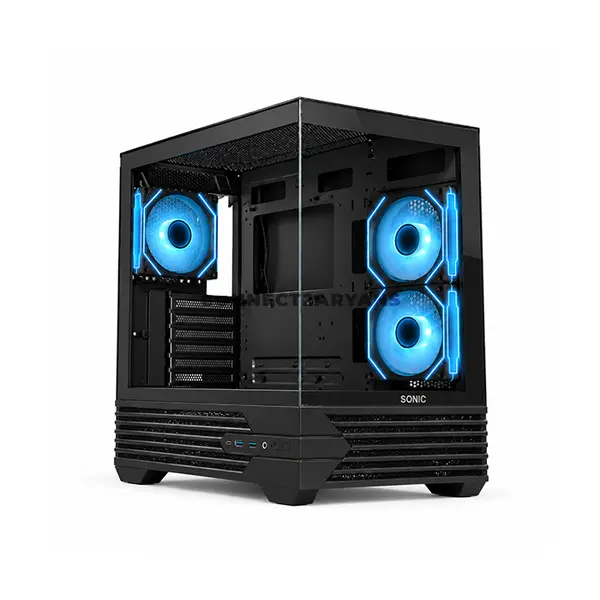
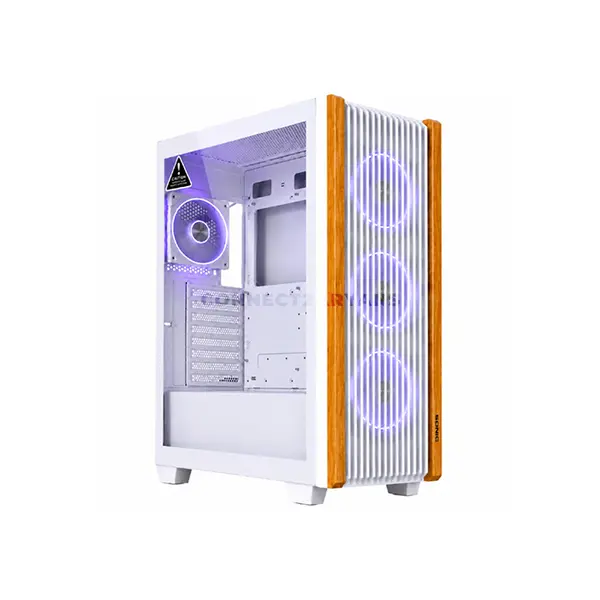
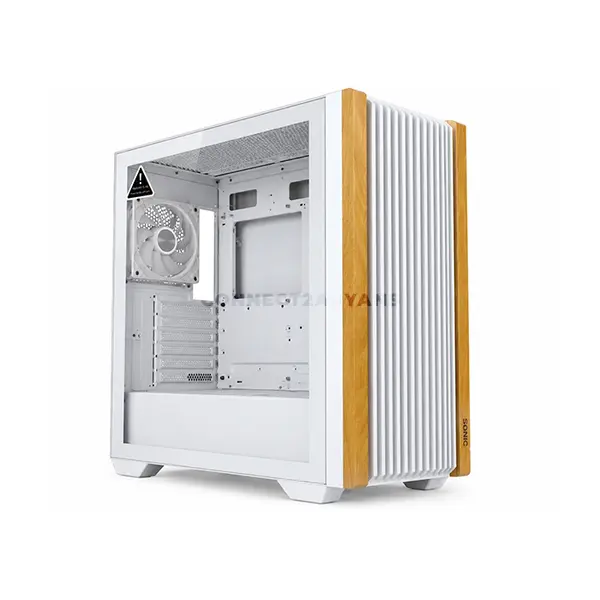
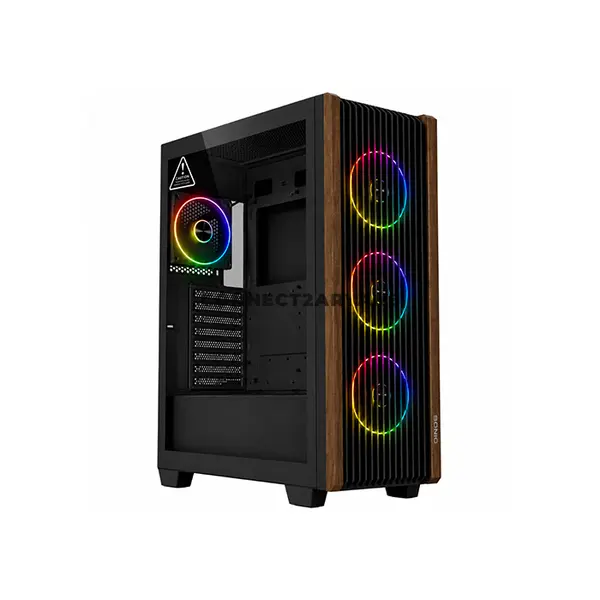
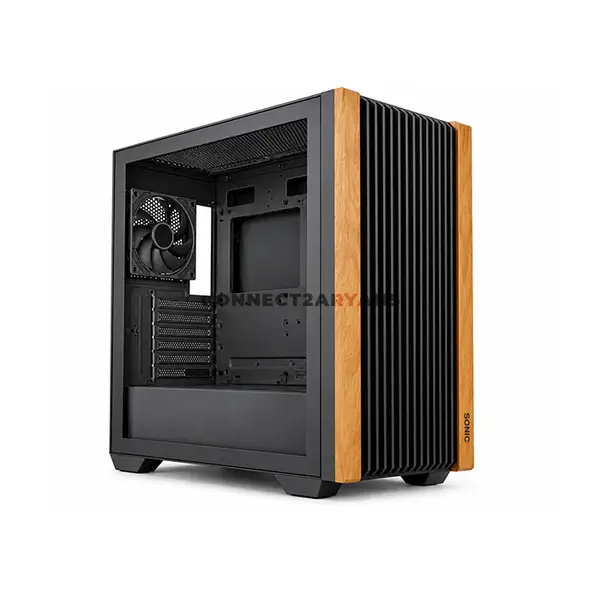
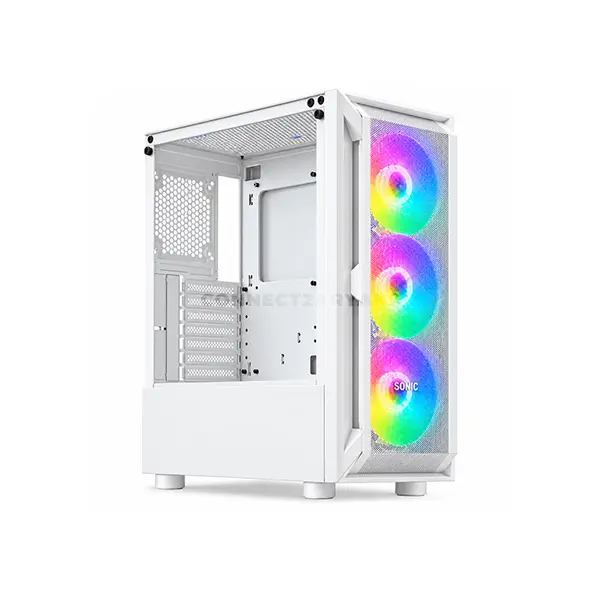
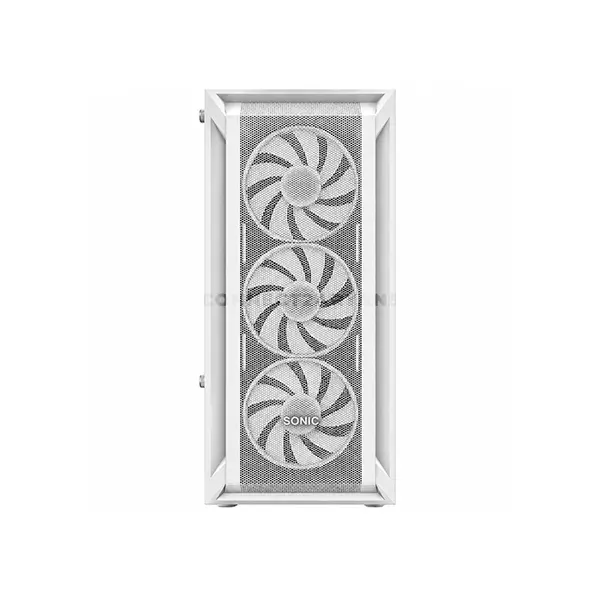
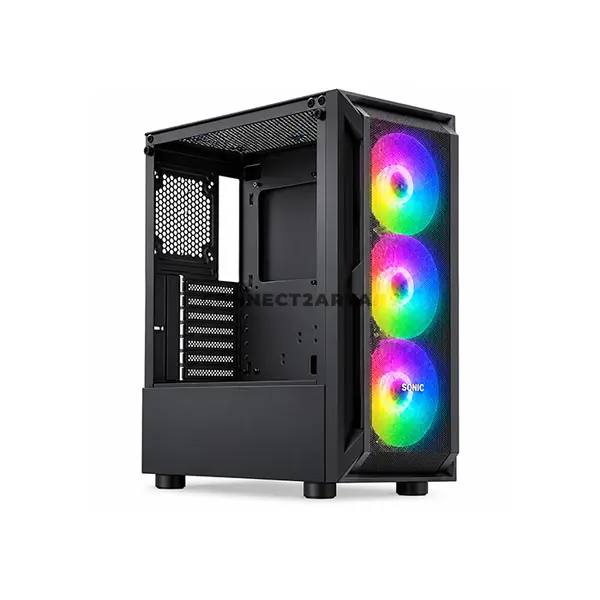
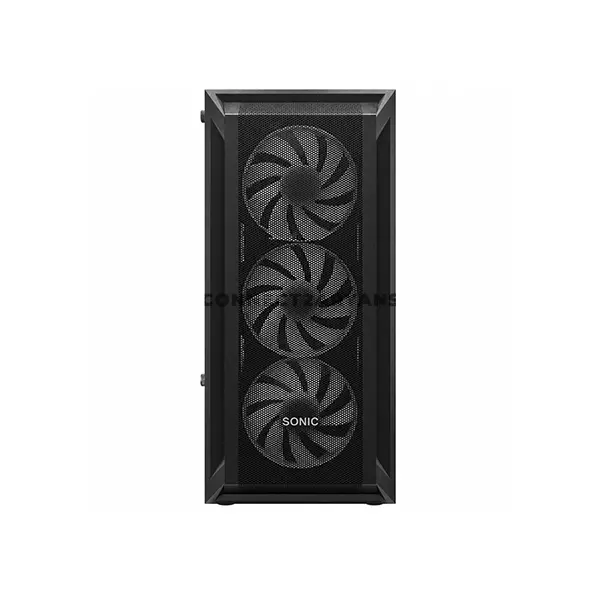
Gaming Case Price in Pakistan
Compare gaming case prices in Pakistan across models designed for gaming PCs, performance systems, and showcase builds. Gaming cases vary in motherboard support, dimensions, airflow design, GPU clearance, CPU cooler clearance, fan and radiator compatibility, RGB or ARGB features, storage support, front-panel connectivity, and materials. Compare the complete case specifications with your components before purchasing.
Gaming Cases for Custom PC Builds
A gaming case provides mounting and installation space for the motherboard, graphics card, power supply, storage devices, cooling hardware, and other components. Gaming-oriented designs may also include additional ventilation, glass panels, lighting features, or different internal layouts depending on the model. Compatibility should always be checked against your exact component dimensions.
Gaming Case Sizes & Motherboard Support
Gaming cases can support ATX, Micro-ATX, Mini-ITX, or other motherboard form factors depending on the individual model. Physical case size does not by itself guarantee motherboard compatibility. Check the manufacturer's supported motherboard form factors as well as the space required by your other components.
Gaming Case Airflow
Airflow depends on case ventilation, fan placement, component layout, internal restrictions, and the cooling configuration. Mesh panels can provide less-restricted pathways for air than some solid-panel designs, but overall cooling performance depends on the complete case and component configuration rather than the front-panel material alone.
Gaming Case Fan Support
Gaming cases provide different fan mounting locations, supported fan sizes, and maximum fan counts. Some models include fans while others do not. Check which fans are included, available mounting positions, supported sizes, and clearances before planning additional case cooling.
RGB & ARGB Gaming Cases
Some gaming cases include RGB or addressable RGB lighting, illuminated fans, controllers, or other lighting features. RGB and ARGB are not interchangeable in every setup, and synchronization can depend on the included controller, motherboard headers, connectors, voltage requirements, and supported software. Check the exact lighting specifications before connecting components.
Tempered Glass Gaming Cases
Tempered-glass panels allow internal components and lighting to remain visible and are commonly used in showcase-style gaming PCs. Panel layout and ventilation vary between case designs, so the presence of tempered glass alone does not indicate whether a case provides good or poor airflow. Consider the complete ventilation and cooling design.
GPU Clearance in Gaming Cases
Graphics cards can vary considerably in length, height, thickness, and slot requirements. Compare the dimensions of your graphics card against the case's specified GPU clearance. Front-mounted fans, radiators, drive brackets, or other hardware can reduce the usable space in some configurations.
CPU Cooler Clearance
If you are installing an air CPU cooler, check its height and other dimensions against the gaming case specifications. Large tower coolers can require additional side-panel clearance, while surrounding RAM and motherboard components can also affect compatibility.
AIO Liquid Cooler & Radiator Support
Gaming cases can support different radiator sizes and mounting positions depending on their design. If you intend to install an AIO liquid CPU cooler, check radiator and fan dimensions, supported mounting locations, and clearance around the motherboard, RAM, graphics card, and other hardware.
Gaming Case & Power Supply Compatibility
Check which power supply form factors and dimensions are supported by the case. PSU length, cable space, drive cages, and other internal components can affect installation. Compact gaming cases in particular may require more careful PSU and cable planning.
Gaming Case Storage Support
Gaming cases can provide mounting positions for 2.5-inch SSDs, 3.5-inch hard drives, and other storage configurations depending on the model. Check the number and location of available drive mounts if your build includes SATA storage devices.
Gaming Case Front I/O & Connectivity
Front or top I/O can include USB-A, USB-C, audio connections, buttons, and other interfaces depending on the case. To use these connections, the motherboard must provide compatible internal headers and capabilities. Check both the case and motherboard specifications when particular front-panel connections are required.
Gaming Case Cable Management
Cable-routing openings, tie-down points, PSU shrouds, channels, and space behind the motherboard tray can help organize a gaming build. Available features and clearance differ between cases. Consider cable-management space together with your power supply, storage devices, fans, controllers, and other internal hardware.
Choose the Right Gaming Case
Start with your motherboard and then check your graphics card, CPU cooler, power supply, storage devices, fans, and liquid-cooling hardware. Compare these requirements with case dimensions, component clearances, airflow design, fan and radiator support, lighting features, front I/O, and cable-management options before choosing a case.
Buy Gaming Cases Online in Pakistan
Browse available gaming cases at Connect2Aryans and compare current prices, motherboard compatibility, dimensions, airflow designs, GPU and CPU cooler clearances, fan and radiator support, RGB or ARGB features, materials, storage support, connectivity, and available models. Check the individual case specifications against your complete component list before purchasing.
Frequently Asked Questions About Gaming Cases
Does a mesh front panel improve gaming case airflow?
A mesh panel can provide a less-restricted path for airflow than some solid-panel designs, but actual cooling performance also depends on ventilation area, fan configuration, internal layout, components, and other aspects of the case design.
Should I choose an airflow or showcase gaming case?
Choose according to your components and priorities. A performance-focused build may place greater importance on ventilation and cooling support, while a showcase build may prioritize component visibility and lighting. Many cases combine elements of both designs, so compare individual specifications rather than relying only on the style category.
Will RGB or ARGB case fans work with my motherboard?
Compatibility depends on the fan or controller connection and the headers provided by your motherboard. Check connector type, voltage, RGB or ARGB standard, controller requirements, and motherboard specifications before connecting lighting hardware.
How do I know if my graphics card will fit a gaming case?
Compare the graphics card's exact dimensions and slot requirements with the case's GPU clearance specifications. Also account for radiators, fans, drive brackets, or other components that may reduce available clearance.
Not sure which gaming case fits your build? Read our guide on choosing the right gaming case for more detailed buying advice.

