
Printers & Scanners
Shop printers and scanners in Pakistan for home, office, study, and professional use. Compare inkjet, laser, and multifunction printers, scanning features, print speeds, connectivity, paper handling, and available models to find the right device for your requirements.
37 Products
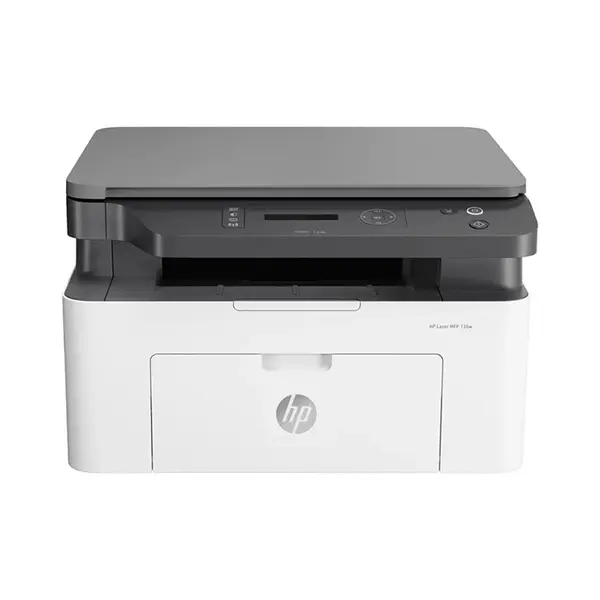
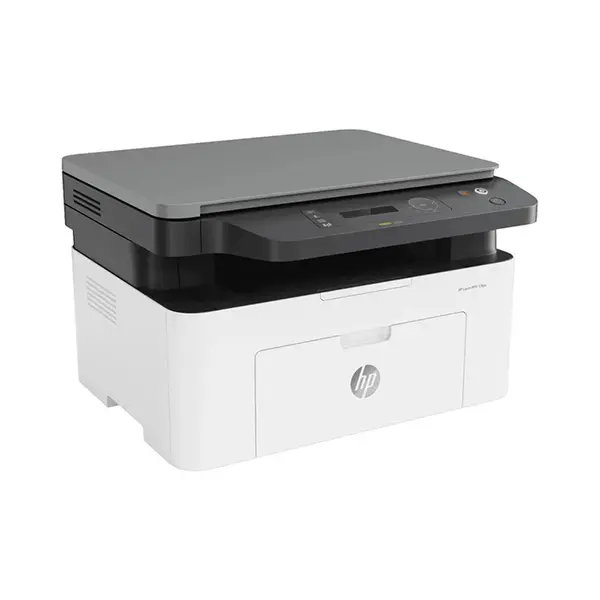
Quick view
Rs. 53,500
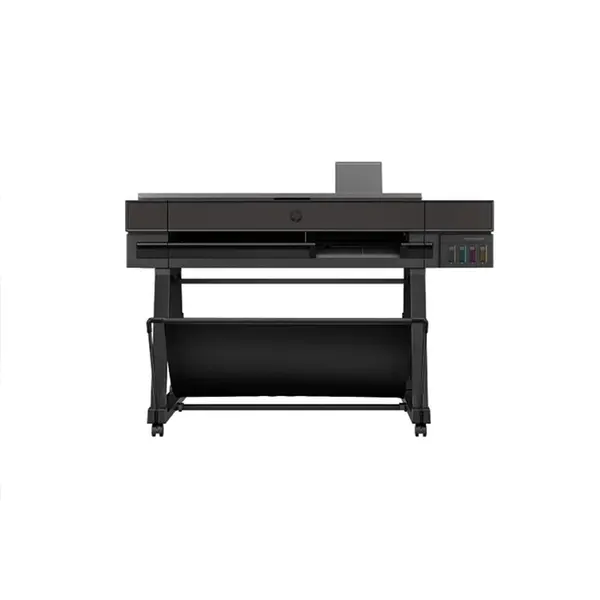
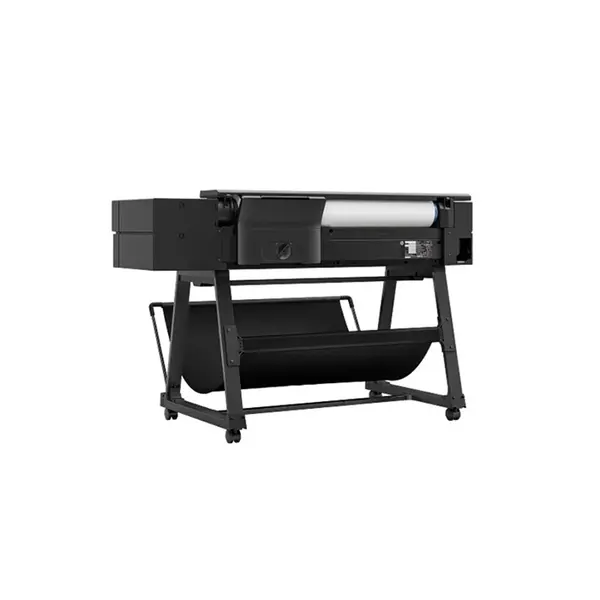
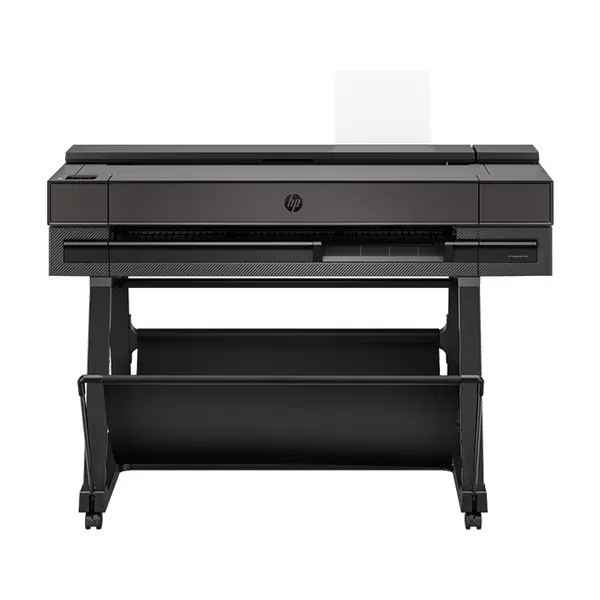
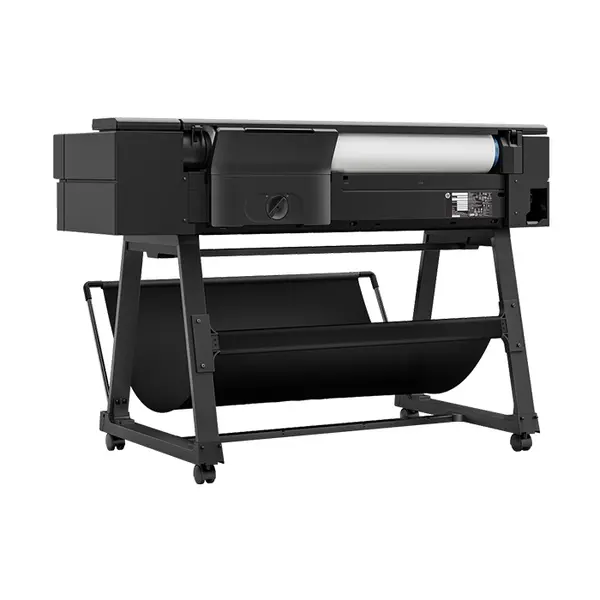
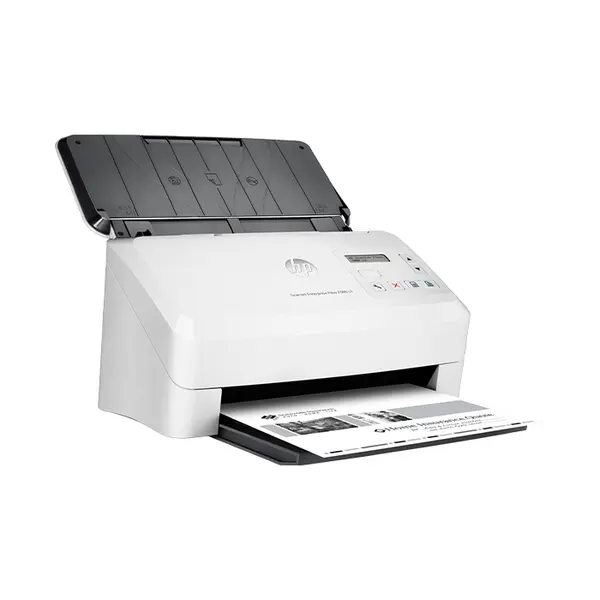
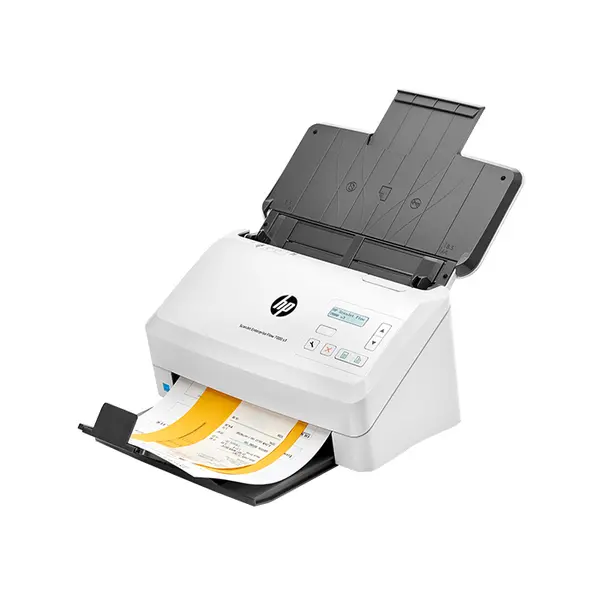
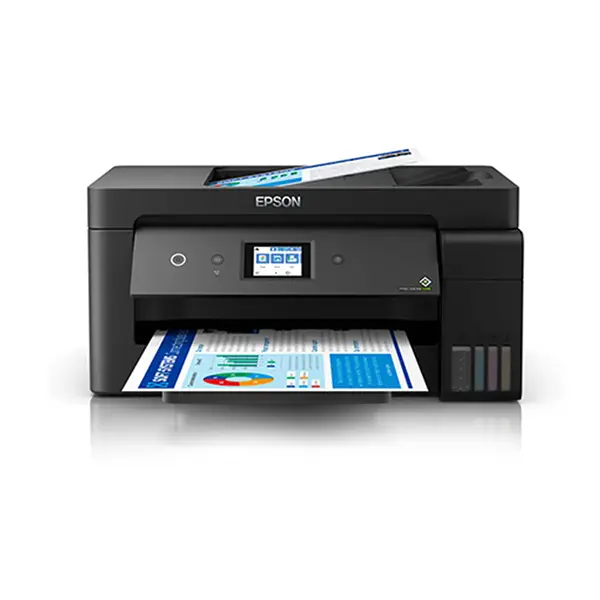
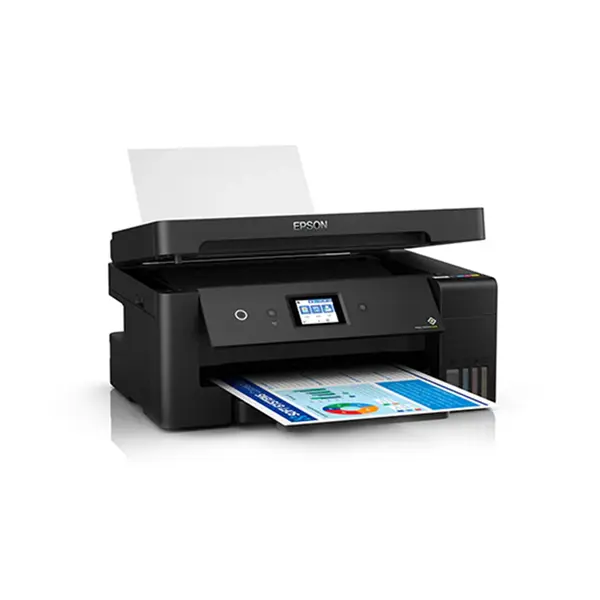
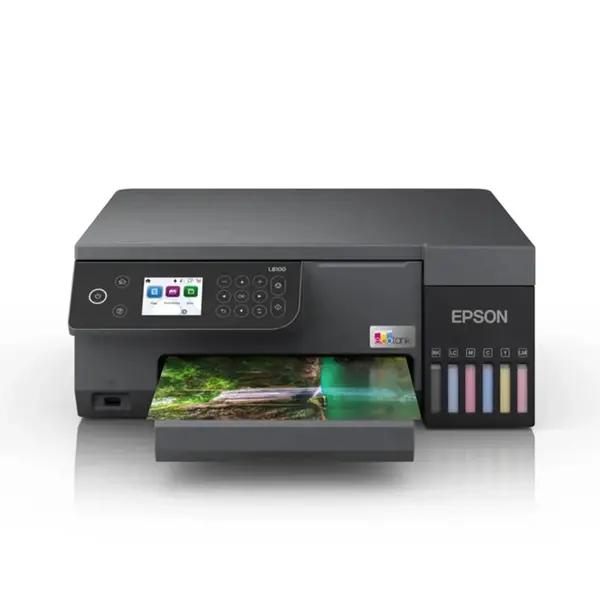
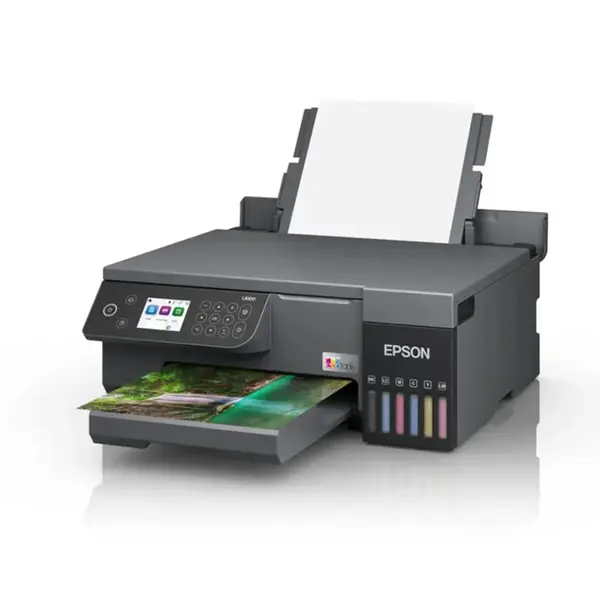
Printers & Scanners Price in Pakistan
Compare printers and scanners prices in Pakistan across devices designed for home, office, study, business, and professional use. Available models can differ in printing technology, color support, print speed, scanning functionality, paper handling, connectivity, duplex capabilities, supported media, and consumable requirements. Compare both the device specifications and ongoing ink or toner requirements before purchasing.
Inkjet Printers
Inkjet printers produce output using liquid ink and are available in different configurations for document, color, and image printing. Print speed, resolution, ink system, supported paper sizes, connectivity, duplex functionality, and other features vary between models. When comparing inkjet printers, also consider the type, availability, and expected usage of compatible ink supplies.
Laser Printers
Laser printers use toner-based printing technology and are available in monochrome and color configurations depending on the model. Specifications can vary in print speed, resolution, paper capacity, duplex support, connectivity, duty-cycle information, and toner requirements. The appropriate printer depends on the type and volume of documents you expect to print rather than printing technology alone.
Multifunction Printers
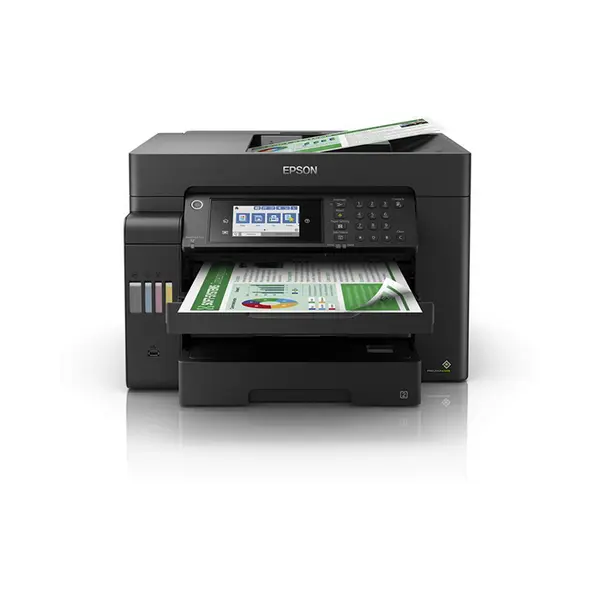
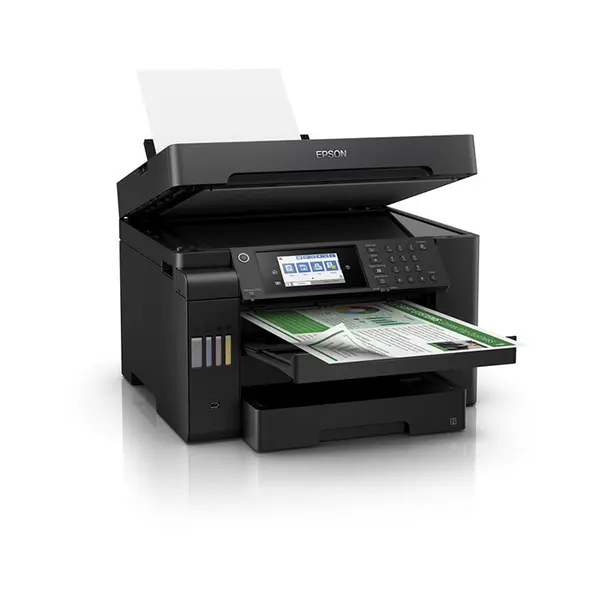
Multifunction printers combine several document functions in one device. Depending on the model, these can include printing, scanning, copying, and sometimes additional functionality. Features vary significantly between products, so check exactly which functions are included rather than assuming every multifunction printer provides the same capabilities.
Dedicated Scanners
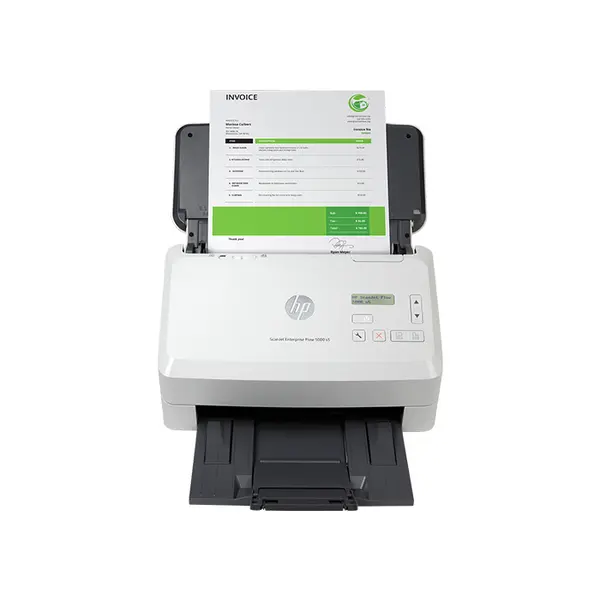
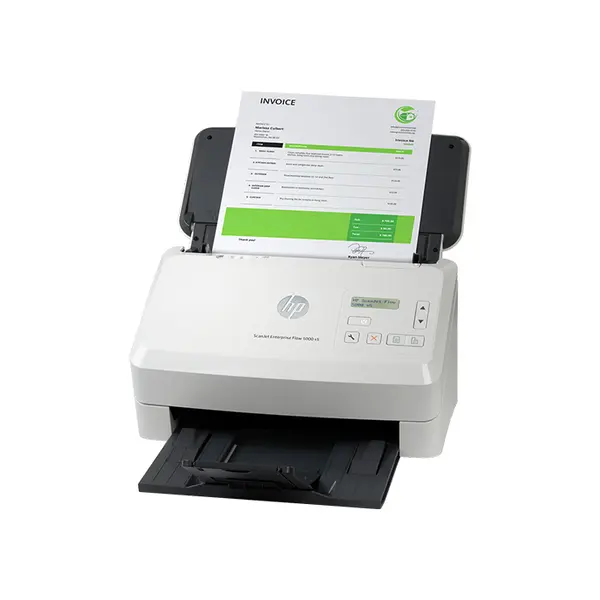
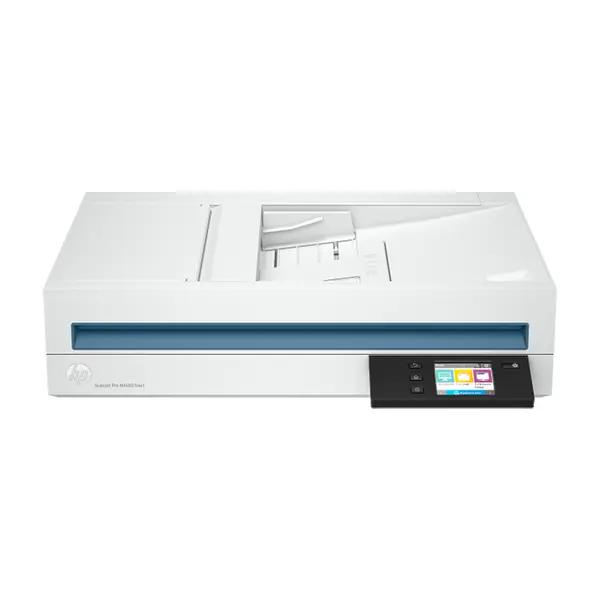
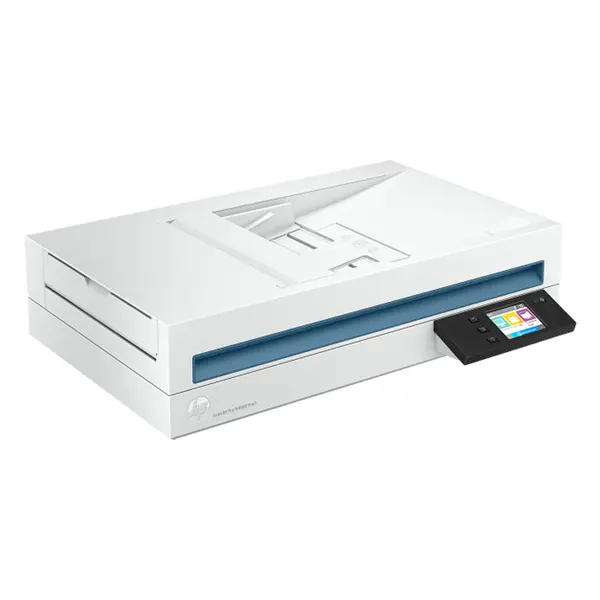
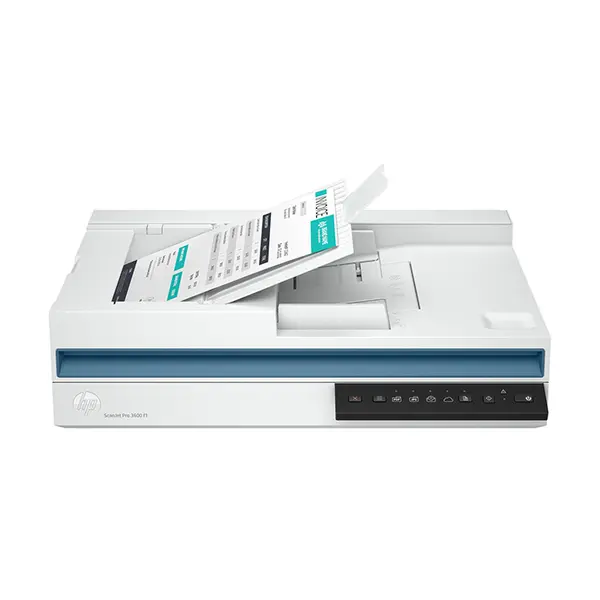
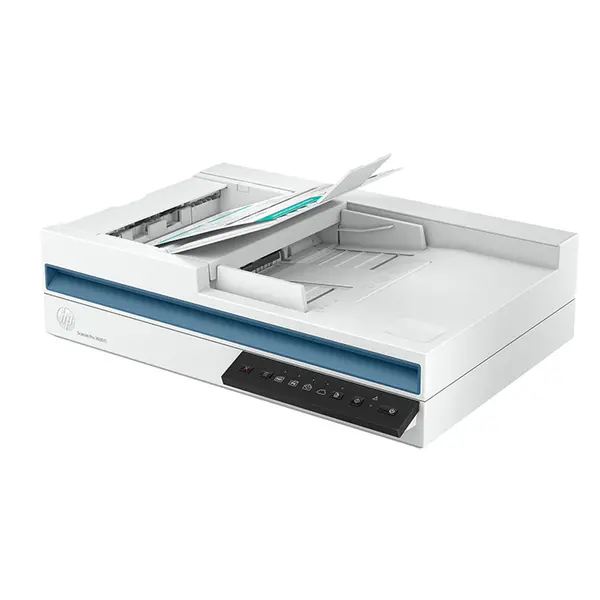
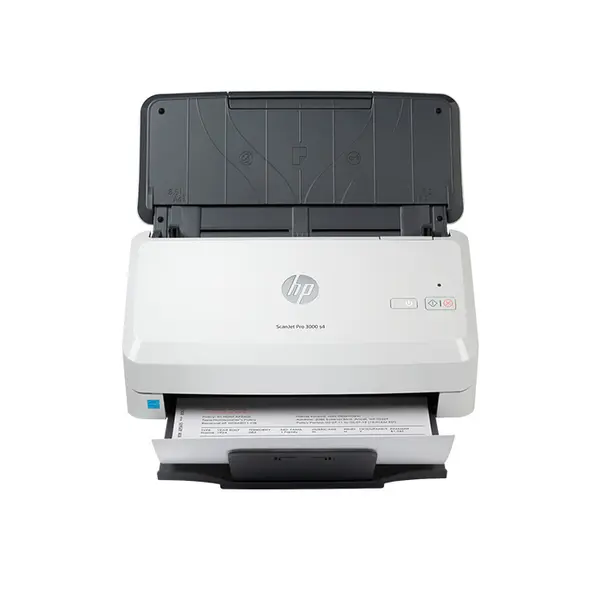
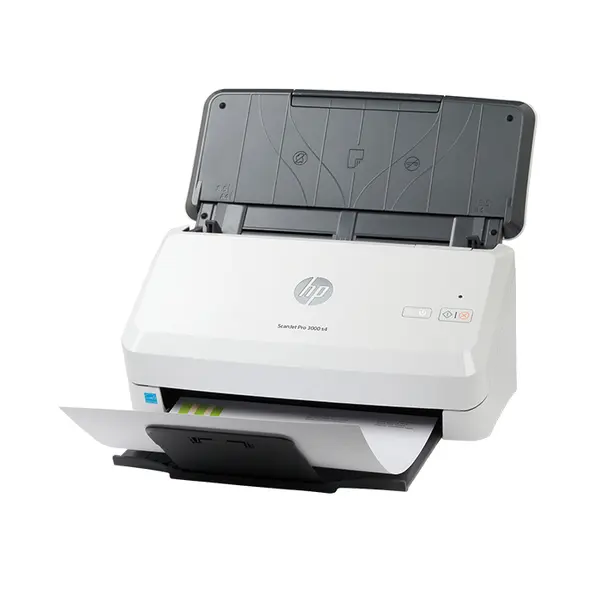
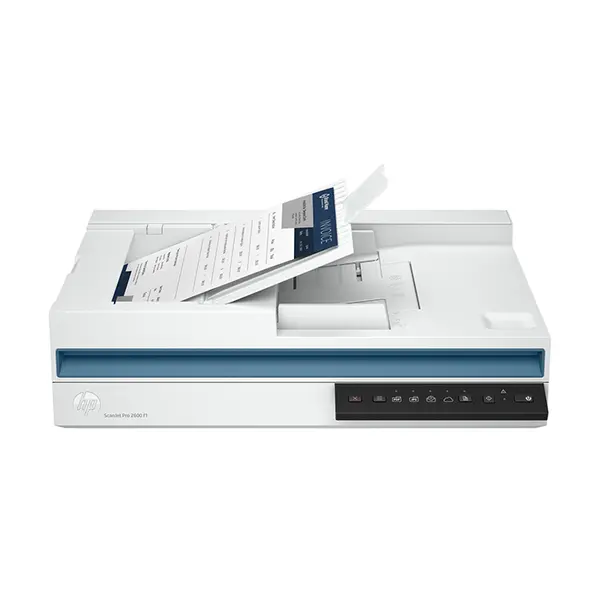
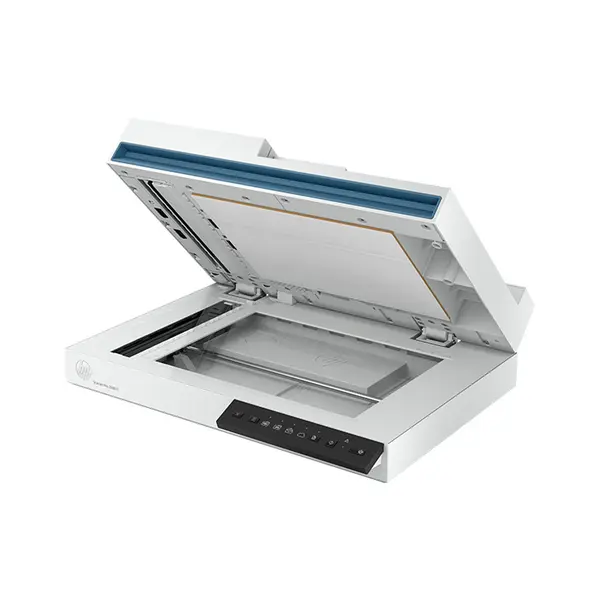
Dedicated scanners are designed primarily for converting compatible physical documents, photographs, or other supported media into digital files. Scanner models can differ in optical resolution, supported document sizes, scanning speed, automatic document feeding, duplex scanning, connectivity, and software compatibility. Choose according to the type and quantity of material you need to scan.
Monochrome vs Color Printers
Monochrome printers are intended primarily for black-and-white output, while color-capable printers can produce supported color documents and graphics. Your choice should depend on the type of material you actually need to print, expected print volume, consumable requirements, and the specifications of the individual printer.
Printer Speed & Print Volume
Printer speed can be specified in pages per minute or using other manufacturer-defined measurements. Actual performance can vary with document complexity, print settings, connection method, paper type, and other conditions. For regular printing workloads, compare manufacturer specifications together with recommended usage information where provided.
Automatic Duplex Printing
Automatic duplex functionality allows a compatible printer to print on both sides of supported paper without requiring the user to manually turn each sheet. Duplex capabilities, supported paper sizes, and operating conditions vary by printer. Check whether automatic duplex printing is specifically listed if it is important to your workflow.
Printer & Scanner Connectivity
Printers and scanners may support USB, Ethernet, Wi-Fi, or other connection methods depending on the model. Wireless capability does not necessarily mean every device or operating system is supported. Check network requirements, operating-system compatibility, drivers, supported protocols, and connection options for the exact model.
Wi-Fi Printers
A Wi-Fi printer can connect to a compatible wireless network when supported by the model and network configuration. This can allow compatible computers, laptops, or other supported devices to access printing functionality without a direct USB connection. Available wireless features and setup requirements differ between printers.
Printer Paper Handling
Paper trays, supported paper sizes, media types, capacities, automatic document feeders, and output handling vary between models. If you regularly work with particular paper sizes, envelopes, labels, photographs, or larger document volumes, confirm that the printer supports the required media and handling configuration.
Automatic Document Feeders
An automatic document feeder, commonly called an ADF, can feed multiple compatible pages into a scanner or multifunction device without placing every page individually on the scanning surface. Capacity, supported paper sizes, duplex capabilities, and scanning functionality vary by model.
Ink, Toner & Other Consumables
Printers require compatible consumables such as ink or toner depending on their printing technology. Cartridge capacity, page-yield specifications, replacement requirements, and other consumables differ between models. Consider the availability and specifications of compatible consumables alongside the initial printer price.
Printers & Scanners for Laptops and PCs
Compatible printers and scanners can be connected to laptops and desktop PCs through supported wired or network connections. Before purchasing, check operating-system compatibility, driver availability, connection requirements, and any software needed for printing or scanning functionality.
Choose the Right Printer or Scanner
Start by identifying whether you need printing, scanning, copying, or a combination of functions. Then compare printing technology, monochrome or color output, print speed, scanner specifications, duplex functionality, paper handling, connectivity, compatible consumables, dimensions, and operating-system support. The right device depends on your workload and required features rather than one specification alone.
Buy Printers & Scanners Online in Pakistan
Browse available printers and scanners at Connect2Aryans and compare current prices, printing technologies, functions, print speeds, scanning capabilities, connectivity, paper handling, consumable requirements, and available models. Check the individual product specifications against your printing and scanning requirements before purchasing.
Frequently Asked Questions About Printers & Scanners
Should I buy an inkjet or laser printer?
It depends on your printing requirements. Inkjet and laser printers use different printing technologies and have different specifications, consumables, capabilities, and operating costs. Compare the individual models based on the type and volume of material you intend to print.
What is the difference between a printer and a multifunction printer?
A printer's primary function is printing, while a multifunction printer combines printing with additional functions such as scanning or copying depending on the model. Always check the listed functions of the individual device.
Do all Wi-Fi printers support printing from phones?
No. Wi-Fi connectivity alone does not guarantee compatibility with every phone, operating system, application, or mobile-printing standard. Check the manufacturer's supported mobile-printing features for the exact printer.
What should I check when buying a scanner?
Check scanner type, optical resolution, supported document sizes, scanning speed, automatic document feeder availability, duplex functionality, connectivity, operating-system compatibility, and software requirements according to your scanning workload.

