
Filters
Price Range
From
To
Brand
Availability
Keyboard Layouts
Connectivity
Peripherals » Keyboards
Shop keyboards in Pakistan for gaming, office work, typing, and everyday PC use. Compare mechanical and membrane keyboards, wired and wireless connectivity, switch types, layouts, RGB lighting, compatibility, features, and prices to find the right keyboard for your setup.
453 Products
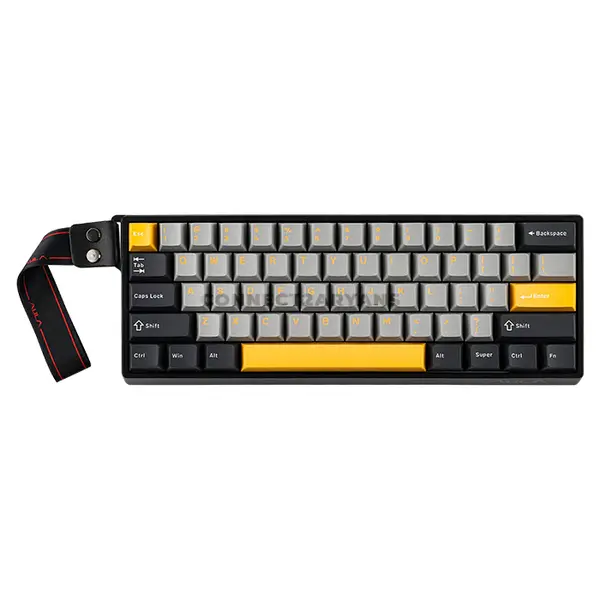
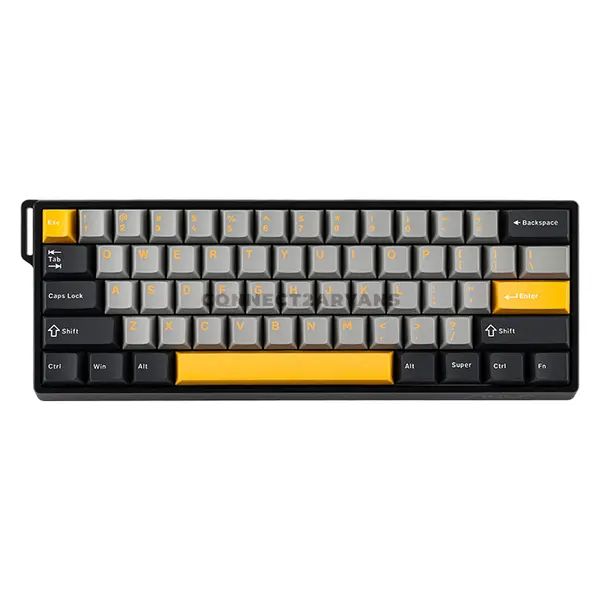
Quick view
Rs. 12,000
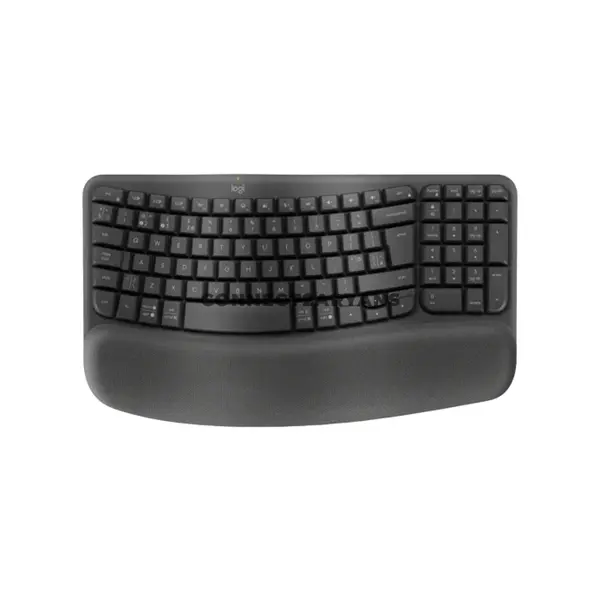
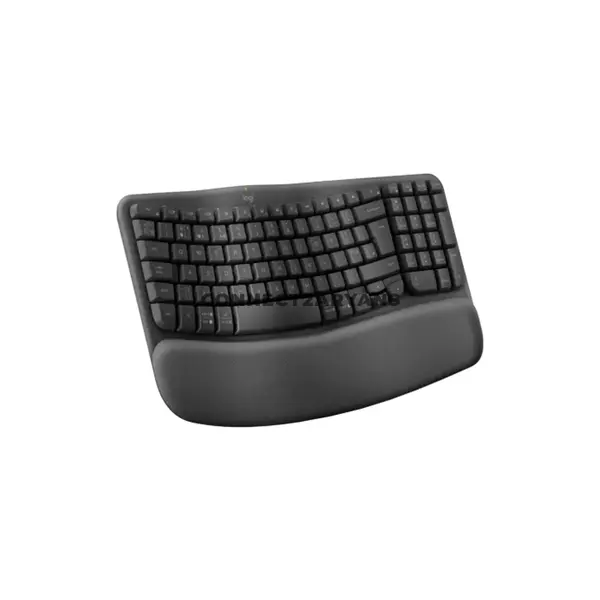
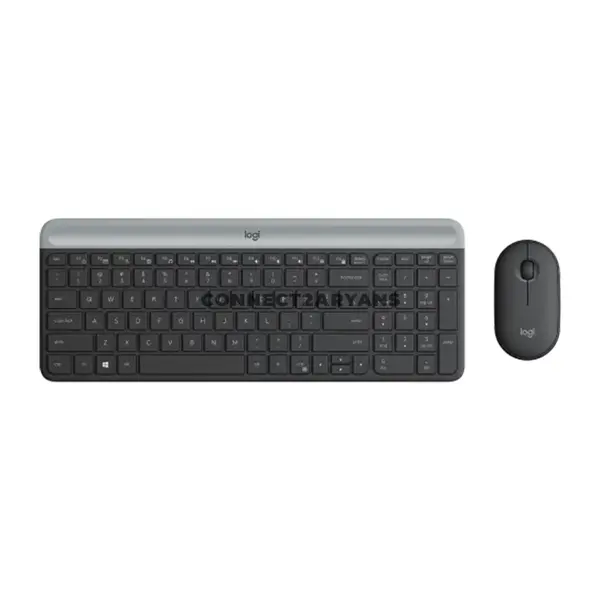
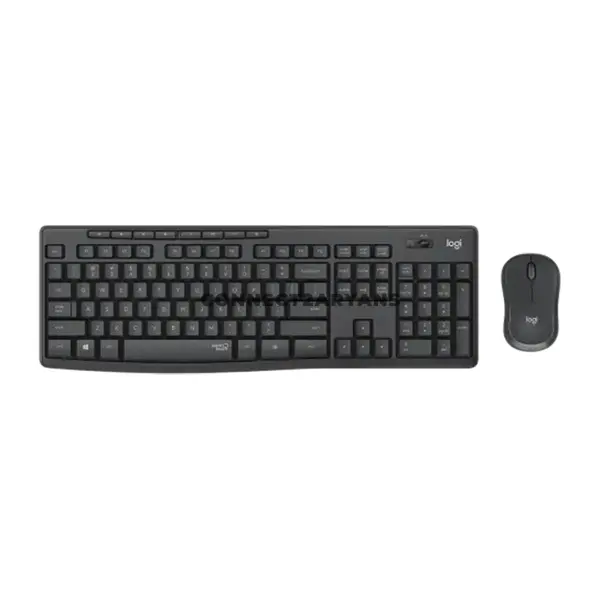
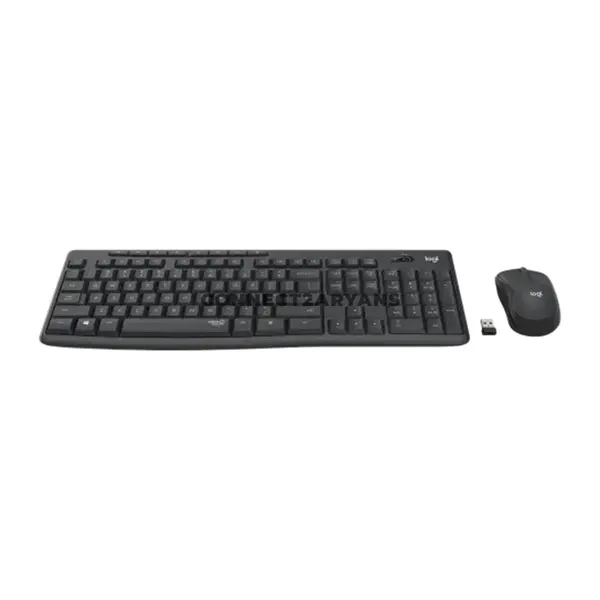
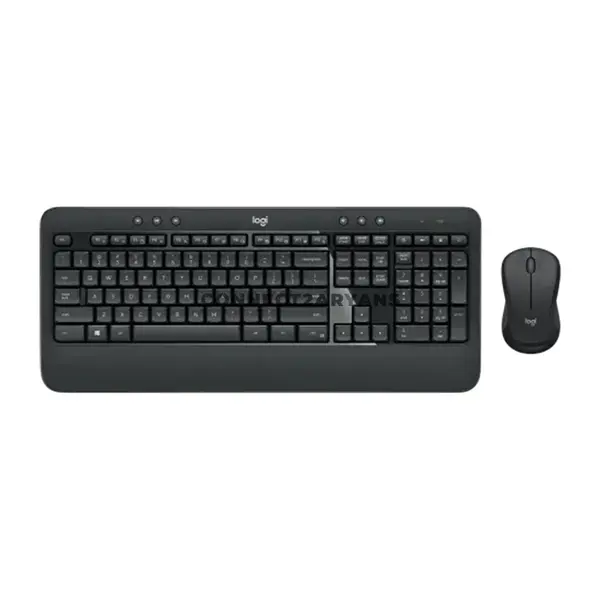
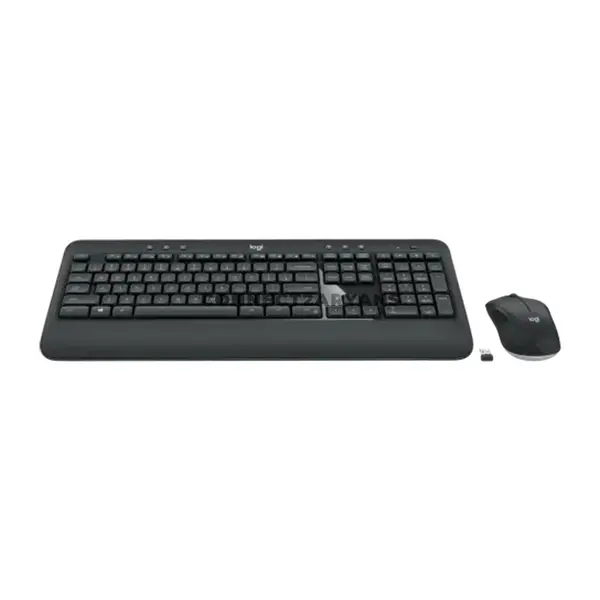
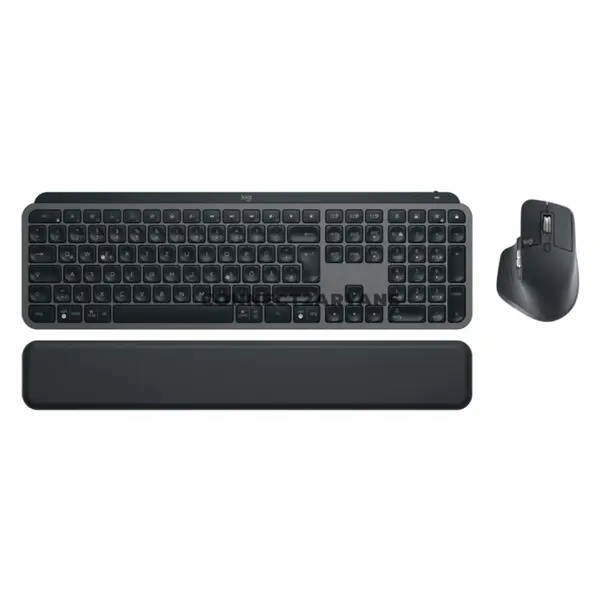
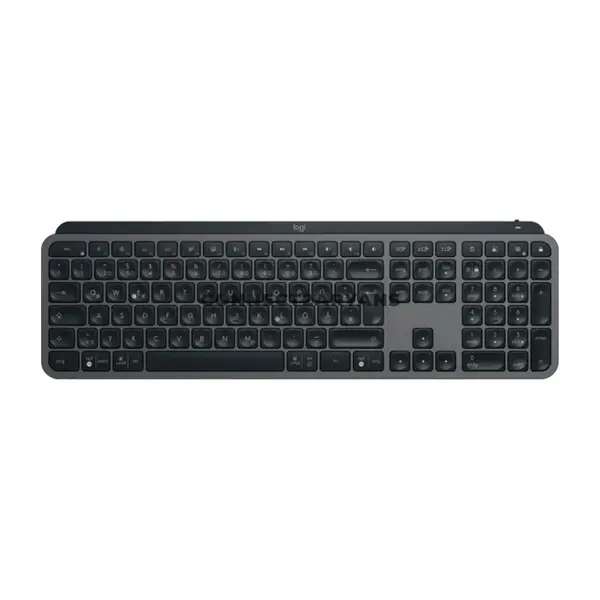
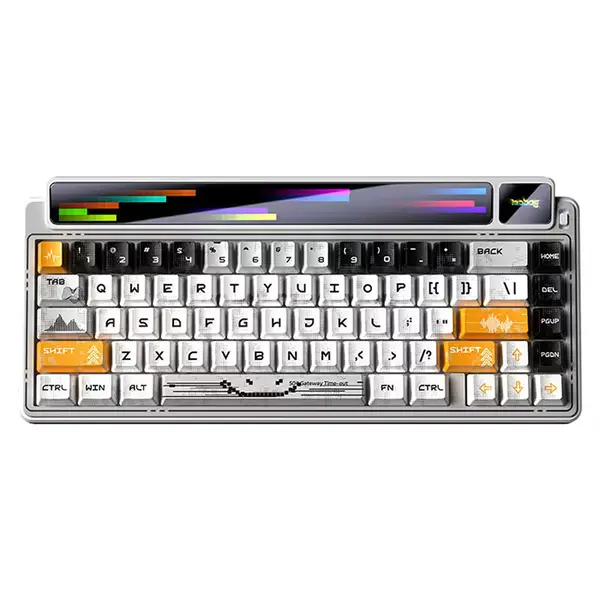
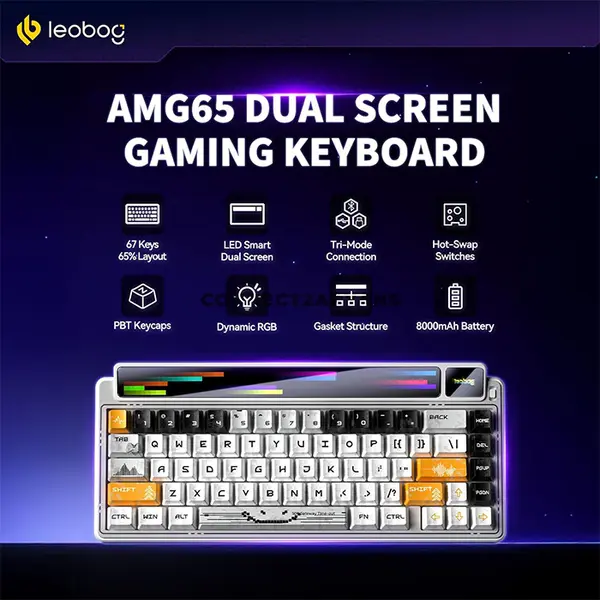
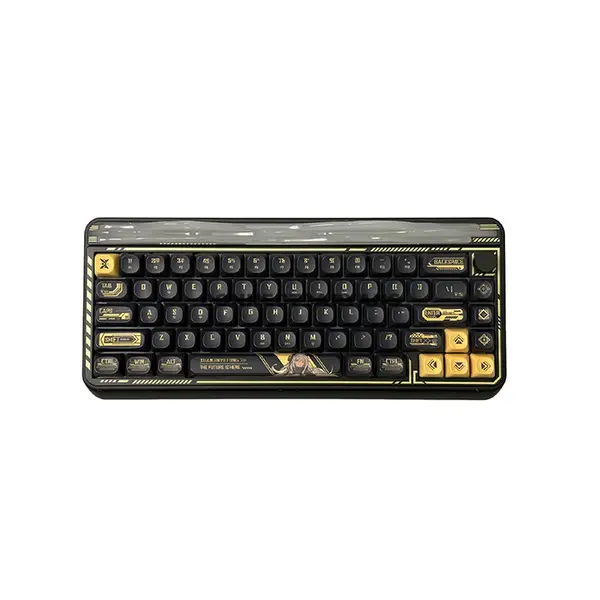
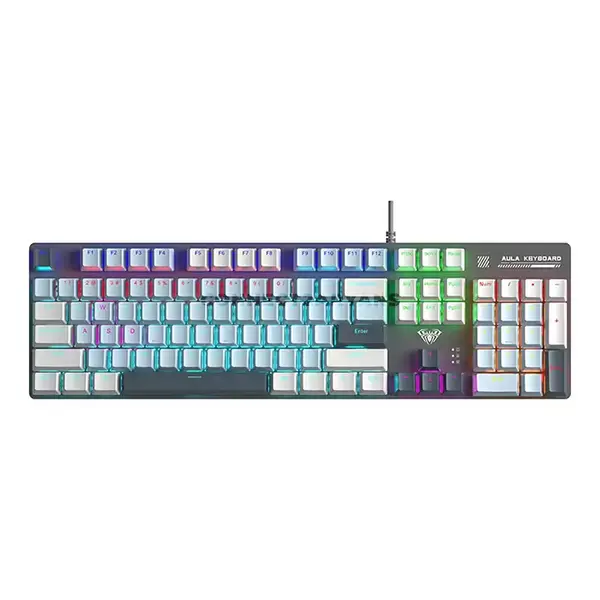
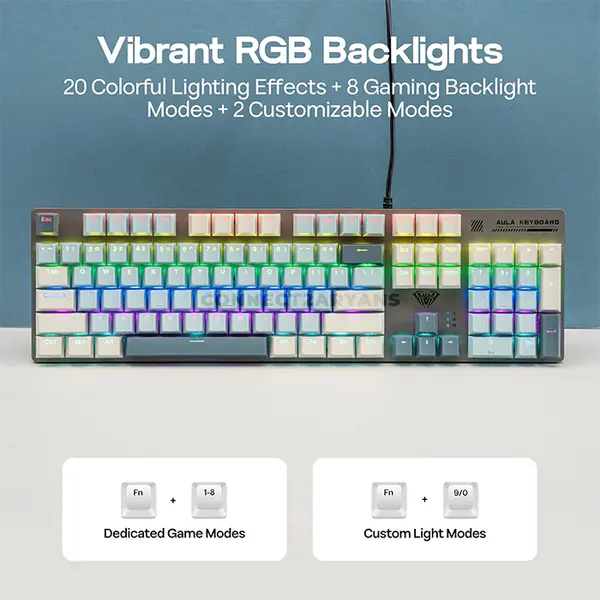
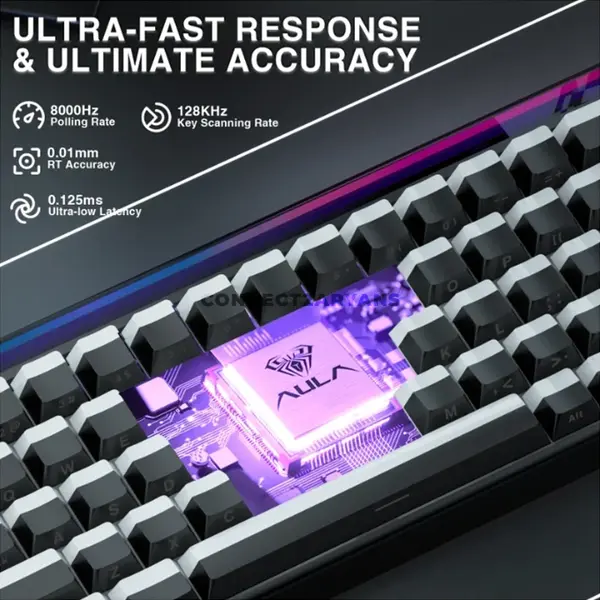
Keyboard Price in Pakistan
Compare keyboard prices in Pakistan across models designed for gaming, office work, typing, content creation, and everyday computing. Keyboards vary by switch technology, layout, size, connectivity, key features, lighting, software support, construction, and compatibility. Compare individual specifications and features according to how you intend to use the keyboard.
Keyboards for Gaming, Work & Everyday Use
Different keyboard designs suit different requirements. Gaming keyboards can provide features such as mechanical switches, configurable lighting, programmable functions, high key rollover, or other gaming-oriented capabilities depending on the model. Office and everyday keyboards may prioritize straightforward layouts, wireless connectivity, quieter operation, compact dimensions, or other productivity features. Choose according to your individual typing and gaming preferences rather than assuming one keyboard type is suitable for every user.
Gaming Keyboards
Gaming keyboards are available with different switch technologies, layouts, connectivity options, lighting systems, and additional controls. Features such as key rollover, anti-ghosting, programmable keys, adjustable actuation, polling characteristics, and software customization vary considerably between models. Check the exact specifications when a particular gaming feature is important to you.
Mechanical Keyboards
Mechanical keyboards use individual mechanical switch mechanisms beneath their keys. Switch design, operating force, travel, actuation characteristics, sound, and feedback can vary substantially between keyboards. Mechanical does not describe one particular typing experience, so compare the actual switches and keyboard design before choosing.
Membrane Keyboards
Membrane keyboards use a different key-switch construction from mechanical models and are widely available for office, home, and general computing. Typing feel, noise, key travel, durability, and other characteristics vary between individual products. Choose according to the keyboard itself rather than assuming all membrane keyboards behave the same way.
Mechanical Keyboard Switches
Mechanical switches are available with different operating characteristics. Terms such as linear, tactile, and clicky describe broad categories of switch behaviour, but switches within the same category can still have different actuation forces, travel distances, sound profiles, and designs. Switch colour names are also not guaranteed to represent identical specifications across every manufacturer.
Linear, Tactile & Clicky Switches
Linear switches generally move through their travel without a deliberately designed tactile bump, while tactile switches provide noticeable feedback during the keypress. Clicky switches add an audible click mechanism on compatible designs. None is universally better for gaming or typing; preference depends on the user, switch implementation, environment, and intended workload.
Full-Size Keyboards
Full-size keyboards generally include the main typing area, function row, navigation controls, arrow keys, and numeric keypad. They can be useful for users who regularly work with numerical input or prefer having a broad selection of dedicated keys. Exact layouts can still vary between individual models.
TKL Keyboards
Tenkeyless or TKL keyboards typically remove the numeric keypad while retaining many of the other keys found on a traditional full-size layout. The reduced width can provide additional desk space and may allow the mouse to be positioned closer to the keyboard.
Compact Keyboards
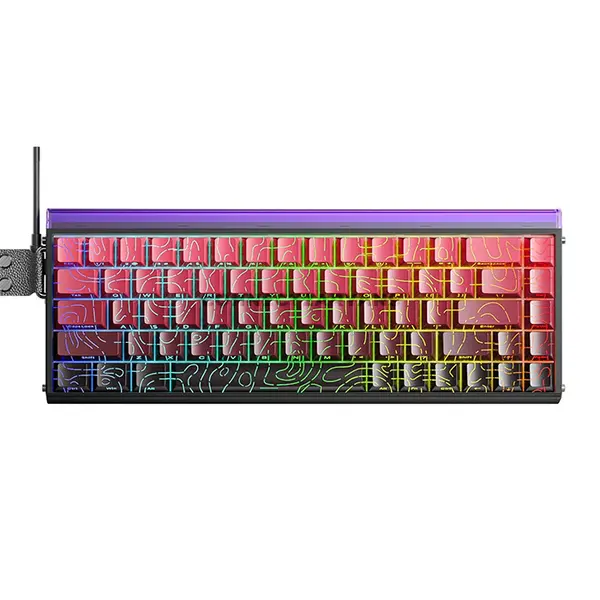
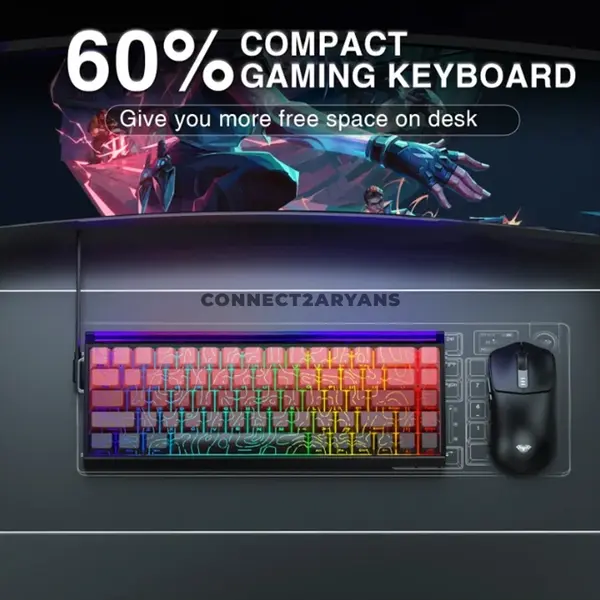
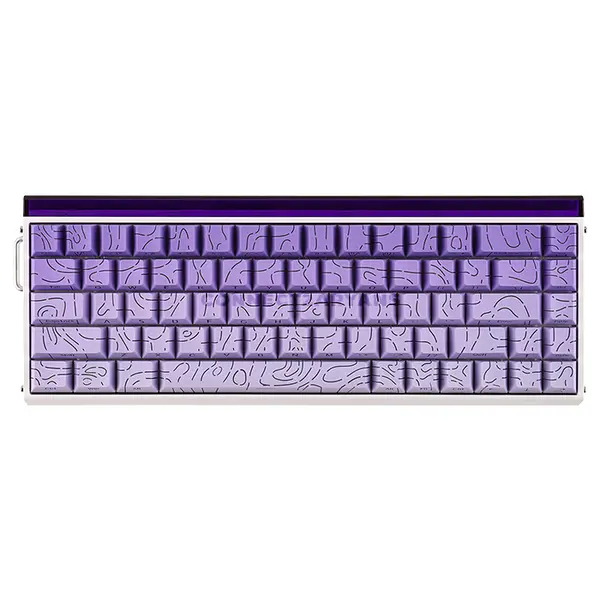
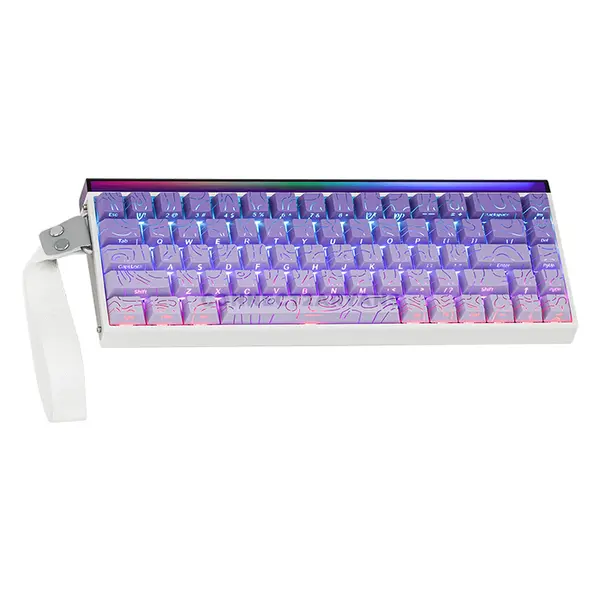
Compact keyboards reduce the physical footprint further by combining, relocating, or removing certain dedicated keys depending on the layout. Common percentage-based descriptions can include 75%, 65%, 60%, and other configurations, but exact key arrangements can vary between manufacturers and models. Check the actual layout before purchasing.
Wired Keyboards
Wired keyboards connect through a supported physical interface, commonly USB on modern PC keyboards. They do not require a wireless connection for keyboard input, but connector type, cable design, software support, and other features vary by model. Check that your computer has the required interface.
Wireless Keyboards
Wireless keyboards can connect using Bluetooth, a dedicated wireless receiver, or other manufacturer-specific wireless technology depending on the model. Battery type, battery life, supported devices, connection methods, switching features, latency characteristics, and operating range can differ, so check the individual specifications.
RGB & Backlit Keyboards
Keyboard lighting can range from single-colour illumination to multi-zone or individually configurable RGB systems. Lighting effects, brightness adjustment, onboard controls, synchronization, and software support depend on the keyboard. RGB lighting should therefore be compared as a specific product feature rather than assumed from the keyboard's appearance.
Keyboard Key Rollover & Anti-Ghosting
Key rollover describes how multiple simultaneous key inputs are registered, while anti-ghosting generally refers to measures intended to prevent unintended or missed key combinations. Implementation can vary between keyboards and may apply differently across particular groups of keys. Check manufacturer specifications when simultaneous key input is important for your use.
Keyboard Connectivity & Compatibility
Before purchasing, check whether the keyboard uses USB-A, USB-C, Bluetooth, a wireless receiver, or another connection method. Also confirm operating-system support and any software requirements for advanced functions. A keyboard may provide basic input functionality on a system without necessarily supporting every additional feature or configuration option.
Keyboards for Laptops & Desktop PCs
An external keyboard can be used with a compatible laptop or desktop PC when the required connection and operating-system support are available. Laptop users may choose an external keyboard for a larger layout, different switch feel, dedicated numeric keypad, gaming setup, or desk-based workstation.
Choosing the Right Keyboard
Start with how you intend to use the keyboard and then compare layout, dimensions, switch technology, switch characteristics, wired or wireless connectivity, lighting, key rollover, additional controls, software support, and operating-system compatibility. For mechanical keyboards, consider the actual switch specifications rather than choosing solely by switch colour.
Buy Keyboards Online in Pakistan
Browse available keyboards at Connect2Aryans and compare current prices, mechanical and membrane designs, layouts, switch options, wired and wireless connectivity, lighting, gaming features, compatibility, and available models. Check the individual product specifications before choosing a keyboard for your gaming, work, or everyday setup.
Frequently Asked Questions About Keyboards
Should I choose a mechanical or membrane keyboard?
It depends on your preferences, budget, environment, and intended use. Mechanical and membrane keyboards can provide different typing characteristics, features, sound levels, and designs. Compare individual keyboards rather than treating either technology as universally better.
Which mechanical switch is best for gaming?
There is no single switch type that is best for every gamer. Linear, tactile, and clicky switches provide different feedback characteristics, while operating force, travel, actuation and other specifications can also vary. Choose according to your preferences and the specifications of the actual switch.
What is the difference between full-size, TKL and compact keyboards?
Full-size keyboards generally include a numeric keypad, while TKL keyboards usually remove it to reduce width. Compact layouts reduce the footprint further by changing or removing additional dedicated keys. Exact layouts vary, so check the keyboard's key arrangement before purchasing.
Should I buy a wired or wireless keyboard?
Either can be suitable depending on your setup. Consider connection type, battery requirements, supported devices, operating range, latency requirements, desk arrangement, and whether you need to move or switch the keyboard between devices.
Not sure which keyboard fits your setup? Read our guide on choosing the right keyboard for more detailed buying advice.

