
Choosing the Right Keyboard
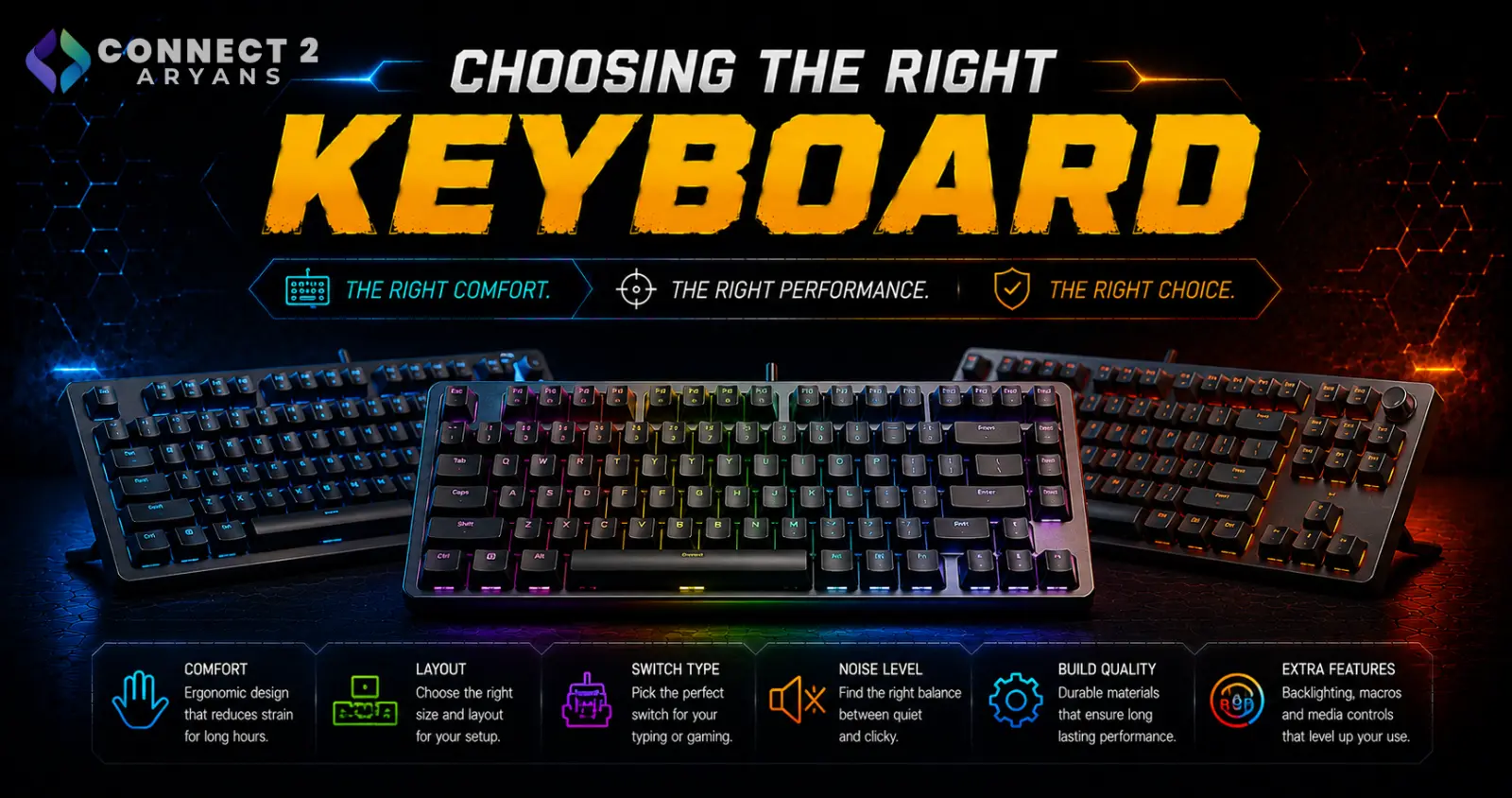
A keyboard is one of the two things you physically touch every single time you use your PC, yet it's often the last thing people upgrade. Layout size, switch type, and connectivity all genuinely affect how a keyboard feels day to day — here's how to choose the right combination for you.
Step 1: Choose Your Layout Size
Keyboard layouts trade off number of keys against desk space and mouse room:
- Full-Size Keyboards (100%) — includes a full number pad, best for data entry, spreadsheets, and anyone who wants every key available
- Tenkeyless – TKL (87%) — drops the number pad, freeing up desk space and more room for mouse movement while keeping arrow keys and function row
- 75% Keyboards — a compact layout that keeps function keys and arrows in a tighter footprint than TKL
- 68% Keyboards / 65% Keyboards — drop most of the function row while keeping arrow keys, a popular middle ground for gaming setups
- 60% Keyboards — the most compact common layout, removing function keys and arrows entirely (accessed via key combinations instead), maximizing desk and mouse space
- Low-Profile Keyboards — slim, low-travel keys, popular for a sleeker desk setup and sometimes preferred for typing comfort
- 98-Key Compact Layout — fits a number pad into a more compact overall footprint than a traditional full-size board
Best for: Number-heavy office work leans toward full-size or 98-key compact. Competitive gaming leans toward TKL, 75%, or smaller for extra mouse room.
Step 2: Gaming or Professional?
- Gaming Keyboards prioritize fast response times, anti-ghosting, RGB lighting, and macro keys tuned for game-specific shortcuts
- Professional Keyboards prioritize all-day typing comfort, quieter operation for shared spaces, and durability for extended daily use
If you spend most of your day typing for work and game occasionally, a professional keyboard with a comfortable typing feel is usually the better daily-use choice over a gaming-first board.
Step 3: Understand Switch Types (Mechanical Keyboards)
If you're considering a mechanical keyboard, switch type affects both feel and sound:
- Linear switches — smooth keypress with no tactile bump, quieter, popular for fast gaming inputs
- Tactile switches — a noticeable bump partway through the keypress, popular for typing feedback without full clicky noise
- Clicky switches — tactile bump plus an audible click, satisfying for many typists but louder — worth considering your environment (shared office vs home setup)
If you're not sure which you'll prefer, tactile switches are a reasonable middle ground between linear's speed and clicky's feedback.
Step 4: Connectivity
- Wired — the most reliable, zero-latency option, no battery to manage; still the standard choice for competitive gaming
- Wireless — cleaner desk setup, more flexibility; modern wireless keyboards have largely closed the latency gap for most users
- Dual-Mode — switch between wired and wireless as needed, useful if you're not sure which you'll prefer long-term
- Tri-Mode — adds Bluetooth alongside wireless dongle and wired options, useful for switching between multiple devices (PC, tablet, phone)
Popular Keyboard Brands
Common Mistakes to Avoid
- Buying a 60% keyboard without realizing you'll miss the number pad or arrow keys for daily work
- Choosing clicky switches for a shared office environment where the noise becomes a problem
- Assuming wireless keyboards always introduce noticeable input lag — this is largely outdated for modern wireless keyboards
- Picking a gaming-focused board for heavy daily typing work without checking typing comfort first
Final Thoughts
The right keyboard comes down to matching layout size to your actual key usage, choosing a switch type that fits your typing preference and environment, and picking connectivity based on how much you value zero-latency reliability versus desk flexibility. There's no single "best" keyboard — only the one that fits how you actually type and play.
Browse our full range of Gaming Keyboards and Professional Keyboards from A4Tech, Bloody, HyperX, Logitech, and Steel Series on Connect2Aryans, across every layout and connectivity type, with warranty support included.

