
Filters
Price Range
From
To
Brand
Availability
Peripherals » Cable Organizers Solutions
Shop cable organizers in Pakistan for gaming desks, office workstations, PC setups, and home electronics. Compare cable clips, ties, sleeves, holders, and other cable management solutions by size, mounting method, capacity, materials, and prices to keep cables organized and easier to manage.
3 Products
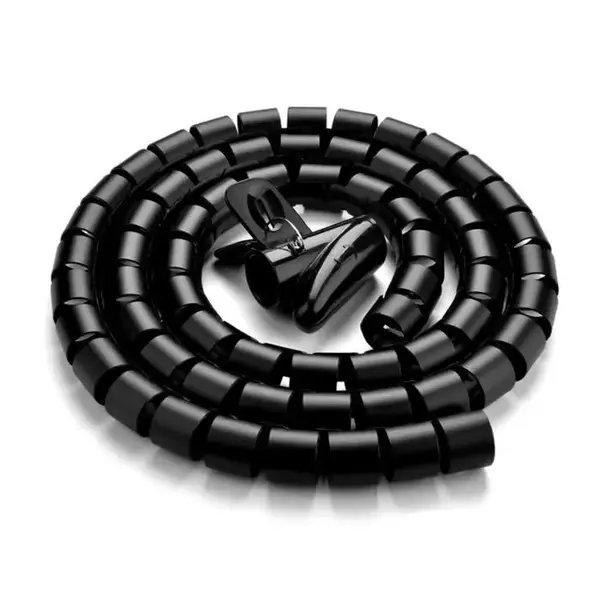
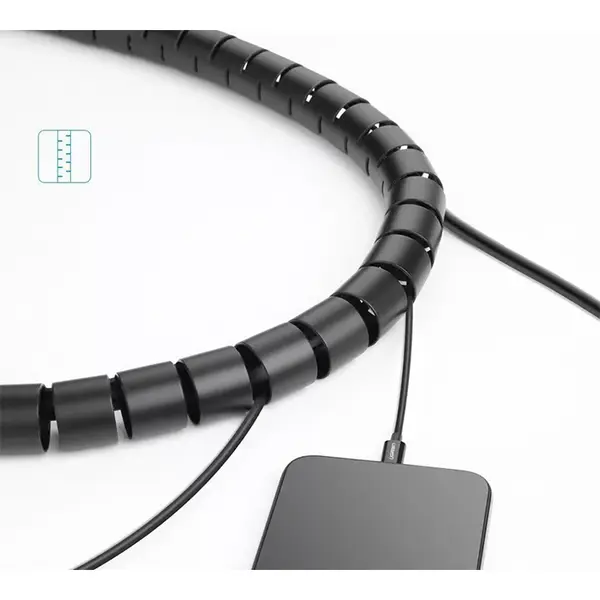
Quick view
Rs. 1,700
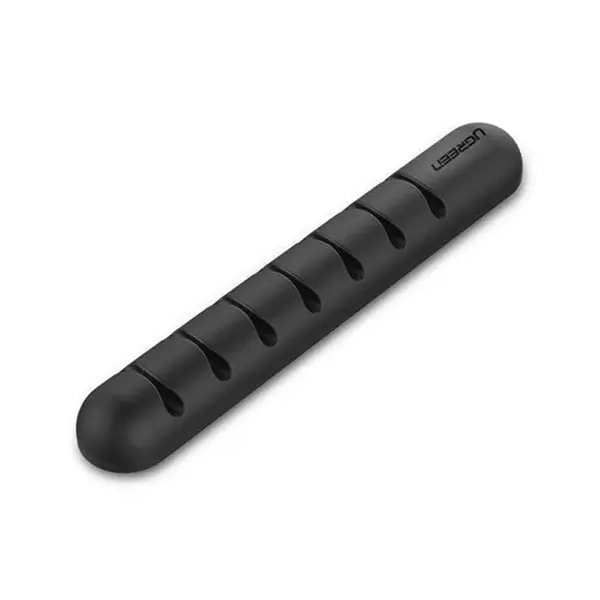
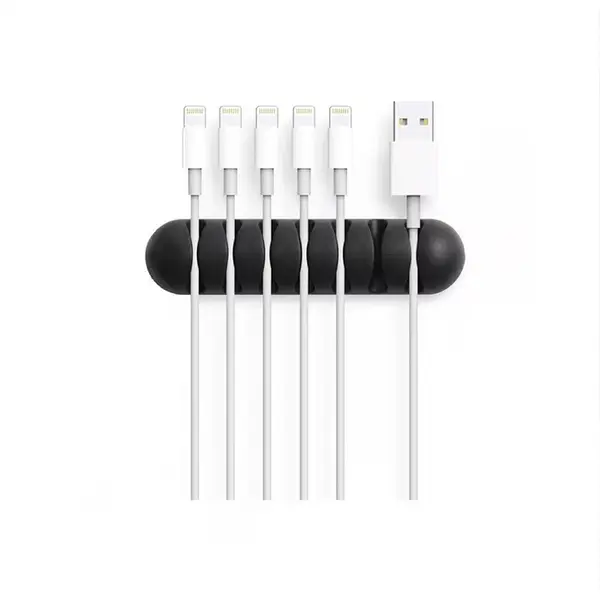
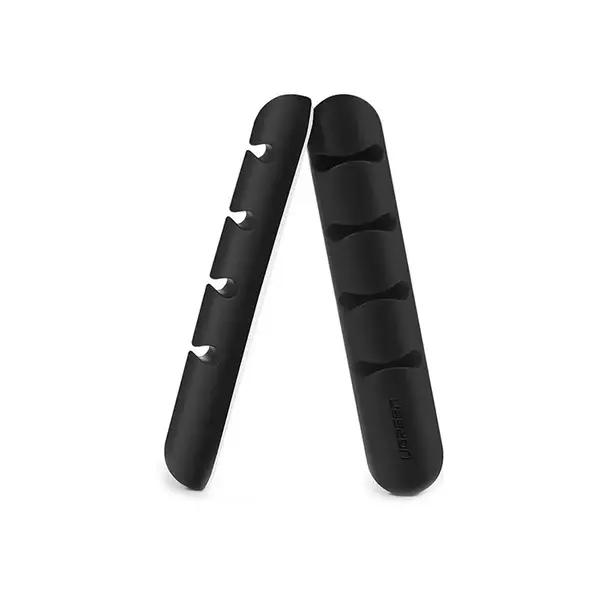

Cable Organizers Price in Pakistan
Compare cable organizer prices in Pakistan across products designed to route, bundle, secure, separate, and organize cables around desks, PCs, gaming setups, workstations, and other electronics. Cable management products vary by design, dimensions, cable capacity, mounting method, materials, reusability, and intended installation surface. Compare the individual product specifications with your setup before purchasing.
Cable Management for Gaming, Office & Home Setups
Cable management can help keep power, display, charging, networking, and peripheral cables arranged around a workspace instead of leaving them loose or tangled. The appropriate solution depends on the number of cables, their thickness, where they need to travel, and how frequently devices are added, removed, or repositioned.
Cable Management for Gaming Desks
Gaming setups can include cables for monitors, keyboards, mice, headsets, controllers, speakers, power adapters, networking equipment, and other accessories. Cable organizers can help route these connections around or underneath a gaming desk while keeping frequently accessed cables within reach. Plan cable routing according to the actual equipment and desk layout rather than hiding every cable together in one bundle.
Cable Management for Office Desks
Office workstations can use cable management for laptop chargers, monitors, peripherals, networking connections, power cables, and other equipment. Clips, ties, holders, sleeves, and under-desk solutions can be combined depending on the workstation layout and how often equipment needs to be disconnected or moved.
Cable Clips & Holders
Cable clips and holders are designed to keep individual cables or small groups of cables in a selected position. Depending on the product, they may attach using adhesive, clamps, mounting hardware, or another installation method. Check the supported cable dimensions, mounting method, and intended surface before installation.
Reusable Cable Ties
Reusable cable ties can bundle multiple compatible cables while allowing the bundle to be opened again when the setup changes. This can make them practical for PC and desk configurations where cables are periodically added, removed, or replaced. Check the tie dimensions and capacity against the number and thickness of cables you intend to bundle.
Cable Sleeves
Cable sleeves group several compatible wires into a more organized cable run. They can be useful behind desks, monitors, PCs, TVs, and other electronics where multiple connections travel in the same direction. Sleeve diameter, length, closure design, flexibility, and supported cable capacity vary between products.
Cable Management Trays & Under-Desk Solutions
Some cable management products are designed for installation underneath or behind a desk. Depending on the design, they can provide space for compatible cables, adapters, or other equipment. Check dimensions, weight limitations where specified, mounting requirements, and available clearance before installation.
Cable Organizers for PC Setups
Desktop PC setups can include power, monitor, USB, audio, networking, and peripheral connections. Organizing these cables can make individual connections easier to identify when changing or troubleshooting hardware. If you need new or replacement connections rather than organization accessories, compare the appropriate cables and hubs separately according to your device requirements.
Cable Organizers for Chargers & Power Adapters
Charging cables and power adapters can create additional clutter around desks and charging areas. Suitable holders, clips, ties, or other organizers can help keep compatible cables positioned when they are disconnected from a device. Avoid placing or bundling power equipment in a way that conflicts with the manufacturer's ventilation, installation, or safety requirements.
Cable Organizer Size & Capacity
Before purchasing, consider both the number and thickness of the cables you need to manage. A holder designed for a thin charging cable may not accommodate a thicker power or display cable, while sleeves and larger organizers have their own capacity limitations. Compare product dimensions instead of assuming that one organizer will work with every cable type.
Adhesive, Clamp & Mounted Cable Organizers
Cable organizers can use adhesive backing, clamps, screws, or other mounting systems depending on the product. Suitability can depend on the desk or surface material, product design, load, and installation conditions. Follow the manufacturer's mounting instructions and check whether the installation method is appropriate for your surface.
Reusable vs Fixed Cable Management
Reusable solutions can be useful for setups that change regularly, while more permanent routing may be suitable when equipment remains in the same position. Neither approach is universally better. Choose according to how frequently you change devices, cables, desk layout, or other equipment.
Choosing the Right Cable Organizer
Start by identifying which cables need organization and where they need to be routed. Consider cable quantity and thickness, desk or surface layout, available mounting locations, organizer dimensions, installation method, reusability, and how often the setup changes. Multiple organizer types can be used together when different parts of the setup have different requirements.
Buy Cable Organizers Online in Pakistan
Browse available cable organizers at Connect2Aryans and compare current prices, product types, dimensions, mounting methods, cable capacities, materials, and available models. Check the individual product specifications and your desk or equipment layout before choosing a cable management solution.
Frequently Asked Questions About Cable Organizers
What is the easiest way to organize cables on a computer desk?
Start by identifying where each cable needs to run. Frequently accessed cables can use suitable clips or holders, while compatible ties, sleeves, or under-desk solutions can organize longer cable runs. The best arrangement depends on your desk and connected equipment.
Are reusable cable ties useful for PC cable management?
Yes, reusable ties can be convenient when cables need to be added, removed, or repositioned regularly. Check that the tie has sufficient dimensions and capacity for the cables being bundled.
Do cable sleeves help organize desk cables?
Cable sleeves can group several compatible cables into a single organized run. Their usefulness depends on the number and thickness of the cables, sleeve dimensions, routing requirements, and how frequently individual cables need to be accessed.
Can I use adhesive cable clips on any desk?
Not necessarily. Adhesive performance can vary according to the clip, adhesive, desk material, surface finish, preparation, load, and environmental conditions. Check the manufacturer's installation requirements before attaching an adhesive organizer.

