
Filters
Price Range
From
To
Brand
Availability
Storage Devices » Hard Drives (HDD)
Shop hard drives in Pakistan for desktop PCs, backups, media storage, gaming libraries, and high-capacity storage. Compare available HDD prices, capacities, interfaces, RPM specifications, and drive types to find suitable storage for your system.
2 Products
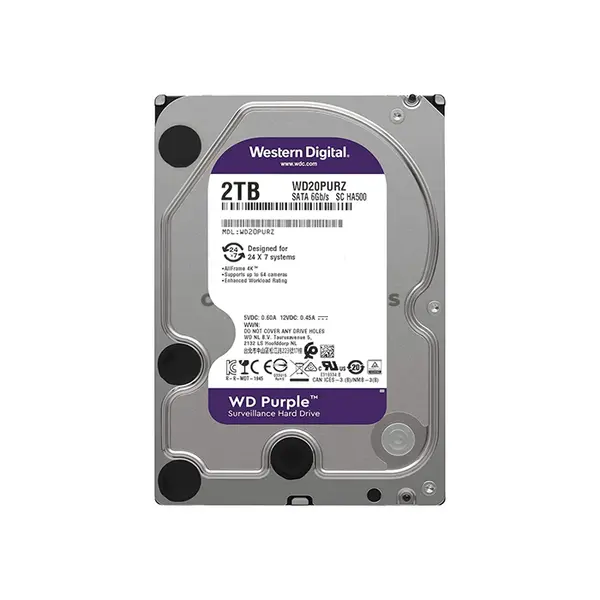
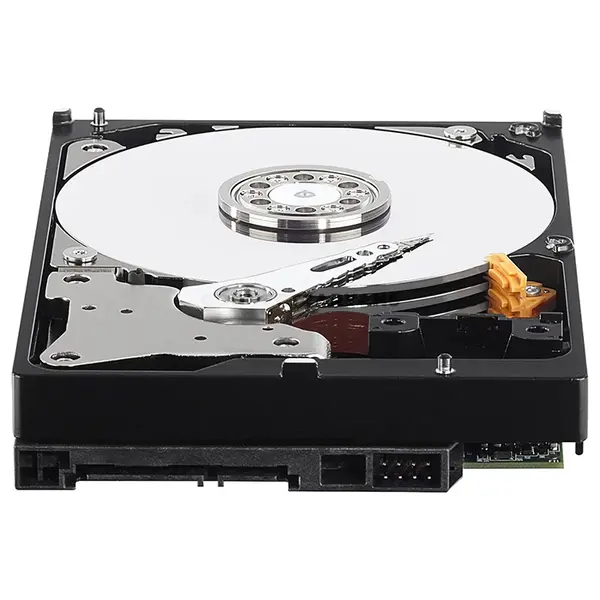
Quick view
Rs. 39,900
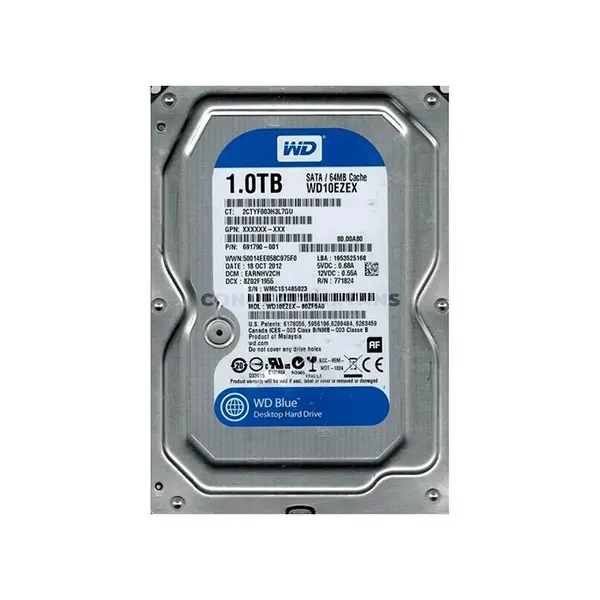
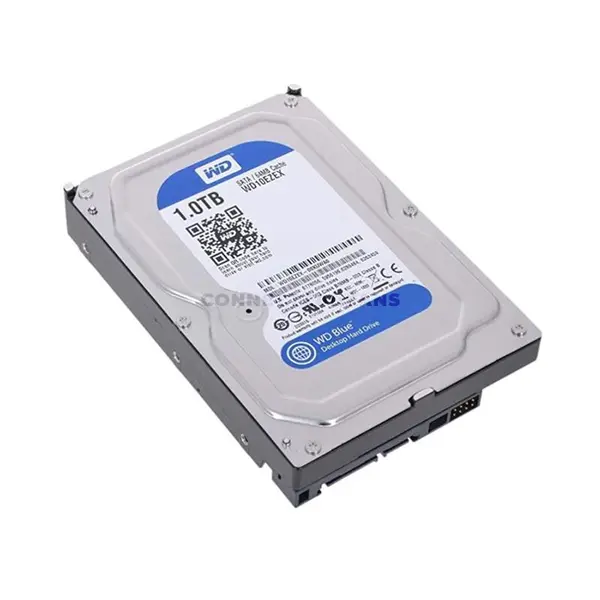
HDD Price in Pakistan
Compare HDD prices in Pakistan across internal hard disk drives designed for desktop PCs, secondary storage, backups, media libraries, and other high-capacity storage requirements. Hard drives use magnetic storage and are available in different capacities, rotational speeds, interfaces, cache configurations, and workload categories. Choose according to your required capacity, system compatibility, intended workload, and budget.
Internal Hard Drives for Desktop PCs
Internal HDDs can provide primary or secondary storage in compatible desktop computers. Most modern consumer internal hard drives use the SATA interface, but compatibility should still be checked before purchasing. Confirm that your PC has an appropriate SATA connection, power connection, mounting location, and support for the capacity of the drive you intend to install.
HDDs for Backup & High-Capacity Storage
Hard drives are commonly used to store documents, photos, videos, project files, game libraries, backups, and other large collections of data. The appropriate drive depends on how frequently the data will be accessed and the workload the HDD is designed to handle. Important files should also be maintained in additional backup locations rather than relying on a single hard drive.
Choose the Right HDD Capacity
The appropriate HDD capacity depends on your existing data and expected future storage requirements. Rather than selecting a drive according to a fixed capacity recommendation, estimate the space required for your documents, applications, games, media, projects, and backups. Leaving additional capacity for future files can help avoid another storage upgrade shortly afterward.
HDD RPM, Cache & Performance
Hard drives are available with different rotational speeds, cache capacities, recording technologies, and internal designs. RPM is one factor that can influence HDD performance, but it should not be used alone to determine which drive will be faster. Compare the specifications and intended workload of individual drives when performance is important.
Desktop, NAS & Surveillance Hard Drives
Hard drives may be designed for different workloads, including general desktop storage, network-attached storage, surveillance systems, and other specialized applications. These drives can differ in firmware behavior, workload ratings, vibration considerations, operating characteristics, and intended usage. Choose a drive designed for the environment in which it will operate rather than relying only on capacity or RPM.
HDD vs SATA SSD
Hard drives and SATA SSDs use different storage technologies. HDDs contain mechanical moving components and use magnetic storage, while SSDs use flash memory. SATA SSDs can provide substantially different storage performance characteristics, while HDDs remain useful where capacity and workload requirements make mechanical storage appropriate. Compare capacity, performance, price, and intended use before choosing between them.
Use an HDD Alongside an SSD
A compatible PC can use both an SSD and HDD when sufficient storage connections and mounting locations are available. One possible configuration is to use an SSD for the operating system and frequently accessed applications while using an HDD for additional files and bulk storage. The ideal arrangement depends on your applications, storage requirements, and available hardware.
Check HDD Compatibility Before Buying
Before purchasing an internal hard drive, check your motherboard and PC case for the required SATA connections, power connections, and physical mounting space. Also consider drive form factor, capacity support, intended workload, and any requirements specific to your system. If the drive is intended for a NAS, surveillance system, or another specialized application, confirm that the model is suitable for that workload.
Buy Hard Drives Online in Pakistan
Browse available hard drives at Connect2Aryans and compare current prices, capacities, RPM specifications, interfaces, and available models. HDD storage is available for customers in Karachi, Lahore, Islamabad, Rawalpindi, Faisalabad, and other cities across Pakistan, with nationwide delivery options available.
Frequently Asked Questions About Hard Drives
Should I buy an HDD if I already have an SSD?
An HDD can provide additional storage in a compatible PC even when an SSD is already installed. Whether you need one depends on your capacity requirements, workload, available connections, mounting space, and budget.
What HDD capacity should I buy?
Choose capacity according to the amount of data you currently store and your expected future requirements. Large media libraries, backups, project files, and other data-intensive workloads generally require more storage than basic documents and everyday files.
Does HDD RPM affect performance?
Rotational speed can affect some aspects of hard drive performance, but RPM is only one factor. Drive design, recording technology, cache, workload, file access patterns, and other characteristics can also influence real-world performance.
Can I install an HDD and SSD in the same PC?
Yes, many desktop PCs can use HDD and SSD storage simultaneously. Check that your motherboard provides the necessary storage connections and that your case has appropriate mounting space for the drives you intend to install.
Not sure which hard drive suits your storage requirements? Read our guide on choosing the right HDD for more detailed buying advice.

