
Signs Your Motherboard Is Failing
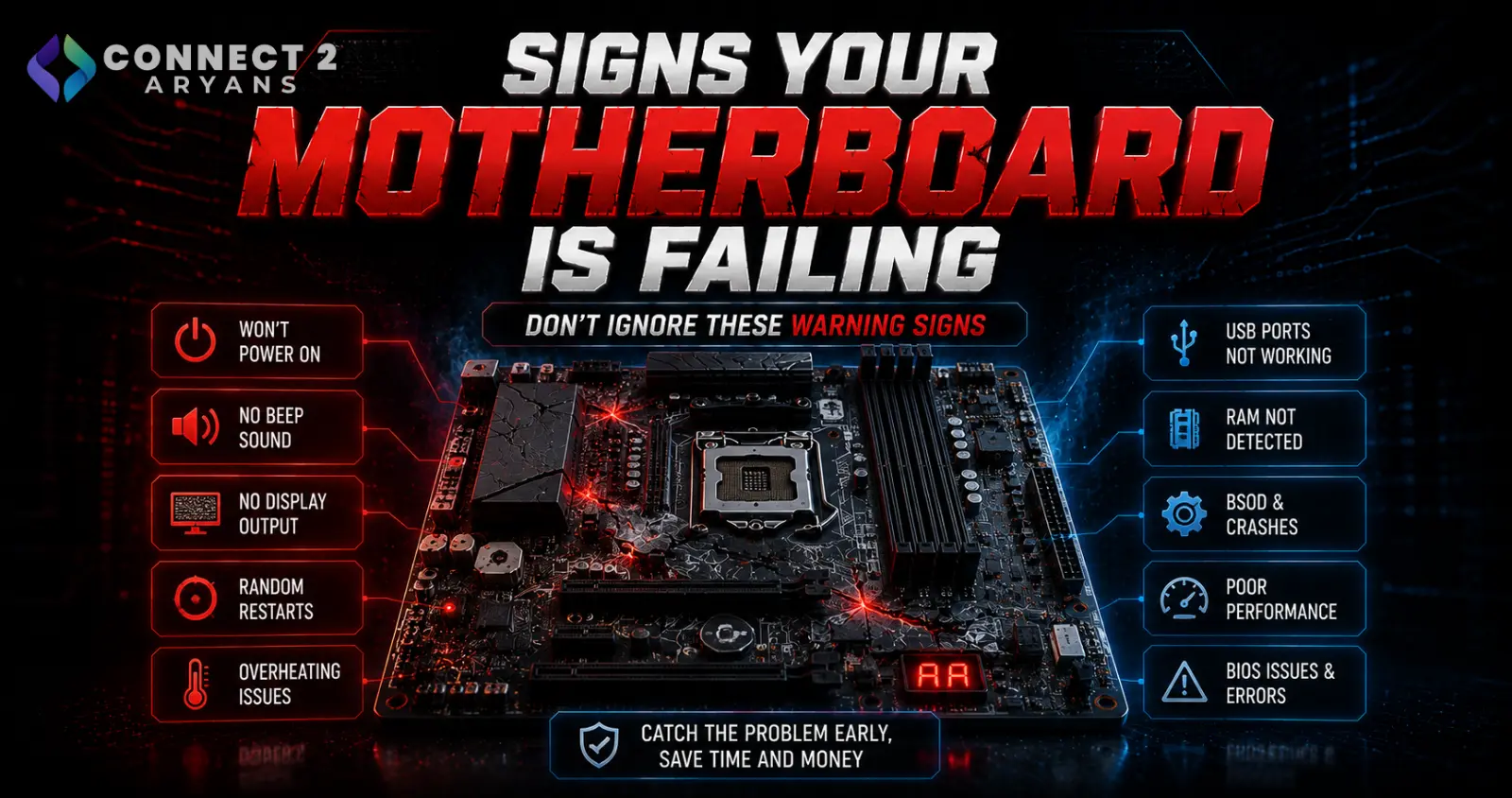
Motherboard failure is genuinely one of the less common component failures compared to PSUs, RAM, or storage — but when it does happen, it can cause a confusing mix of symptoms across seemingly unrelated parts of your system. Here's how to recognize the real warning signs, and why it's worth ruling out other causes first.
Why Motherboard Problems Are Often Misdiagnosed
Because the motherboard connects everything else, a failing board can produce symptoms that look like they belong to other components entirely — RAM errors, USB failures, random shutdowns — which is exactly why it's usually the last thing to check, after ruling out simpler, more common causes first.
Warning Sign 1: Random Freezes or Crashes With No Clear Pattern
- If you've already ruled out RAM, PSU, and overheating as causes (through proper testing), and instability persists with no consistent trigger, motherboard-level issues become a more likely explanation
- This is especially worth considering if the instability doesn't correlate with any specific software, game, or load level
Warning Sign 2: Multiple Unrelated Components Acting Up Simultaneously
- USB ports failing intermittently, audio cutting out randomly, and other seemingly unconnected issues happening around the same time can point to a motherboard problem, since it's the common link between all these subsystems
- A single component failure typically affects just that component — multiple, unrelated failures happening together are a pattern worth investigating at the motherboard level
Warning Sign 3: Failure to POST (No Display, No Beep Codes Matching Known Issues)
- If you've already checked RAM, GPU seating, and power connections and the system still won't POST, a motherboard fault becomes more likely
- Bent CPU socket pins, physical damage, or a failed component on the board itself can prevent POST entirely
Warning Sign 4: Visible Physical Damage
- Bulging or leaking capacitors on the motherboard are a clear, visible sign of failure or impending failure
- Burn marks, discoloration, or a burning smell near the motherboard are serious warning signs requiring immediate attention
- Corrosion (from past liquid exposure or humidity) around chips or connectors is another visible red flag
Warning Sign 5: BIOS Won't Save Settings or Resets Unexpectedly
- If BIOS settings (including the system clock) keep resetting to default even after saving, this can indicate a failing CMOS battery — a simple, cheap fix — or in some cases a more significant motherboard issue if replacing the battery doesn't resolve it
- Try replacing the CMOS battery first, since this is a common, inexpensive cause before assuming full motherboard failure
Warning Sign 6: Specific Slots or Ports No Longer Working
- A specific RAM slot, PCIe slot, or SATA port that stops working while others on the same board continue functioning normally can indicate a localized motherboard fault
- Test components in different slots/ports to confirm whether the issue follows the component or stays with the specific slot
Warning Sign 7: Burning Smell
- A burning electrical smell from the case, especially if it can be traced toward the motherboard area rather than the PSU or another component, warrants immediate shutdown and investigation
- This isn't a symptom to keep using the system through — power down and investigate before continuing use
How to Confirm Before Replacing
- Since motherboard symptoms often mimic other component failures, systematically rule out RAM, PSU, GPU, and overheating first using proper testing methods for each
- If you have access to spare/known-working components, swapping them in one at a time is the most reliable way to isolate whether the motherboard itself is truly the cause
- Visible physical damage (bulging capacitors, burn marks) is the clearest, most direct confirmation without needing extensive component swapping
Quick Diagnostic Summary
| Symptom | Consider Motherboard If... |
|---|---|
| Random freezes/crashes | RAM, PSU, and overheating already ruled out |
| Multiple unrelated components failing | Happening simultaneously, no other common cause |
| Won't POST | RAM, GPU seating, and power connections already checked |
| Visible bulging capacitors or burn marks | Immediate, clear confirmation — stop using and replace |
| BIOS settings keep resetting | Try CMOS battery replacement first |
Common Mistakes to Avoid
- Jumping to "motherboard failure" before ruling out simpler, more common causes like RAM or PSU
- Ignoring visible physical damage like bulging capacitors, continuing to use a genuinely failing board
- Not trying a CMOS battery replacement before assuming full motherboard failure for BIOS reset issues
- Continuing to use a system after noticing a burning smell near the motherboard
Final Thoughts
Motherboard failure is real but comparatively rare, and its symptoms overlap heavily with more common component issues — always rule out RAM, PSU, GPU, and overheating first through proper testing before concluding the motherboard itself has failed. Visible physical damage is the clearest, most direct sign and shouldn't be ignored once spotted.
Browse our full range of Motherboard options, including Intel Motherboards and Ryzen Motherboards, on Connect2Aryans if a replacement is genuinely needed, with warranty support included.

