
ASRock RX 7900 XT and RX 7900 XTX GPUs Reportedly Bricked by Official VBIOS Update — What Owners Should Do
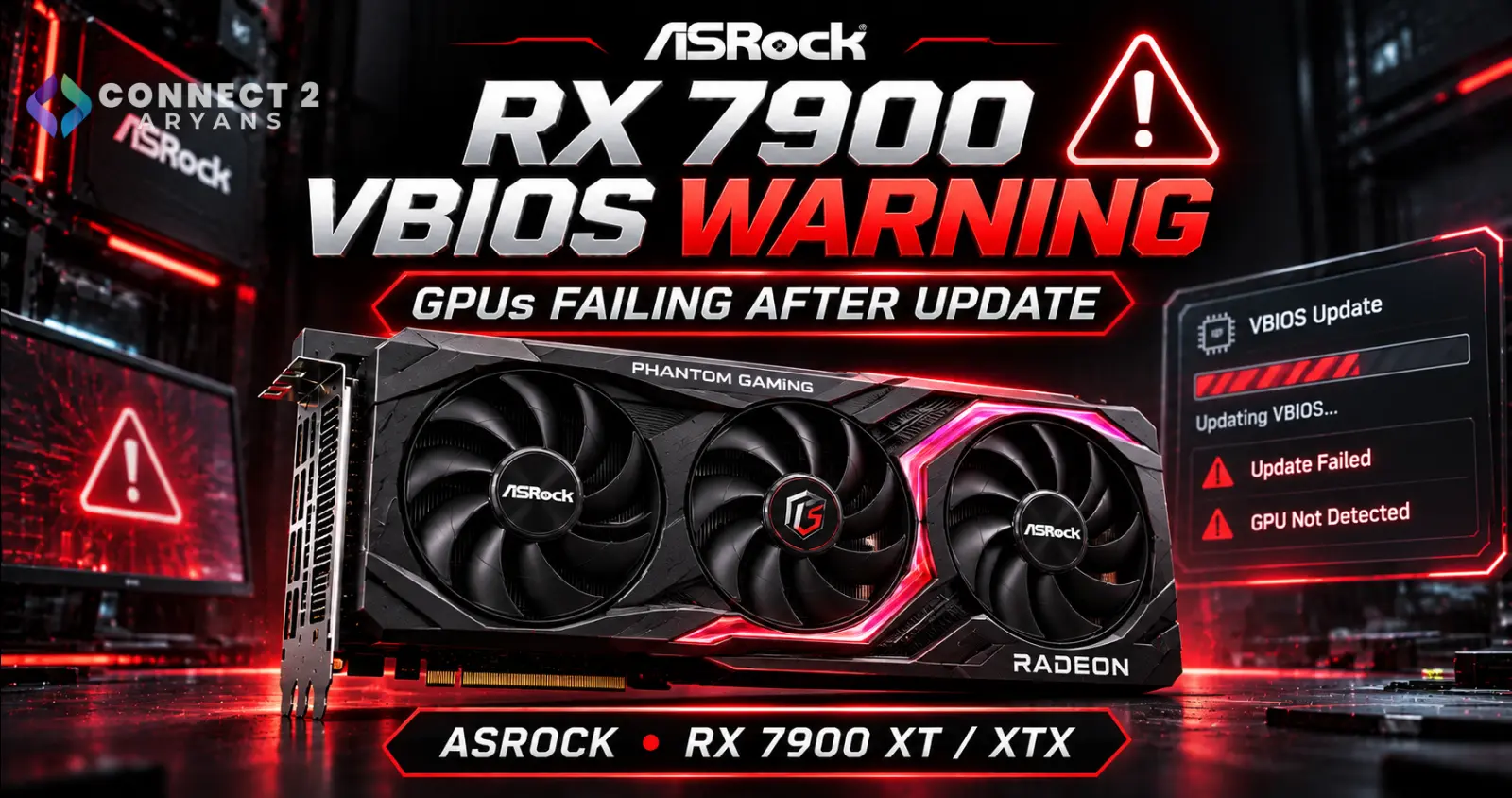
ASRock RX 7900 XT and RX 7900 XTX GPUs Reportedly Bricked by Official VBIOS Update — What Owners Should Do
A recent graphics-card firmware update has become a serious concern for some ASRock Radeon RX 7900 XT and RX 7900 XTX owners.
Multiple users report that their graphics cards stopped working after installing an official ASRock VBIOS update released on October 29, 2026.
According to reports published in early November, the affected systems were working before the update but failed to complete the startup process afterward.
In several cases, the computer could no longer reach POST while the Radeon graphics card was installed.
The reported failures involve selected ASRock Phantom Gaming and Taichi graphics cards.
Some owners have managed to recover their cards using specialized firmware-programming equipment, but there is currently no confirmed universal fix.
As of November 7, 2026, ASRock has not published a public explanation establishing the cause of these failures.
That distinction is important.
The reports indicate a potentially serious firmware-update problem, but they do not establish that every ASRock RX 7900 graphics card is affected.
For owners of the relevant models, the safest immediate approach is to avoid installing the October 29 VBIOS update until ASRock clarifies the issue and provides verified guidance.
What Happened to ASRock RX 7900 Graphics Cards?
ASRock released VBIOS updates for multiple Radeon RX 7000-series graphics cards on October 29, 2026.
The updates were distributed through the manufacturer's support system using the ASRVBFlash 1.0.5 utility.
The release was associated with security-related GPU firmware maintenance.
However, users subsequently began reporting serious problems after applying the update.
One reported case involved an ASRock Radeon RX 7900 XTX Phantom Gaming graphics card.
The owner launched the official firmware-update utility, which performed a compatibility check before restarting Windows.
After the restart, the system reportedly failed to POST with the graphics card installed.
Removing the affected graphics card allowed the computer to start again.
Similar reports later appeared from owners of other ASRock RX 7900 XT and RX 7900 XTX models.
The problem attracted attention because the users were not flashing experimental or modified firmware.
They were attempting to install updates distributed through official manufacturer support channels.
Which ASRock Graphics Cards Are Reportedly Affected?
The reports currently concentrate on selected RX 7900 XT and RX 7900 XTX models.
| Graphics Card | Reported Status |
|---|---|
| RX 7900 XT Phantom Gaming | Boot failures reported |
| RX 7900 XTX Phantom Gaming | Boot failures reported |
| RX 7900 XTX Taichi | Boot failures reported |
| RX 7900 XTX Taichi White | Included in reported cases |
| RX 7900 XT Phantom Gaming White | Update listed; individual failure status less clear |
ASRock's support index lists October 29 firmware packages for these models.
However, an update appearing in the support index does not prove that every card receiving that package has experienced a failure.
The broader update rollout also covered other RX 7000-series models.
At present, the publicly documented failure reports are concentrated on the RX 7900 XT and RX 7900 XTX families.
Users should therefore avoid assuming that every ASRock Radeon RX 7000 card is defective.
What Is ASRVBFlash 1.0.5?
ASRVBFlash is a firmware-update utility used for supported ASRock Radeon graphics cards.
The October 29 release identifies version 1.0.5.
Its purpose is to apply an appropriate VBIOS update to compatible hardware.
A VBIOS is the graphics card's firmware.
It helps initialize the GPU and contains information needed for the card to operate correctly.
Unlike a normal graphics-driver update, VBIOS flashing changes firmware stored on the graphics card itself.
That makes it a more sensitive operation.
If the firmware becomes corrupted, incompatible or improperly written, the graphics card may fail to initialize.
In severe cases, the computer may be unable to complete POST while the card is installed.
What Does It Mean When a GPU Is Bricked?
The term bricked describes hardware that becomes unusable because of a serious software or firmware failure.
In this situation, owners report that their graphics cards stopped initializing after a VBIOS update.
Typical reported symptoms include:
No display output
System failing to POST
Black screen after restarting
Computer starting normally when the affected GPU is removed
Graphics card failing to initialize after flashing
A bricked graphics card is not necessarily physically destroyed.
Sometimes the GPU hardware remains functional, but the firmware required to initialize it is damaged or unusable.
That distinction matters because certain firmware failures can be repaired.
However, successful recovery is not guaranteed.
Why Can a VBIOS Update Cause a Graphics Card to Stop Working?
There are several technical ways a GPU firmware update can fail.
These are general possibilities, not confirmed explanations for the current ASRock incident.
Incorrect Firmware Compatibility
Graphics cards using the same GPU chip can have different PCB revisions, memory configurations and firmware requirements.
A firmware image designed for one model may not be suitable for another.
Interrupted Firmware Writing
Firmware updates involve writing data to nonvolatile memory.
If the process is interrupted or the write fails, the stored firmware may become incomplete.
Firmware Initialization Problems
A firmware image may be written successfully but contain a problem that prevents the card from initializing correctly on certain configurations.
Flashing Utility Problems
The application responsible for identifying the card and writing the firmware can also be part of the failure chain.
Platform Compatibility Issues
Motherboard firmware, boot configuration and other platform-specific behavior can sometimes influence firmware initialization.
For the current ASRock reports, the precise cause remains unconfirmed.
It would be inaccurate to identify one of these possibilities as the proven explanation without technical evidence.
Is This an AMD Radeon RX 7900 Problem?
Not necessarily.
The Radeon RX 7900 XT and RX 7900 XTX are AMD GPUs used in graphics cards manufactured by several board partners.
ASRock produces its own card designs and distributes firmware for those products.
The current reports specifically involve certain ASRock graphics-card models and their firmware-update packages.
They do not establish that all Radeon RX 7900 XT or RX 7900 XTX cards from other manufacturers have the same problem.
Similarly, the reports do not prove that the underlying AMD GPU silicon is defective.
This is an important distinction for anyone comparing AMD graphics cards.
For a broader view of available Radeon options, buyers can explore the AMD graphics card category at Connect2Aryans.
Are ASRock Motherboards Responsible?
There is currently no clear evidence that the issue is limited to ASRock motherboards.
Reports describe affected systems using motherboards from different manufacturers, including ASRock and MSI.
That makes it difficult to attribute the problem solely to one motherboard brand.
It also means users should not assume that replacing their motherboard will automatically solve a failed graphics-card firmware update.
The appropriate diagnosis depends on the exact symptoms and hardware configuration.
Why Does the Computer Fail Before Windows Loads?
A graphics card needs to initialize during the computer's startup sequence.
The motherboard firmware performs hardware initialization before the operating system loads.
If the installed graphics card cannot initialize correctly, the system may fail to complete POST.
That is why a corrupted VBIOS can create a problem that appears more serious than an ordinary graphics-driver issue.
Windows may never start.
The user may not be able to enter the operating system to reinstall a driver.
And a conventional driver cleanup may not address firmware corruption.
This is also why distinguishing a driver problem from a VBIOS problem is essential.
GPU Driver vs GPU VBIOS — What's the Difference?
| Feature | Graphics Driver | Graphics Card VBIOS |
|---|---|---|
| Stored In | Operating system | Graphics card firmware memory |
| Main Purpose | GPU communication and software features | Hardware initialization and firmware configuration |
| Update Method | Driver installer | Firmware flashing utility |
| Typical Failure | Crashes, display issues, driver errors | Potential initialization or POST failure |
| Recovery | Often reinstall or roll back | May require specialized recovery |
| Risk Level | Usually lower | Potentially higher |
Normal driver updates are common.
VBIOS updates are much less frequent and should be approached more carefully.
Users experiencing ordinary Radeon driver issues should not immediately assume that a VBIOS flash is required.
What Should ASRock RX 7900 Owners Do Right Now?
For owners who have not installed the October 29 firmware, the safest approach is to wait.
Do not install the reported update merely because a newer version appears in the support index.
Check the exact model number of the graphics card.
Review official ASRock support information.
Wait for a manufacturer explanation, corrected firmware or clear installation guidance.
If the graphics card is functioning normally, avoid unnecessary firmware flashing while the current reports remain unresolved.
This is particularly important because the reported failures involve expensive high-end graphics cards.
What If You Already Installed the Update and Your GPU Works?
If the update completed successfully and your graphics card continues working normally, the current reports do not establish that your card will subsequently fail.
There is no confirmed evidence that every installation of the October 29 update produces a delayed failure.
Avoid flashing another firmware image simply because you are worried.
Monitor official ASRock announcements and follow instructions specific to your exact card.
A working graphics card should not be subjected to repeated firmware changes without a clear reason.
What If Your GPU No Longer Gives Display?
If the problem appeared immediately after the VBIOS update, start by documenting what happened.
Record the exact graphics-card model, firmware version, update utility and sequence of events.
Also note whether the computer displays any motherboard diagnostic LEDs or error codes.
Do not repeatedly run firmware-flashing utilities without understanding the failure.
Avoid downloading random firmware images from unofficial sources.
A firmware image intended for another graphics-card revision can create additional problems.
The preferred next step is to contact ASRock support or the original retailer.
Can a Bricked RX 7900 XTX Be Repaired?
Possibly.
According to published reports, at least two owners have successfully recovered affected graphics cards using external EEPROM programming equipment.
An EEPROM programmer can write firmware directly to a compatible memory chip.
This may allow recovery even when the graphics card cannot initialize normally through the computer.
However, this is a specialized repair procedure.
It requires appropriate hardware, a verified firmware image and technical knowledge.
Incorrect programming can create additional damage.
For ordinary users, it is not a recommended first troubleshooting step.
Professional repair or manufacturer support is preferable.
What About Using a Second Graphics Card?
Some affected owners have discussed recovery approaches involving a second working graphics card.
The idea is to boot the computer using another GPU while keeping the affected card connected for a possible firmware recovery.
However, this is not a guaranteed solution.
It depends on whether the system can initialize and access the affected device.
There are also compatibility and safety considerations.
Reports indicate that some attempts have failed.
Therefore, users should only attempt such recovery when following verified, model-specific instructions from the manufacturer or a qualified technician.
Will ASRock Cover the Problem Under Warranty?
Warranty coverage remains uncertain.
One reported case from Japan indicated that ASRock support agreed to handle the problem under warranty.
However, an individual support response is not equivalent to a worldwide warranty policy.
Coverage may depend on the country, product warranty status and manufacturer's assessment.
Users should contact their regional ASRock support channel or retailer for confirmation.
It is advisable to preserve proof of purchase and the details of the firmware update.
Avoid disassembling the graphics card or attempting invasive repairs before discussing warranty options.
Has ASRock Removed the Firmware Downloads?
Reports indicate that some download links for the October 29 firmware became unavailable.
Several users encountered HTTP 404 errors.
However, ASRock's firmware-update index continued to display the affected version entries.
That means the exact status of the download packages is not completely clear.
A missing download link should not automatically be described as an official recall.
As of November 7, ASRock has not published a public company-wide explanation or confirmed replacement package addressing the reported failures.
Users should not search for mirrors of the same update to bypass unavailable official downloads.
Why Were These VBIOS Updates Released?
The October firmware releases were part of security-related updates for Radeon RX 7000-series graphics cards.
Graphics-card firmware can contain vulnerabilities just like motherboard firmware and other low-level system software.
Security updates may be necessary to address those vulnerabilities.
However, firmware security maintenance must also be reliable.
An update intended to improve security can create a different problem if the installation or firmware initialization fails.
The correct long-term solution is not to ignore security updates permanently.
It is to wait for a verified update and safe installation procedure.
Should Other RX 7000 Owners Be Concerned?
Owners of other ASRock RX 7000 models should remain informed, but the current reports do not establish widespread failures across the entire series.
The October 29 rollout included additional graphics cards beyond the RX 7900 XT and XTX.
However, the published failure reports currently concentrate on specific high-end models.
Users should check official support notices for their exact graphics card before making any firmware changes.
Do not assume that a problem affecting one GPU model necessarily applies to every product using the same graphics architecture.
How to Reduce the Risk of Future GPU Firmware Updates
A few general precautions can reduce avoidable firmware-update risks.
Confirm the exact graphics-card model and revision.
Use firmware intended specifically for that product.
Read the manufacturer's complete instructions.
Avoid unnecessary flashing on a stable system.
Ensure reliable electrical power.
Do not interrupt the update process.
Do not mix firmware files from different board partners.
Confirm whether a firmware update is actually required.
Check for reported problems before installing a newly released firmware package.
These precautions cannot eliminate a defect in the update itself.
They can, however, reduce common user-side risks.
What This Means for Graphics Card Buyers in Pakistan
For Pakistani gamers, graphics-card reliability and after-sales support are important purchasing considerations.
High-end graphics cards represent a substantial investment.
A firmware issue can create complications involving warranty claims, repair availability and downtime.
Before purchasing a GPU, buyers should consider not only performance and VRAM but also warranty terms and local support.
That does not mean the current ASRock reports make every RX 7900 graphics card a poor purchase.
The issue concerns a specific firmware-update situation.
For users considering a new GPU, the graphics card selection at Connect2Aryans offers options across different manufacturers and performance categories.
The right purchase should depend on performance requirements, pricing, warranty and compatibility rather than one isolated news event.
What Should Buyers Learn From This Incident?
The biggest lesson is that firmware updates deserve more caution than ordinary software updates.
Graphics-card manufacturers periodically release updates to address security issues, compatibility problems or specific hardware behavior.
But not every update is necessary for every user.
A graphics card operating normally should not be flashed simply because a newer firmware file exists.
Users should understand what the update changes and whether it applies to their situation.
They should also monitor manufacturer notices when serious problems are reported.
Frequently Asked Questions
Is the ASRock RX 7900 XTX VBIOS update bricking graphics cards?
Multiple owners report that certain ASRock RX 7900 XTX cards stopped working after the October 29, 2026 firmware update. The exact cause has not been publicly confirmed.
Which ASRock models are reportedly affected?
Reports involve selected RX 7900 XT Phantom Gaming and RX 7900 XTX Phantom Gaming and Taichi models, including reported white variants.
What is ASRVBFlash 1.0.5?
It is the ASRock firmware-update utility associated with the October 29 VBIOS release for supported Radeon graphics cards.
Should I install the October 29 VBIOS update?
Owners of the reportedly affected models should wait for official clarification and verified guidance rather than installing the update preemptively.
Does the problem affect every RX 7900 XTX?
No. The available reports do not establish that every RX 7900 XTX is affected.
Is this an AMD driver problem?
The reports concern a graphics-card VBIOS update, not an ordinary Radeon graphics-driver installation.
Can a failed VBIOS update be repaired?
Sometimes. A small number of users report successful recovery using specialized EEPROM programming equipment, but recovery is not guaranteed.
Will reinstalling Windows fix a corrupted VBIOS?
Generally, reinstalling Windows will not repair firmware stored on the graphics card itself.
Does ASRock offer a warranty repair?
At least one individual warranty response has been reported, but worldwide coverage and a universal recovery policy have not been confirmed.
Should I try another manufacturer's VBIOS?
No. Firmware from another model or board partner should not be used unless specifically authorized and verified for the exact hardware.
Has ASRock officially recalled the update?
As of November 7, 2026, there is no confirmed public company-wide recall statement establishing that status.
Conclusion
Reports of ASRock Radeon RX 7900 XT and RX 7900 XTX graphics cards failing after an official VBIOS update have raised serious concerns among owners.
The update was released on October 29, 2026, through ASRock's ASRVBFlash 1.0.5 utility.
Multiple owners subsequently reported that their systems failed to POST after applying the firmware.
The reports involve selected Phantom Gaming and Taichi models.
Some affected cards have reportedly been recovered through specialized EEPROM programming, indicating that a failed firmware update does not necessarily mean permanent physical GPU damage.
However, recovery is not guaranteed, and the exact cause remains unconfirmed.
Until ASRock provides a clear explanation and verified solution, owners of the reportedly affected models should avoid installing the October 29 update.
Anyone whose graphics card has already stopped working should contact ASRock support or their retailer before attempting invasive recovery.
For PC builders, this incident highlights an important distinction between routine graphics-driver updates and low-level GPU firmware flashing.
Both can be useful, but firmware updates carry additional risks.
A stable graphics card should not be flashed unnecessarily, particularly when a newly released update is associated with unresolved failure reports.
For gamers comparing alternatives, Connect2Aryans offers AMD Radeon graphics cards alongside its wider graphics card collection.
For now, the most important development to watch is whether ASRock publishes a corrected firmware package, an official recovery procedure or a clear statement explaining what caused the failures.