
Choosing the Right Liquid Cooler
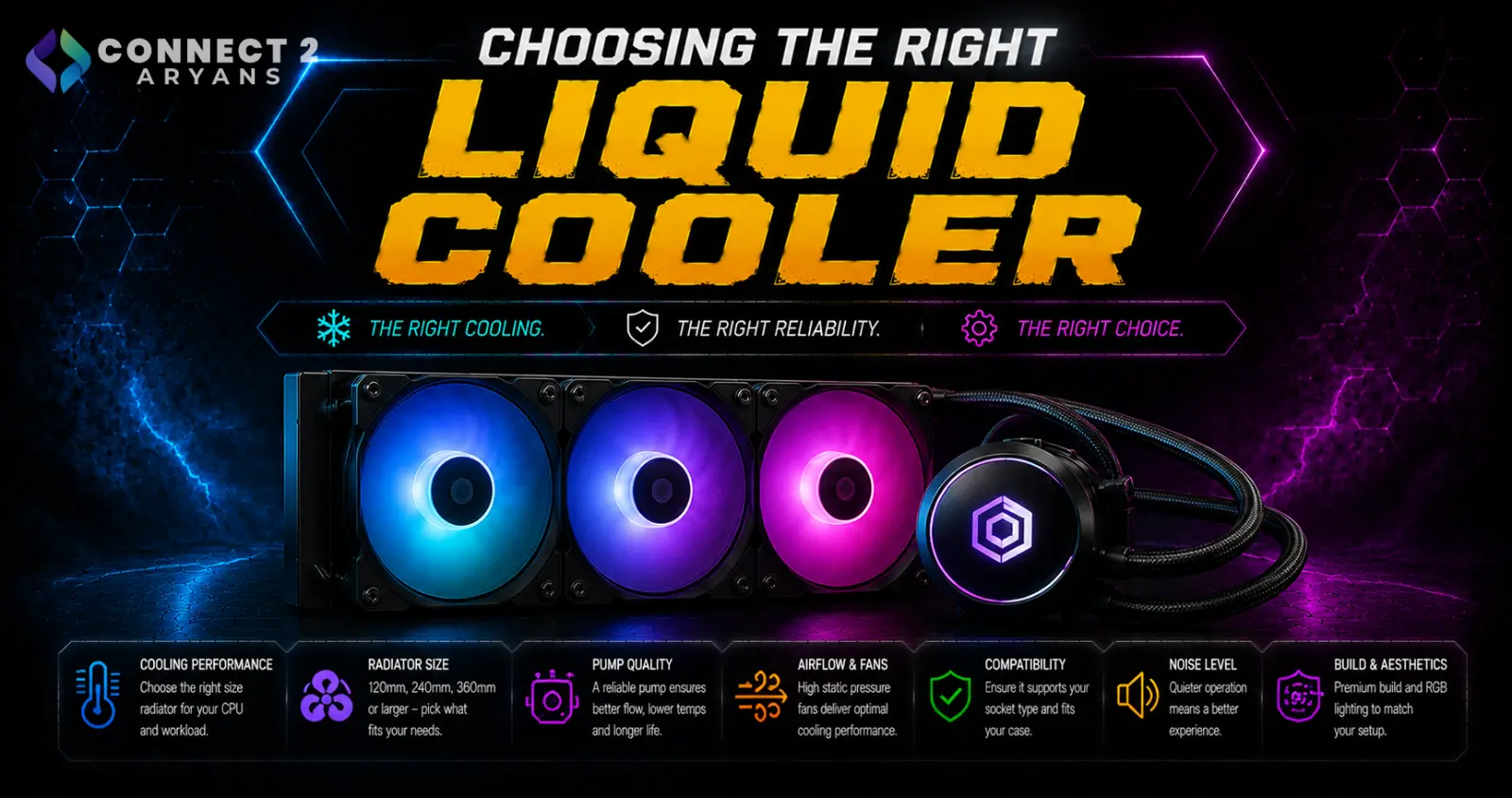
Liquid coolers (AIOs) promise better sustained cooling than air, but that's only true if you pick the right radiator size for your CPU and confirm it actually fits your case. A 360mm AIO crammed into a case that doesn't properly support it won't outperform a good air cooler — it'll just cost more. Here's how to choose the right one.
Step 1: Choose the Right Radiator Size
- Liquid Cooling 120mm — the smallest AIO size, offers a step up in aesthetics over air cooling but often similar cooling performance to a good air cooler; best for small form factor builds prioritizing compactness
- Liquid Cooling 240mm — a solid mid-tier option, meaningfully better sustained cooling than 120mm, well suited to high-performance CPUs under regular gaming or moderate workloads
- Liquid Cooling 360mm — the largest common radiator size, best cooling headroom, ideal for flagship CPUs or sustained heavy workloads like rendering and streaming
Rule of thumb: don't buy a 360mm AIO purely for looks if your CPU doesn't actually generate enough heat to benefit — a 240mm often performs nearly as well for mid-range chips, at a lower price.
Step 2: Confirm Your Case Actually Supports the Radiator
This is the most common (and most frustrating) mistake with AIO purchases:
- Check your case specifications for supported radiator sizes at the front, top, and/or side mounting positions
- A 360mm radiator needs meaningfully more case space than a 240mm — don't assume a case supports it just because it "looks big enough"
- Also check for clearance conflicts with RAM (top-mounted radiators) or front-panel cabling (front-mounted radiators)
Step 3: Pump Quality and Reliability
The pump is the one component in an AIO that isn't present in air cooling, and it's worth paying attention to:
- Reputable brands generally offer better-tested pumps with lower failure rates and often longer warranty coverage
- Avoid unusually cheap, unbranded AIOs — pump reliability is where budget liquid coolers most often cut corners
- A quality AIO pump is designed to run quietly; noticeable pump whine or grinding noise is a sign of a lower-quality unit
Step 4: Tubing and Mounting Flexibility
- Sleeved tubing tends to be more durable and resistant to kinking than plain rubber tubing
- Check tube length relative to your case size — a cooler with short tubing can struggle to reach certain radiator mounting positions in larger cases
Step 5: Fan Configuration on the Radiator
- More and better-quality fans on the radiator generally improve sustained cooling performance, especially under heavy load
- Static-pressure-optimized fans (designed to push air through the radiator's fins) perform better here than general airflow fans
Is a 360mm AIO Always the Best Choice?
Not necessarily. For most mid-range and even many high-performance CPUs, a 240mm AIO delivers cooling performance close enough to a 360mm that the difference isn't always worth the extra cost and case space — 360mm earns its place specifically for flagship, high-TDP CPUs or genuinely sustained heavy workloads.
Popular Liquid Cooler Brands
Common Mistakes to Avoid
- Buying a 360mm AIO for a case that doesn't actually support that radiator size
- Choosing an unbranded budget AIO to save money, risking pump reliability issues down the line
- Assuming a bigger radiator always means meaningfully better performance for your specific CPU
- Ignoring RAM or front-panel clearance conflicts with the radiator's mounting position
Final Thoughts
The right liquid cooler comes down to matching radiator size to both your CPU's actual cooling needs and your case's real support for that size — not simply buying the biggest AIO available. Confirm case compatibility first, then size the radiator to your CPU tier and workload.
Browse our full range of liquid coolers from ASUS, Cooler Master, Cougar and Lian Li on Connect2Aryans, across 120mm, 240mm, and 360mm radiator sizes, with warranty support included.

