
Choosing the Right Air Cooler
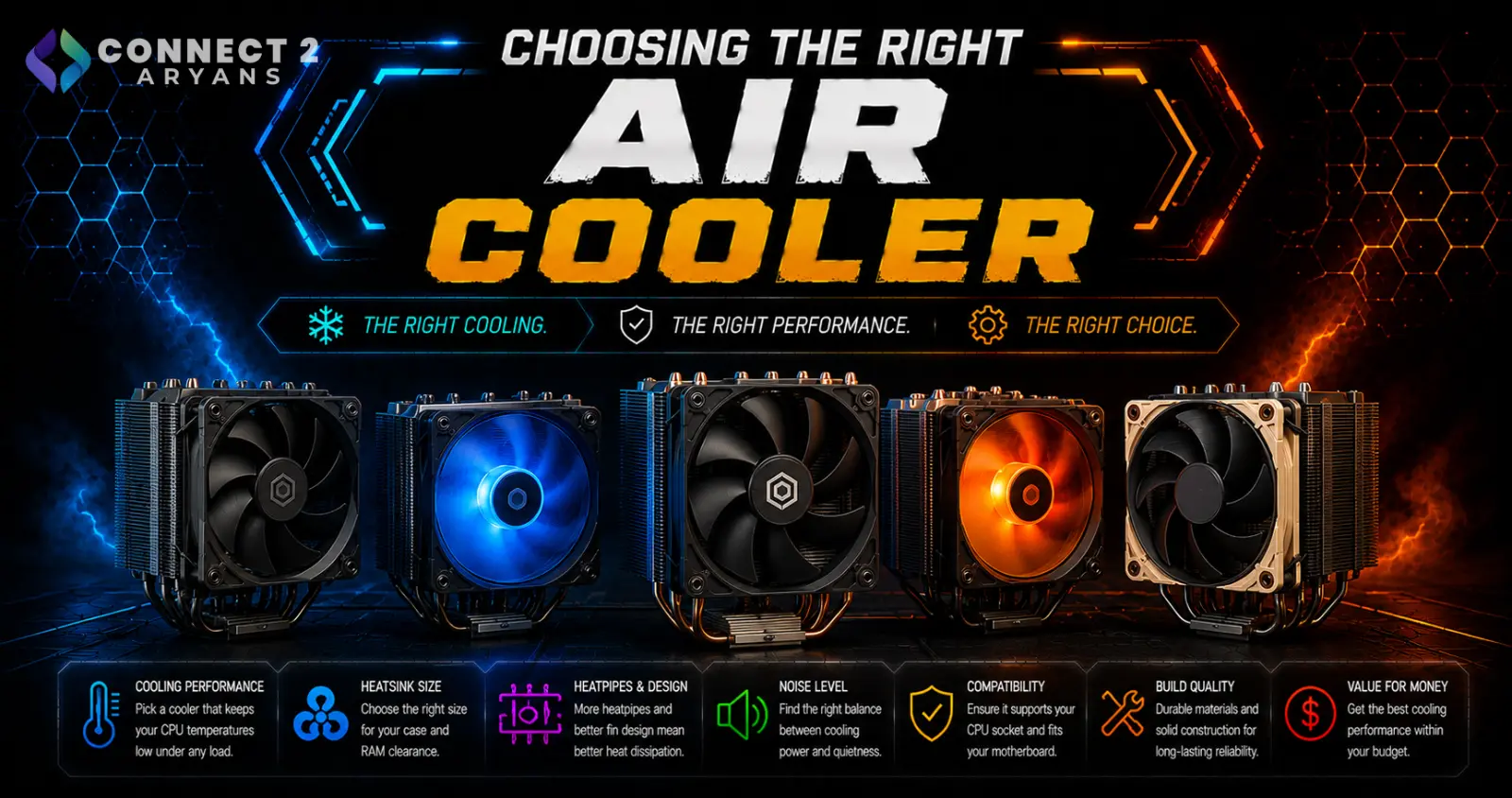
Air coolers get treated as the "simple" cooling option, and in fairness, they generally are simpler than liquid cooling — but there's still real variation between a budget stock-style cooler and a quality tower cooler. Here's how to choose the right Air Cooler for your build.
Step 1: Single Tower vs Dual Tower
- Single tower coolers — one heatsink tower, usually paired with one or two fans; smaller footprint, generally sufficient for budget-to-mid-range CPUs
- Dual tower coolers — two heatsink towers side by side, more surface area for heat dissipation, better suited to higher-TDP CPUs under sustained load
Rule of thumb: budget and mid-range CPUs are well served by a good single tower cooler. Higher-performance CPUs benefit more from a dual tower's extra cooling capacity.
Step 2: Check Height Clearance in Your Case
This is one of the most commonly overlooked compatibility issues with air coolers:
- Large dual-tower coolers can be quite tall — always check your case's maximum supported cooler height before buying
- A cooler that's too tall simply won't let your side panel close, and there's no workaround once it's mounted
Step 3: Watch for RAM Clearance Issues
Tall air coolers, especially ones with low-mounted fans, can physically overlap with RAM slots:
- Check the cooler's RAM clearance specification, especially if you're using RAM with tall heatspreaders
- Some coolers offer adjustable fan height specifically to avoid this issue — worth prioritizing if you already own tall RAM modules
Step 4: Match Cooling Capacity to Your CPU
- Budget/entry-level CPUs: A basic single-tower cooler is more than sufficient
- Mid-range CPUs: A quality single-tower cooler with a larger heatsink and better fan handles these comfortably
- High-performance CPUs: A dual-tower cooler gives meaningfully better sustained performance under heavier, longer workloads
- Always check the cooler's rated TDP capacity against your CPU's TDP, with some headroom if you plan to overclock
Step 5: Consider Low-Profile Options for Small Builds
If you're building in a small form factor (SFF) case:
- Low-profile air coolers are specifically designed for tight vertical clearance, common in compact builds or cases with side-panel windows close to the motherboard
- These trade some cooling capacity for a smaller footprint — fine for budget-to-mid-range CPUs in space-constrained builds, but not ideal for high-performance chips
Step 6: Fan Quality and Noise
- Higher-quality fans generally offer a better airflow-to-noise ratio — a cheap included fan can be noticeably louder than an aftermarket one at the same airflow level
- Some premium air coolers ship with high-quality fans out of the box, which is part of why they cost more than budget options with similar-looking heatsinks
Popular Air Cooler Brands
Common Mistakes to Avoid
- Buying a large dual-tower cooler without checking your case's maximum cooler height clearance
- Ignoring RAM clearance and discovering the cooler overlaps with tall RAM heatspreaders after installation
- Choosing a budget single-tower cooler for a high-TDP CPU, leading to thermal throttling under load
- Assuming all air coolers with similar-looking heatsinks perform the same — fan quality and heatpipe count matter
Final Thoughts
A good air cooler handles the vast majority of builds well, as long as you match its cooling capacity to your CPU's TDP and confirm it physically fits your case and RAM. Check clearance specs before buying — it's the most common (and easily avoidable) mistake with air cooler purchases.
Browse our full range of air coolers from Cooler Master Gamemax ThermalRight Thermaltake on Connect2Aryans, compatible with the latest AMD and Intel platforms, with warranty support included.

