
Filters
FILTER BY
Dell
Price Range
From
To
Brand
Availability
Monitors
Shop monitors in Pakistan for gaming, work, content creation, and everyday computing. Compare screen sizes, resolutions, refresh rates, panel types, connectivity, and prices to find a display that suits your PC, laptop, and viewing requirements.
4 Products
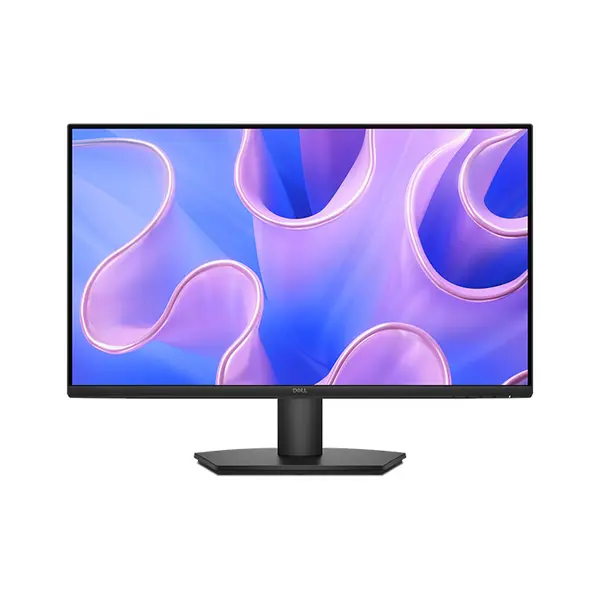
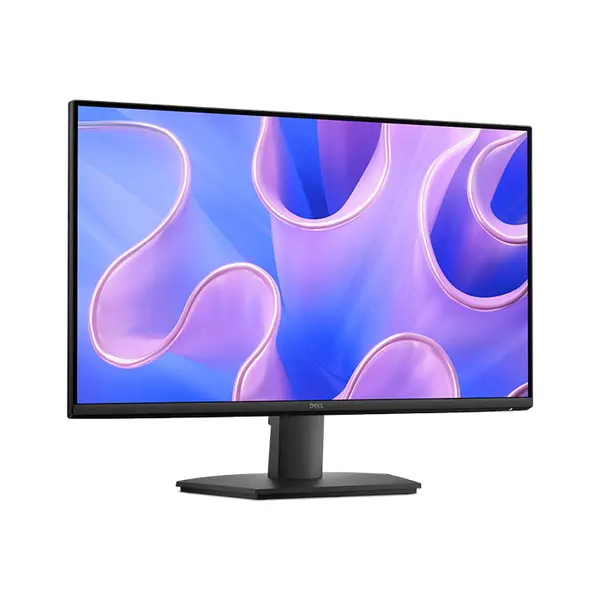
Quick view
Rs. 43,900
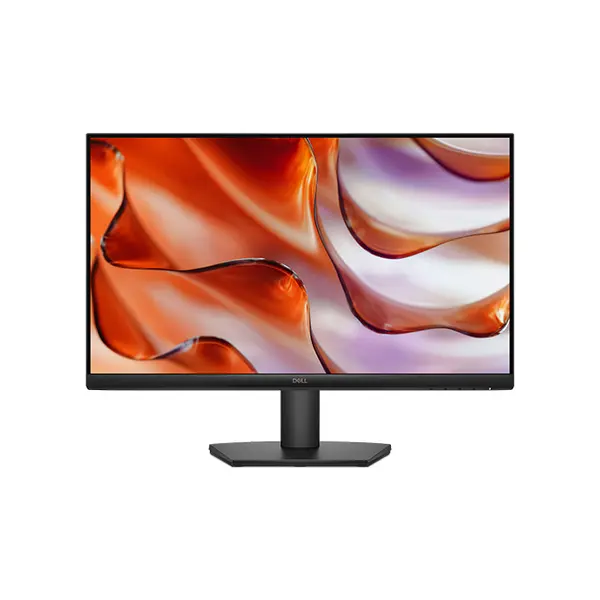
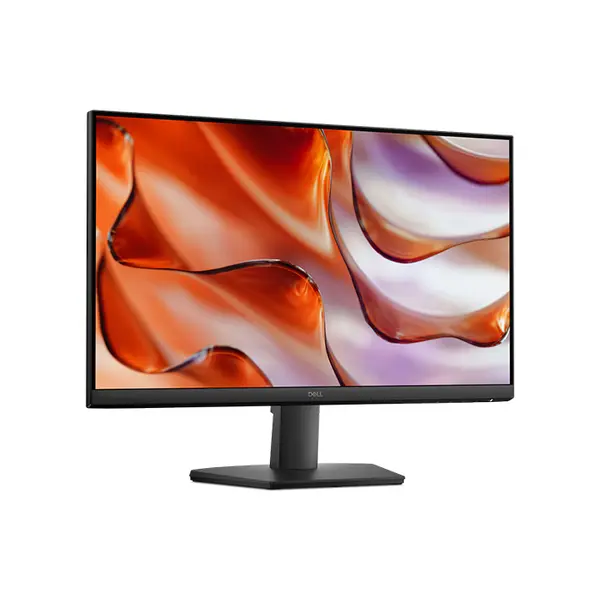
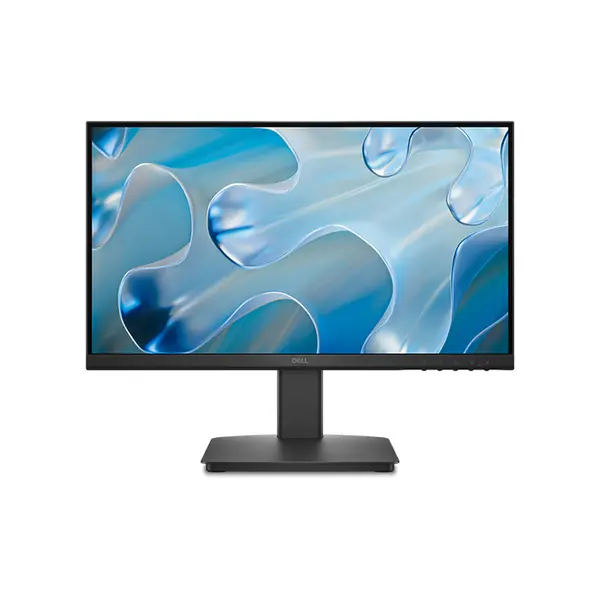
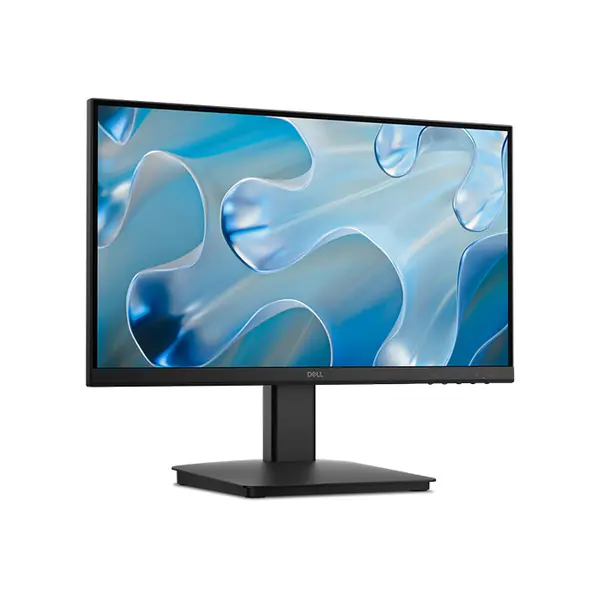
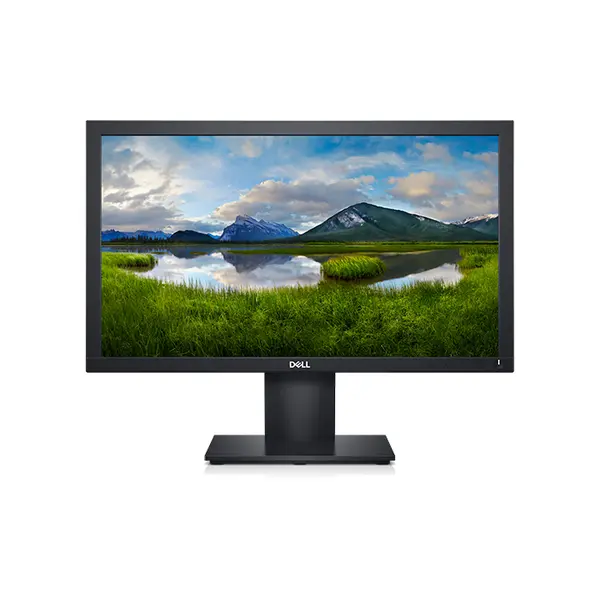
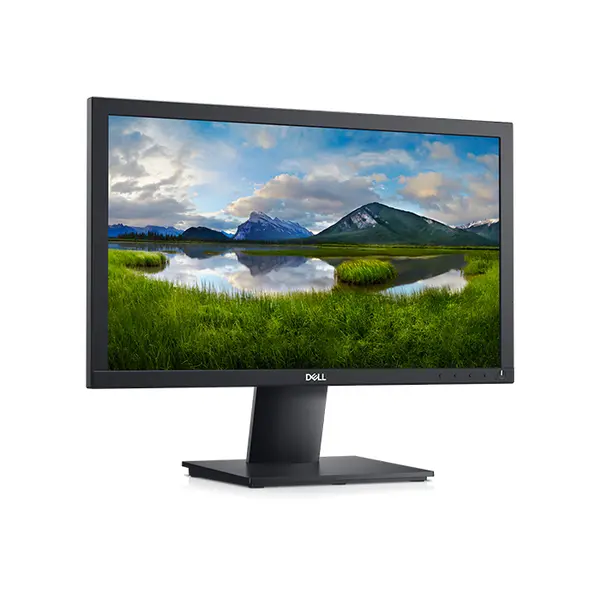
Monitor Price in Pakistan
Compare monitor prices in Pakistan across displays designed for gaming, productivity, content creation, entertainment, and everyday computing. Monitors vary in screen size, resolution, refresh rate, panel technology, aspect ratio, connectivity, and other display characteristics. Choose according to your workload, available desk space, viewing preferences, connected hardware, and budget.
Gaming Monitors for PC & Console Gaming
Gaming monitors are available with different resolutions, refresh rates, panel technologies, response characteristics, and adaptive-sync capabilities. The appropriate combination depends on the games you play, the performance your PC or console can deliver, and your preference for image quality versus higher frame rates. Check the complete display specifications rather than choosing a gaming monitor from refresh rate alone.
Professional Monitors for Work & Content Creation
Professional monitors can be selected for productivity, design, editing, development, office work, and other professional applications. Depending on the workload, important considerations can include resolution, screen size, panel characteristics, color performance, connectivity, ergonomics, and available workspace. Requirements for color-sensitive work can differ significantly from those for general office productivity.
Monitor Resolution — Full HD, QHD & 4K
Monitor resolution determines the number of pixels used to form the displayed image. Common options include Full HD (1920×1080), QHD (2560×1440), and 4K UHD (3840×2160), alongside other resolutions and aspect ratios. Higher resolution can provide greater image detail and workspace, but the experience also depends on screen size, viewing distance, scaling, software, and the performance of the connected system.
Monitor Refresh Rate & Gaming Performance
Refresh rate, measured in hertz (Hz), indicates how many times a display can refresh its image per second. Higher refresh rates can provide smoother motion when the system supplies sufficiently high frame rates, but refresh rate alone does not determine the overall gaming experience. Consider your graphics card, game performance, resolution, panel behavior, and adaptive-sync support together.
IPS, VA & TN Monitor Panels
IPS, VA, and TN are common LCD panel families, each available in products with different performance characteristics. Factors such as viewing angles, contrast, color reproduction, response behavior, and refresh capability can vary both between technologies and between individual monitor models. Panel type is useful when comparing displays, but the complete specifications and independent performance measurements provide a better basis for choosing a monitor.
Monitor Size & Aspect Ratio
Screen size should be considered together with resolution, viewing distance, desk space, and intended workload. Standard widescreen and ultrawide monitors provide different workspace and viewing experiences, while larger screens do not automatically make a monitor more suitable for every user. Choose dimensions and aspect ratio according to your physical setup and the applications you use.
HDMI, DisplayPort & Monitor Connectivity
Monitors may provide HDMI, DisplayPort, USB-C, USB, audio connections, or other interfaces depending on the model. The connector alone does not guarantee support for every resolution, refresh rate, or display feature because capabilities depend on the interface version and implementation on both the monitor and source device. Check your monitor, graphics hardware, and cable requirements before purchasing.
Adaptive Sync & Variable Refresh Rate
Some monitors support variable refresh rate technologies that allow the display's refresh behavior to adapt to the frame output of compatible graphics hardware. Supported ranges and implementations vary between monitors and connected devices. Check the monitor specifications and your GPU or console compatibility if adaptive synchronization is important to your setup.
Monitors for Laptops & Multi-Screen Setups
An external monitor can provide additional display space for a compatible laptop or desktop PC. Multi-monitor configurations can also provide additional workspace for applications, communication tools, editing timelines, monitoring software, and other tasks. Before adding displays, confirm that your computer provides the required outputs and supports the desired number, resolution, and refresh rate of connected monitors.
Choose the Right Monitor for Your Setup
Start with your primary use case and determine the screen size, resolution, refresh rate, panel characteristics, and connectivity you require. Gaming, general productivity, professional creative work, and entertainment can prioritize different display characteristics. Also consider desk space, viewing distance, graphics performance, ergonomic adjustment, and compatibility with your other hardware.
Buy Monitors Online in Pakistan
Browse available monitors at Connect2Aryans and compare current prices, screen sizes, resolutions, refresh rates, panel technologies, connectivity, and available models. Monitors are available for customers in Karachi, Lahore, Islamabad, Rawalpindi, Faisalabad, and other cities across Pakistan, with nationwide delivery options available.
Frequently Asked Questions About Monitors
What monitor is best for gaming?
There is no single specification that makes a monitor best for every game or system. Consider resolution, refresh rate, panel performance, adaptive-sync support, screen size, connectivity, and the frame rates your gaming hardware can provide.
Is a higher refresh rate monitor better?
A higher refresh rate can provide smoother displayed motion when sufficiently high frame rates are available, but it is only one part of monitor performance. Resolution, panel behavior, response characteristics, image quality, adaptive sync, and system performance should also be considered.
Should I choose Full HD, QHD or 4K?
The appropriate resolution depends on screen size, viewing distance, workload, graphics performance, desired frame rates, and budget. Higher resolution provides more pixels, but it can also increase graphics-processing requirements in games and other GPU-intensive applications.
What should I check before buying a monitor?
Check screen size, resolution, refresh rate, panel technology, aspect ratio, connectivity, ergonomic features, and compatibility with your computer or console. For gaming, also consider graphics performance and supported variable-refresh-rate technologies.
Not sure which display suits your setup? Read our guide on choosing the right monitor for more detailed buying advice.

