
OLED vs IPS Gaming Monitor in 2026: Which Display Should You Buy in Pakistan?
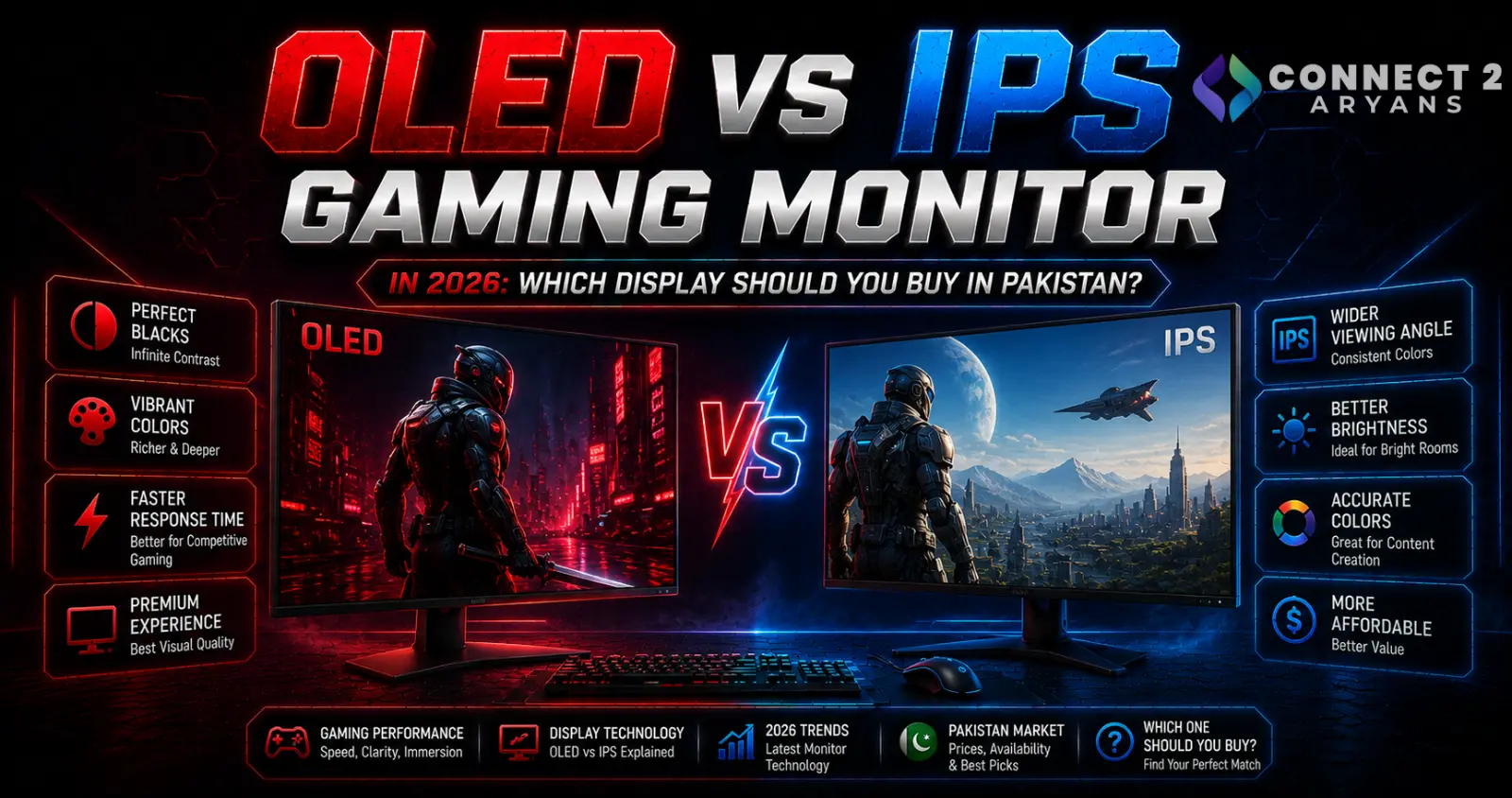
OLED vs IPS Gaming Monitor in 2026: Which Display Should You Buy in Pakistan?
Buying a gaming monitor used to be relatively straightforward: choose your resolution, refresh rate and screen size, then find the best IPS gaming monitor within your budget. In 2026, that decision is more complicated.
OLED gaming monitors have moved further into the mainstream, with QD-OLED and other OLED panel technologies now appearing across more sizes, resolutions and refresh-rate classes. At the same time, IPS monitors remain widely available and continue to make sense for gaming, work and mixed-use PCs.
A recent example of the trend is the 27-inch Alienware AW2726DM QD-OLED, reviewed in August 2026 with a 2560×1440 resolution and 240Hz refresh rate—showing how OLED is reaching configurations that directly compete with mainstream high-refresh gaming displays.
So should your next gaming monitor be OLED, or is IPS still the smarter purchase?
The answer depends on much more than refresh rate.
What Is an OLED Gaming Monitor?
OLED stands for Organic Light-Emitting Diode.
Unlike an LCD monitor, an OLED display doesn't require a conventional backlight to illuminate its pixels. Individual OLED pixels generate their own light and can effectively switch off when displaying black.
This fundamental difference gives OLED some of its biggest visual advantages, particularly:
- Extremely deep blacks
- Very high contrast
- Fast pixel transitions
- Excellent motion clarity
- Strong HDR potential
Current gaming displays include different OLED implementations, including QD-OLED and other OLED panel designs, so buyers shouldn't assume every OLED monitor performs identically.
What Is an IPS Gaming Monitor?
IPS stands for In-Plane Switching.
It is a type of LCD technology that has become extremely common in modern gaming and professional monitors.
IPS displays typically offer good viewing angles, strong colour reproduction and a wide selection of specifications and price points.
Unlike OLED, an IPS monitor uses a backlight. This means black areas of an image cannot normally become completely dark because some light remains behind the LCD layer.
However, IPS has one major practical advantage:
It doesn't face OLED's same image-retention and burn-in concerns from long-term static content.
OLED vs IPS: Image Quality
OLED has a significant advantage when it comes to black levels.
Because individual OLED pixels can turn off, dark scenes can appear genuinely dark rather than dark grey.
This can make a major difference in:
- Horror games
- Cinematic single-player games
- Space games
- Dark environments
- HDR movies and videos
IPS monitors can still produce excellent images, but conventional IPS technology cannot reproduce OLED's pixel-level black control.
If visual quality and contrast are your priorities, OLED has the advantage.
OLED vs IPS: Gaming Response Time
This is another area where OLED excels.
OLED pixels can transition extremely quickly. For example, MSI lists a 0.03ms GtG response time for its current MAG 274QP QD-OLED X24 gaming monitor.
That doesn't mean every OLED monitor has exactly the same response time, but it demonstrates why the technology has become so attractive for high-refresh gaming.
Fast pixel response can reduce visible trailing and improve motion clarity during rapid movement.
This is particularly useful in:
- Counter-Strike 2
- Valorant
- Call of Duty
- Fortnite
- Racing games
- Other fast competitive titles
Modern IPS gaming monitors can also be extremely fast, so panel technology alone shouldn't determine your purchase. Always check independent performance testing for the exact monitor you're considering.
Does Refresh Rate Matter More Than Panel Type?
Sometimes.
A monitor's refresh rate determines how many times per second it can update the displayed image.
For example:
60Hz → up to 60 refreshes per second
144Hz → up to 144 refreshes per second
240Hz → up to 240 refreshes per second
Higher refresh rates can make motion appear smoother, but your PC must also produce sufficiently high frame rates to take full advantage of them.
A 240Hz OLED isn't automatically the right purchase if your graphics card produces only 60–80 FPS in the games you play.
Before spending heavily on a monitor, make sure your GPU is appropriate for your target resolution and refresh rate.
Browse Graphics Cards on Connect2Aryans
The Biggest OLED Concern: Burn-In
Burn-in remains one of the most important differences between OLED and IPS.
OLED pixels use organic materials that gradually age. Displaying the same bright static elements for extended periods can cause uneven wear, potentially leaving persistent image retention.
ASUS specifically warns that image persistence or burn-in can occur when a static, high-contrast image remains displayed for a prolonged period. Its OLED monitors therefore include protection mechanisms such as Pixel Shift.
Examples of static desktop elements include:
- Windows taskbar
- Browser interface
- Desktop icons
- Game HUDs
- Health bars
- Scoreboards
- Application menus
- Channel logos
This doesn't mean an OLED monitor will inevitably suffer burn-in. It means usage patterns matter more than they do with an IPS monitor.
OLED Protection Has Become More Advanced
Manufacturers have developed increasingly sophisticated protection systems.
For example, MSI's OLED Care technology includes functions such as Pixel Shift and Panel Protect. Newer OLED Care implementations can also detect static screen elements, boundaries, taskbars and logos and adjust their luminance.
ASUS similarly recommends keeping its OLED screen-protection features enabled.
If you buy an OLED gaming monitor, it's generally sensible to leave the manufacturer's protection features enabled unless its documentation recommends otherwise for a particular task.
OLED vs IPS for Office Work
This is where the decision becomes more interesting.
Imagine you use the same monitor for eight hours every day with:
Chrome + Excel + WhatsApp + your ecommerce dashboard + Windows taskbar.
Much of the screen remains static.
For this type of workload, IPS remains an attractive option because you don't need to manage OLED burn-in risk in the same way.
OLED can certainly be used for productivity, but users spending long periods displaying static interfaces should understand the trade-off before purchasing.
For a PC used mainly for spreadsheets, browsing, accounting, programming or office applications, a good IPS monitor may therefore be the more practical long-term choice.
OLED vs IPS for Gaming
For a gaming-focused system, the equation changes.
OLED's combination of:
Deep blacks + extremely fast pixel response + strong contrast + excellent motion performance
can produce a noticeably different gaming experience.
OLED makes particular sense for gamers who:
- Play visually impressive AAA games
- Enjoy HDR content
- Play in darker rooms
- Want excellent motion clarity
- Regularly change games and displayed content
- Want premium image quality
IPS remains excellent for gamers who:
- Want better value
- Use the PC extensively for work
- Keep static applications open for long periods
- Don't want to think about OLED maintenance
- Prefer to spend more of their budget on the GPU or CPU
QD-OLED vs OLED: Don't Confuse the Terms
You may see QD-OLED repeatedly while shopping.
QD-OLED is an OLED display technology that combines OLED light generation with quantum-dot colour conversion.
It still belongs to the broader OLED family.
You may therefore encounter gaming monitors marketed using terms such as:
- OLED
- QD-OLED
- WOLED
Don't choose between them based purely on the marketing label.
Consider the exact monitor's:
- Resolution
- Refresh rate
- Response performance
- Brightness behaviour
- HDR performance
- Screen coating
- Connectivity
- Warranty
- Burn-in coverage
- Protection features
What Resolution Should You Choose?
Panel technology is only one part of selecting a gaming monitor.
1080p remains useful for competitive gaming and systems where achieving very high frame rates is more important than maximum image detail.
1440p offers significantly more screen detail than 1080p without the GPU demands of 4K, making it an attractive middle ground for gaming.
4K provides considerably greater image detail but places much heavier demands on the graphics card, particularly at high refresh rates.
The right resolution should therefore be chosen alongside your GPU—not independently.
Browse Gaming Monitors on Connect2Aryans
Connect2Aryans' live gaming-monitor category currently covers high-refresh and 4K monitor options for buyers comparing different display configurations in Pakistan.
Don't Forget the Display Cable
Buying a high-refresh monitor doesn't guarantee that every connection will support its maximum resolution and refresh rate.
The available modes can depend on:
- Monitor ports
- Graphics card outputs
- HDMI version
- DisplayPort version
- Cable capabilities
- Display Stream Compression support
- Colour depth and HDR configuration
Check the official documentation for your exact monitor and GPU before choosing a cable.
Browse PC and Display Cables on Connect2Aryans
Should You Upgrade Your GPU Before Your Monitor?
This depends on your current system.
Suppose you already own a 1440p 165Hz IPS monitor but your GPU struggles to maintain 60 FPS in your favourite games.
Replacing the display with a 240Hz OLED won't solve that performance bottleneck.
A graphics-card upgrade could provide a much larger improvement.
On the other hand, if your PC already produces high frame rates and you're still using an older 60Hz or 75Hz display, upgrading the monitor can dramatically change how responsive the entire system feels.
The best gaming setup comes from balancing the GPU and monitor rather than overspending on one while limiting the other.
Compare Graphics Cards on Connect2Aryans
OLED vs IPS: Quick Buying Guide
Choose OLED if your priorities are:
- Premium gaming experience
- Deep black levels
- High contrast
- Excellent motion clarity
- Fast pixel response
- HDR gaming
- Movies and multimedia
Choose IPS if your priorities are:
- Gaming plus heavy productivity
- Long periods of static desktop usage
- Lower burn-in concern
- Wider choice across budgets
- General-purpose PC use
- Maximum value for the rest of your build
Neither technology is universally "better."
The better monitor is the one that fits how you actually use your PC.
FAQs
Is OLED better than IPS for gaming?
OLED generally provides deeper blacks, much higher contrast and extremely fast pixel transitions, making it excellent for gaming. However, IPS remains a strong option for buyers prioritising price, productivity and reduced concern about static-image wear.
Can an OLED gaming monitor get burn-in?
Yes, permanent image retention remains possible with OLED technology, particularly after prolonged exposure to static high-contrast elements. Modern monitors include protection technologies designed to reduce the risk.
Should I worry about game HUDs on OLED?
Static HUD elements can contribute to uneven OLED wear when displayed repeatedly for long periods. Keeping built-in panel-protection features enabled and following the monitor manufacturer's usage guidance can reduce risk.
Is IPS still worth buying in 2026?
Absolutely. IPS remains particularly attractive for mixed gaming and productivity systems, budget-conscious builds and users who regularly display static desktop applications.
Is 1440p better than 4K for gaming?
Neither resolution is universally better. 1440p generally requires less GPU performance to achieve high frame rates, while 4K prioritises image detail. Your graphics card, games and target frame rate should determine the better option.
Should I buy a 240Hz monitor if I only get 100 FPS?
You can, especially if you plan to upgrade later, but you won't consistently utilise the monitor's full 240Hz capability if your system cannot generate similarly high frame rates.
Conclusion: OLED or IPS Gaming Monitor?
In 2026, OLED is one of the most compelling display upgrades available to PC gamers, but that doesn't make IPS obsolete.
For a gaming-first PC where image quality, contrast and motion performance matter most, OLED can deliver an outstanding experience. Manufacturers have also continued developing protection technologies designed to reduce the risk associated with static content.
For users who spend hours working with browsers, spreadsheets, ecommerce dashboards and other static interfaces—or simply want a more affordable monitor without OLED-specific maintenance concerns—IPS remains an excellent choice.
Most importantly, don't shop by OLED vs IPS alone. Match the monitor's resolution, refresh rate and connectivity to your graphics card and actual usage.
Explore Monitors on Connect2Aryans
The Connect2Aryans monitor collection includes gaming and professional displays for buyers comparing different resolutions, refresh rates and use cases in Pakistan.

