
Choosing the Right Thermal Paste or Pad
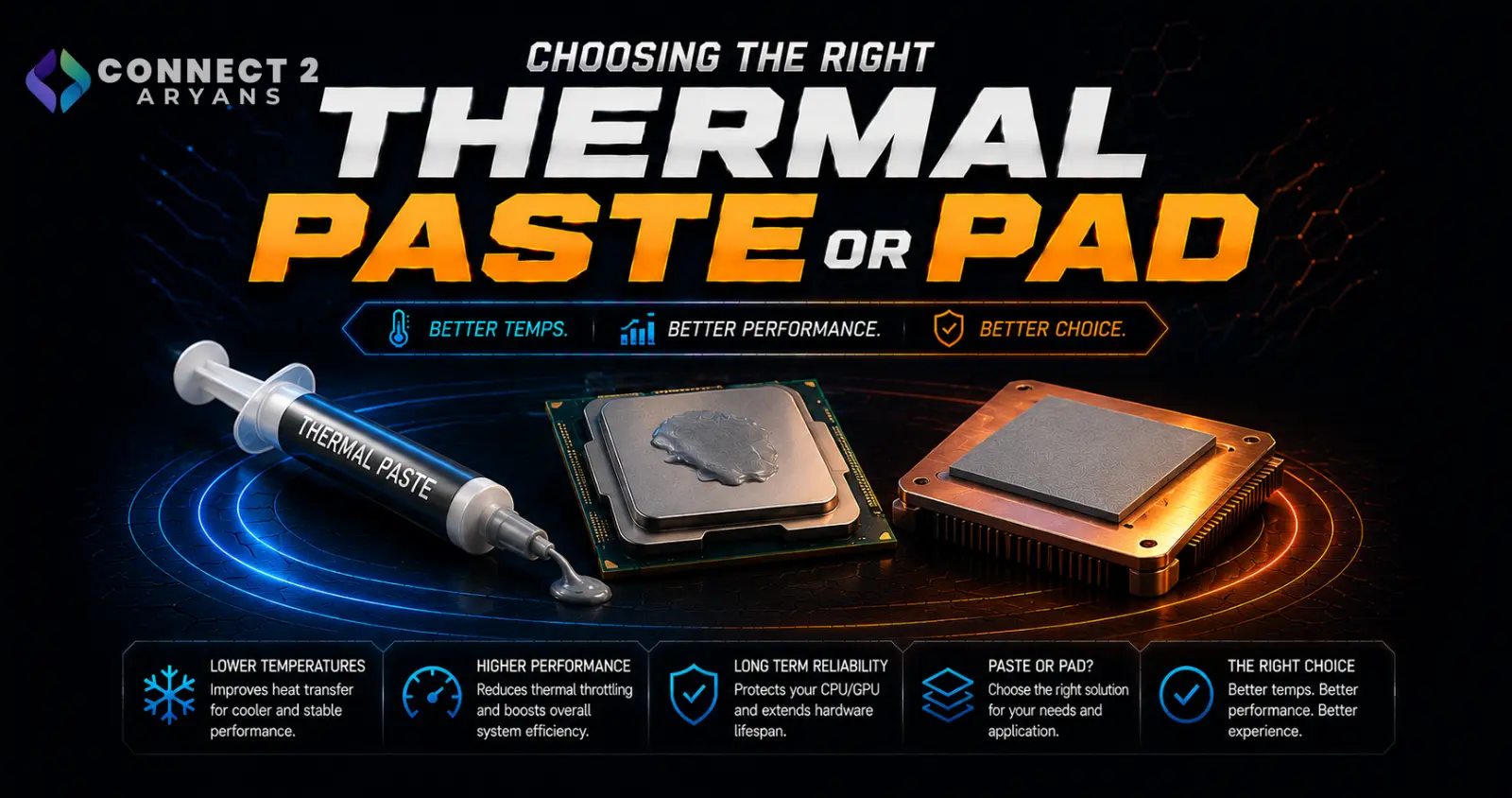
Thermal paste and pads don't get much attention, but they're doing genuinely important work — transferring heat from your CPU or GPU to the cooler sitting on top of it. Using the wrong type, or applying it poorly, can noticeably hold back an otherwise good cooling setup. Here's how to choose the right Thermal Paste & Pads for your build.
Step 1: Thermal Paste or Thermal Pad?
- Thermal paste — a spreadable compound applied directly between the CPU/GPU die and the cooler's contact surface, offering excellent heat transfer and the standard choice for CPU coolers
- Thermal pads — pre-cut solid pads, easier to apply with no mess, commonly used on GPU memory chips, VRMs, and other components where reapplying paste regularly isn't practical
Rule of thumb: use paste for your CPU (and GPU core, if doing a full repaste), and pads for GPU memory chips and other flat surface components that don't need frequent reapplication.
Step 2: Types of Thermal Paste
- Carbon-based/silicone compounds — non-conductive, safe for beginners since spillage won't cause a short circuit, solid all-around performance for most builds
- Ceramic-based compounds — non-conductive, generally good thermal performance, a common mid-range choice
- Metal-based (liquid metal) — significantly better thermal conductivity than standard pastes, popular with enthusiasts pushing high-performance CPUs, but electrically conductive — a spill onto other components can cause damage, so it demands careful, precise application
Recommendation: unless you're specifically chasing maximum thermal performance and are comfortable with careful application, a quality non-conductive paste is the safer, more practical choice for most builds.
Step 3: Thermal Conductivity Ratings
- Thermal paste is often rated in W/mK (watts per meter-kelvin), indicating how effectively it conducts heat
- Higher ratings generally mean better heat transfer, though real-world differences between quality mid-range and premium pastes are often smaller than the marketing numbers suggest
- For most builds, a well-regarded mid-range paste performs close enough to premium options that the price jump isn't always worth it — liquid metal is where the biggest real performance gap shows up, at the cost of added risk
Step 4: When to Reapply Thermal Paste
- Standard thermal paste typically lasts 1–3 years before it starts to dry out and lose effectiveness, though this varies by paste quality and how hot your system runs
- Signs it's time to reapply: rising idle/load temperatures compared to when the system was new, despite no other hardware changes
- If you're already removing your cooler for any reason (cleaning, upgrading), it's a good opportunity to reapply fresh paste even if temperatures seem fine
Step 5: Pre-Applied vs Manual Application
- Many coolers ship with thermal paste pre-applied, which is convenient and performs perfectly well for a first installation
- If you reseat the cooler, remove it later, or want to use a specific paste, you'll need to clean off the old paste and apply fresh — pre-applied paste isn't designed for reuse after removal
Popular Thermal Paste & Pad Brands
Common Mistakes to Avoid
- Using liquid metal without adequate care around electrically sensitive components, risking damage from accidental contact
- Applying too much or too little paste — both can reduce cooling performance compared to a proper, moderate application
- Reusing old, dried-out paste after removing a cooler instead of cleaning and reapplying fresh
- Using thermal paste where a thermal pad would be more appropriate (like GPU memory chips), leading to a messier, less effective application
Final Thoughts
The right thermal interface material comes down to matching paste vs pad to the specific component, and choosing a paste type that balances performance with how comfortable you are with the application process — liquid metal offers the best performance but demands the most care, while a quality non-conductive paste is safer and still performs very well for the vast majority of builds.
Browse our full range of thermal pastes and pads from Asus, Cooler Master, ID Cooling, ThermalRight and Thermaltake on Connect2Aryans, with warranty support included.

