
Choosing the Right Scanner
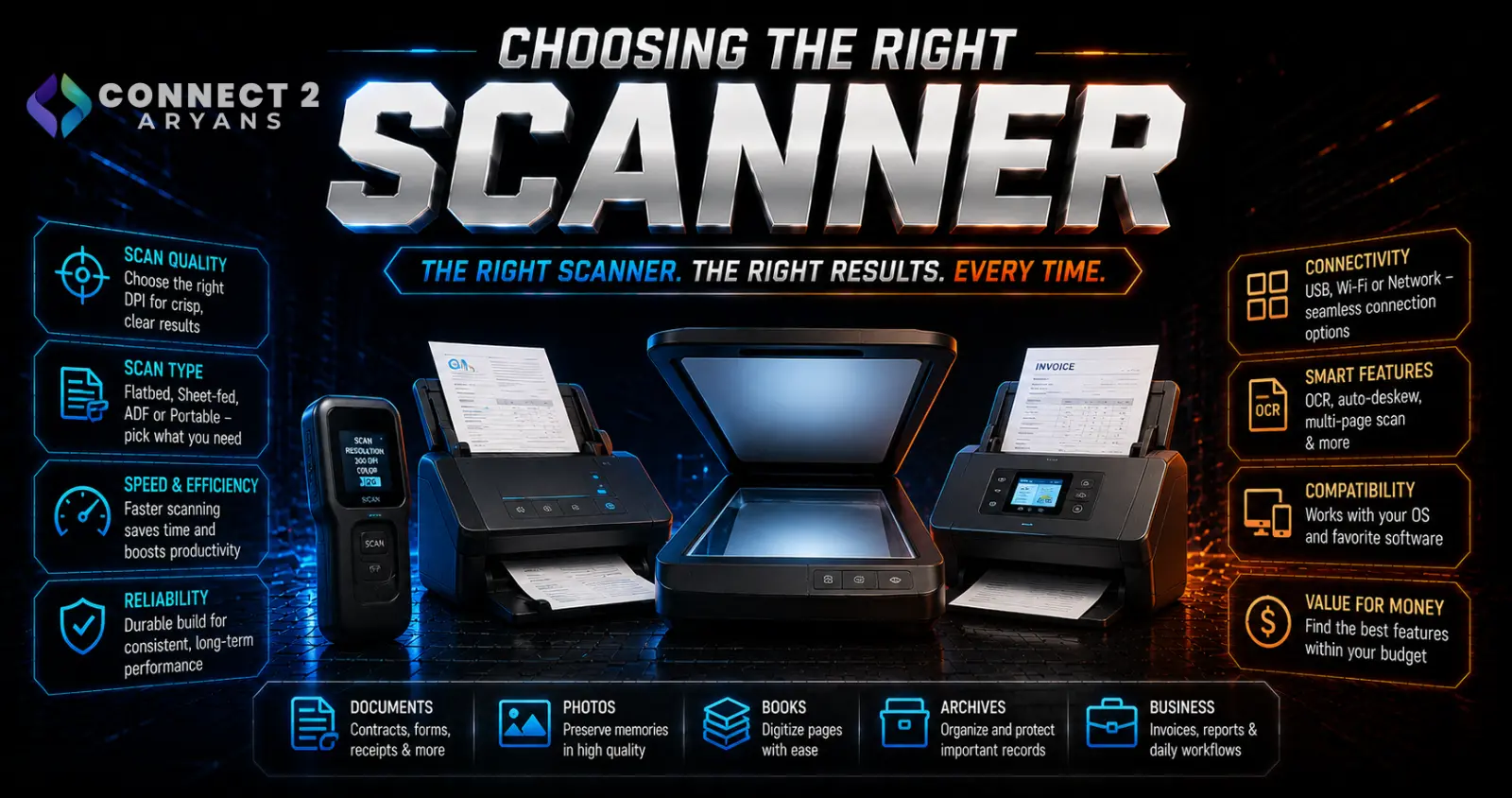
A scanner built for rapid document digitization isn't built for detailed photo scanning, and a portable handheld scanner isn't meant to replace a proper flatbed for archival work. Matching the scanner type to what you're actually scanning matters more than resolution numbers alone. Here's how to choose the right Scanners for your needs.
Step 1: Choose the Right Scanner Type
- Flatbed scanners — a glass surface you place documents or photos on, offering the most flexibility for scanning books, fragile documents, photos, and irregular items; the standard choice for photo digitization and archival work
- Sheet-fed scanners (with ADF - Automatic Document Feeder) — feed multiple pages through automatically, much faster for bulk document scanning, but not suitable for photos, books, or fragile originals
- Portable/handheld scanners — compact, battery-powered devices for scanning on the go, convenient but generally lower quality and slower than a proper flatbed or sheet-fed unit
Rule of thumb: if you're digitizing photos or scanning books/fragile documents, get a flatbed. If you're processing large volumes of standard paper documents regularly, a sheet-fed scanner with ADF saves significant time.
Step 2: Resolution (DPI) — Match It to Your Purpose
- 300 DPI — sufficient for standard text document scanning and general archiving
- 600 DPI — a good middle ground for documents with fine text or moderate photo quality needs
- 1200 DPI and above — worth it specifically for photo digitization, especially if you plan to enlarge or print the scanned photos later
Higher DPI isn't automatically better for every use case — scanning text documents at very high DPI creates unnecessarily large file sizes without meaningful quality benefit for that content type.
Step 3: Color Depth (For Photo Scanning)
- Higher bit depth (like 48-bit color) captures more color and tonal detail than lower bit depth, which matters specifically for preserving detail in old or faded photographs during restoration work
- For standard document scanning, this spec matters far less — basic color depth is sufficient for text and general documents
Step 4: OCR Software (Optical Character Recognition)
- OCR converts scanned text images into actual searchable, editable text — genuinely useful for digitizing documents you'll need to search through or edit later
- Check whether OCR software is included with the scanner or requires a separate purchase/subscription, since this affects the real total cost
- OCR accuracy varies between software — if you'll rely heavily on this feature, check reviews specifically mentioning OCR accuracy for your language and document types
Step 5: Duplex Scanning
- Automatic duplex scanning (scanning both sides of a page in one pass) saves significant time for double-sided document batches
- Particularly valuable paired with a sheet-fed ADF scanner for bulk office document digitization
- Manual duplex (flipping pages yourself) works for occasional double-sided scans but becomes tedious for larger batches
Step 6: Scanning Speed
- Measured in pages per minute (PPM), speed matters most for sheet-fed scanners handling regular bulk document work
- For occasional home or light office use, speed matters less than for a business processing large volumes of paperwork regularly
- Check real-world speed reviews rather than just advertised maximum PPM, since actual throughput often varies with document type and settings used
Step 7: Connectivity
- USB — the standard, reliable connection for most scanners, especially dedicated document/photo units
- Wireless/network scanning — useful in shared office environments where multiple people need to scan to different computers or network locations without a direct cable connection
Step 8: Match to Your Primary Use Case
- Home document archiving: A basic flatbed or compact sheet-fed scanner at 300–600 DPI covers most needs
- Photo digitization/restoration: A flatbed scanner with high DPI and strong color depth is worth prioritizing
- Office/business document processing: A sheet-fed scanner with ADF, duplex scanning, and solid PPM speed saves significant time on bulk work
- On-the-go scanning: A portable scanner offers convenience, accepting lower quality and speed as the trade-off
Popular Scanner Brands
Common Mistakes to Avoid
- Buying a sheet-fed scanner expecting to scan photos or books, when a flatbed is needed for that purpose
- Scanning everything at maximum DPI regardless of content type, creating unnecessarily large files for simple text documents
- Assuming OCR software is included without checking, then facing an unexpected additional cost
- Choosing based on advertised maximum speed without checking real-world throughput reviews
Final Thoughts
The right scanner comes down to matching flatbed vs sheet-fed to what you're actually scanning — documents, photos, or a mix of both — then choosing resolution and features (OCR, duplex) based on your real workflow rather than the highest specs available. A scanner well-matched to your actual use case will save far more time than one chosen on specs alone.
Browse our full range of Scanners from HP on Connect2Aryans, with warranty support included.

