
Choosing the Right Professional Laptop
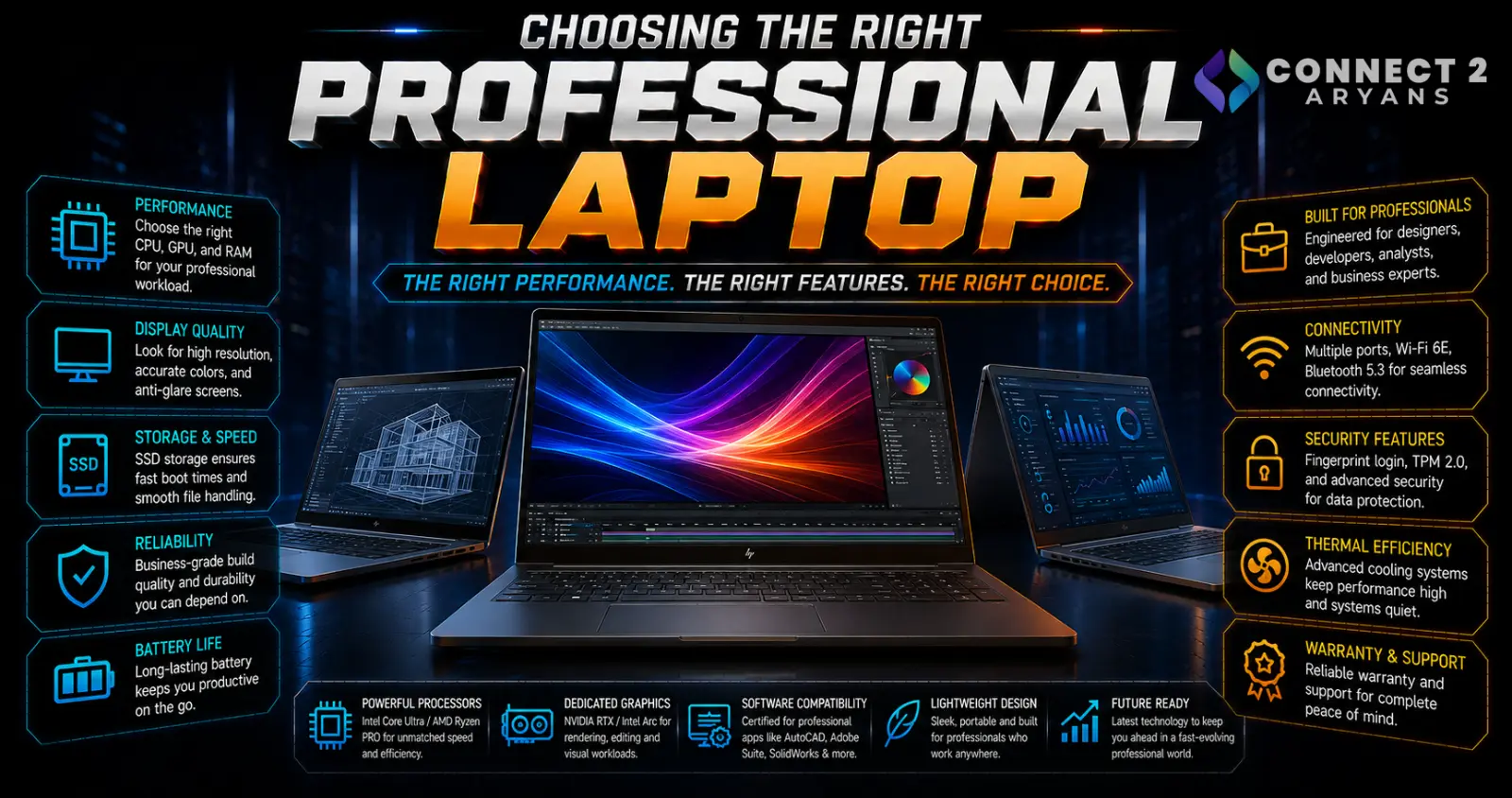
A professional laptop isn't judged on gaming benchmarks or GPU specs — it's judged on how reliably it gets you through a full workday, how comfortable it is to type and work on for hours, and how well it holds up over years of daily use. Here's what to actually look for in a Professional Laptop purchase.
Step 1: Prioritize Battery Life
For most professional use, all-day battery life matters more than almost any other spec:
- Look specifically for real-world battery life reviews under actual work use (documents, browsing, video calls), not just the manufacturer's advertised figures, which are often based on lighter usage
- A laptop that comfortably lasts a full workday without needing a charger reduces daily friction significantly, especially for anyone who works away from a desk regularly
Step 2: CPU and RAM for Productivity
- A mid-tier current-gen CPU handles the vast majority of professional software comfortably — you generally don't need a flagship gaming-tier chip for office work, browsing, and typical business applications
- RAM: 16GB is the practical minimum for smooth multitasking with modern software and multiple browser tabs; 32GB is worth prioritizing if you regularly run demanding applications, virtual machines, or heavy multitasking across many programs simultaneously
Step 3: Build Quality and Durability
- Metal chassis laptops generally offer better long-term durability than plastic-bodied options, which matters if the laptop travels frequently or sees years of daily use
- Look for laptops with military-grade durability testing certifications if the laptop will see rougher handling (frequent travel, varied environments)
- Hinge quality matters more than people expect — a laptop opened and closed multiple times daily benefits from a well-built, sturdy hinge that won't loosen over time
Step 4: Portability and Weight
- If you're carrying the laptop daily (commuting, traveling between meetings), weight becomes a real daily factor, not just a spec-sheet number
- 13"–14" laptops generally offer the best portability-to-screen-size balance for frequent travel
- Check actual weight rather than assuming screen size alone determines portability, since laptops of similar size can vary meaningfully in weight
Step 5: Keyboard and Trackpad Comfort
Since professional laptops are typed on for hours daily, this matters more here than almost any other laptop category:
- Look for reviews specifically mentioning key travel and tactile feedback, since typing comfort varies significantly between laptop models
- A responsive, accurate trackpad reduces reliance on a separate mouse when working away from a desk
- Backlit keyboards are worth prioritizing if you regularly work in dim environments
Step 6: Display for Work
- 1080p to 1440p resolution is generally sufficient for typical office and productivity work
- Color accuracy matters more if your work involves any design, photo, or document review where color fidelity is relevant
- Matte (anti-glare) displays reduce reflections in bright office environments or near windows, compared to glossy displays that can be more reflective
Step 7: Security Features
- Fingerprint readers or facial recognition (like Windows Hello support) speed up daily login without sacrificing security
- A TPM (Trusted Platform Module) chip is increasingly a baseline requirement for business use and certain enterprise software/OS features
- Physical webcam privacy shutters are a small but genuinely useful feature for frequent video calls
Step 8: Ports and Docking Compatibility
- Check for the ports you actually rely on daily — USB-A, USB-C, HDMI, ethernet — since many slim professional laptops now favor USB-C-only designs
- USB-C with Thunderbolt or DisplayPort Alt Mode support enables single-cable docking to an external monitor and peripherals, simplifying a desk setup when you're not traveling
Popular Professional Laptop Brands
Common Mistakes to Avoid
- Trusting advertised battery life figures without checking real-world work-use reviews
- Overpaying for a gaming-tier CPU/GPU combination that a typical professional workload doesn't actually need
- Ignoring keyboard and trackpad quality despite using them for hours every day
- Choosing a USB-C-only laptop without checking compatibility with your existing peripherals or docking setup
Final Thoughts
The right professional laptop comes down to real-world battery life, comfortable daily typing, and build quality that holds up over years of regular use — not gaming-oriented specs you won't benefit from at work. Prioritize reliability and comfort for how you actually spend your workday over a flashy spec sheet.
Browse our full range of Professional Laptop options from Asus, Dell, HP and MSI on Connect2Aryans, with warranty support included.

