
Choosing the Right Power Supply for Your PC
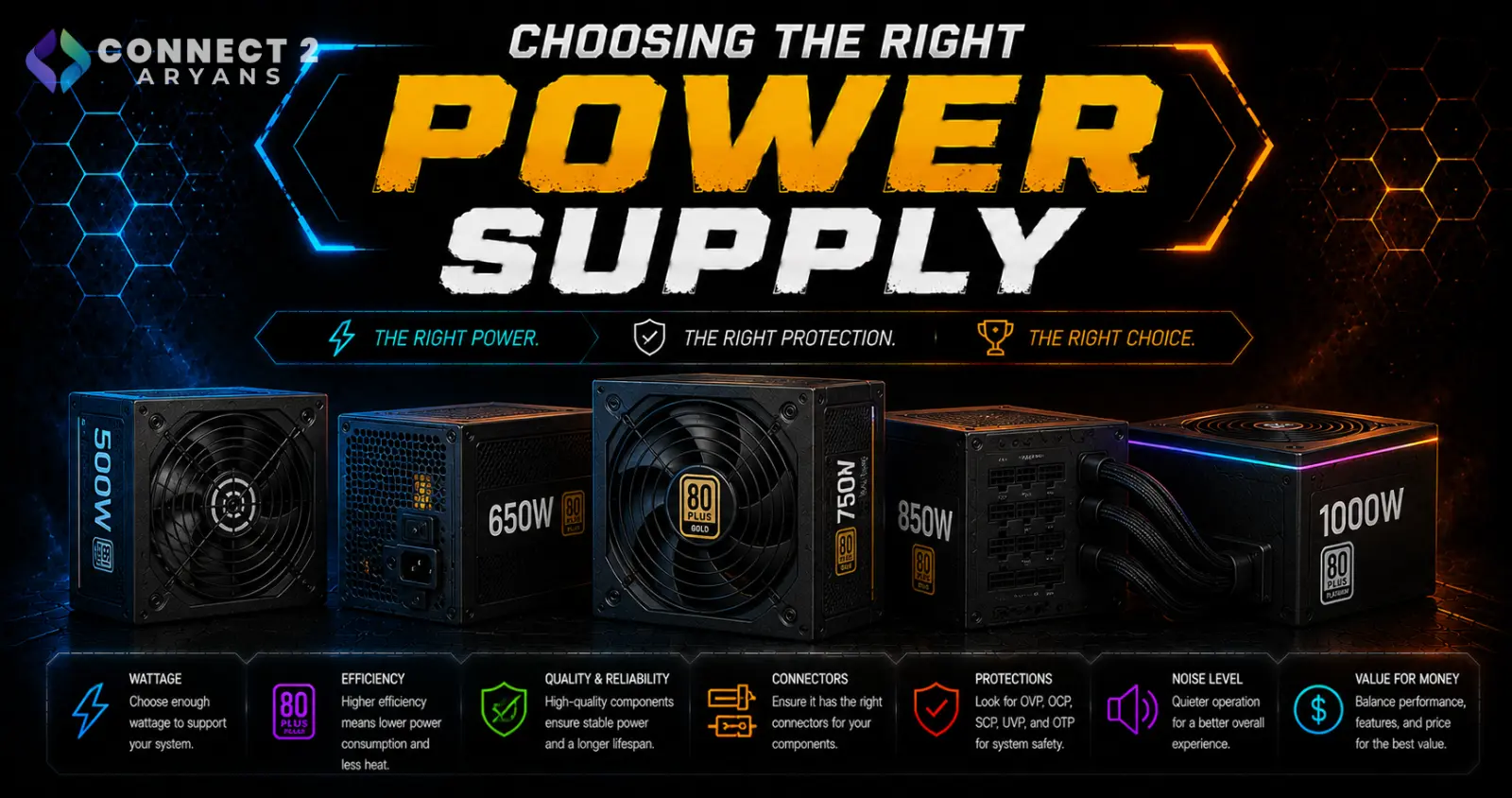
The power supply doesn't get the attention CPUs and GPUs do, but it's arguably the one component you should never cut corners on — a cheap, poor-quality PSU can damage every other part of your build if it fails. Here's how to choose the right one.
Step 1: Calculate the Wattage You Actually Need
Your GPU is usually the biggest factor in determining PSU wattage:
- Entry-level builds (budget CPU + entry GPU): 500 - 550 Watts is typically sufficient
- Mid-range gaming builds: 600 - 650 Watts to 700 - 750 Watts covers most mid-tier GPU pairings comfortably
- High-performance builds (high-VRAM GPU, high-core CPU): 800 - 850 Watts gives solid headroom
- Enthusiast/flagship builds: 1000 - 1200 Watts or 1250+ Watts for the most power-hungry GPU and CPU combinations
Rule of thumb: leave some headroom above your calculated need rather than buying exactly to the minimum — this improves efficiency and gives room for future GPU upgrades.
Step 2: Understand Efficiency Ratings (80 PLUS)
The 80 PLUS certification indicates how efficiently a PSU converts AC power to DC power, which affects both your electricity costs and heat output:
- 80 PLUS Bronze — solid baseline efficiency, common in budget-to-mid-range PSUs
- 80 PLUS Gold — a strong sweet spot for most builds, noticeably better efficiency without flagship pricing
- 80 PLUS Platinum / Titanium — the highest efficiency tiers, worth it mainly for high-wattage builds running under heavy sustained load, where efficiency gains add up more
Recommendation: Gold is the realistic sweet spot for most gaming and general-use builds — Platinum/Titanium mainly pays off on higher-wattage, heavily-used systems.
Step 3: Modular, Semi-Modular, or Non-Modular?
- Non-modular — all cables are permanently attached; cheapest option, but leads to more unused cables cluttering your case
- Semi-modular — essential cables (like the 24-pin) are attached, others are detachable; a good middle ground
- Fully modular — every cable is detachable, giving the cleanest build and best cable management, at a higher price point
If cable management and airflow matter to you, fully modular is worth the extra cost. If budget is tighter, semi-modular is a reasonable compromise.
Step 4: Check Connector Types for Your Components
Before buying, confirm the PSU includes the connectors your build actually needs:
- 24-pin ATX — powers the motherboard, standard on virtually all PSUs
- EPS (4+4 or 8-pin) — powers the CPU; higher-performance CPUs may need additional EPS connectors
- PCIe power connectors — powers the GPU; higher-end GPUs often need multiple PCIe connectors or a newer 12VHPWR/12V-2x6 connector — check your specific GPU's requirements
Mismatched or insufficient connectors is one of the most common (and avoidable) build mistakes.
Step 5: Don't Buy the Cheapest Option Available
Unlike most other components, a failing PSU can damage the rest of your build — your CPU, GPU, motherboard, and storage all draw power through it.
- Stick to reputable, established PSU brands rather than unbranded budget options
- Check for genuine safety certifications rather than relying on wattage numbers alone, since some budget PSUs overstate their real sustained output
Popular PSU Brands
Common Mistakes to Avoid
- Buying a PSU at the bare minimum wattage for your GPU, leaving no headroom for spikes or future upgrades
- Choosing an unbranded budget PSU to save money, risking damage to other components if it fails
- Ignoring connector requirements and discovering your PSU lacks the right GPU power connectors after purchase
- Overpaying for Platinum/Titanium efficiency on a lower-wattage build where the real-world savings are minimal
Final Thoughts
The PSU is the foundation your entire build depends on — get the wattage right with some headroom, choose a reputable brand at a Gold efficiency rating or better, and make sure it has the connectors your specific components need. It's not the most exciting purchase in a build, but it's one of the most important.
Browse our full range of power supplies from ASUS, Super Flower, Cooler Master and Lian Li on Connect2Aryans, across every wattage tier, with warranty support included.

