
Choosing the Right Portable Drive
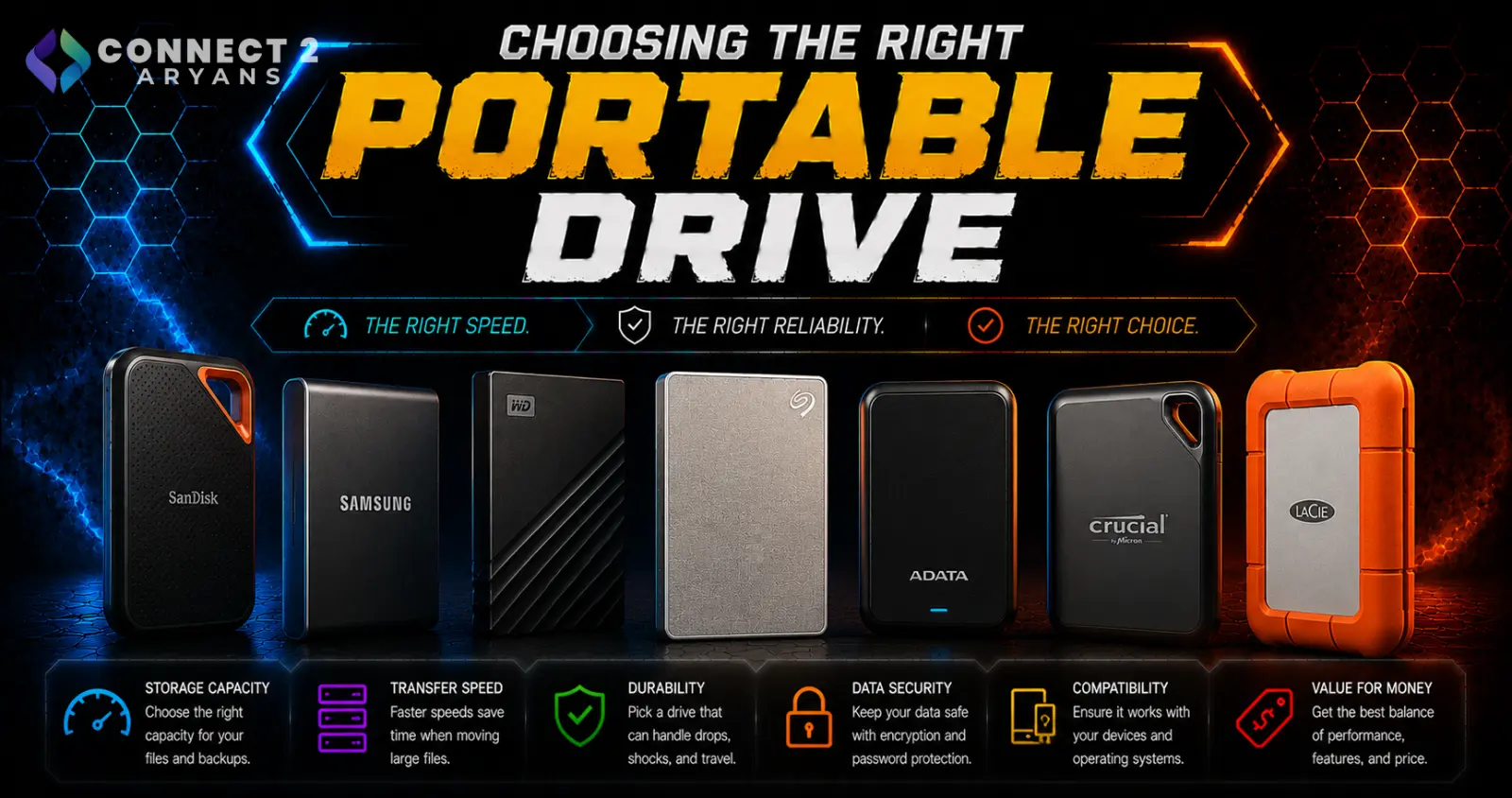
A portable drive seems like a simple purchase until you're comparing an external HDD against an external SSD at wildly different prices for the same capacity — and realizing the "cheaper" option might not actually suit what you need it for. Here's how to choose the right one.
Step 1: External HDD or External SSD?
- External HDD — mechanical, much lower cost per GB, better suited for large-capacity backups and archival storage where speed isn't critical
- External SSD — solid-state, significantly faster, more durable (no moving parts, better shock resistance), but costs more per GB
Rule of thumb: choose HDD for bulk backup and archival storage where you're not actively working off the drive day to day. Choose SSD if you're actively transferring large files often, editing directly from the drive, or need something more travel-durable.
Step 2: Match Capacity to Your Use Case
- 500GB–1TB — fine for everyday backups, document storage, and moderate photo libraries
- 2TB — a comfortable sweet spot for larger media libraries, game backups, or moderate video project storage
- 4TB+ — worth it for extensive media libraries, large video editing projects, or full system backups
Step 3: Check the Interface and Real-World Speed
The interface determines your realistic transfer speeds — don't assume all "external SSDs" perform the same:
- USB 3.2 Gen 1 — solid, common baseline speed, fine for most everyday transfers
- USB 3.2 Gen 2 / Gen 2x2 — noticeably faster, worth prioritizing if you regularly move large files like video projects
- Thunderbolt — the fastest option, mainly relevant for professional content creation workflows where every second of transfer time matters
Also confirm your laptop or PC actually has a port that supports the drive's rated speed — a fast drive plugged into a slower port will only run as fast as that port allows.
Step 4: Think About Durability If It's Traveling With You
If the drive is going in a bag regularly rather than sitting on a desk:
- External SSDs handle drops and bumps far better than HDDs, since they have no moving parts
- Look for drives with IP-rated water/dust resistance if you're using it in rougher conditions (field work, travel, outdoor shoots)
- HDDs are more vulnerable to data loss from physical shock — not the best choice for a drive that travels often
Step 5: Match the Drive to Your Actual Job
- General backups (documents, photos): A 1–2TB external HDD is cost-effective and sufficient
- Gaming on the go (game libraries, backups): An external SSD with USB 3.2 Gen 2 offers good speed for loading games directly off the drive
- Video editing/content creation: A fast external SSD (USB 3.2 Gen 2x2 or Thunderbolt) is worth the premium — editing directly off a slow drive creates real workflow bottlenecks
- Full system/archival backup: A larger external HDD (4TB+) offers the best cost per GB for infrequent, large backups
Popular Portable Drive Brands
Common Mistakes to Avoid
- Buying a cheap external HDD for a drive that travels often, risking data loss from physical shock
- Assuming all "external SSDs" perform the same without checking the actual USB interface speed
- Editing video directly off a slow external drive and blaming your PC for the resulting lag
- Underbuying capacity for a full system backup drive and running out of space mid-backup
Final Thoughts
The right portable drive depends on how you'll actually use it — bulk backup favors HDD and capacity per rupee, while active file transfers and travel favor SSD speed and durability. Match the drive type, interface speed, and capacity to your real workflow, not just the lowest price per GB on the shelf.
Browse our full range of portable drives from ADATA, Lexar, SanDisk and Western Digital on Connect2Aryans, with warranty support included.

