
Choosing the Right Networking Devices
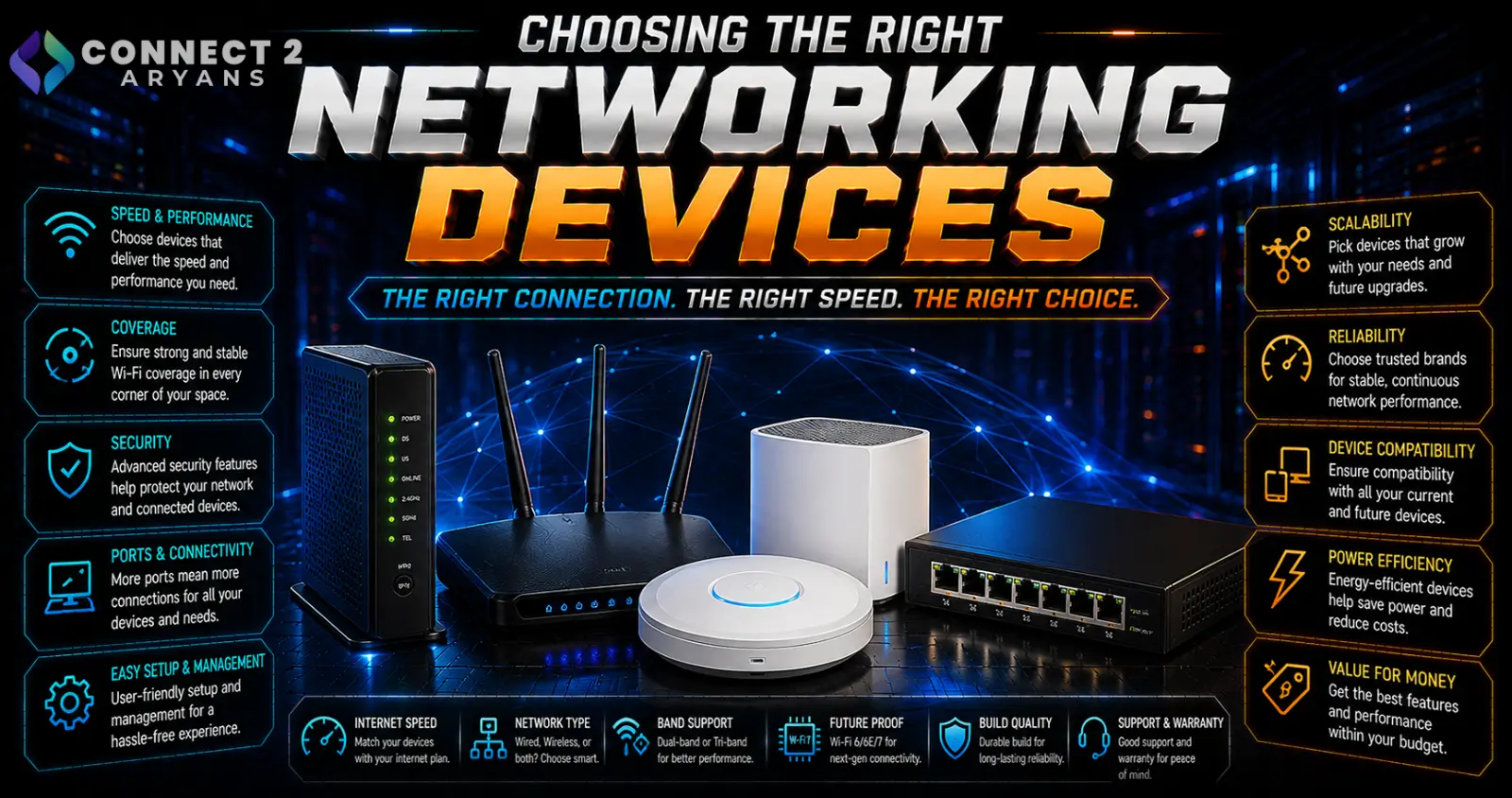
Networking gear covers more ground than most people realize — a router, mesh system, switch, and range extender each solve a genuinely different problem, and buying the wrong one means the actual issue (dead zones, not enough ports, weak coverage) doesn't get fixed. Here's how to choose the right Networking Devices for your specific situation.
Step 1: Router or Mesh System?
- Single router — sufficient for smaller homes or apartments where one central device can reasonably cover the whole space
- Mesh Wi-Fi system — uses multiple connected nodes placed around a home to eliminate dead zones, better suited to larger homes, multi-floor layouts, or homes with thick walls that weaken a single router's signal
Rule of thumb: if you experience consistent dead zones or weak signal in specific rooms with a single router, a mesh system is generally a more complete fix than adding a separate extender.
Step 2: Understand Wi-Fi Standards
- Wi-Fi 5 (802.11ac) — older but still functional standard for basic browsing and general use
- Wi-Fi 6 (802.11ax) — current mainstream standard, offering better performance in homes with many connected devices simultaneously
- Wi-Fi 6E — adds the 6GHz band for less interference, but requires devices that also support 6E to see the benefit
- Wi-Fi 7 — the newest standard, offering higher theoretical speeds and lower latency, most beneficial if paired with Wi-Fi 7-capable devices
Match the router/mesh system's standard to your actual devices — a Wi-Fi 7 router won't deliver Wi-Fi 7 speeds to a laptop or phone that only supports Wi-Fi 6.
Step 3: Check Your Internet Plan Speed
- Your router needs to support at least your ISP's plan speed to avoid becoming the bottleneck — a budget router rated well below your internet plan's speed limits your actual throughput
- For gigabit or faster internet plans, confirm the router's wired (ethernet) ports also support the speed you're paying for, not just the wireless rating
Step 4: Network Switches — When You Need More Ports
- A network switch adds additional wired ethernet ports beyond what your router provides, useful for connecting multiple wired devices (PC, NAS, smart TV, gaming console) in one area
- Unmanaged switches — simple, plug-and-play, sufficient for most home setups needing extra ports
- Managed switches — offer more control over network traffic and configuration, generally more relevant for advanced home networks or small business setups
Step 5: Ethernet Speed — 1G, 2.5G, or 10G?
- 1 Gigabit (1G) — the long-standing standard, still more than sufficient for most home internet plans and general use
- 2.5 Gigabit (2.5G) — increasingly common on newer routers and devices, useful if your internet plan exceeds 1Gbps or you do frequent large local file transfers (like to a NAS)
- 10 Gigabit (10G) — mainly relevant for high-end home labs, content creation workflows with large local file transfers, or environments genuinely pushing beyond 2.5G bandwidth needs
Most households don't need to chase 10G — match ethernet speed to your actual internet plan and local network usage, not the highest number available.
Step 6: Range Extenders — A Simpler, More Limited Fix
- Range extenders boost Wi-Fi signal into weaker-coverage areas, generally cheaper than a mesh system, but often with a noticeable drop in speed compared to being near the main router
- Better suited to smaller coverage gaps or budget-conscious fixes than a mesh system's more complete whole-home coverage
- Placement matters significantly — an extender placed too far from the router (in the dead zone itself) won't have a strong enough signal to extend effectively
Popular Networking Device Brands
Common Mistakes to Avoid
- Buying a range extender for a large home with multiple dead zones, when a mesh system would solve the problem more completely
- Choosing a router with wireless speeds far exceeding your actual internet plan, without matching improvement in real-world usage
- Ignoring wired port speed ratings on a router when your internet plan exceeds 1Gbps
- Placing a range extender too far from the main router, weakening its effectiveness
Final Thoughts
The right networking device comes down to correctly diagnosing your actual problem — weak coverage, not enough wired ports, or insufficient speed — rather than defaulting to "buy a better router" for every issue. Match Wi-Fi standard and ethernet speed to your actual internet plan and devices, and choose mesh over a single extender if your coverage problem spans multiple rooms or floors.
Browse our full range of Networking Devices from Asus, UGREEN, Viewsonic and Xiaomi on Connect2Aryans, with warranty support included.

