
Choosing the Right Mouse Pad
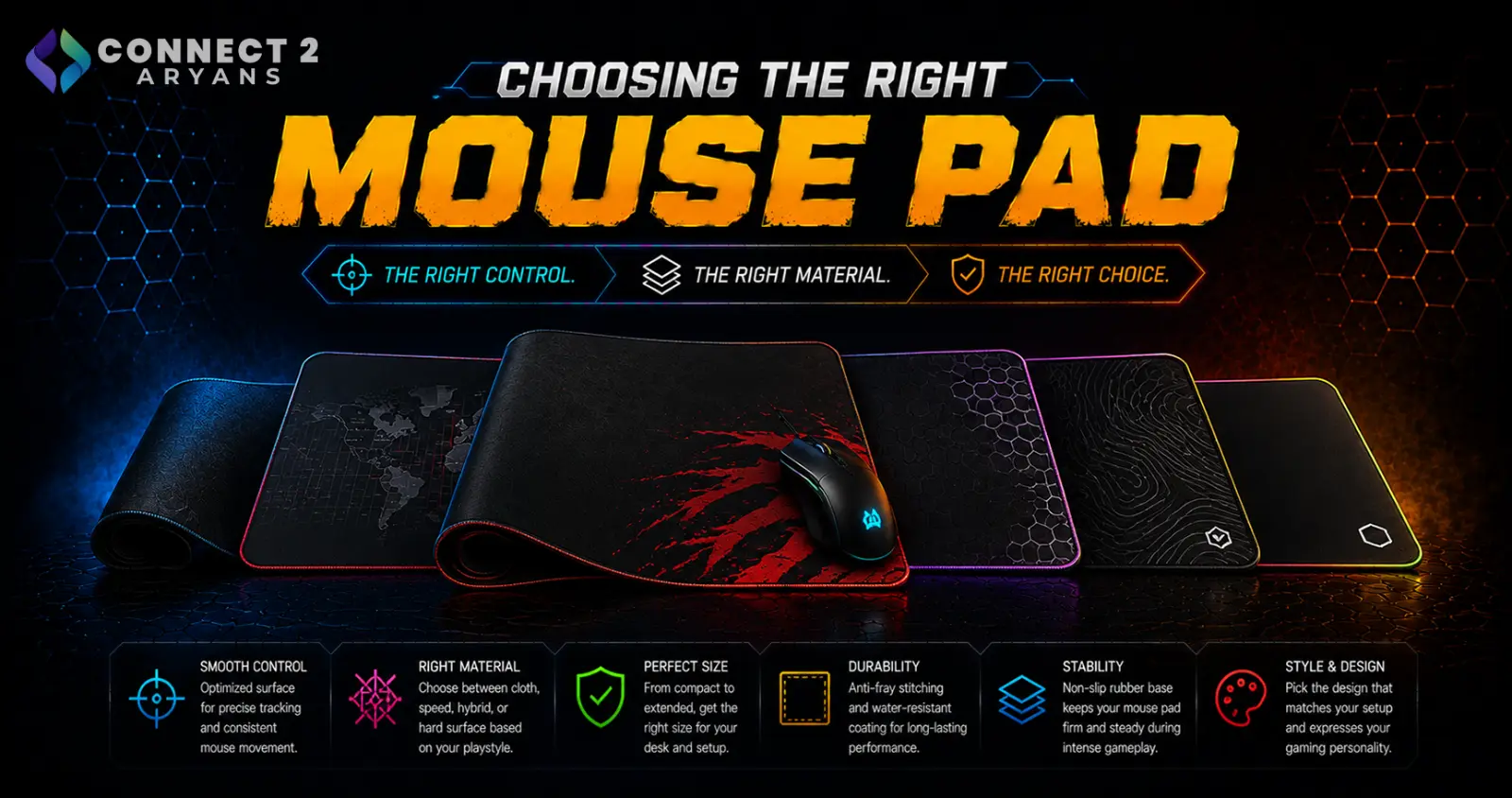
A mouse pad is one of the cheapest upgrades in a setup, but surface type and size genuinely affect tracking consistency and comfort — a mismatched pad can hold back an otherwise great mouse. Here's how to choose the right Mouse Pads for your setup.
Step 1: Cloth or Hard Surface?
- Cloth pads — smoother glide with more texture-based control, generally quieter, and the more common choice for both gaming and office use
- Hard surface pads — typically plastic or glass, offering very consistent, low-friction glide, popular with some competitive gamers who prefer minimal resistance for fast flicks
Rule of thumb: cloth pads suit most users and offer a better balance of speed and control. Hard surfaces are more of a specific preference for players who want maximum glide speed with minimal friction.
Step 2: Speed vs Control Surface Texture
Within cloth pads specifically, texture affects how your mouse moves:
- Speed-focused surfaces — smoother weave, less friction, favors fast, low-effort flicks — popular in fast-paced FPS gaming
- Control-focused surfaces — slightly more texture and friction, offering more precise stopping and fine aim adjustments — often preferred for tactical or precision-focused gameplay
Neither is objectively better — it depends on your genre and personal preference for how much resistance you want during mouse movement.
Step 3: Choose the Right Size
- Small/standard pads — fine for office use or gamers with a compact, low-sensitivity setup that doesn't need much room
- Medium pads — a solid general-purpose size covering most desk setups
- Large/extended pads — cover the full desk width, often including keyboard space too — popular with low-sensitivity gaming setups that rely on large arm movements
- XL/full-desk pads — the largest option, giving maximum room for both mouse and keyboard, popular in dedicated gaming setups
Rule of thumb: if you play with low mouse sensitivity and make large arm movements, size up. If you play with higher sensitivity and smaller wrist movements, a smaller pad is often enough.
Step 4: Thickness and Stitched Edges
- Thicker pads offer a bit more cushioning and can feel more comfortable over long sessions
- Stitched edges help prevent fraying over time, especially on cloth pads that see frequent use — worth checking for on any pad you plan to use daily
Step 5: Do You Need a Wrist Rest?
- Pads with a built-in wrist rest can improve comfort during long office or gaming sessions, reducing strain on the wrist
- Not essential for everyone — some users find a raised wrist rest actually changes their natural mouse grip in a way they don't prefer, so this comes down to personal comfort
Popular Mouse Pad Brands
Common Mistakes to Avoid
- Buying a small pad for a low-sensitivity gaming setup that needs large arm movements, running out of room mid-swipe
- Choosing a hard surface pad without trying it first, then finding the reduced friction doesn't suit your play style
- Ignoring stitched edges on a cloth pad that sees daily heavy use, leading to fraying over time
- Assuming all cloth pads feel and perform the same — speed and control surfaces genuinely differ
Final Thoughts
The right mouse pad comes down to matching surface type and size to how you actually move your mouse — sensitivity, grip style, and genre all play a role. It's a small, inexpensive upgrade, but picking the wrong texture or size can genuinely hold back tracking consistency and comfort.
Browse our full range of Mouse Pads from Bloody, A4Tech, Logitech, and Redragon on Connect2Aryans, with warranty support included.

