
Choosing the Right Mouse for Office Work
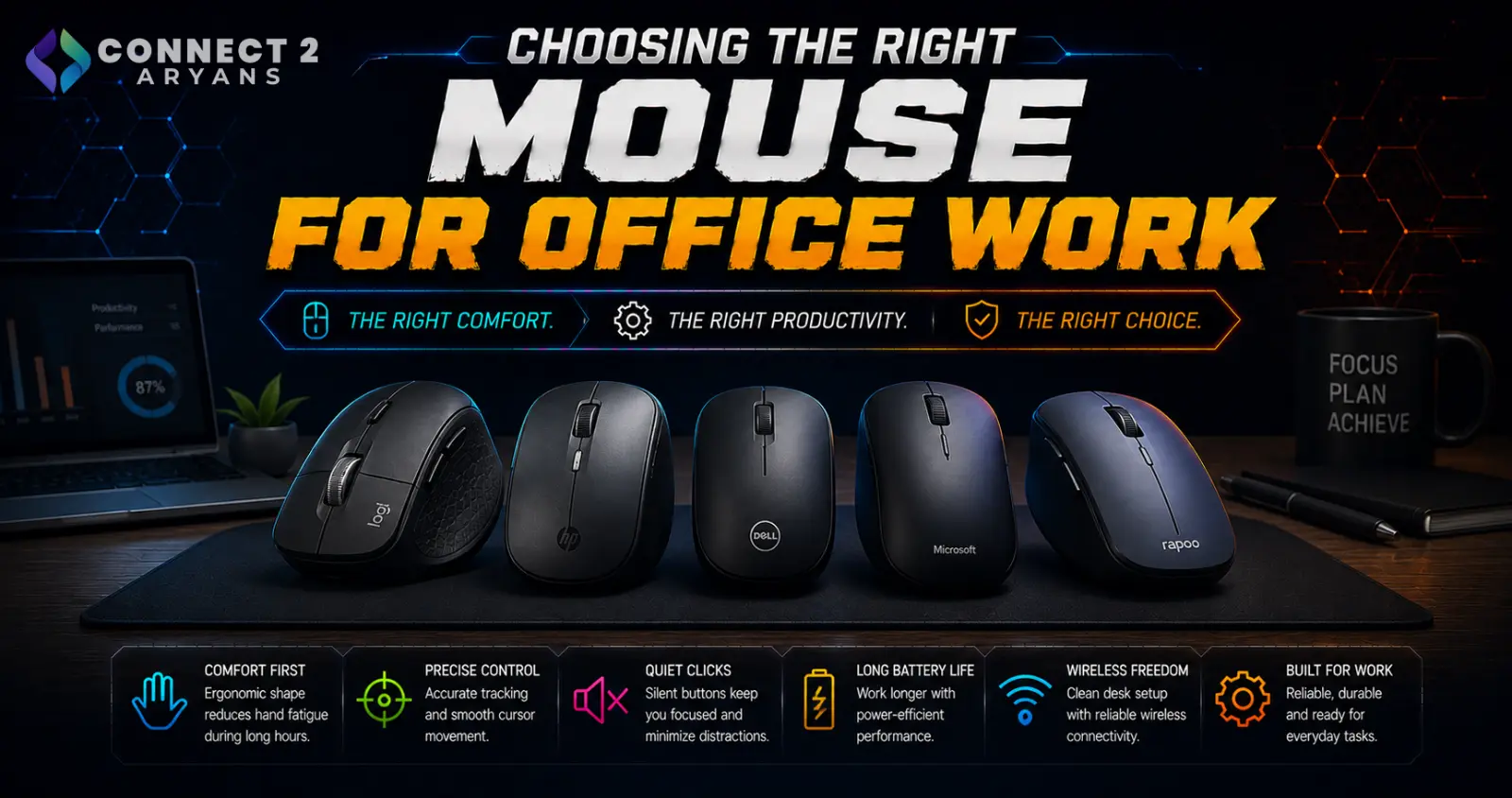
An office mouse doesn't need to chase competitive gaming specs — what actually matters is comfort over hours of daily use, quiet operation in a shared space, and reliable multi-device connectivity if you switch between devices during the day. Here's what to look for in a Professional Mouse purchase.
Step 1: Prioritize Ergonomic Comfort
Since an office mouse gets used continuously for hours, hand and wrist comfort matters more than raw specs:
- Standard ergonomic shapes reduce strain for most users during typical desk work
- Vertical mice, which position your hand in a more natural handshake-like grip, can meaningfully reduce wrist strain for users who experience discomfort with traditional mouse shapes
- A mouse that fits your hand size comfortably matters more here than in gaming, since you're not gripping it for short, intense bursts but for sustained periods
Step 2: Quiet Clicks for Shared Spaces
- Many mice designed for office use include "silent click" switches, reducing the audible click sound — genuinely useful in open-plan offices or shared workspaces
- This is a small feature that makes a noticeable daily difference if you're working near others
Step 3: DPI and Sensor — Less Critical Than for Gaming
- Office work doesn't demand the same sensor precision as competitive gaming — a solid, reliable sensor at moderate DPI is more than sufficient
- Don't pay a premium for gaming-grade sensor specs you won't benefit from in day-to-day productivity tasks
Step 4: Button Count and Productivity Shortcuts
- Most office users only need standard left/right click, scroll wheel, and maybe one or two extra buttons for back/forward browser navigation
- Some professional mice offer programmable buttons aimed at productivity shortcuts (copy/paste, app switching) rather than gaming binds — useful if you do a lot of repetitive digital tasks
Step 5: Connectivity for Multi-Device Setups
- Wireless — the most common choice for office setups, keeping the desk cable-free
- Dual-Mode — flexibility to go wired for a guaranteed stable connection, wireless the rest of the time
- Wired — still a simple, reliable option if you don't need multi-device flexibility
Step 6: Battery Life (For Wireless)
If going wireless, check realistic battery life under regular office use, and whether it charges via USB-C or uses replaceable batteries — both work fine, but this affects your maintenance routine over time.
Popular Office Mouse Brands
Common Mistakes to Avoid
- Paying extra for gaming-grade sensor precision you won't benefit from in office use
- Ignoring ergonomic fit and ending up with wrist discomfort after extended daily use
- Choosing a loud-clicking mouse for a shared or open-plan office environment
- Not considering Tri-Mode connectivity if you regularly switch between multiple devices during the day
Final Thoughts
The right office mouse comes down to comfort over hours of use, quiet operation, and connectivity that matches how many devices you switch between — not chasing gaming-oriented specs. If you're at your desk most of the day, investing in ergonomic comfort pays off far more than a high DPI number ever will.
Browse our full range of Professional Mouse options from A4Tech and Logitech on Connect2Aryans, with warranty support included.

