
Choosing the Right Mouse
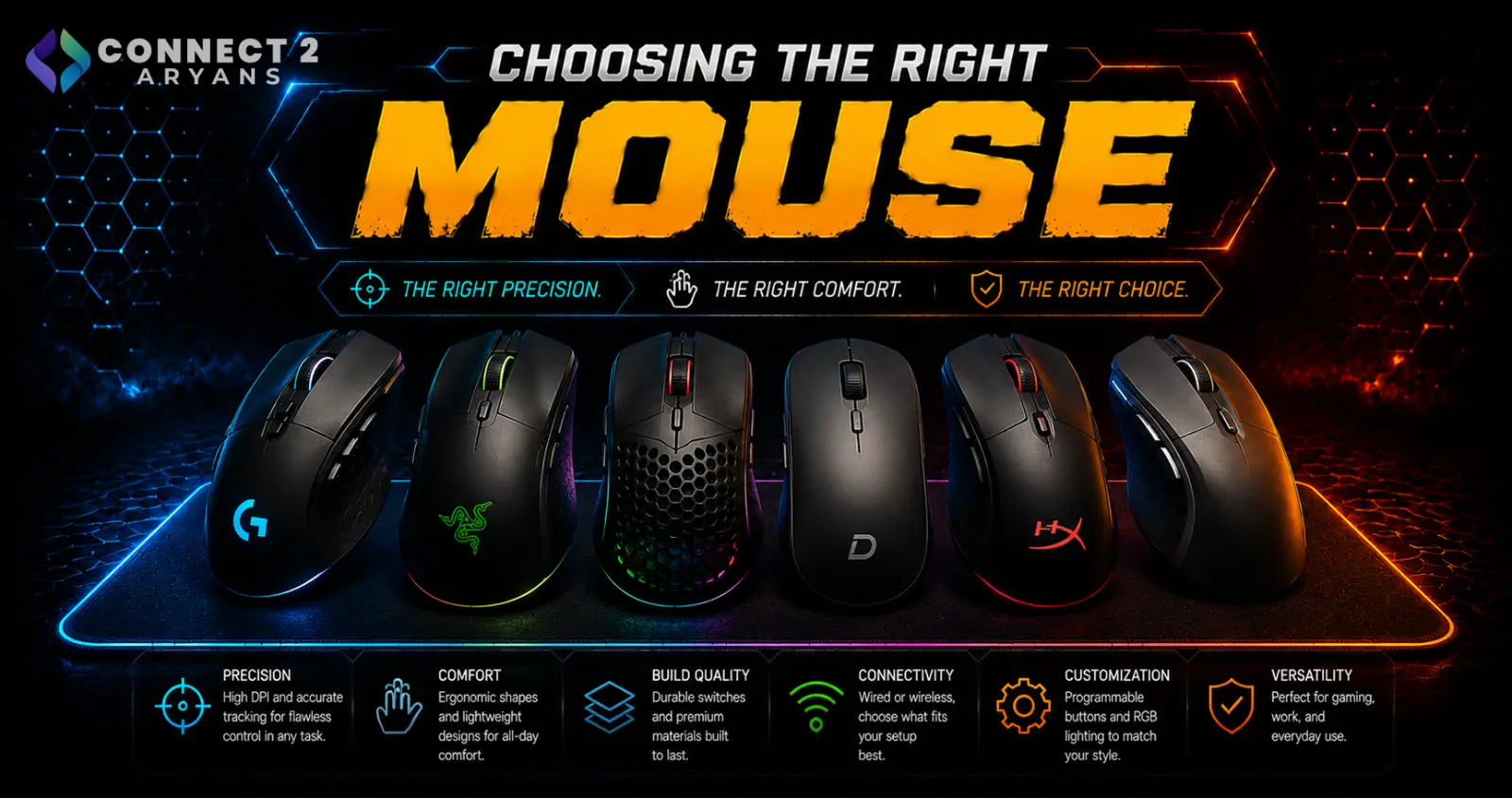
A mouse gets judged on DPI numbers more than it should — sensor quality matters, but grip style, weight, and shape have a bigger day-to-day impact on comfort and control than the spec sheet suggests. Here's how to choose the right one.
Step 1: Understand Your Grip Style
How you naturally hold a mouse affects which shapes will actually feel comfortable:
- Palm grip — the whole hand rests on the mouse, generally suited to larger, more ergonomic mouse shapes
- Claw grip — fingertips and palm base contact the mouse, with an arched hand position, often suited to slightly smaller, more angular shapes
- Fingertip grip — only fingertips touch the mouse, popular for fast, precise movements, generally suited to lighter, smaller mice
If you're not sure which you use, try picking up your current mouse naturally and noticing where your palm and fingers land — that's your grip style, and it should guide your next purchase more than any spec.
Step 2: Sensor Quality (DPI Isn't Everything)
- Higher DPI numbers get marketed heavily, but sensor accuracy and consistency matter more than the maximum DPI figure
- Most users, including gamers, comfortably use well under the maximum DPI many mice advertise
- A quality sensor tracks accurately and consistently at the DPI you actually use — this matters far more than chasing the highest number on the box
Step 3: Weight and Size
- Lighter mice (often achieved through honeycomb/perforated shells) suit fast, low-effort movements, popular in competitive gaming
- Heavier mice can feel more stable and deliberate for precision work or general use
- Hand size matters too — a mouse too large or small for your hand causes fatigue over extended use regardless of how good the sensor is
Step 4: Buttons and Programmability
- Gaming mice often include extra programmable side buttons for in-game shortcuts
- Professional/office mice may include fewer buttons, or programmable ones aimed at productivity shortcuts instead of gaming binds
- Check how many buttons you'll realistically use — extra buttons you never program are just added cost
Step 5: Connectivity
- Wired — zero latency concerns, no battery to manage, still preferred for competitive gaming
- Wireless — modern wireless mice have closed the latency gap significantly, offering a cleaner desk without cable drag
- Dual-Mode — flexibility to use wired or wireless depending on the situation
Step 6: Gaming or Professional?
- Gaming Mouse options prioritize high-precision sensors, low latency, and shapes built for fast, extended gaming sessions
- Professional Mouse options prioritize all-day ergonomic comfort for office and productivity use, often with simpler feature sets
If you're gaming competitively, lean gaming. If you're at a desk for work most of the day, a professional mouse built for comfort over long hours is usually the better daily driver.
Popular Mouse Brands
Common Mistakes to Avoid
- Choosing a mouse based on maximum DPI alone without considering sensor accuracy or grip fit
- Buying a mouse shape that doesn't match your natural grip style, leading to discomfort over time
- Overpaying for extra programmable buttons you'll never actually use
- Assuming wireless mice always introduce noticeable input lag — this is largely outdated for modern wireless gaming mice
Final Thoughts
The right mouse comes down to matching shape and weight to your grip style, choosing a sensor that tracks accurately at the DPI you'll actually use, and picking connectivity based on how much you value zero-latency reliability versus desk flexibility. Test the shape in person if you can — comfort matters more than any spec on the box.
Browse our full range of Gaming Mouse and Professional Mouse options from Logitech, A4Tech, and UGREEN on Connect2Aryans, with warranty support included.

