
Choosing the Right microSD Card
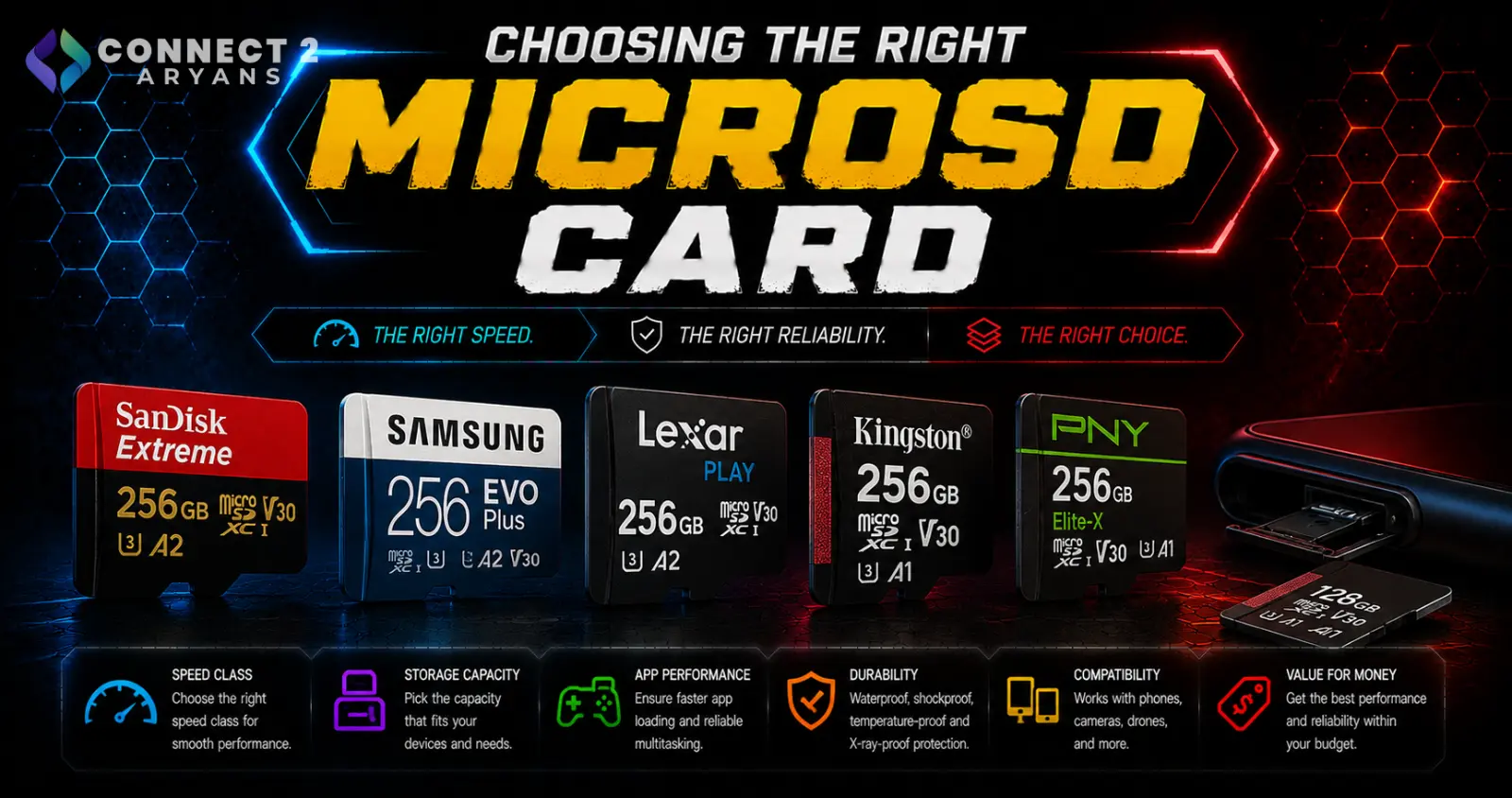
MicroSD cards look interchangeable at a glance, but the speed ratings printed on them actually matter a lot depending on what device you're putting them in. A card that's perfectly fine for storing photos can genuinely bottleneck a Nintendo Switch or a 4K action camera. Here's how to choose the right one.
Step 1: Understand Speed Class Ratings
microSD cards carry a few different, sometimes overlapping speed ratings — here's what actually matters:
- UHS Speed Class (U1 / U3) — U1 guarantees a minimum 10MB/s sustained write speed, U3 guarantees 30MB/s — important for continuous recording like video
- Video Speed Class (V30 / V60 / V90) — a more modern rating specifically for video recording; V30 supports full HD/4K, V60 and V90 support higher-bitrate 4K/8K recording
- App Performance Class (A1 / A2) — rates the card for running apps directly from it (relevant for phones and devices like the Nintendo Switch), with A2 offering better random read/write performance for app loading
Rule of thumb: match the rating to your actual use — video-heavy use cares about V-class, app/game-heavy use cares about A-class, and general storage cares less about either.
Step 2: Match the Card to Your Device
- Smartphones (expandable storage): A1 or A2 rated cards load apps and media noticeably faster than unrated budget cards
- Nintendo Switch: An A1 or A2 rated card improves game load times meaningfully — this is one of the clearest real-world differences a rating makes
- Action cameras / drones: Look for at least V30, and V60 if you're recording high-bitrate 4K footage — a slow card can cause dropped frames or recording stops
- Dash cams: U3 or V30 is generally sufficient for continuous loop recording without corruption issues
- DSLR/mirrorless cameras shooting 4K or high-speed burst photos: V60 or V90 gives real headroom for sustained high-bitrate recording
Step 3: Choose the Right Capacity
- 32GB–64GB — fine for lighter use: photos, apps, casual recording
- 128GB — a comfortable sweet spot for most phones, Switch libraries, and moderate video recording
- 256GB–512GB — worth it for heavy 4K video recording, large game libraries, or action camera use over longer trips
- 1TB — mainly relevant for extensive 4K/8K footage storage or very large device game libraries
Step 4: Buy From Reputable Brands and Sellers
microSD cards are one of the most commonly counterfeited tech products on the market:
- Stick to established brands and buy from reputable sellers rather than unusually cheap third-party listings
- A card that seems too cheap for its advertised capacity and speed rating is a common counterfeit red flag
Popular microSD Card Brands
- SanDisk
- Samsung
- Kingston
- Transcend
Common Mistakes to Avoid
- Buying an unrated or low-class card for 4K video recording, leading to dropped frames or failed recordings
- Assuming higher capacity automatically means better speed — capacity and speed rating are separate specs
- Buying a slow card for a Nintendo Switch and wondering why game load times feel sluggish
- Falling for counterfeit cards sold at unusually low prices for their advertised capacity
Final Thoughts
The right microSD card comes down to matching the speed rating (V-class or A-class) to what your device actually does — video recording, gaming, or general storage — not just picking the largest capacity available. Get the rating right first, then size the capacity to your actual usage.
Browse our full range of microSD cards from SanDisk, Samsung, Kingston, and Transcend on Connect2Aryans, across every speed class and capacity, with warranty support included.

