
Choosing the Right Laptop
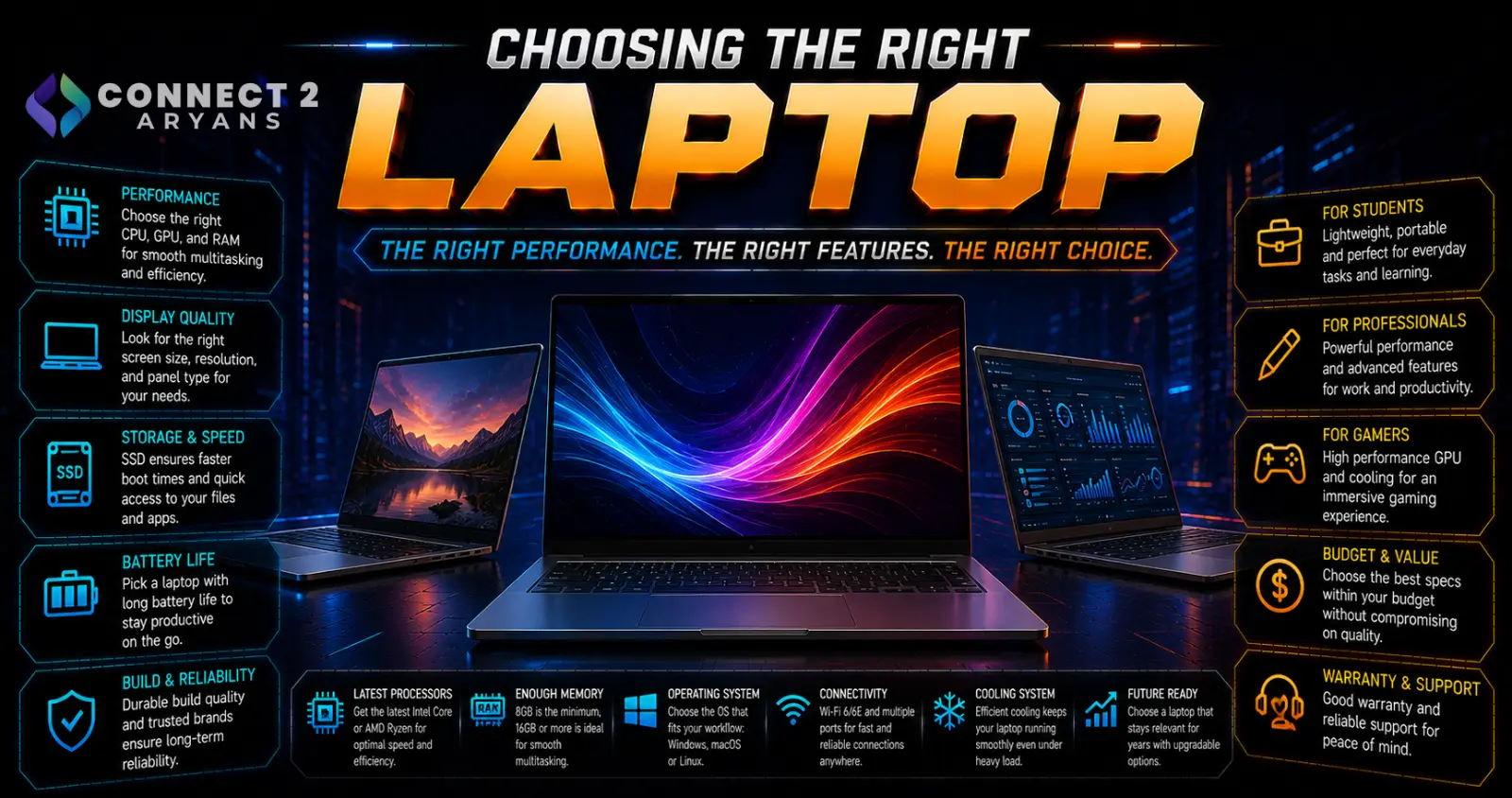
Laptop shopping gets overwhelming fast — endless spec sheets, confusing model numbers, and marketing terms that all sound impressive. The truth is most of that becomes simple once you're honest about what you'll actually use the laptop for. Here's how to choose the right one.
Step 1: Define Your Primary Use Case First
- Gaming Laptops — prioritize dedicated GPU performance, higher refresh rate displays, and strong cooling for sustained gaming sessions
- Professional Laptop — prioritize battery life, build quality, portability, and reliable performance for productivity and business use
- General/everyday use — prioritize a balance of decent performance, good battery life, and value over specialized features
- Content creation — prioritize CPU performance, RAM capacity, color-accurate displays, and often a capable GPU for rendering/editing
Your primary use case should drive nearly every other decision below — a laptop optimized for one of these often makes real compromises in the others.
Step 2: CPU and RAM
- For general use and productivity, a mid-range current-gen CPU handles most tasks comfortably
- For gaming or content creation, prioritize a stronger CPU tier alongside your GPU choice
- RAM: 8GB is now genuinely tight for most 2026 use; 16GB is the practical minimum for smooth everyday multitasking; 32GB is worth prioritizing for gaming, content creation, or heavy multitasking workloads
Step 3: Dedicated GPU or Integrated Graphics?
- Integrated graphics — sufficient for general use, office work, and light creative tasks, and helps keep battery life and weight down since there's no separate GPU drawing power
- Dedicated GPU — necessary for gaming, 3D rendering, or GPU-accelerated creative software; adds weight, heat, and reduces battery life compared to integrated-only laptops
Don't pay for a dedicated GPU if your actual use case doesn't need one — it adds cost and reduces battery life without benefiting general productivity use.
Step 4: Display
- Size: 13"–14" laptops prioritize portability; 15"–16" balance screen space and portability; 17"+ suits gaming or desktop-replacement use where portability matters less
- Resolution: 1080p is fine for most general use; 1440p or higher benefits content creation and detail-focused work
- Refresh rate: Standard 60Hz is fine for general use and productivity; 120Hz+ genuinely benefits gaming laptops specifically
Step 5: Battery Life
- Advertised battery life figures are often based on light usage (video playback, low brightness) — real-world battery life under actual work or gaming use is typically shorter
- Gaming laptops generally sacrifice battery life significantly compared to professional/productivity-focused laptops, due to more power-hungry components
- If portability and all-day use away from a charger matters most, prioritize battery life reviews over raw specs
Step 6: Build Quality and Portability
- Metal chassis laptops generally offer better durability and a more premium feel than plastic-bodied budget laptops, though at a higher price point
- Weight matters more than people expect if you're regularly carrying the laptop — check actual weight, not just screen size, since laptops of the same size can vary meaningfully in weight
- Keyboard quality and trackpad responsiveness are worth checking in reviews, especially for a laptop you'll type on daily
Step 7: Ports and Connectivity
- Check for the ports you actually need — HDMI, USB-A, USB-C, SD card reader, ethernet — since increasingly thin laptops sometimes cut ports you might rely on
- USB-C with power delivery and video output (DisplayPort Alt Mode) adds flexibility for docking and charging
- If you rely on specific peripherals or external displays, confirm the laptop has native support rather than needing a dongle for everything
Popular Laptop Categories to Explore
Common Mistakes to Avoid
- Buying a dedicated GPU laptop for general/office use, paying extra for performance and battery life you won't benefit from
- Choosing based on screen size alone without checking actual laptop weight for portability needs
- Trusting advertised battery life figures without checking real-world usage reviews
- Overlooking port selection on a slim laptop, then needing dongles for everyday peripherals
Final Thoughts
The right laptop comes down to being honest about your primary use case first — gaming, professional work, or general everyday use — and letting that decision guide CPU, GPU, display, and battery priorities. A laptop that's technically impressive on paper can still be the wrong choice if it doesn't match how you'll actually use it day to day.
Browse our full range of Gaming Laptops, Professional Laptop, and Macbook options on Connect2Aryans, with warranty support included.

