
Choosing the Right Keyboard for Office Work
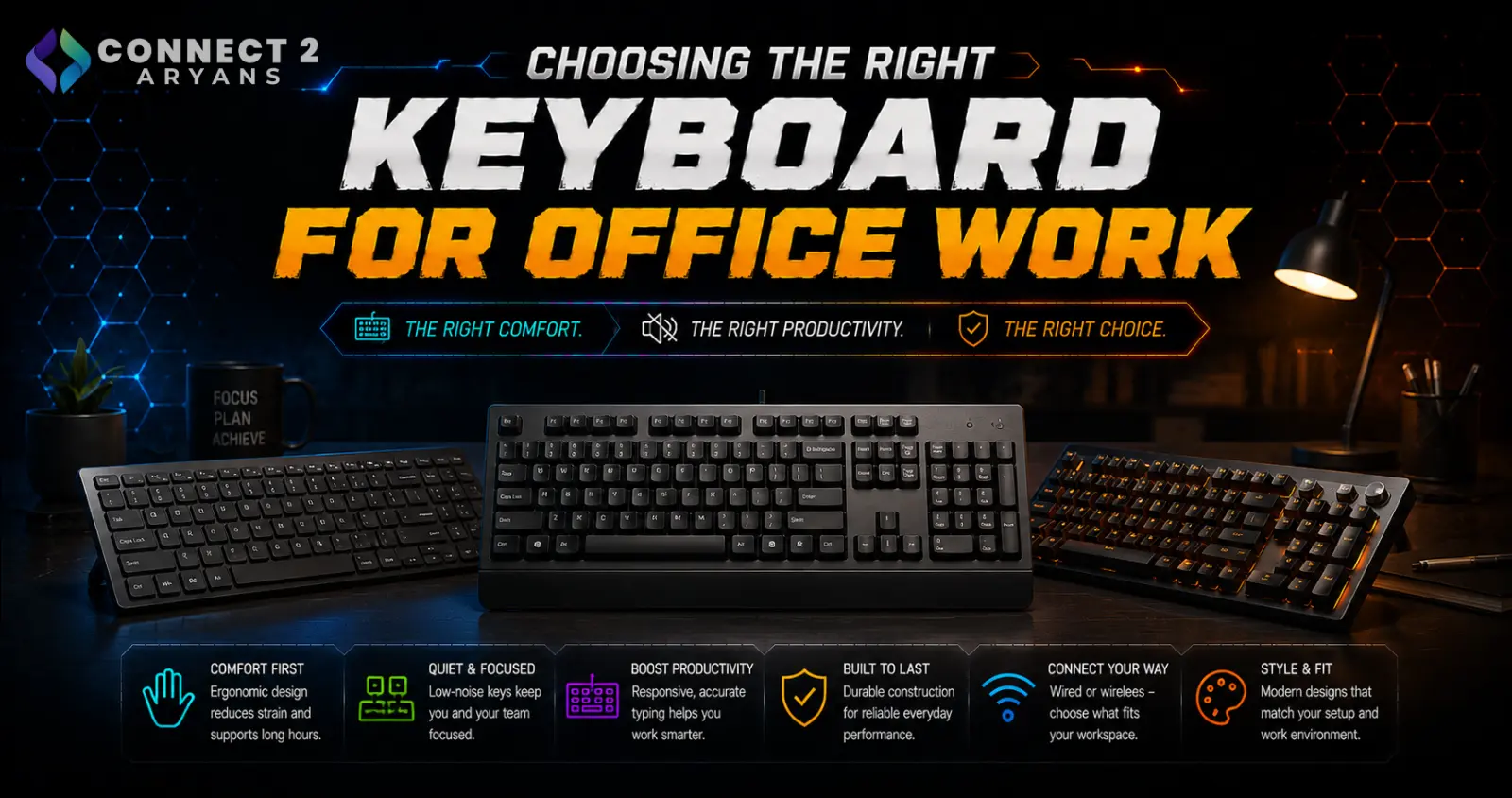
An office keyboard lives a different life than a gaming one — hours of continuous typing, often in a shared space, day after day. RGB lighting and rapid trigger switches don't matter here; comfort, quiet operation, and reliability do. Here's what to actually look for in a Professional Keyboards purchase.
Step 1: Prioritize Typing Comfort Over Gaming Features
The single biggest factor in a good office keyboard is how it feels after hours of continuous use, not how fast it registers inputs:
- Look for a keyboard with a comfortable key travel distance and a stable, non-flexing frame
- Consider an ergonomic or split-style keyboard if you type for extended periods — these reduce wrist strain compared to standard flat layouts
- A cushioned wrist rest (built-in or separate) can make a noticeable difference over a full workday
Step 2: Choose a Quieter Switch Type
Office environments — especially shared or open-plan ones — make switch noise a real consideration:
- Quiet linear or tactile switches are generally the better choice for shared spaces, offering smooth or lightly tactile feedback without loud clicks
- Clicky mechanical switches feel satisfying to type on but can be genuinely disruptive in a quiet or shared office — worth avoiding unless you work alone
- Membrane keyboards remain a budget-friendly, naturally quieter option, though they lack the tactile precision of mechanical switches
Step 3: Pick the Right Layout for Productivity
- Full-Size Keyboards (100%) — the standard choice for office work, especially if your job involves spreadsheets, data entry, or frequent number input
- Low-Profile Keyboards — keeps the number pad while saving some desk space, a good middle ground
- Tenkeyless – TKL (87%) — worth considering if desk space is tight and you don't rely heavily on a number pad
For most office and productivity work, don't go smaller than TKL — losing dedicated arrow keys or a number pad can genuinely slow down daily tasks.
Step 4: Connectivity for a Clean Desk
- Wireless — the most popular choice for office setups, keeping the desk cable-free and tidy
- Dual-Mode — flexibility to go wired when you need a guaranteed stable connection, wireless the rest of the time
- Tri-Mode — particularly useful if you regularly switch between a work laptop, a personal PC, and a tablet or phone, since it supports Bluetooth pairing to multiple devices
- Wired — still a reliable, simple option if you don't need the flexibility and prefer never worrying about battery life
Step 5: Battery Life and Reliability (For Wireless)
If going wireless, check the keyboard's realistic battery life under regular office use, and whether it charges via USB-C or relies on replaceable batteries — both are fine, but this affects your day-to-day maintenance routine.
Popular Office Keyboard Brands
Common Mistakes to Avoid
- Buying a clicky mechanical keyboard for a shared office space and becoming the loudest desk in the room
- Choosing a compact 60% layout for heavy spreadsheet or data-entry work, then missing the number pad constantly
- Prioritizing gaming features (RGB, macro keys, ultra-high polling rate) that add cost without benefiting office use
- Ignoring wrist comfort on a keyboard used for hours daily, leading to strain over time
Final Thoughts
The right office keyboard comes down to comfort, quiet operation, and a layout that matches your actual daily tasks — not gaming-oriented specs you won't use. If you're typing for hours every day, investing a bit more in comfort and switch quality pays off far more than any RGB lighting would.
Browse our full range of Professional Keyboards from A4Tech, HP, and Logitech on Connect2Aryans, across every layout and connectivity type, with warranty support included.

