
Choosing the Right Gaming Mouse
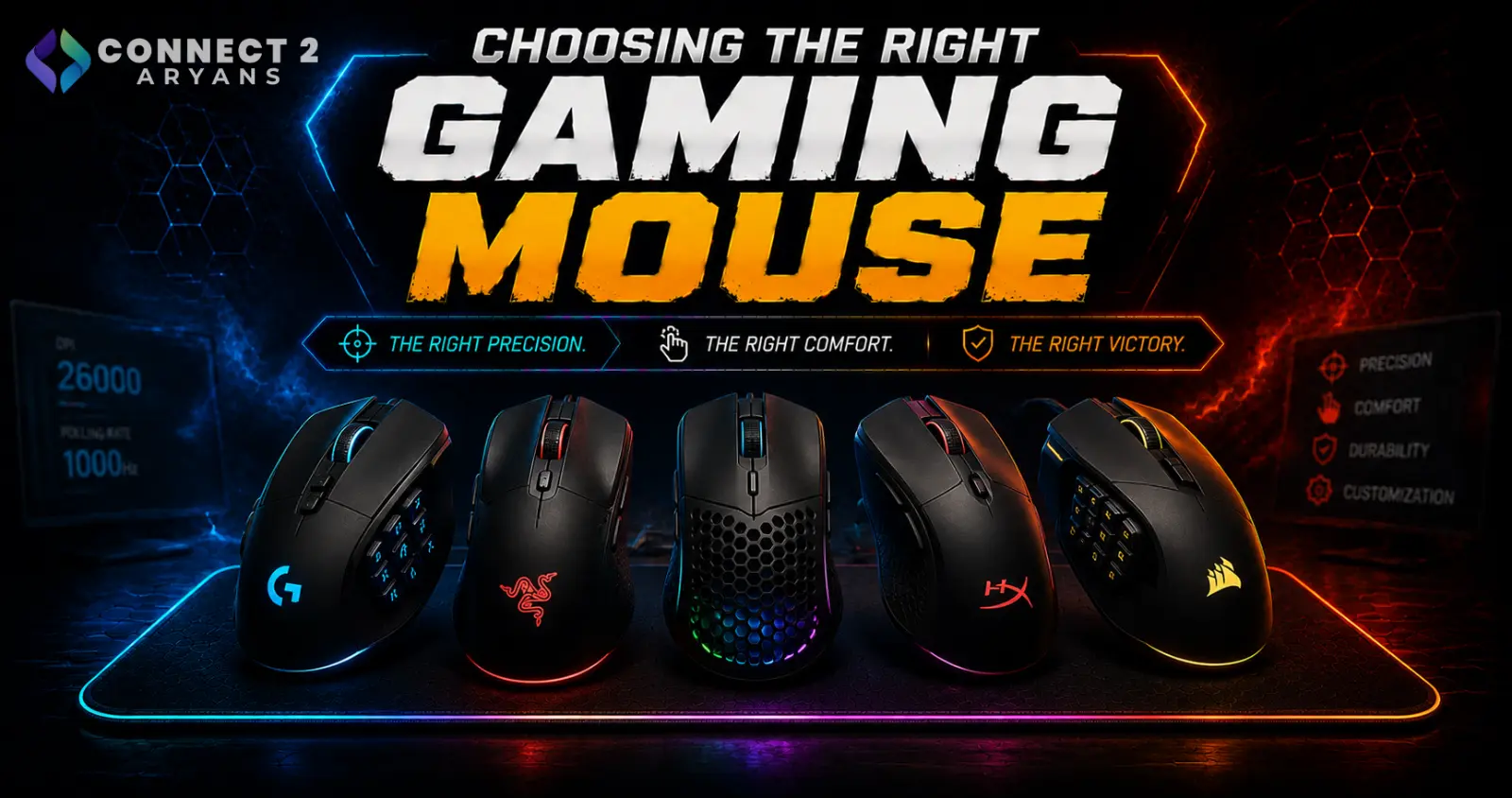
A gaming mouse earns its price through sensor accuracy, low click latency, and a shape that actually fits your game genre and grip — not through a high DPI number printed on the box. Here's what to look for in a Gaming Mouse purchase.
Step 1: Sensor Accuracy Over Max DPI
- Nearly all modern gaming mice offer more max DPI than any player realistically uses — most competitive gamers play well under 1600 DPI
- What actually matters is sensor tracking accuracy and consistency at your chosen DPI, along with low or zero acceleration (the sensor tracking exactly what your hand does, without adding unwanted extra movement)
- Look for reviews that specifically test tracking accuracy and consistency, not just the advertised max DPI figure
Step 2: Click Latency and Switches
- Genuine gaming mice use switches rated for both speed and durability, registering clicks with minimal delay
- Some higher-end gaming mice use optical switches for faster, more consistent click registration compared to traditional mechanical micro-switches
- Switch durability ratings (measured in millions of clicks) matter if you game frequently — cheaper mice often use lower-rated switches that degrade faster
Step 3: Weight — Lighter Isn't Always Better
- Competitive, fast-paced genres (FPS especially) have driven a trend toward ultra-lightweight mice, often using honeycomb/perforated shells to cut weight
- Lighter mice reduce fatigue during fast, repeated movements, which matters for competitive shooters and similar genres
- Heavier mice can still be the right choice if you prefer a more stable, deliberate feel — this comes down to personal preference as much as genre
Step 4: Shape Depends on Your Game Genre
- FPS games: Lightweight, symmetrical or ergonomic shapes with minimal extra buttons are common, prioritizing fast, precise movement
- MOBA/RTS games: A few extra programmable side buttons for ability shortcuts can be genuinely useful without needing a full MMO-style button grid
- MMO games: Mice with extensive side-button grids (sometimes 12+ buttons) are built specifically for complex ability rotations and macros
Buying an MMO-style mouse for FPS gaming (or vice versa) usually means paying for features you won't use, or missing features you actually need.
Step 5: Polling Rate
- 1000Hz is the standard baseline for gaming mice, reporting position to your PC every 1ms
- 4000Hz–8000Hz is available on some high-end competitive mice, offering marginal latency improvements mainly relevant at a serious competitive level
- For most players, 1000Hz is more than sufficient — higher polling rates matter most for top-tier competitive play
Step 6: Wired, Wireless, Dual-Mode, or Tri-Mode?
- Wired — the traditional choice for zero-latency, zero-battery-concern competitive gaming
- Wireless — modern gaming-grade wireless has closed the latency gap significantly and is genuinely competition-ready for the vast majority of players; also removes cable drag, which can matter for fast, low-sensitivity movements
- Dual-Mode — gives you the option to play wired for guaranteed lowest latency, and switch to wireless the rest of the time
- Tri-Mode — adds Bluetooth on top of wireless dongle and wired options, useful if you switch the same mouse between a gaming PC, laptop, or other Bluetooth-enabled devices
For most gamers, wireless gaming mice are no longer a meaningful compromise — wired remains the safest choice only at the most serious competitive tournament level.
Popular Gaming Mouse Brands
Common Mistakes to Avoid
- Choosing a mouse based on maximum DPI alone instead of sensor accuracy and consistency
- Buying an MMO-style mouse with a large button grid for FPS gaming, or vice versa
- Assuming heavier mice are always worse for gaming — it depends on genre and personal preference
- Dismissing wireless gaming mice as automatically laggy, based on outdated assumptions
Final Thoughts
The right gaming mouse comes down to sensor accuracy, a shape and button layout that matches your genre, and a weight that suits your playstyle — not the biggest DPI number on the packaging. Match these to how you actually play, and the mouse will feel like an extension of your hand rather than something you're fighting against.
Browse our full range of Gaming Mouse options from Asus, Bloody, and Attack Shark on Connect2Aryans, with warranty support included.

