
Choosing the Right Gaming Keyboard
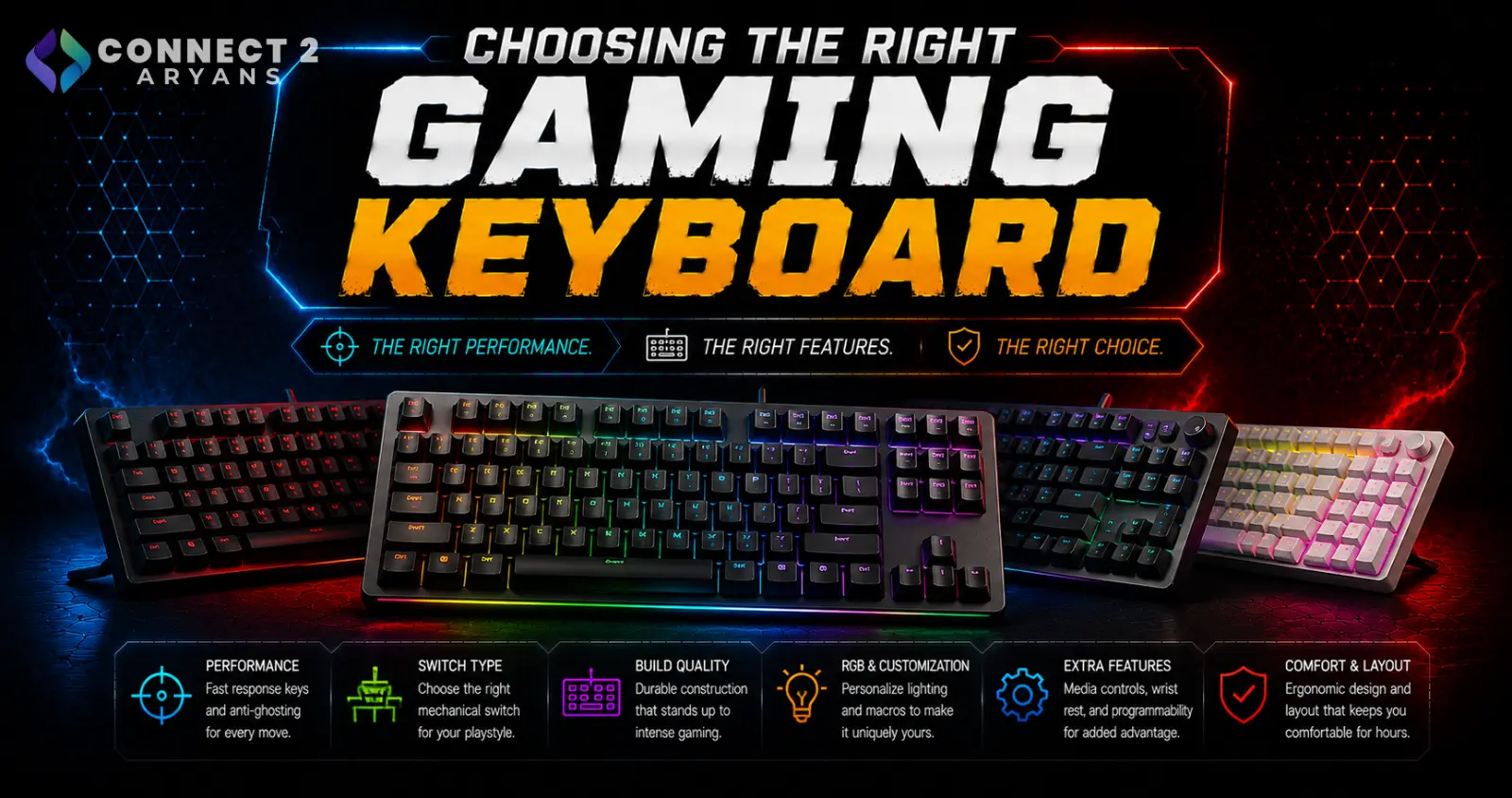
Not every gamer needs a competitive-grade keyboard, but if input speed and accuracy genuinely affect your performance, the specs that matter go well beyond RGB lighting and a "gaming" label. Here's what to actually look for in a Gaming Keyboards purchase.
Step 1: Switch Type for Gaming
- Linear switches — smooth, consistent keypress with no tactile bump, generally the preferred choice for fast, repeated gaming inputs since there's nothing interrupting the keystroke
- Tactile switches — a slight bump partway through the press; some gamers prefer the feedback, though it can be marginally slower for rapid inputs
- Optical switches — use a light beam instead of physical metal contact to register keypresses, offering faster actuation and reduced switch bounce, popular in higher-end competitive gaming keyboards
For competitive, fast-paced games, linear or optical switches are generally the go-to choice.
Step 2: Actuation Point and Rapid Trigger
Higher-end gaming keyboards let you customize how far a key needs to travel before it registers:
- Adjustable actuation point — lets you set keys to register earlier (shorter travel) for faster inputs, or later for more deliberate presses
- Rapid trigger — a more advanced feature that registers a keypress the instant the key starts moving, and resets the instant it starts releasing, without waiting for a full press or release — genuinely useful for fast directional inputs in competitive gaming
This feature matters most for competitive, precision-focused genres — casual gamers won't notice much difference from a standard mechanical switch.
Step 3: Polling Rate
Polling rate determines how often the keyboard reports its input to your PC, measured in Hz:
- 125Hz–500Hz — standard range, perfectly fine for the vast majority of games
- 1000Hz — the common baseline for gaming keyboards, reporting input every 1ms
- 4000Hz–8000Hz — found on some high-end competitive keyboards, offering marginal input latency improvements mainly relevant to top-tier competitive play
Most players won't perceive a meaningful difference above 1000Hz — it matters most for very high-level competitive gaming.
Step 4: Anti-Ghosting and N-Key Rollover (NKRO)
- Anti-ghosting ensures multiple simultaneous key presses register correctly, important for games requiring several keys held at once (movement + abilities, for example)
- NKRO (N-Key Rollover) guarantees every key registers correctly even when many are pressed simultaneously — worth prioritizing if your games involve complex key combinations
Step 5: Layout for Gaming
Smaller layouts are popular in gaming specifically for the extra mouse room they free up:
- Tenkeyless – TKL (87%) — a common gaming choice, drops the number pad for more mouse space while keeping arrows and function keys
- 75% Keyboards / 68% Keyboards / 65% Keyboards — more compact still, popular among competitive players who want maximum desk space for mouse movement
- 60% Keyboards — the most compact option, favored by some competitive players despite losing dedicated arrow and function keys
Step 6: Connectivity for Competitive Play
- Wired remains the standard for competitive gaming — zero latency concerns, no battery to manage mid-match
- Wireless gaming keyboards have improved significantly and are fine for casual and most non-tournament competitive play, but wired is still the safer choice if you're playing at a serious competitive level
Popular Gaming Keyboard Brands
Common Mistakes to Avoid
- Buying a keyboard purely for RGB and "gaming" branding without checking switch type or polling rate
- Assuming you need rapid trigger and 8000Hz polling for casual gaming — these matter most at a competitive level
- Choosing a 60% layout without testing whether you'll miss dedicated arrow keys
- Going wireless for serious competitive play without checking real-world latency reviews first
Final Thoughts
A gaming keyboard earns its price through switch responsiveness, layout efficiency, and — for competitive players — features like rapid trigger and high polling rate, not just RGB lighting. Match the feature set to your actual level of play: casual gamers get diminishing returns from top-tier competitive specs, while serious competitive players genuinely benefit from them.
Browse our full range of Gaming Keyboards from Asus, Aula, Bloody, and Logitech on Connect2Aryans, across every layout and connectivity type, with warranty support included.

