
Choosing the Right Gaming Earphones
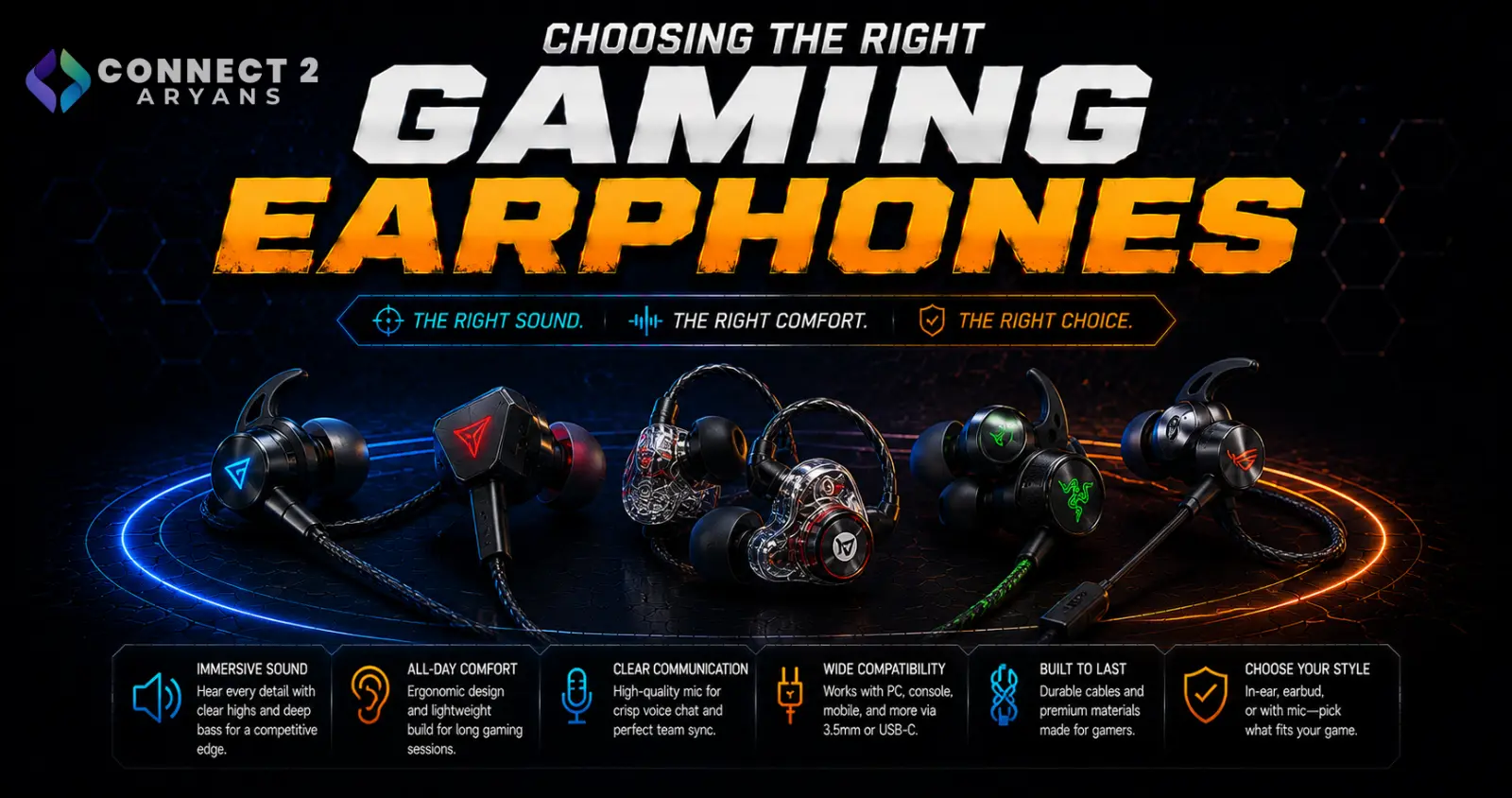
Regular wireless earbuds aren't built for gaming — standard Bluetooth introduces enough audio delay that it can genuinely throw off timing in fast-paced games. Gaming earphones exist specifically to solve that problem while staying compact and portable. Here's what to look for in a Gaming Earphones purchase.
Step 1: Understand Low-Latency Connection Modes
- Standard Bluetooth — convenient and widely compatible, but often introduces noticeable audio delay, which can throw off timing in competitive or rhythm-based games
- 2.4GHz wireless dongle mode — many gaming earphones include a small USB dongle offering a dedicated low-latency connection, specifically built to avoid the delay of standard Bluetooth
- Wired — still the zero-latency gold standard if you're playing something genuinely latency-sensitive and don't mind the cable
Rule of thumb: if the earphones are marketed for gaming, check whether they include a dedicated low-latency mode (usually via a 2.4GHz dongle) rather than relying on standard Bluetooth alone.
Step 2: Fit and Comfort for Extended Sessions
- In-ear (with ear tips) — better noise isolation and typically more secure fit, good for longer gaming sessions
- Semi-in-ear — less isolation but can feel less intrusive for shorter sessions or if you don't like a deep in-ear seal
- Multiple ear tip sizes included in the box matter more than people expect — a poor seal hurts both comfort and bass response
Step 3: Sound Signature for Gaming
- Look for earphones with clear mid-range detail, not just heavy bass — footsteps and directional audio cues often live in the mid-range, and bass-heavy tuning can mask them
- Some gaming earphones offer game-specific EQ presets or companion apps to adjust sound signature for different genres
Step 4: Microphone for On-the-Go Voice Chat
- Built-in mics on gaming earphones are generally more compact than headset mics, so check reviews specifically for voice clarity, since quality varies more here than on larger gaming headsets
- Some models include an inline mic on the cable (for wired connections) or dongle, rather than in the earbud itself, which can offer clearer pickup
Step 5: Battery Life and Charging Case
- Check both single-charge battery life and total battery life with the charging case, since gaming sessions can run long
- A case that supports fast charging is useful if you tend to game in longer, less predictable sessions and need a quick top-up
Step 6: Use Case — Mobile, Laptop, or Handheld Gaming
- Mobile gaming: Low-latency Bluetooth or a compact dongle solution both work well; prioritize comfort for extended phone gaming sessions
- Laptop gaming: A 2.4GHz dongle mode is especially useful here for consistent low latency without needing a wired connection
- Handheld gaming devices: Check specific compatibility, since not all gaming earphones' dongles work with every handheld's USB-C port
Popular Gaming Earphone Brands
- Razer
- SteelSeries
- JBL
- Logitech
Common Mistakes to Avoid
- Buying standard Bluetooth earbuds and expecting gaming-grade low latency
- Choosing bass-heavy tuning that masks important mid-range audio cues like footsteps
- Ignoring ear tip fit and comfort, leading to earphones that hurt during longer sessions
- Overlooking dongle compatibility with your specific handheld gaming device before buying
Final Thoughts
The right gaming earphones come down to a genuine low-latency connection mode, a comfortable secure fit for extended sessions, and a sound signature that lets you actually hear positional cues clearly — not just a "gaming" label slapped on standard Bluetooth earbuds. Check for a dedicated low-latency mode first; it's the single biggest differentiator from regular wireless earbuds.
Browse our full range of Gaming Earphones from Razer, SteelSeries, JBL, and Logitech on Connect2Aryans, with warranty support included.

