
Choosing the Right Gaming Desk
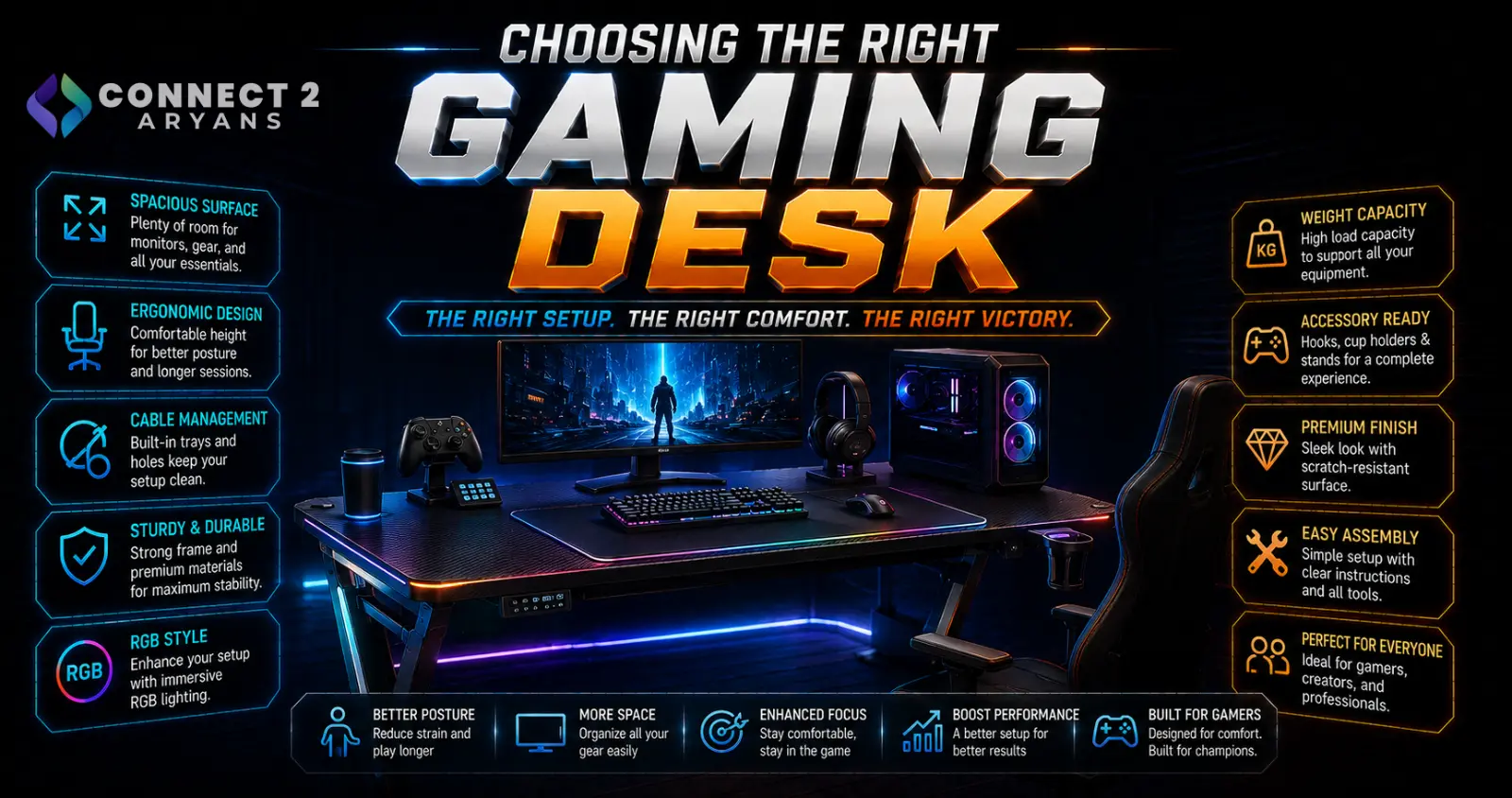
A gaming desk needs to actually fit your monitor setup, peripherals, and room — not just look impressive in a product photo. Size, weight capacity, and cable management often matter more day to day than the aesthetic details. Here's how to choose the right Gaming Desks for your space.
Step 1: Choose the Right Shape and Size
- Rectangular desks — the most common and flexible shape, fitting most room layouts and setups
- L-shaped/corner desks — offer significantly more surface area, useful for multi-monitor setups, dual-purpose work/gaming spaces, or anyone who wants a dedicated zone for peripherals separate from the main monitor area
- Compact desks — designed for smaller rooms or minimalist setups, prioritizing footprint over maximum surface area
Measure your actual room space and account for chair clearance before choosing size — a desk that looks reasonably sized in photos can feel cramped once placed against your specific wall and existing furniture.
Step 2: Check Weight Capacity
- Add up the realistic weight of your monitor(s), PC (if desk-mounted), and peripherals before assuming any desk can handle your full setup
- Multi-monitor setups, especially with monitor arms, add concentrated weight and torque at specific points on the desk — check the desk's rated capacity at mounting points, not just overall surface weight capacity
- A desk mount for your PC tower (some gaming desks include this) needs its own separate weight rating check
Step 3: Material and Build Quality
- Wood/MDF surfaces — common, durable, and available in a wide range of finishes; check for scratch and moisture resistance if you'll be eating or drinking at your desk regularly
- Metal frame legs — generally offer better stability and weight capacity than all-wood or all-plastic frame designs, especially for larger desks or heavier monitor setups
- Tempered glass surfaces — offer a sleek look, but can show fingerprints and scratches more visibly than wood, and are heavier and less forgiving if damaged
Step 4: Height Adjustability — Standing Desk or Fixed Height?
- Fixed-height desks — simpler, generally more affordable, and sufficient if you're comfortable with a consistent seated setup
- Height-adjustable (standing) desks — allow switching between sitting and standing throughout long sessions, which can help with posture and reduce prolonged sitting strain during extended gaming or work sessions
- Electric vs manual crank adjustment — electric adjustment is faster and more convenient for frequent height changes; manual crank models are generally more affordable but slower to adjust
If you spend many hours daily at your desk (gaming and/or work), a height-adjustable desk is a genuine ergonomic upgrade worth considering, not just a novelty feature.
Step 5: Cable Management Features
- Cable grommet holes — pass-through holes for routing cables cleanly from desktop to floor, reducing visible cable clutter
- Under-desk cable trays/baskets — a dedicated space to bundle and hide power strips and excess cabling, keeping it out of sight and off the floor
- These features matter more than people expect for keeping a gaming setup looking clean and avoiding a tangled mess under and around the desk
Step 6: Monitor Mount and Accessory Compatibility
- If you're planning to use a monitor arm, check the desk's edge thickness against your arm's clamp compatibility range, or confirm grommet mount options if the desk supports that style
- Some gaming desks include built-in accessory mounts (headphone hooks, cup holders, controller stands) — a nice convenience if included, but not essential to a good desk
Popular Gaming Desk Brands
Common Mistakes to Avoid
- Buying a desk without checking actual room space and chair clearance, resulting in a cramped fit
- Ignoring weight capacity for a multi-monitor setup with monitor arms, risking sagging or instability
- Choosing tempered glass for a setup that'll see frequent fingerprints and scratches without regular cleaning
- Overlooking cable management features and ending up with a cluttered, tangled setup despite an otherwise nice desk
Final Thoughts
The right gaming desk comes down to matching size and shape to your actual room and setup, confirming weight capacity for your monitors and peripherals, and prioritizing cable management features that keep the final result looking clean. Height adjustability is worth considering if you spend long hours at the desk daily — it's a genuine ergonomic benefit, not just an aesthetic feature.
Browse our full range of Gaming Desks from MXG on Connect2Aryans, with warranty support included.

