
Choosing the Right Gaming Chair
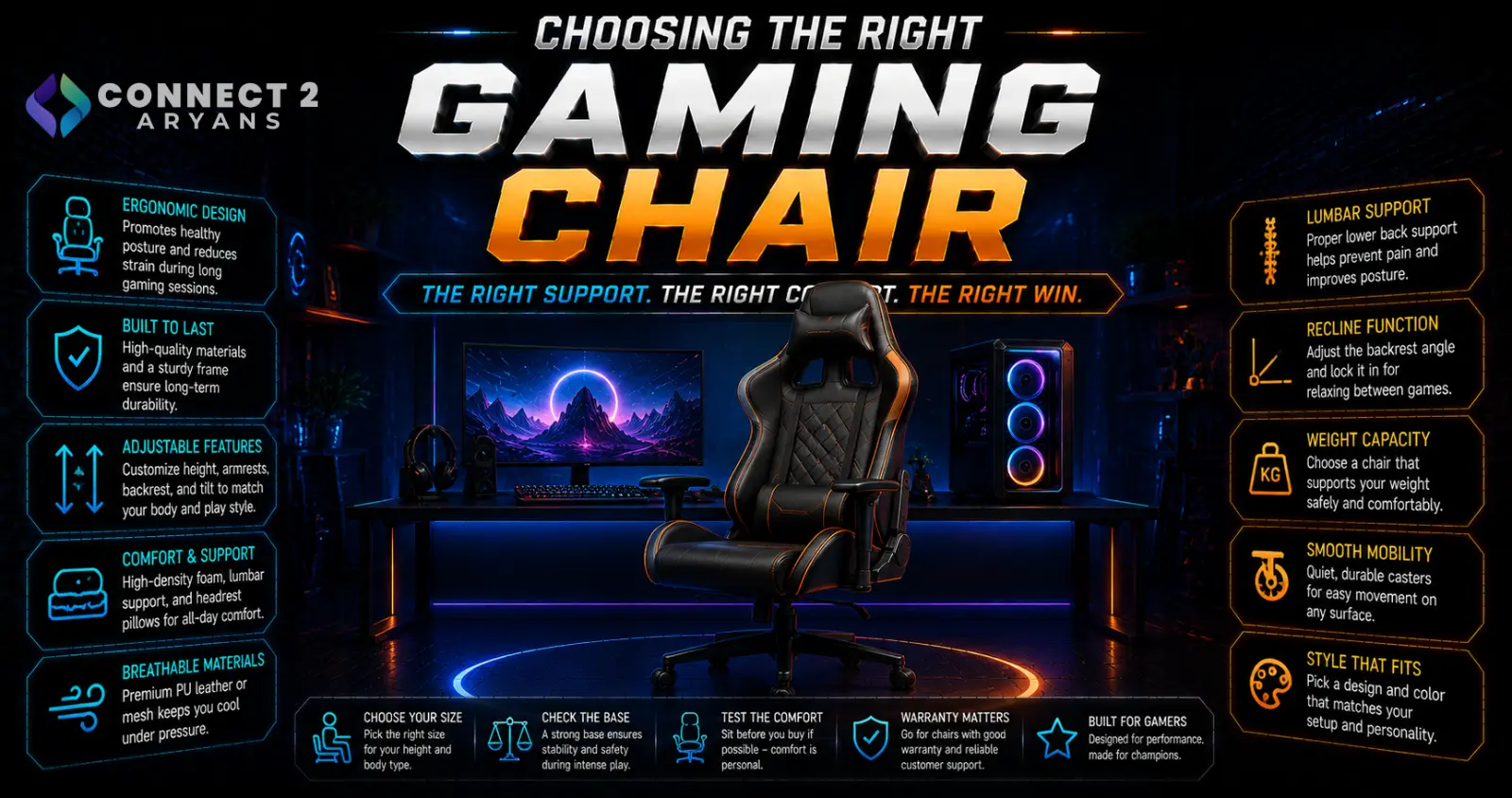
A gaming chair gets judged on looks in most marketing photos, but what actually matters after a few hours in it is ergonomic support, build quality, and whether it actually fits your body. A visually striking chair that hurts your back after an hour isn't a good purchase regardless of the price. Here's how to choose the right Gaming Chairs for real, extended use.
Step 1: Prioritize Ergonomic Support
- Lumbar support — either built-in or an adjustable cushion, genuinely important for lower back support during long sessions; adjustable lumbar support tends to fit a wider range of body types better than fixed built-in support
- Adjustable armrests — multi-directional armrests (height, width, depth, and pivot) let you position your arms comfortably regardless of your desk height or typing/gaming posture
- Recline function — a chair that reclines and locks at various angles helps you shift position during long sessions, reducing strain from staying in one fixed posture too long
- Headrest — a supportive headrest matters more during reclined use; less critical if you mostly sit upright
Step 2: Material Choice
- PU leather — common in racing-style gaming chairs, offering a sleek look, but can trap heat and feel warm during long sessions, especially in warmer climates
- Fabric — generally more breathable than PU leather, often more comfortable for extended sessions, though may show wear differently over time
- Mesh — offers the best breathability, particularly well-suited to warmer climates or anyone prone to overheating during long sessions, though sometimes at the cost of the more traditional "gaming chair" racing aesthetic
Recommendation: if breathability matters more to you than aesthetics, mesh or fabric will likely feel more comfortable over multi-hour sessions than PU leather.
Step 3: Racing-Style vs Ergonomic-Style
- Racing-style chairs — the classic "gaming chair" look, bucket-seat design inspired by racing seats, generally offering good lateral support
- Ergonomic-style chairs — designed more like high-end office chairs, often with more sophisticated adjustability (lumbar, headrest, tilt tension) and a less flashy aesthetic, increasingly popular for buyers who prioritize comfort over gaming-specific styling
Neither is objectively better — racing-style chairs often look more visually "gaming," while ergonomic-style chairs frequently offer more genuine adjustability for long-term comfort.
Step 4: Build Quality and Weight Capacity
- Check the chair's rated weight capacity against your actual weight, with some margin — a chair used near its maximum rated capacity tends to wear out faster
- Look at the base and wheel quality — a steel base and quality casters hold up better over years of daily use than lower-quality components that can wear down or become unstable
- Gas lift cylinder quality affects both smoothness of height adjustment and long-term reliability — cheaper cylinders are more prone to sinking or failing over time
Step 5: Size and Fit
- Chair dimensions (seat width, seat depth, backrest height) should match your body size — a chair too small feels cramped over long sessions, while one too large can leave you without proper support
- Taller or larger users specifically should check for "big and tall" or extended-size variants where available, rather than assuming a standard-size chair will fit comfortably
- If possible, check reviews from buyers with a similar body type to yours, since comfort varies significantly by individual proportions
Step 6: Assembly and Warranty
- Gaming chairs typically require some assembly — check reviews mentioning assembly difficulty if this matters to you
- A longer warranty period is often a good indicator of manufacturer confidence in build quality, particularly for the gas cylinder and frame
Popular Gaming Chair Brands
Common Mistakes to Avoid
- Choosing a chair based on looks alone without checking lumbar support and adjustability
- Buying PU leather for a warm climate or long sessions, then dealing with discomfort from heat retention
- Ignoring weight capacity ratings and buying a chair close to or over your actual weight
- Not checking seat dimensions against your body size, resulting in a cramped or unsupportive fit
Final Thoughts
The right gaming chair comes down to genuine ergonomic adjustability — lumbar support, armrests, and recline — matched to your body size and climate preferences, not just how it looks in photos. A chair that supports you properly through multi-hour sessions is worth prioritizing over one that simply looks the part.
Browse our full range of Gaming Chairs from Arozzi, Asus, Cougar, DX Racer and MXG on Connect2Aryans, with warranty support included.

