
Choosing the Right Gaming Bundle
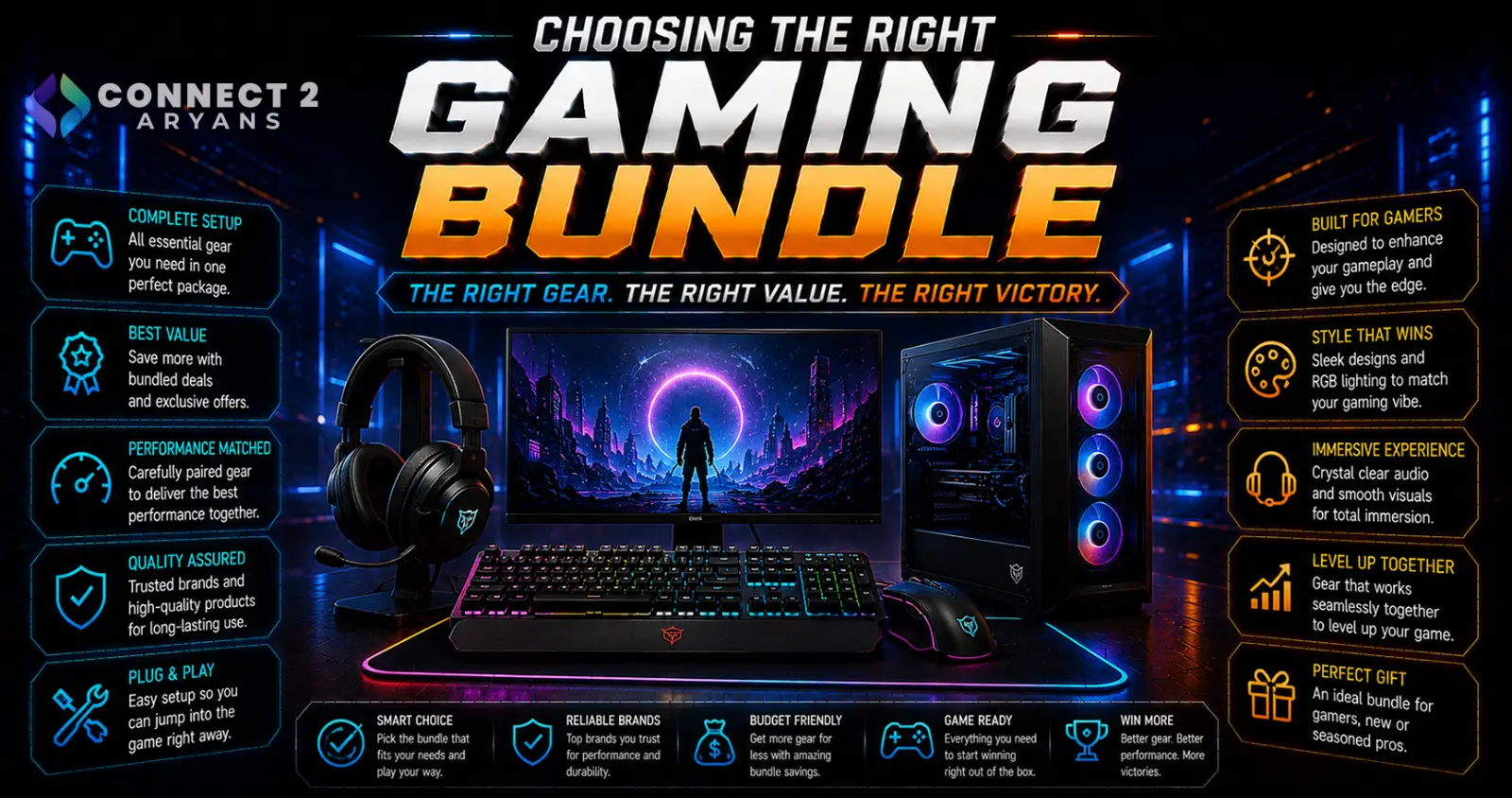
Gaming bundles — keyboard, mouse, headset, and sometimes a mouse pad sold together — can be genuinely good value, or a way to package a couple of weak components with one decent one and call it a deal. Knowing how to tell the difference saves you from paying for parts you don't actually need. Here's how to choose the right Gaming Bundles.
Step 1: Check Each Component Individually
Before looking at the bundle as a whole, research each included item on its own:
- Search for the individual keyboard, mouse, and headset models included, and check their standalone specs and reviews
- A bundle is only good value if the individual components are genuinely decent — not just because the total package price looks appealing
- If one component in the bundle has noticeably worse specs or reviews than the others, that's often the "filler" item padding out the deal
Step 2: Compare Bundle Price vs Buying Separately
- Add up the individual prices of each component if purchased on its own, and compare that total to the bundle price
- A genuinely good bundle offers a meaningful discount compared to buying each piece separately — if the savings are minimal, you may be better off choosing each component individually based on your own priorities
- Sometimes it's cheaper to buy a better mouse and keyboard separately than to get a bundle where the headset is weak but drags the "value" framing
Step 3: Match the Bundle to What You Actually Need
- If you already own a good mouse or keyboard, a bundle forces you to pay for a duplicate item you don't need — buying the single missing piece separately is usually the better choice
- Bundles work best when you're starting completely from scratch and need every included component
- Check connectivity types included (wired vs wireless) match what you actually want, since bundles often default to wired for cost reasons
Step 4: Watch for Mismatched Quality Tiers
- A common bundle pattern: one strong "hero" component (often the headset or keyboard) paired with a noticeably weaker mouse or mouse pad to round out the set
- If your priority is a specific component — say, mouse precision for competitive gaming — check that specific item's standalone quality carefully rather than assuming the whole bundle is uniformly good because one piece is well-reviewed
Step 5: Consider Building Your Own "Bundle" Instead
- If a pre-packaged bundle doesn't quite fit your needs, buying each component separately based on your own priorities (spending more on the mouse, less on the mouse pad, for example) often results in a setup better matched to how you actually game
- This costs more upfront in most cases, but avoids paying for components you don't value as highly
Popular Gaming Peripheral Brands (For Individual or Bundled Purchases)
- Razer
- Logitech
- SteelSeries
- Corsair
Common Mistakes to Avoid
- Buying a bundle purely because the total price looks low, without checking individual component quality
- Purchasing a bundle when you already own one of the included items, paying for an unnecessary duplicate
- Assuming all components in a bundle are equally well-reviewed just because one is genuinely good
- Overlooking connectivity type (wired vs wireless) mismatches with your actual preference
Final Thoughts
A gaming bundle is worth it when you genuinely need every included component and the combined price offers a real discount over buying separately — check each item individually rather than trusting the bundle framing alone. If you already own some of the pieces, or have strong preferences about specific components, buying individually usually serves you better than a one-size-fits-all bundle.
Browse our full range of gaming peripherals from Razer, Logitech, SteelSeries, and Corsair on Connect2Aryans, available individually or as bundles, with warranty support included.

