
Choosing the Right CPU Cooler
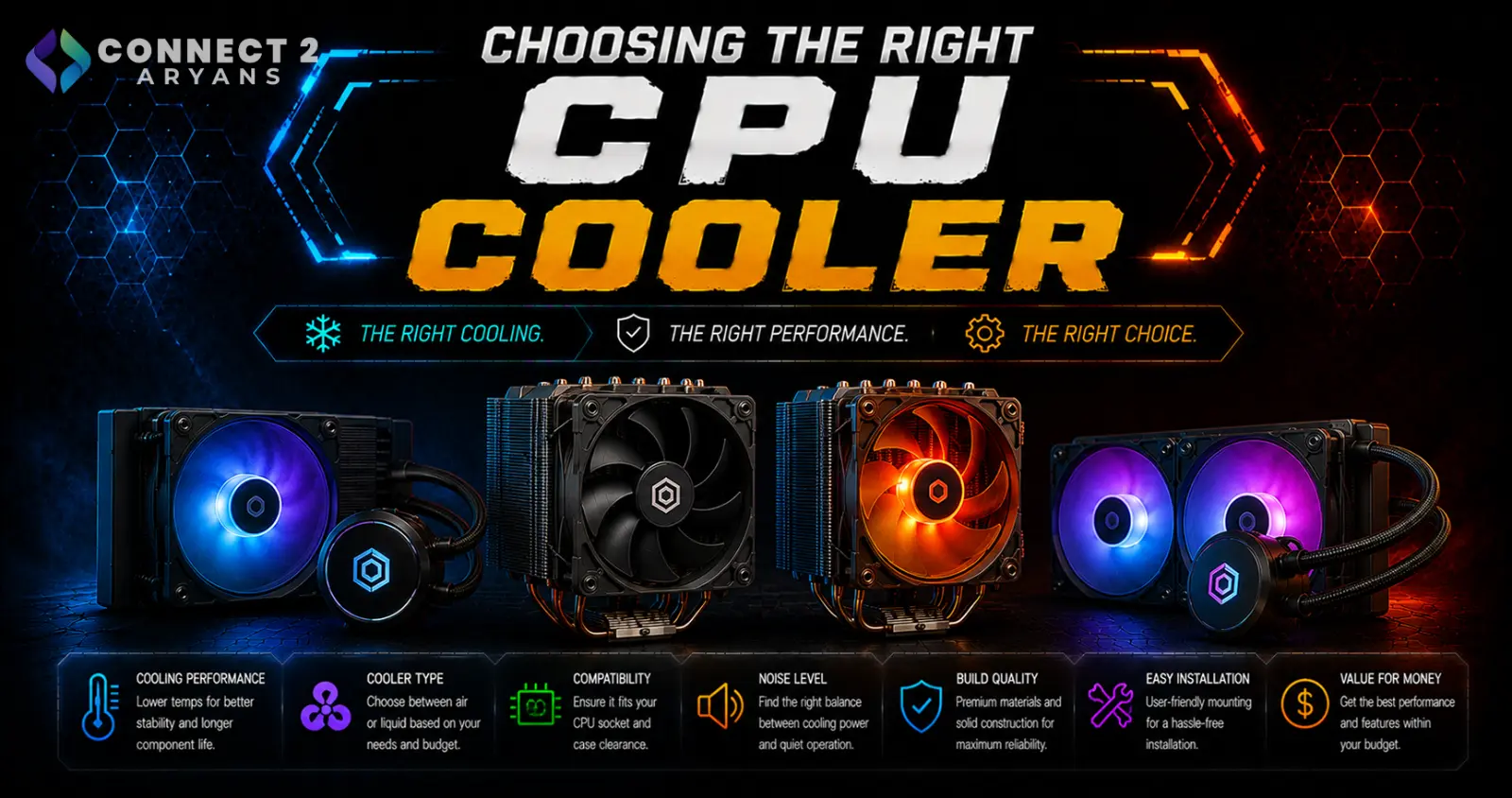
CPU coolers get treated as an afterthought a lot, but the wrong choice can mean thermal throttling under load, no matter how strong your CPU actually is. The good news is that matching a cooler to your build isn't complicated once you know what to check. Here's how to choose the right one.
Step 1: Air Cooler or Liquid Cooling (AIO)?
- Air Cooler — a heatsink and fan setup, reliable, lower maintenance, generally quieter at idle, and often better value for budget-to-mid-range builds
- Liquid Cooling (AIO) — a pump, radiator, and fans circulating coolant, generally better sustained cooling performance for higher-TDP CPUs under heavy, prolonged load
Rule of thumb: if your CPU isn't a high-core-count or high-TDP chip, a good air cooler is often just as effective as an entry-level AIO, at a lower price and with one less potential point of failure (the pump).
Step 2: Match Cooler Size to Your CPU
- Budget/entry-level CPUs: A solid Air Cooler is more than sufficient
- Mid-range CPUs: A quality air cooler still performs well here; Liquid Cooling 120mm is a lighter AIO option if you prefer liquid cooling's aesthetics
- High-performance CPUs: Liquid Cooling 240mm gives meaningfully better sustained cooling for chips that run hotter under load
- Enthusiast/flagship CPUs, or sustained heavy workloads (rendering, streaming): Liquid Cooling 360mm provides the most cooling headroom for CPUs that run hot for extended periods
Step 3: Check TDP and Socket Compatibility
- Every cooler is rated for a maximum TDP (thermal design power) — check that your cooler's rating comfortably exceeds your CPU's TDP, especially if you plan to overclock
- Confirm the cooler explicitly supports your CPU's socket (AM4, AM5, LGA1700, LGA1851, etc.) — most coolers list supported sockets clearly, and mounting hardware differs between them
Step 4: Consider Case Compatibility
Before buying, especially for larger AIOs:
- Check your case supports the radiator size you're choosing — not every case fits a 360mm radiator
- Confirm clearance for tall air coolers, especially in smaller cases, since some large air coolers can interfere with RAM or case side panels
Step 5: Noise and Maintenance
- Air coolers are generally simpler and have no risk of liquid leaks, though larger models can be bulkier
- AIOs run quieter under heavy load in many cases (especially higher-tier models), but rely on a pump that, while rare, can fail over time
- Both options are reliable when bought from reputable brands — cheap, unbranded AIOs are where reliability concerns are more justified
Do You Need Liquid Cooling At All?
For a large share of builds — budget, mid-range, and even many gaming setups — a quality air cooler performs within a few degrees of an equivalent-tier AIO, at a lower price. Liquid cooling earns its cost specifically for:
- High-TDP, high-core-count CPUs under sustained load
- Builds prioritizing lower noise under heavy load
- Sustained workloads like rendering, streaming, or compiling that push the CPU hard for extended periods
If you're gaming casually on a mid-range CPU, don't feel pressured into an AIO purely for aesthetics — a good air cooler will serve you just as well.
Popular CPU Cooler Brands
Common Mistakes to Avoid
- Buying an entry-level air cooler for a high-TDP flagship CPU, leading to thermal throttling under load
- Choosing a 360mm AIO for a case that doesn't actually support that radiator size
- Assuming liquid cooling is always necessary — many builds perform just as well with a quality air cooler
- Ignoring socket compatibility and buying mounting hardware that doesn't fit your platform
Final Thoughts
The right CPU cooler comes down to matching cooling capacity to your CPU's TDP and your actual workload, not defaulting to the most expensive AIO available. A quality air cooler handles the majority of builds well — liquid cooling earns its place specifically for high-performance CPUs under sustained heavy load.
Browse our full range of air and liquid CPU coolers from Asus, Cooler Master, Cougar and Lian Li on Connect2Aryans, compatible with the latest AMD and Intel platforms, with warranty support included.

