
Choosing the Right Cooling Fans
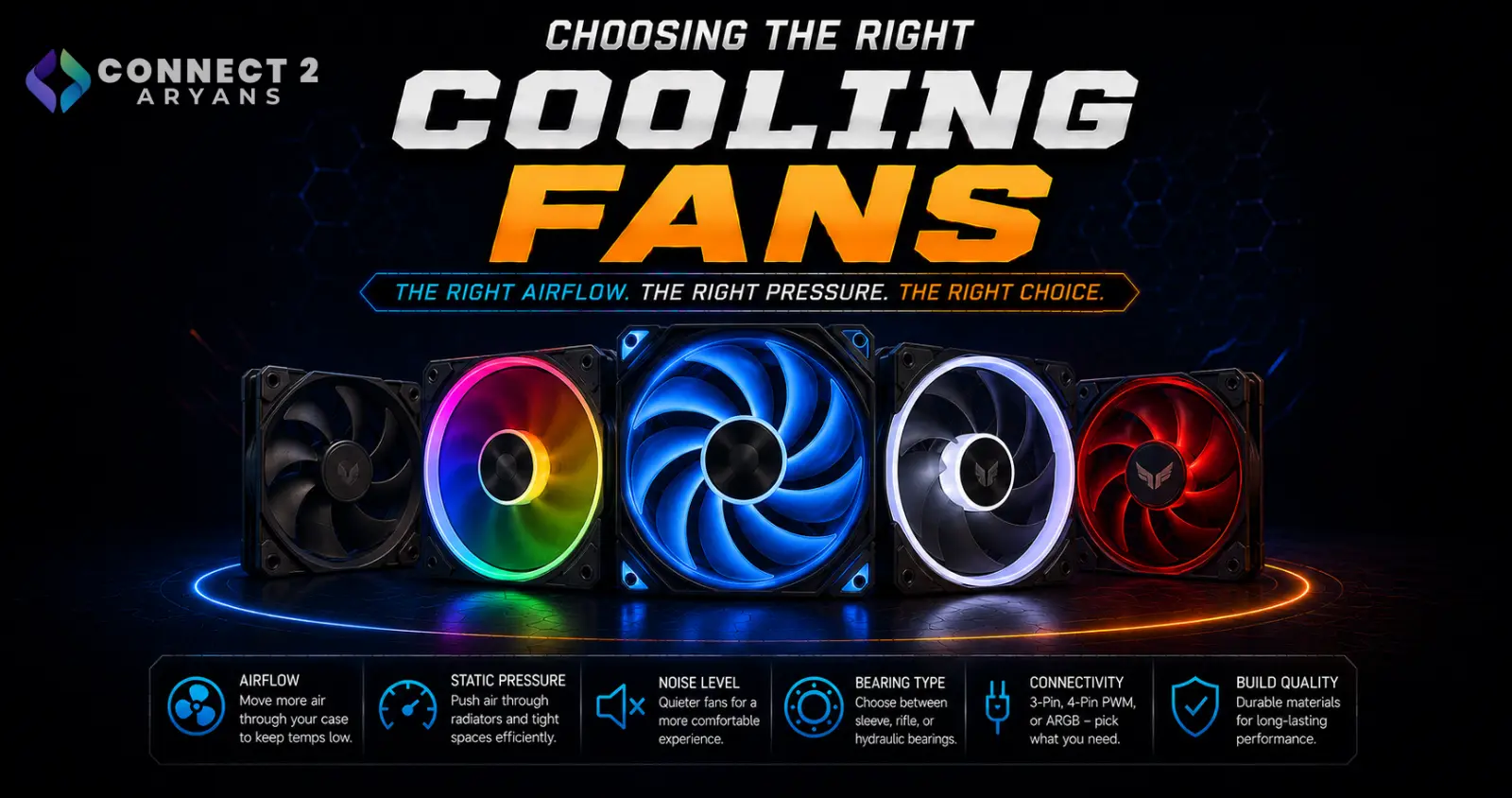
Case fans don't get as much attention as CPU coolers, but airflow through your case affects temperatures across your CPU, GPU, and motherboard components — not just one part. Getting fan size, type, and placement right matters more than people expect. Here's how to choose the right Cooling Fans for your build.
Step 1: Fan Size — 120mm or 140mm?
- 120mm fans — the most common size, widely compatible with most cases and radiators, offering a good balance of airflow and noise
- 140mm fans — larger blades can move more air at a lower RPM, often resulting in quieter operation for similar airflow, but require more physical case space
Rule of thumb: use whichever size your case supports at each mounting position — 140mm where space allows for quieter operation, 120mm where space is more limited or for radiator compatibility.
Step 2: Airflow vs Static Pressure
This is the most important distinction for matching a fan to its actual job:
- Airflow-optimized fans — designed to move a high volume of air with less resistance, best suited for open case fan positions (front intake, top/rear exhaust) without an obstruction in front of them
- Static-pressure-optimized fans — designed to push air through resistance, best suited for radiators, dust filters, or tightly meshed panels where airflow fans would lose effectiveness
Common mistake: using airflow fans on a radiator, where they underperform compared to static-pressure fans built for that specific job.
Step 3: Plan Your Airflow Configuration
- Intake fans (typically front and bottom) pull cool air into the case
- Exhaust fans (typically rear and top) push warm air out
- A balanced or slightly positive pressure setup (slightly more intake than exhaust) helps reduce dust buildup by controlling where air enters the case, rather than pulling it in through every gap
A case with mismatched or all-intake/all-exhaust fans can create poor internal airflow regardless of how many fans are installed — the configuration matters as much as the fan count.
Step 4: PWM vs DC (3-Pin) Fans
- PWM (4-pin) fans — allow precise speed control via your motherboard or fan controller, adjusting automatically based on temperature; the standard choice for most modern builds
- DC (3-pin) fans — simpler voltage-based speed control, less precise but still functional, more common on older or budget fans
For most current builds, PWM fans are worth prioritizing for better control and quieter idle operation.
Step 5: Noise and CFM Ratings
- CFM (Cubic Feet per Minute) measures airflow volume — higher CFM generally means more cooling potential, but also more potential noise at full speed
- dBA (decibel) ratings indicate how loud a fan runs at various speeds — worth checking if noise matters to you, since two fans with similar CFM can differ noticeably in perceived loudness
- Quality fans often achieve better airflow-to-noise ratios than budget options at the same CFM rating, which is part of why premium fans cost more
Step 6: Bearing Type and Longevity
- Sleeve bearings — budget-friendly, adequate for light use, but generally shorter-lived
- Rifle/fluid dynamic bearings — better longevity and quieter operation than basic sleeve bearings, common in mid-range fans
- Magnetic levitation/hydraulic bearings — found in premium fans, offering the longest lifespan and quietest operation
If a fan will run 24/7 or you want it to last years without replacement, bearing quality is worth paying attention to, not just CFM and RGB.
Popular Cooling Fan Brands
Common Mistakes to Avoid
- Using airflow-optimized fans on a radiator instead of static-pressure fans
- Filling a case with only intake or only exhaust fans, disrupting proper airflow
- Choosing fans based on CFM alone without checking noise ratings, ending up with a louder build than expected
- Overlooking bearing quality on fans that will run continuously, leading to premature failure or increased noise over time
Final Thoughts
The right cooling fans come down to matching airflow type (airflow vs static pressure) to each fan's job, planning a balanced intake/exhaust configuration, and choosing PWM control with a bearing type that suits how long and how often the fans will run. Getting the configuration right often matters more than simply adding more fans.
Browse our full range of Cooling Fans from 1st Player, Asus, Cougar, Gamemax, ID Cooling, Lian Li and ThermalRight on Connect2Aryans, with warranty support included.

