
Choosing the Right Card Reader
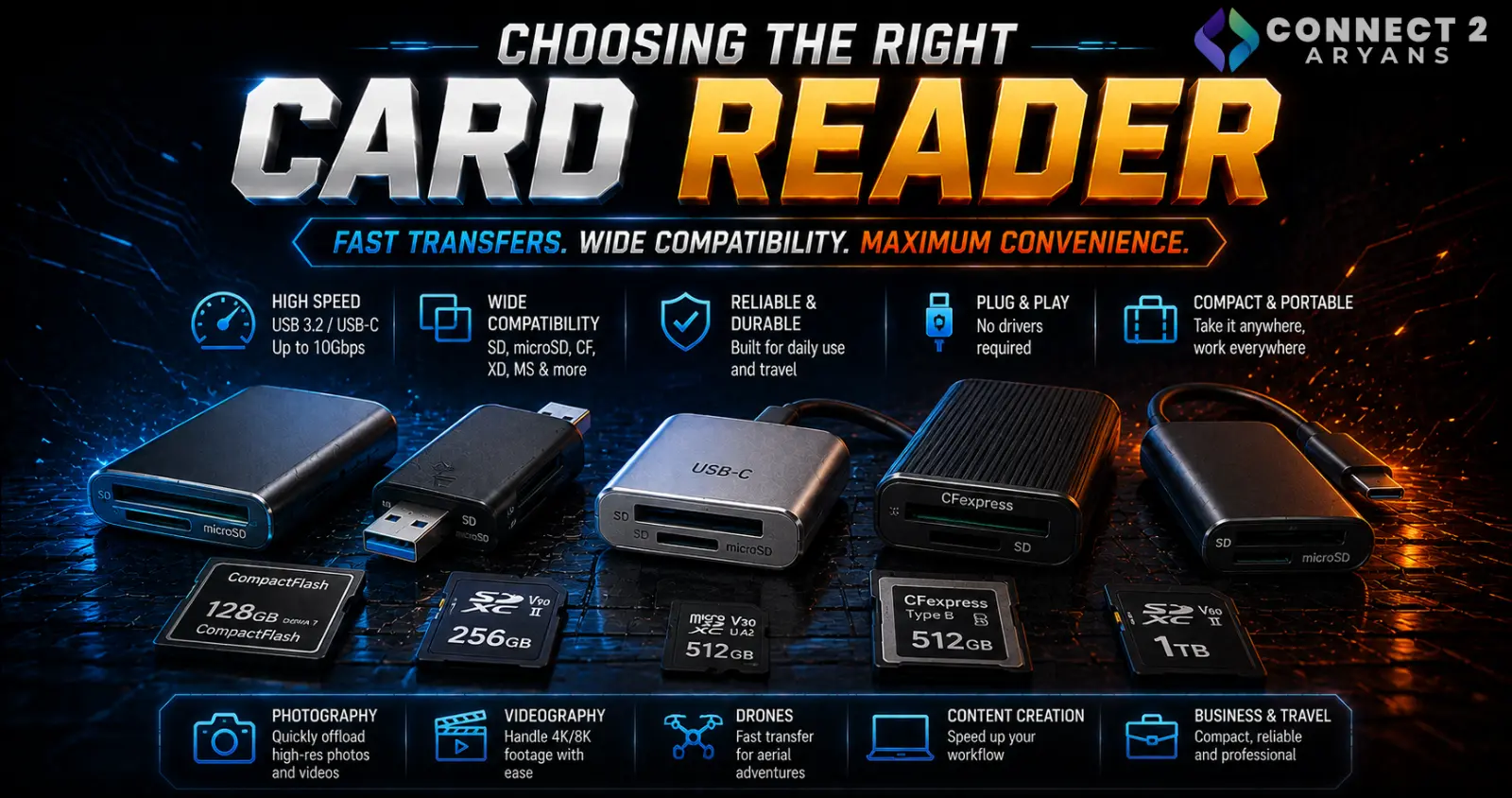
A slow card reader can quietly bottleneck even the fastest, most expensive memory card — if you've ever wondered why footage transfers take forever despite owning a high-speed card, the reader is often the actual limiting factor. Here's how to choose the right Card Readers for your workflow.
Step 1: Match Card Slot Type to Your Cards
- SD/microSD readers — the most common type, covering standard camera and device memory cards
- CFexpress readers — necessary for professional cameras using CFexpress cards, which aren't compatible with standard SD card slots
- Multi-format readers — support several card types (SD, microSD, CF, CFexpress) in one device, useful if you work across multiple camera systems or card types regularly
Check exactly which card format(s) your camera(s) use before buying — a reader without the right slot simply won't accept your cards, regardless of how fast it is.
Step 2: Single-Slot or Multi-Slot?
- Single-slot readers — simpler, more compact, and sufficient if you're only working with one card at a time
- Multi-slot readers — allow reading from multiple cards simultaneously, useful for photographers or videographers who shoot with multiple cameras or backup cards and want to offload everything in one session
Step 3: Match Reader Speed to Card Speed Class
This is where a mismatched reader most commonly bottlenecks your actual transfer speeds:
- Check your memory card's rated maximum read/write speed (often listed alongside its speed class, like V90 or UHS-II)
- A reader rated for a lower interface speed than your card will cap your transfer speed at the reader's limit, regardless of how fast the card itself is capable of
- For high-speed cards (UHS-II, CFexpress), a reader specifically supporting that higher interface speed is essential to actually realize the card's real-world performance
Step 4: USB Interface Speed
- USB 3.0/3.1 Gen 1 — a solid baseline, adequate for standard SD cards and general use
- USB 3.2 Gen 2 — worth prioritizing for faster UHS-II SD cards or CFexpress readers, since the reader's own USB connection can become the bottleneck otherwise
- Thunderbolt/USB4 — the fastest option, mainly relevant for professional CFexpress workflows moving large volumes of high-resolution video footage
Match the reader's USB interface speed to both your card's speed and your computer's actual port capability — a fast reader plugged into a slower port will only perform as fast as that port allows.
Step 5: Built-In vs External Reader
- Some laptops include a built-in SD card slot, which can be convenient but is sometimes limited to slower UHS-I speeds even on otherwise capable laptops
- An external reader, especially one rated for UHS-II or CFexpress, often outperforms a laptop's built-in slot for high-speed cards, making it worth using even if your laptop technically has a slot
- Check your specific laptop's built-in slot speed rating before assuming it's fast enough for your card type
Step 6: Match to Your Workflow
- Casual photo/video use: A basic single-slot SD reader with USB 3.0 is more than sufficient
- Professional photography/videography: A UHS-II or CFexpress-capable reader with a fast USB interface (3.2 Gen 2 or higher) avoids bottlenecking large photo and video file transfers
- Multi-camera shoots: A multi-slot reader speeds up offloading footage from several cards in one session
Popular Card Reader Brands
Common Mistakes to Avoid
- Buying a reader without checking it supports your specific card format (especially CFexpress, which isn't SD-compatible)
- Using a UHS-I-rated reader with a UHS-II card, capping transfer speeds well below the card's actual capability
- Relying on a laptop's built-in SD slot for high-speed cards without checking its actual rated speed
- Pairing a fast reader with a slower USB port, creating a different bottleneck than the one you fixed
Final Thoughts
The right card reader comes down to matching slot type and interface speed to your actual memory cards — a mismatched reader quietly caps your real-world transfer speeds no matter how fast the card itself is rated. For professional or high-volume workflows, investing in a properly rated UHS-II or CFexpress reader pays off directly in transfer time saved.
Browse our full range of Card Readers from UGREEN and Transcend on Connect2Aryans, with warranty support included.

