
Call of Duty: Modern Warfare 4 PC Requirements Revealed — Can Your Gaming PC Run It at 90 FPS or 4K?
Introduction
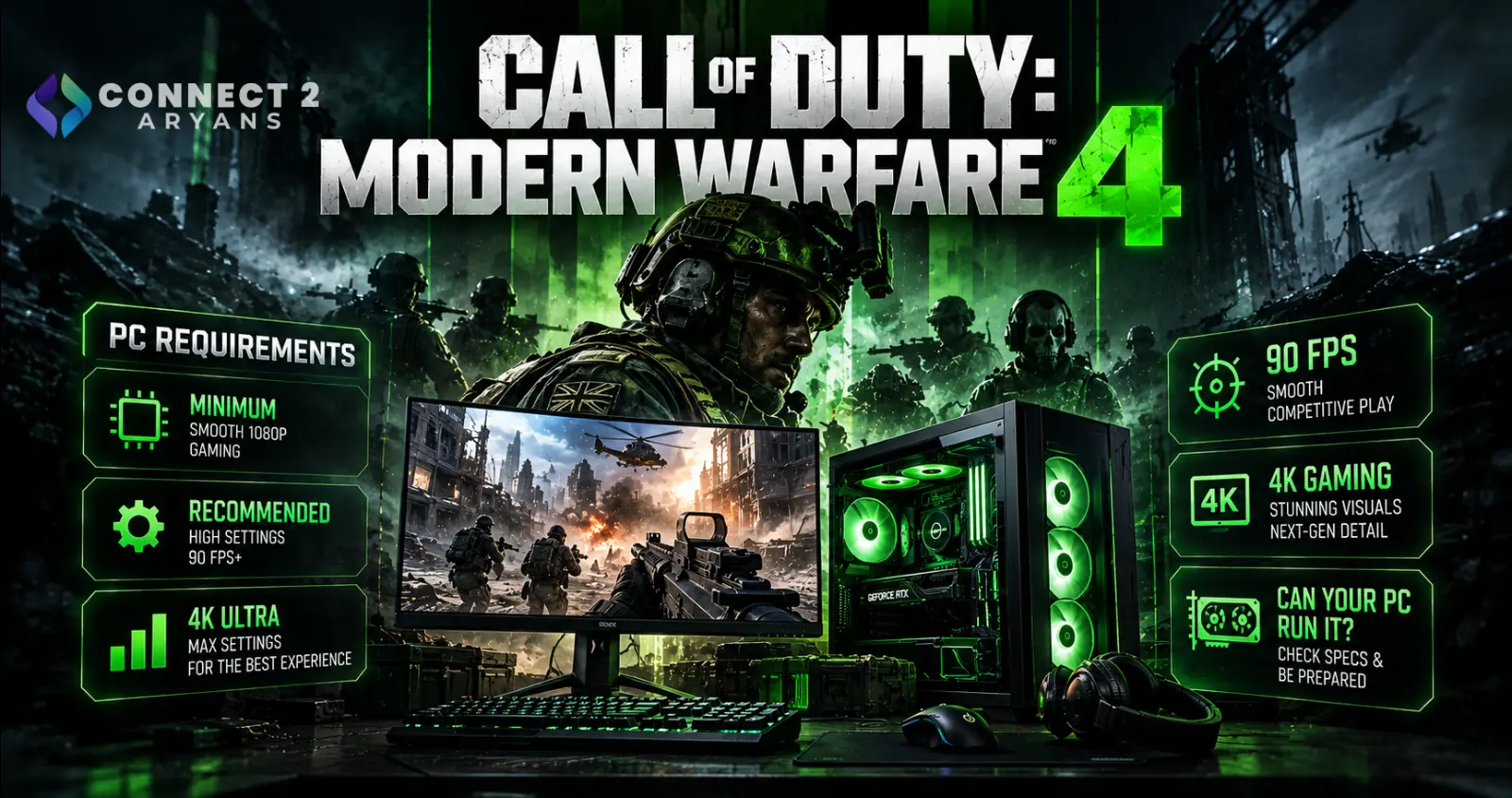
Call of Duty: Modern Warfare 4 is approaching its October 23, 2026 release, and Activision has officially revealed what PC gamers will need to run the game.
The announcement includes three hardware configurations: minimum specifications, recommended specifications targeting 90 FPS in multiplayer, and a more demanding configuration for 4K upscaled gameplay with high-quality ray tracing.
But graphics cards aren't the only concern.
Modern Warfare 4 also requires 115GB of SSD storage, TPM 2.0, Secure Boot and DirectX 12 compatibility.
These requirements are especially important for gamers using older computers. A system might have enough graphics performance but still require storage upgrades or BIOS configuration changes before the game will launch.
If you're planning to upgrade your gaming PC, understanding the requirements first can help you avoid unnecessary spending.
You can compare available graphics cards in Pakistan while checking whether your existing GPU already meets the game's specifications.
Modern Warfare 4 Release Date and PC Availability
Activision has confirmed that Modern Warfare 4 launches on October 23, 2026.
The announced PC schedule is:
| Event | Date |
|---|---|
| PC Preloading | October 15, 2026 |
| Campaign Early Access | October 16, 2026 |
| Full Game Release | October 23, 2026 |
PC preloading begins at 9 AM Pacific Time on October 15 for eligible digital purchases.
Players who digitally preorder or prepurchase the game can access the campaign early, beginning October 16.
The game will be available through Steam, Battle.net and Xbox on PC.
Official Modern Warfare 4 PC Requirements
Activision has published three different hardware tiers.
Each represents a different level of expected performance and visual quality.
Minimum PC Requirements
These are the minimum specifications published by Activision.
| Component | Minimum Requirement |
|---|---|
| Operating System | Windows 10 64-bit |
| AMD Processor | Ryzen 5 1400 |
| Intel Processor | Core i5-6600 |
| RAM | 8GB |
| NVIDIA GPU | GTX 970 / GTX 1060 |
| AMD GPU | Radeon RX 470 |
| Intel GPU | Arc A580 |
| Video Memory | 3GB |
| Storage | 115GB SSD |
| Internet | Broadband Connection |
| DirectX | DirectX 12 Compatible |
The minimum specifications indicate that the game supports some relatively old hardware.
However, Activision does not provide a specific FPS target for this tier.
Meeting the minimum requirements should not be interpreted as a guarantee of smooth competitive gameplay at high settings.
For gamers using older hardware, checking the complete system is more important than focusing exclusively on the graphics card.
Recommended PC Requirements: 90 FPS Multiplayer
Activision's recommended configuration targets 90 FPS in multiplayer at High graphics settings.
| Component | Recommended Requirement |
|---|---|
| Operating System | Windows 11 64-bit |
| AMD Processor | Ryzen 5 3600 |
| Intel Processor | Core i7-8700K |
| RAM | 16GB |
| NVIDIA GPU | RTX 3060 Ti |
| AMD GPU | Radeon RX 6600 XT |
| Intel GPU | Arc B580 |
| Video Memory | 8GB |
| Storage | 115GB SSD |
This configuration is particularly relevant for players who prioritize competitive multiplayer performance.
The NVIDIA RTX 3060 Ti and AMD Radeon RX 6600 XT are older graphics cards, but Activision still includes them in its recommended requirements.
That is encouraging for gamers who already own capable previous-generation hardware.
Players considering a new graphics card can explore NVIDIA GeForce RTX graphics cards and compare different performance tiers.
Important: Activision has not specified a universal resolution for its recommended 90 FPS target. Actual results will depend on resolution, system configuration and graphics settings.
Modern Warfare 4 4K Ray-Tracing Requirements
The highest published specification tier targets 4K upscaled gameplay with High-quality ray tracing.
| Component | 4K Ray-Tracing Requirement |
|---|---|
| Operating System | Windows 11 64-bit |
| AMD Processor | Ryzen 7 3700X |
| Intel Processor | Core i7-10700K |
| RAM | 32GB |
| NVIDIA GPU | RTX 5070 Ti |
| AMD GPU | Radeon RX 9070 XT |
| Video Memory | 16GB |
| Storage | 115GB SSD |
The graphics-card requirement increases substantially compared with the recommended configuration.
Activision identifies the NVIDIA GeForce RTX 5070 Ti and AMD Radeon RX 9070 XT for this tier.
These GPUs are intended for more demanding graphics workloads involving higher resolution and ray-tracing effects.
For Radeon-based gaming systems, explore AMD Radeon graphics cards.
The important distinction is that Activision specifies upscaled 4K, not native 4K rendering.
The developer has also not provided a specific FPS target for the ray-tracing configuration.
Does Your Gaming PC Need an Upgrade?
Before buying new hardware, compare your existing system against the three official configurations.
A graphics-card upgrade is not automatically necessary.
For example, a gaming PC equipped with an RTX 3060 Ti, Ryzen 5 3600, 16GB RAM and sufficient SSD storage matches several of Activision's recommended hardware specifications.
However, it must also satisfy the game's security and software requirements.
Similarly, a system with a powerful graphics card but only 8GB RAM may benefit more from a memory upgrade than replacing the GPU.
The best approach is to identify which component falls below your intended performance tier.
Why Modern Warfare 4 Requires an SSD
One of the clearest requirements is storage.
Activision specifies:
115GB of available storage on an SSD.
This requirement applies to all three published hardware configurations.
Traditional mechanical hard drives do not satisfy the official storage requirement.
Modern games frequently access large amounts of data while loading environments, textures and other assets.
Solid-state storage provides substantially faster access than conventional mechanical drives.
For users planning an upgrade, NVMe SSDs are worth considering if their motherboard supports the required interface.
Do You Need a PCIe 5.0 SSD?
No specific PCIe generation is listed in Activision's requirements.
The official specification says SSD required.
It does not state that players must use PCIe 5.0 or PCIe 4.0 storage.
Therefore, purchasing a flagship PCIe 5.0 SSD solely for Modern Warfare 4 would not be justified by the published requirements.
A compatible SSD with adequate capacity is the starting point.
Can You Use a SATA SSD?
Activision does not exclude SATA SSDs in its published specifications.
A SATA SSD is still solid-state storage.
However, the developer has not published a separate performance comparison between SATA and NVMe installations.
If your PC lacks an NVMe-compatible slot, you can compare available SATA SSDs.
Is a 128GB SSD Enough?
A 128GB SSD is not a practical choice.
The game requires 115GB, and formatted storage capacity is lower than the advertised decimal capacity.
Windows, other applications and future game updates also need space.
A larger SSD is strongly preferable.
Should You Choose 500GB or 1TB?
A 500GB SSD can accommodate the game if sufficient free space is available.
However, modern gaming libraries can consume storage quickly.
A 1TB SSD provides more flexibility for additional games, applications and updates.
You can compare available capacities in the storage devices category.
Modern Warfare 4 Requires TPM 2.0 and Secure Boot
One of the most important compatibility requirements involves system security.
Activision confirms that Modern Warfare 4 requires:
TPM 2.0 and Secure Boot.
These requirements are associated with the game's anti-cheat protections.
They can affect older PCs even when the CPU and GPU meet the minimum specifications.
What Is TPM 2.0?
TPM stands for Trusted Platform Module.
It provides security functionality used by supported operating-system and application features.
Many modern AMD and Intel systems include firmware-based TPM functionality.
However, TPM may be disabled in the motherboard's BIOS or UEFI settings.
What Is Secure Boot?
Secure Boot is a UEFI security feature that helps verify trusted boot components during system startup.
A motherboard may support Secure Boot without having it enabled.
That distinction matters because Modern Warfare 4 requires the feature.
How to Check TPM 2.0 in Windows
Before launch, check whether your PC already satisfies the TPM requirement.
- Press Windows + R.
- Type
tpm.msc. - Press Enter.
- Check the TPM status.
- Confirm that the specification version is 2.0.
If Windows cannot find a compatible TPM, the feature may be disabled or unsupported.
Check the documentation for your exact motherboard before changing firmware settings.
Users considering a platform upgrade can compare AMD motherboards, but should verify TPM and Secure Boot support for the specific model.
How to Check Secure Boot Status
Windows includes a built-in utility for checking Secure Boot.
- Press Windows + R.
- Type
msinfo32. - Press Enter.
- Locate BIOS Mode.
- Locate Secure Boot State.
A properly configured system should report:
Secure Boot State: On
If the state is Off, additional BIOS configuration may be necessary.
However, users should not randomly change CSM or boot settings.
Incorrect changes can prevent Windows from starting.
If your motherboard does not support the required features, browse compatible Intel and AMD motherboards before planning a replacement.
Remember that changing motherboards may also require checking CPU, RAM and other component compatibility.
How Much RAM Does Modern Warfare 4 Need?
Activision lists different memory requirements for each performance tier.
| Performance Tier | RAM Requirement |
|---|---|
| Minimum | 8GB |
| Recommended | 16GB |
| 4K Ray Tracing | 32GB |
For players targeting the recommended multiplayer configuration, 16GB is the official requirement.
For the highest published ray-tracing tier, Activision specifies 32GB.
Is 8GB RAM Enough?
8GB meets the published minimum requirement.
However, it provides less headroom for multitasking and background applications.
Players who use Discord, browsers, recording software or other applications while gaming should consider their complete memory usage.
Is 16GB RAM Enough for 90 FPS?
Activision lists 16GB in its recommended configuration targeting 90 FPS multiplayer.
However, RAM capacity alone does not determine frame rate.
CPU and GPU performance remain important.
Should You Upgrade to 32GB?
32GB is specified for the 4K ray-tracing configuration.
It can also provide additional multitasking capacity.
However, users targeting the recommended multiplayer tier do not automatically need 32GB.
Before upgrading, check your motherboard's supported memory generation and configuration.
Browse available DDR4 and DDR5 RAM to compare compatible capacities.
NVIDIA RTX 3060 Ti: Is It Still Enough?
The RTX 3060 Ti appears in Activision's recommended configuration.
This means the developer considers it suitable for the published 90 FPS multiplayer target when paired with the other recommended hardware.
That is important for gamers who already own the card.
An upgrade should not be based solely on the fact that newer RTX generations exist.
Instead, players should evaluate actual performance after launch.
A new GPU may be useful when targeting:
higher resolutions,
higher graphics settings,
ray tracing,
or significantly higher frame rates.
But existing RTX 3060 Ti owners should check their complete system before replacing the graphics card.
AMD Radeon RX 6600 XT: Still Relevant?
Activision also lists the Radeon RX 6600 XT in its recommended requirements.
This indicates that older Radeon hardware remains relevant for the game's intended multiplayer performance tier.
However, players should not assume that the RX 6600 XT and RTX 3060 Ti will deliver identical performance in every scenario.
Actual results can vary with graphics settings, resolution and game optimization.
For gamers planning a Radeon upgrade, compare current options in the AMD graphics-card category.
Intel Arc B580 Support Confirmed
Intel's Arc B580 is another officially recommended GPU.
This gives PC gamers an additional graphics-card option beyond NVIDIA and AMD.
However, Intel Arc users must pay attention to an extra requirement.
Activision states that Intel Arc GPUs require Resizable BAR.
Resizable BAR allows compatible processors to access a larger portion of GPU memory through the PCIe interface.
Support depends on the CPU, motherboard and BIOS configuration.
Users should verify that the feature is enabled.
You can explore available Intel Arc graphics cards.
RTX 5070 Ti vs Radeon RX 9070 XT for 4K Ray Tracing
The highest published graphics tier includes two GPU options.
| Feature | RTX 5070 Ti | Radeon RX 9070 XT |
|---|---|---|
| Official 4K Ray-Tracing Tier | Yes | Yes |
| Required VRAM Tier | 16GB | 16GB |
| Supported Upscaling Family | NVIDIA DLSS | AMD FSR |
| Official MW4 Performance Comparison | Not Published | Not Published |
Activision has not provided a direct benchmark comparison between these GPUs.
Therefore, it would be premature to declare either one the better Modern Warfare 4 graphics card.
Independent testing will be necessary.
Buyers should also consider:
power-supply compatibility,
graphics-card dimensions,
cooling,
and total system cost.
Modern Warfare 4 Supports DLSS 4.5, FSR Redstone and XeSS 3
Activision has confirmed several graphics technologies for the PC version.
These include:
NVIDIA DLSS 4.5
AMD FSR Redstone
Intel XeSS 3
These technologies can improve rendering efficiency and image reconstruction in supported configurations.
However, feature availability varies according to the graphics card and implementation.
Players should not assume that every GPU supports every feature within these technology families.
The game also supports ray tracing in Campaign, Multiplayer and DMZ.
What Monitor Should You Use for Modern Warfare 4?
Monitor selection depends on the frame rate and resolution your PC can deliver.
For competitive multiplayer, players may prioritize:
high refresh rates,
low input latency,
fast pixel response,
and consistent frame delivery.
For visually demanding campaign gameplay, players may prefer:
higher resolution,
better contrast,
HDR performance,
and stronger image quality.
A high-refresh monitor does not automatically increase the FPS produced by your PC.
For example, a 240Hz display can refresh up to 240 times per second, but the computer must still generate frames quickly enough to take advantage of it.
You can compare available gaming monitors in Pakistan.
Is a 144Hz Monitor Enough?
A 144Hz monitor remains suitable for many competitive players.
If your PC produces around 90 FPS, a 144Hz display can accommodate that frame rate.
Should You Buy a 240Hz Monitor?
A 240Hz monitor may be useful if you prioritize competitive gaming and your PC can produce sufficiently high frame rates.
However, Activision's recommended configuration targets 90 FPS, not 240 FPS.
Therefore, purchasing a 240Hz display does not guarantee that the game will run at 240 FPS.
Modern Warfare 4 Includes a Built-In Benchmark Tool
Activision has confirmed an integrated benchmark feature.
The tool is designed to simulate a multiplayer sequence and provide performance information.
Reported metrics include:
- Average FPS
- CPU performance
- GPU performance
- Ping
- Input latency
- Performance across benchmark areas
The benchmark also provides setting suggestions.
This should help players evaluate their systems after launch.
For example, if the benchmark indicates that GPU performance is the main limitation, lowering graphics settings may improve frame rate.
If CPU performance is the primary limitation, reducing GPU-intensive settings may have less impact.
Actual results will depend on the system and workload.
Should You Build a New PC for Modern Warfare 4?
Not necessarily.
The official requirements support a broad range of hardware.
If your existing PC already meets the recommended configuration, it may be sensible to test the game before purchasing upgrades.
However, players building a new system can use the official requirements as a starting point.
A balanced gaming PC should consider:
processor performance,
graphics-card capability,
RAM capacity,
SSD storage,
motherboard compatibility,
power delivery,
and cooling.
Avoid choosing a PC solely because it contains one powerful component.
For complete systems, explore pre-built PCs and compare their specifications against the game's requirements.
Modern Warfare 4 PC Upgrade Checklist
Before launch, check the following:
| Component | What to Verify |
|---|---|
| CPU | Meets the intended performance tier |
| GPU | Matches minimum, recommended or ray-tracing requirements |
| RAM | 8GB, 16GB or 32GB depending on target |
| SSD | At least 115GB available, plus room for updates |
| Operating System | Supported Windows version |
| TPM | TPM 2.0 available and enabled |
| Secure Boot | Enabled |
| DirectX | DirectX 12 compatible |
| Intel Arc | Resizable BAR enabled |
| Graphics Driver | Compatible recommended version |
| Internet | Broadband connection |
This checklist can help identify compatibility problems before downloading the game.
Frequently Asked Questions
When Does Modern Warfare 4 Release?
Call of Duty: Modern Warfare 4 launches on October 23, 2026.
How Much Storage Does Modern Warfare 4 Need?
Activision specifies 115GB of SSD storage.
Can Modern Warfare 4 Run on an HDD?
A traditional HDD does not satisfy the official SSD requirement.
Is 8GB RAM Enough?
8GB meets the published minimum requirement.
Is 16GB RAM Enough for 90 FPS?
Activision lists 16GB in its recommended configuration targeting 90 FPS in multiplayer at High settings.
Does Modern Warfare 4 Require Windows 11?
Windows 10 64-bit is listed for minimum specifications. Windows 11 64-bit is listed for recommended and ray-tracing configurations.
Does Modern Warfare 4 Require Secure Boot?
Yes. Activision confirms that Secure Boot is required.
Is TPM 2.0 Mandatory?
Yes. TPM 2.0 is required for PC gameplay.
Can an RTX 3060 Ti Run Modern Warfare 4?
Yes. It appears in Activision's recommended hardware requirements.
Can an RX 6600 XT Run Modern Warfare 4?
Yes. It is listed in the recommended configuration.
Does Modern Warfare 4 Support Intel Arc B580?
Yes. The Intel Arc B580 appears in the recommended requirements.
Does Modern Warfare 4 Support DLSS 4.5?
Yes. Activision has confirmed NVIDIA DLSS 4.5 support.
Does Modern Warfare 4 Support Ray Tracing?
Yes. Ray tracing is supported in Campaign, Multiplayer and DMZ.
Is an RTX 5070 Ti Required for 4K Gaming?
The RTX 5070 Ti is one of the GPUs listed for 4K upscaled gameplay with High-quality ray tracing. It is not established as a requirement for every possible 4K configuration.
Conclusion
Call of Duty: Modern Warfare 4 launches on October 23, 2026, and Activision's official PC requirements provide a useful starting point for planning hardware upgrades.
The game supports three performance tiers.
Minimum specifications include older processors and graphics cards, 8GB RAM and an SSD.
Recommended specifications target 90 FPS in multiplayer at High settings using hardware such as the RTX 3060 Ti, Radeon RX 6600 XT or Intel Arc B580 with 16GB RAM.
4K ray-tracing specifications call for considerably more powerful hardware, including an RTX 5070 Ti or Radeon RX 9070 XT and 32GB RAM.
However, hardware performance is only part of the equation.
Modern Warfare 4 also requires TPM 2.0, Secure Boot, DirectX 12 compatibility and 115GB of SSD storage.
For Pakistani gamers, the smartest approach is to evaluate their current system before spending money.
An older but capable graphics card may already satisfy the recommended requirements.
A storage upgrade may be more important for someone still using a mechanical hard drive.
And a system with sufficient CPU and GPU performance may simply need its security configuration checked.
With DLSS 4.5, FSR Redstone, XeSS 3, ray tracing, ultrawide support and a built-in benchmark tool, Modern Warfare 4 offers several ways to customize the PC experience.
The best upgrade is the one that solves an actual limitation in your gaming PC.
Before purchasing new components, compare your hardware with the official requirements and decide whether your priority is competitive FPS, higher resolution or advanced ray-tracing effects.

