
Pen Tablets
Shop pen tablets in Pakistan for digital drawing, illustration, design, editing, annotation, and other creative applications. Compare active area, pressure sensitivity, stylus features, connectivity, compatibility, and available models to find a pen tablet suited to your workflow.
24 Products
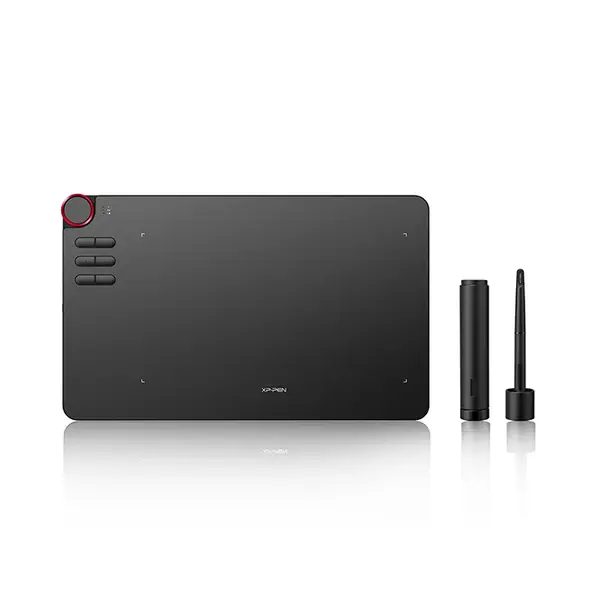
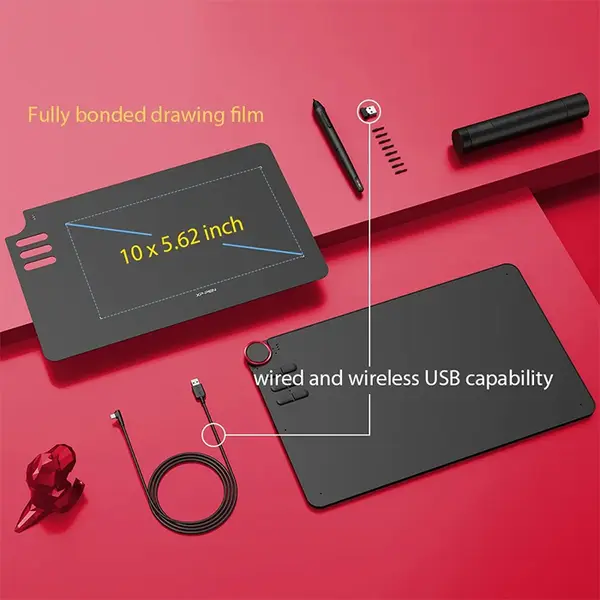
Quick view
Rs. 29,500
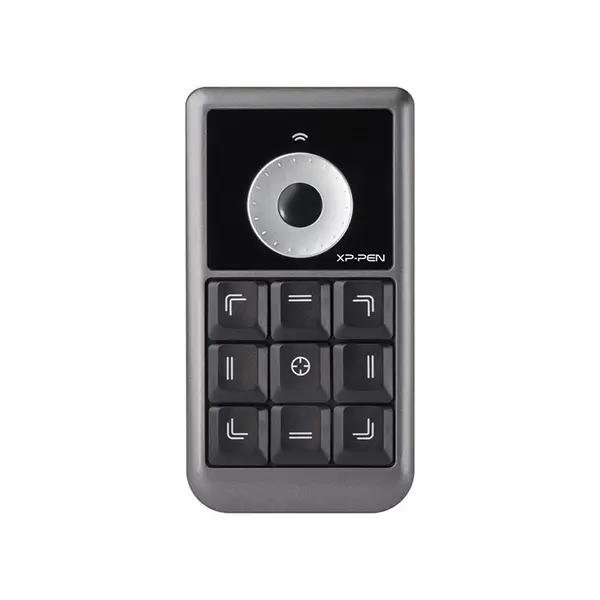
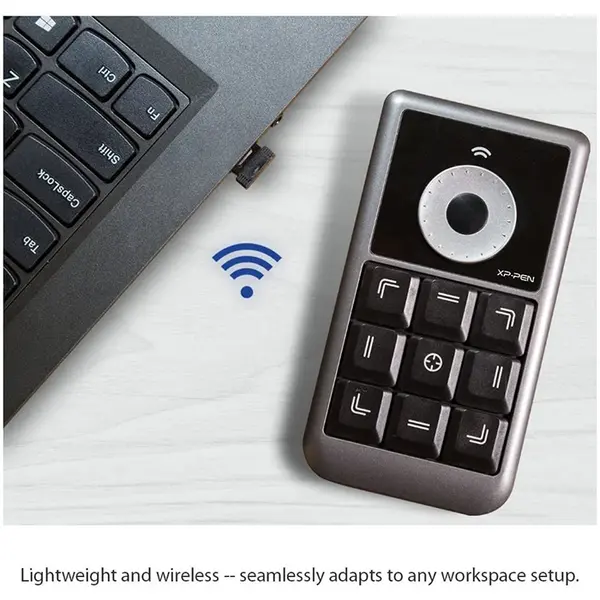
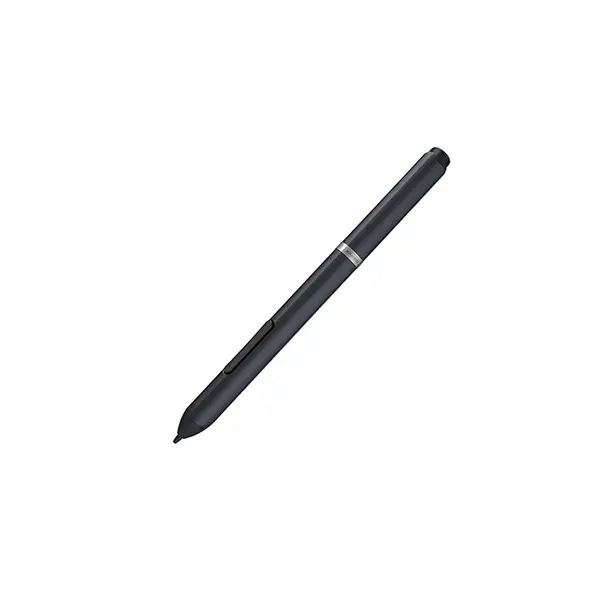
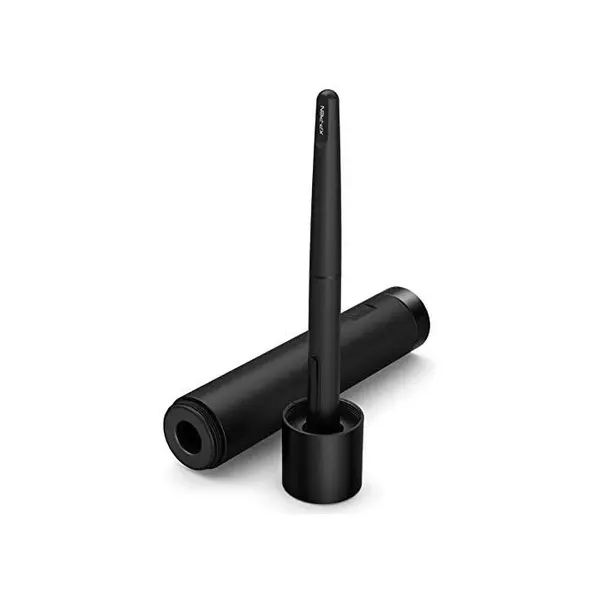
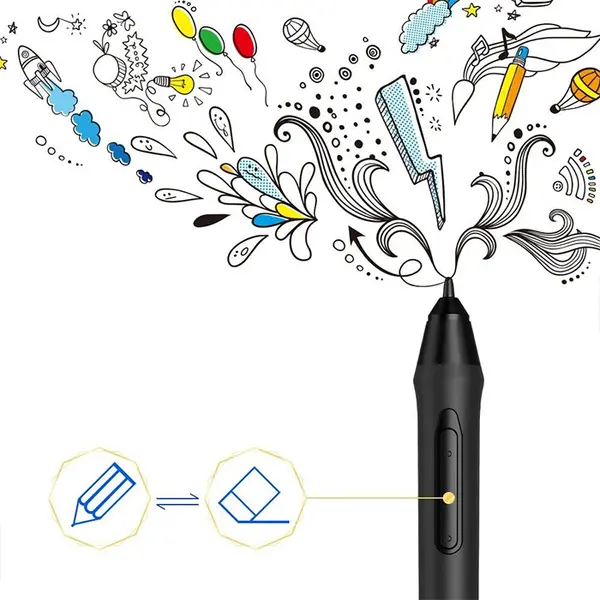
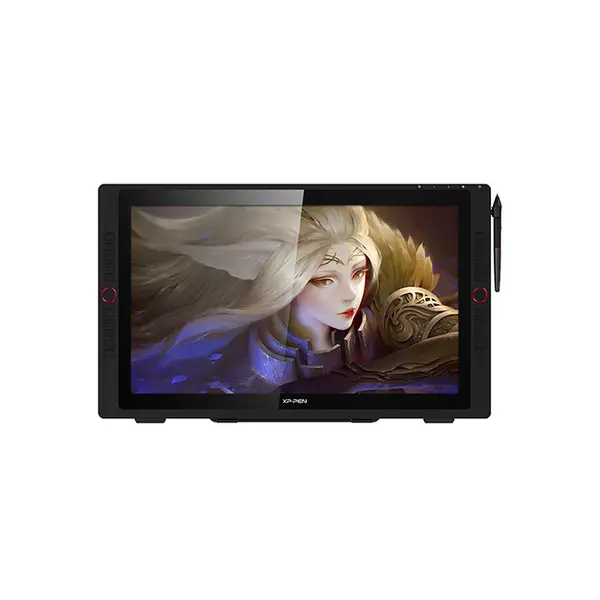
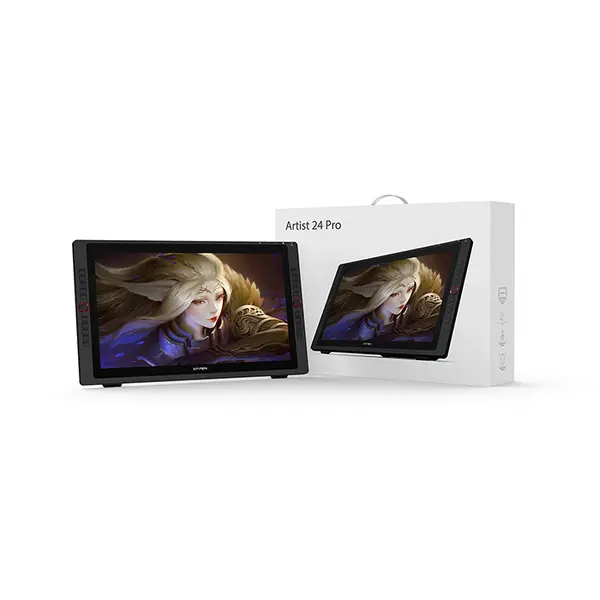
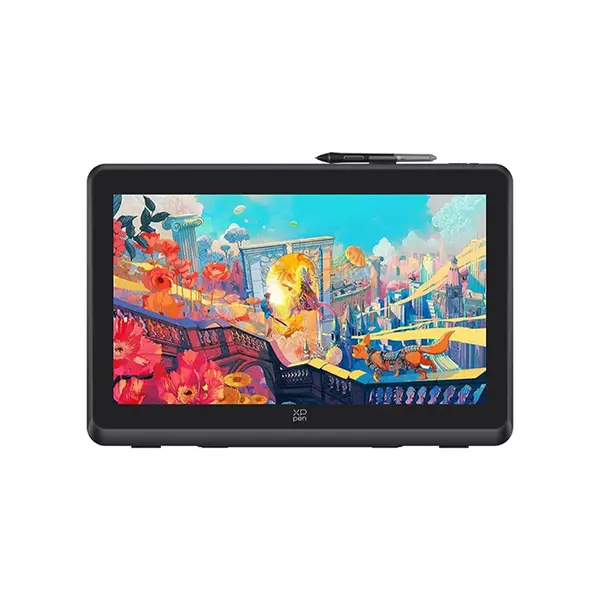
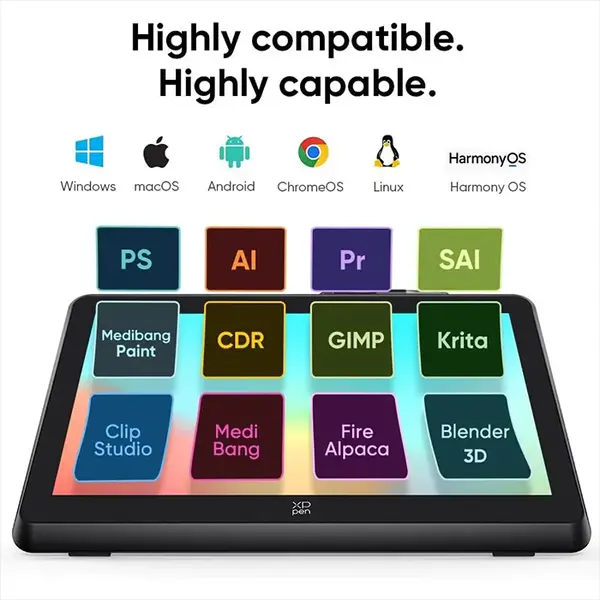
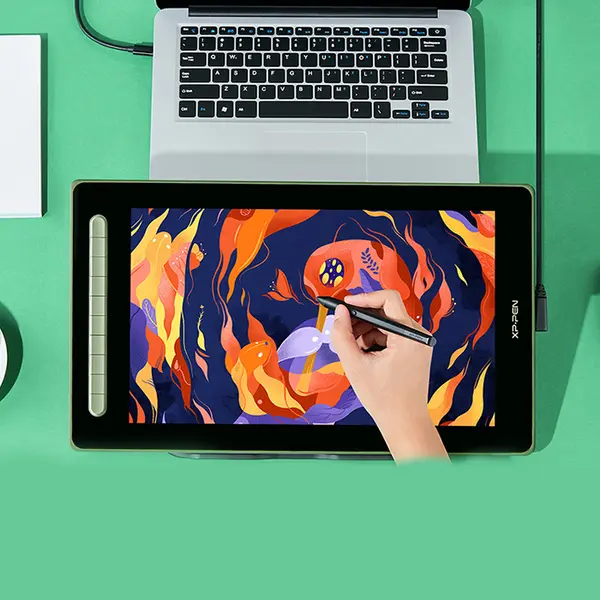
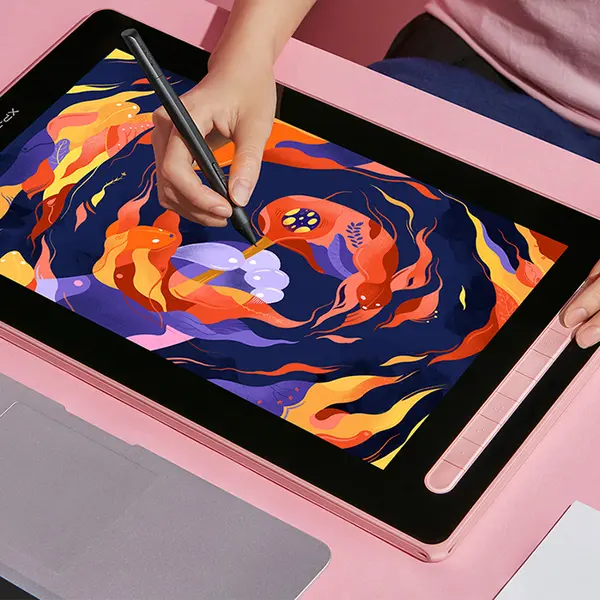
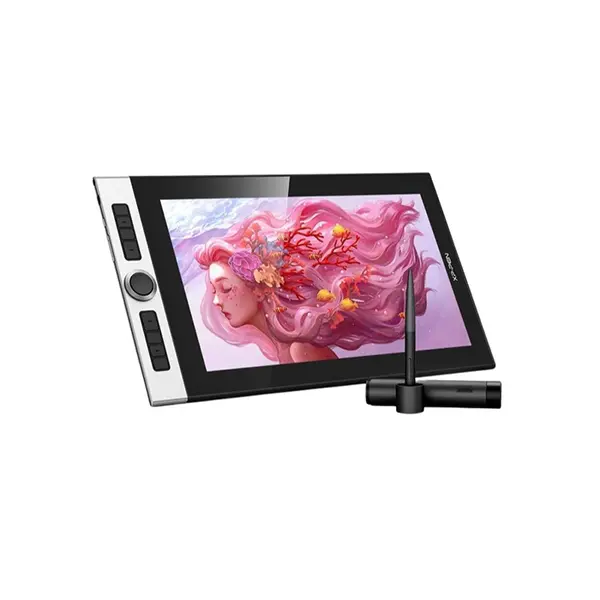
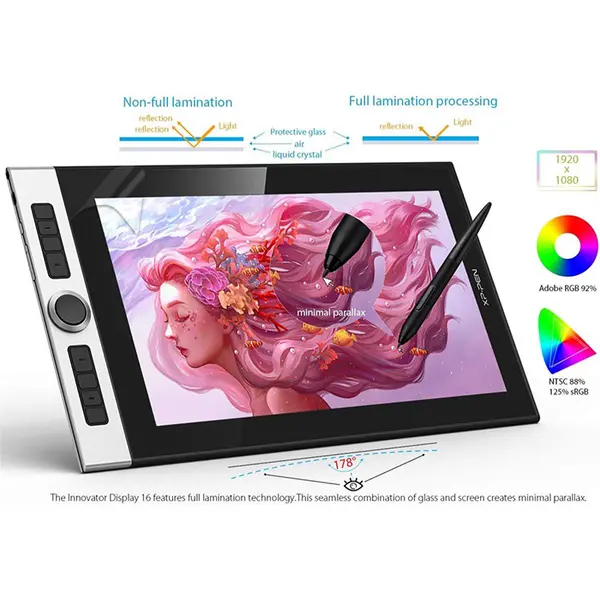
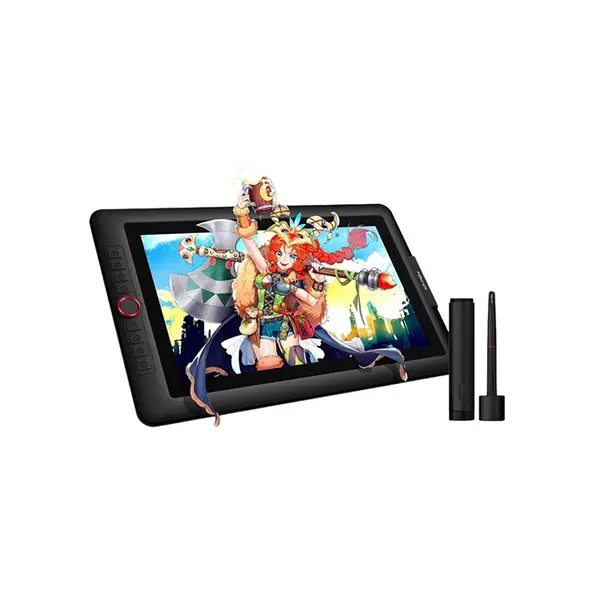
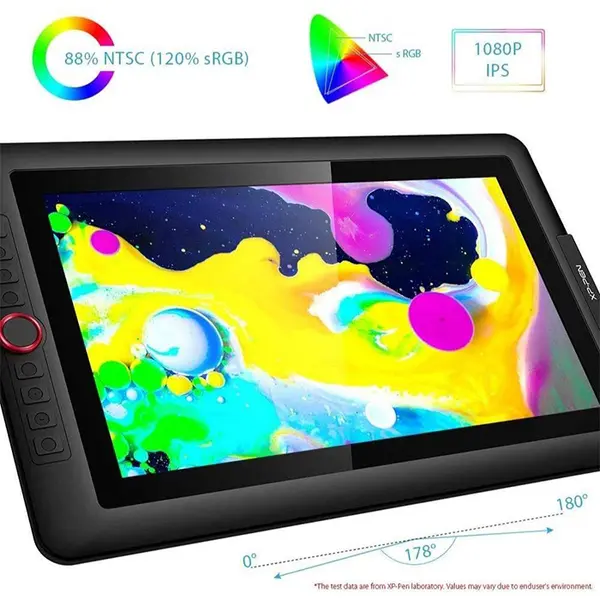
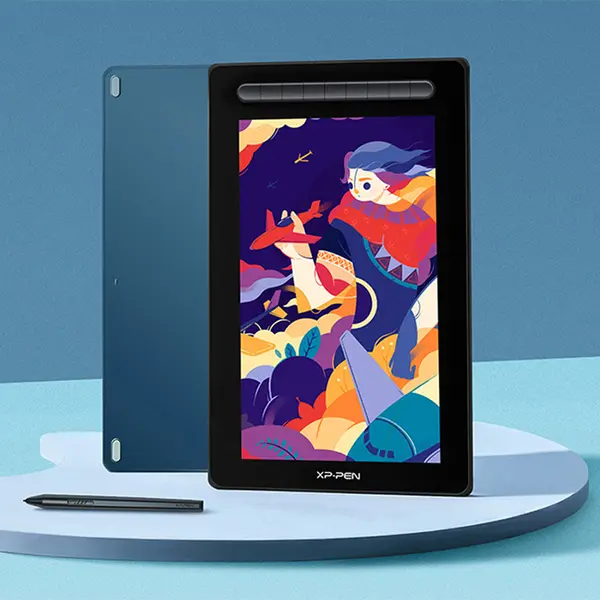
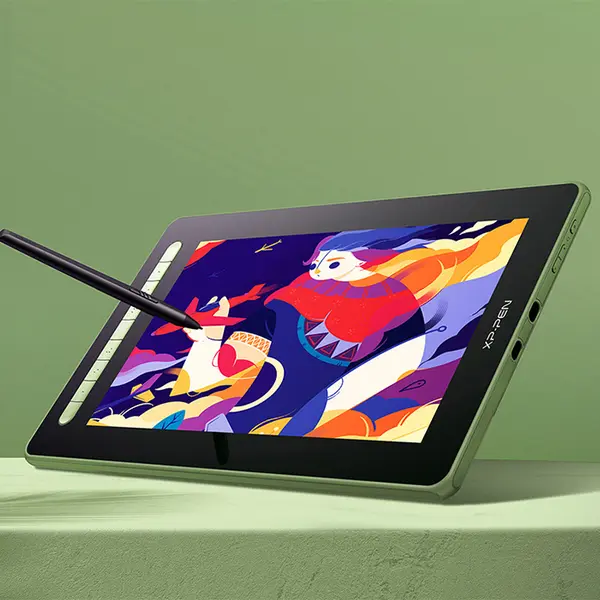
Pen Tablet Price in Pakistan
Compare pen tablet prices in Pakistan across models designed for digital drawing, illustration, design, editing, annotation, and other creative applications. Pen tablets can vary in active drawing area, pressure sensitivity, stylus specifications, shortcut controls, connectivity, dimensions, operating-system support, and software compatibility. Compare the specifications of each model with your requirements before purchasing.
Pen Tablets for Digital Art & Creative Work
Pen tablets provide stylus-based input for compatible computers and applications. Depending on the tablet and software being used, they can support drawing, sketching, illustration, image editing, annotation, handwriting, and other tasks where pen input may provide more direct control than a conventional mouse.
Standard Pen Tablets
A standard pen tablet uses a separate drawing surface without an integrated display. The user's stylus movements on the tablet are represented on the connected computer's screen. Available models differ in drawing-area dimensions, stylus specifications, controls, connectivity, and compatibility, so compare the exact product specifications rather than assuming all pen tablets provide the same features.
Pen Display Tablets
A pen display combines stylus input with an integrated screen, allowing compatible content to be viewed on the same surface used for drawing or interaction. Display specifications, pressure sensitivity, connectivity requirements, included accessories, power requirements, and software support can differ considerably between models. Check the complete specifications before choosing a pen display.
Active Drawing Area & Tablet Size
The active area is the portion of the tablet that detects stylus input. Pen tablets are available with different active-area dimensions and overall physical sizes. Consider your available desk space, preferred working movement, monitor configuration, and portability requirements when comparing tablet sizes.
Pressure Sensitivity & Stylus Features
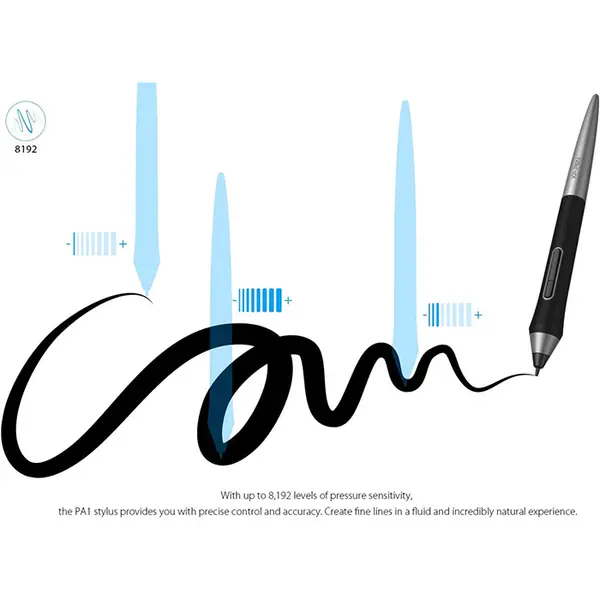
Supported pressure levels and stylus capabilities vary between pen tablet models. Depending on the product and compatible software, pressure-sensitive input may allow characteristics such as line thickness or other brush behavior to respond to stylus pressure. Check the manufacturer's specifications for pressure sensitivity, stylus type, buttons, tilt support, and other available pen features.
Shortcut Keys & Controls
Some pen tablets include programmable buttons, dials, touch controls, or other shortcuts. Available controls and customization options vary by model and may also depend on the tablet driver or software. Check the exact product specifications if shortcut controls are important to your workflow.
Pen Tablet Connectivity
Pen tablets may connect through USB or other wired or wireless methods depending on the model. Connector type alone does not guarantee compatibility with every computer or mobile device. Check the supported connection method, required ports, operating system, drivers, and any adapters or additional equipment required by the specific tablet.
Pen Tablet Compatibility
Compatibility should be checked before purchasing a pen tablet. Confirm that the exact model supports your computer's operating system and the applications you intend to use. Driver availability, software support, connection requirements, and supported features can differ between tablet models and operating systems.
Pen Tablets for Laptops & Desktop PCs
Compatible pen tablets can be used with laptops and desktop computers for creative and productivity workflows. Before connecting a tablet, check the required operating system, available ports, driver requirements, and software compatibility. Some models may support additional device types, but this should be confirmed from the specifications of the individual product.
Choose the Right Pen Tablet
Start with the applications and devices you plan to use. Then compare active drawing area, pressure sensitivity, stylus features, shortcut controls, connectivity, dimensions, operating-system support, and software compatibility. The appropriate tablet depends on your workflow and required features rather than one specification alone.
Buy Pen Tablets Online in Pakistan
Browse available pen tablets at Connect2Aryans and compare current prices, active-area dimensions, stylus specifications, connectivity, compatibility, controls, and other available features. Check the individual product specifications carefully before ordering to ensure the tablet meets your device and software requirements.
Frequently Asked Questions About Pen Tablets
What should I check before buying a pen tablet?
Check the active drawing area, stylus specifications, pressure sensitivity, connectivity, operating-system compatibility, driver requirements, shortcut controls, dimensions, and supported features. Also confirm compatibility with the applications and devices you intend to use.
What is the difference between a pen tablet and a pen display?
A standard pen tablet normally uses a separate drawing surface while you view the result on a connected screen. A pen display incorporates a display into the drawing surface. Exact functionality and connection requirements depend on the individual model.
Does pressure sensitivity matter on a pen tablet?
Pressure sensitivity can be useful in compatible applications that use stylus pressure to control supported functions such as brush behavior or line characteristics. The implementation and number of supported pressure levels vary between tablets and software.
Will a pen tablet work with my laptop or PC?
Only if the tablet supports your operating system and your computer meets its connection and driver requirements. Check the specifications of the exact tablet before purchasing.
Not sure which pen tablet suits your creative workflow? Read our guide on choosing the right pen tablet for more detailed buying advice.

