
PC Cases
Shop PC cases in Pakistan for gaming, workstations, everyday PCs, and custom builds. Compare ATX, Micro-ATX, and Mini-ITX cases, motherboard compatibility, GPU clearance, CPU cooler clearance, airflow, fan and radiator support, storage options, and prices to find the right case for your components.
12 Products
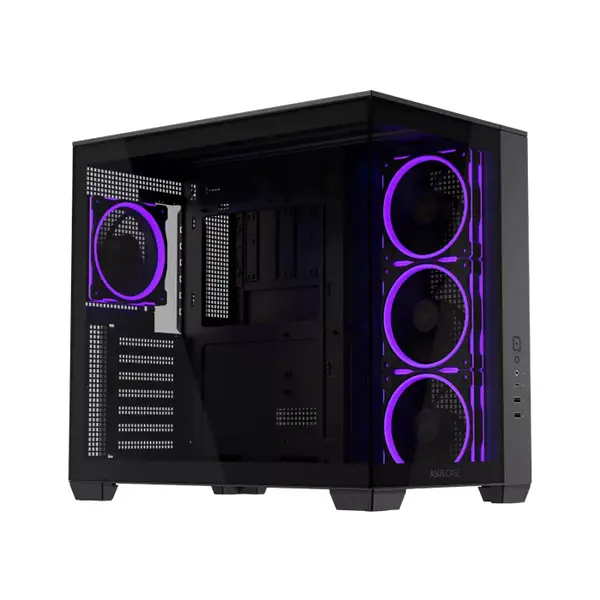
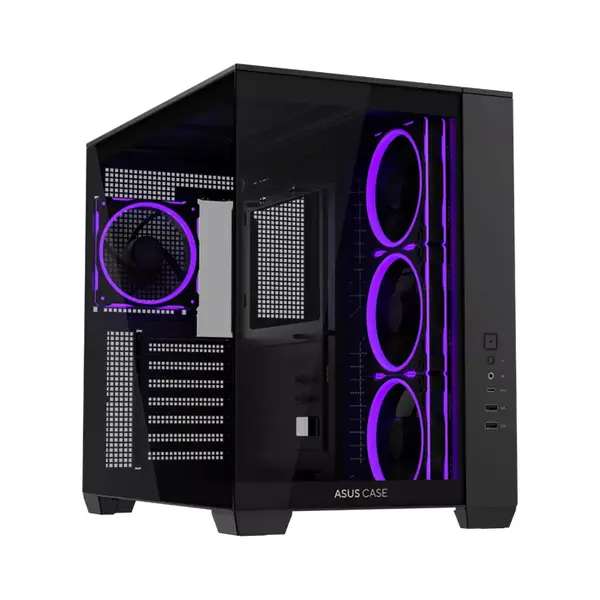
Quick view
Rs. 27,000
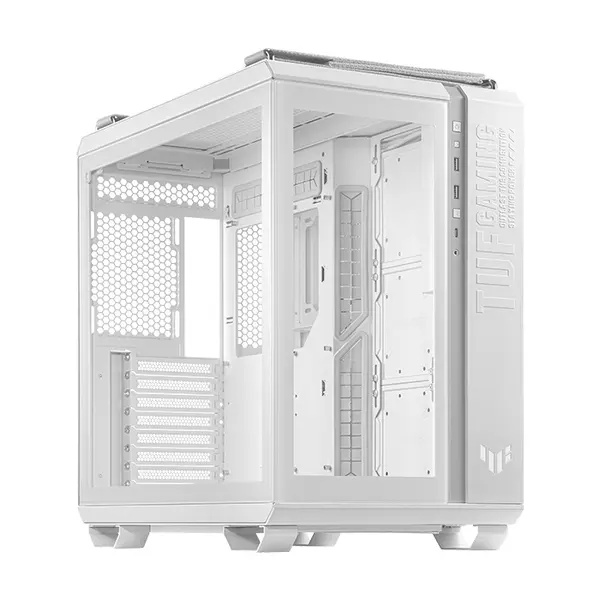
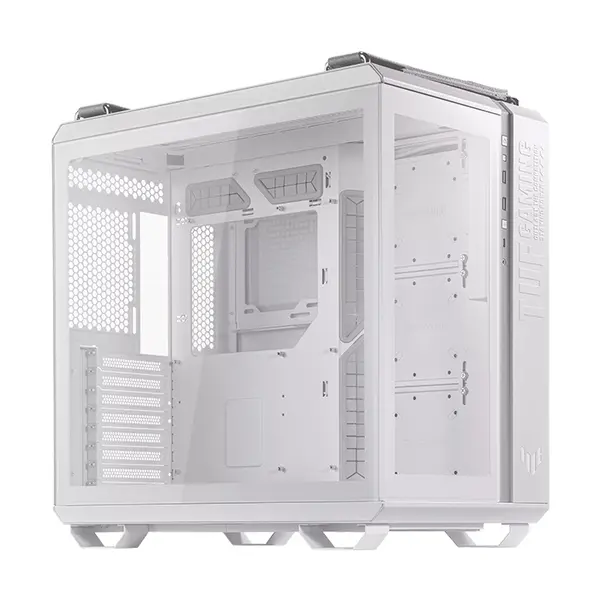
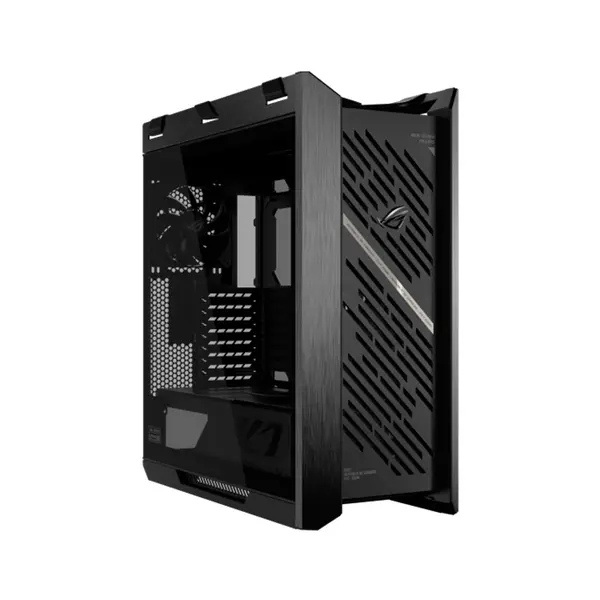
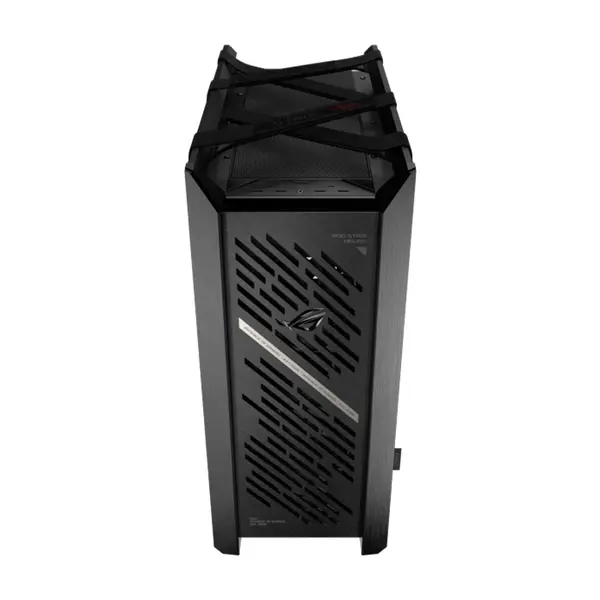
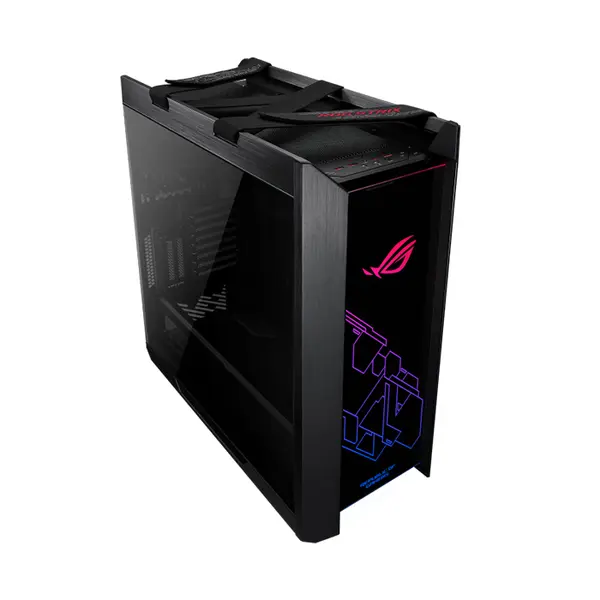
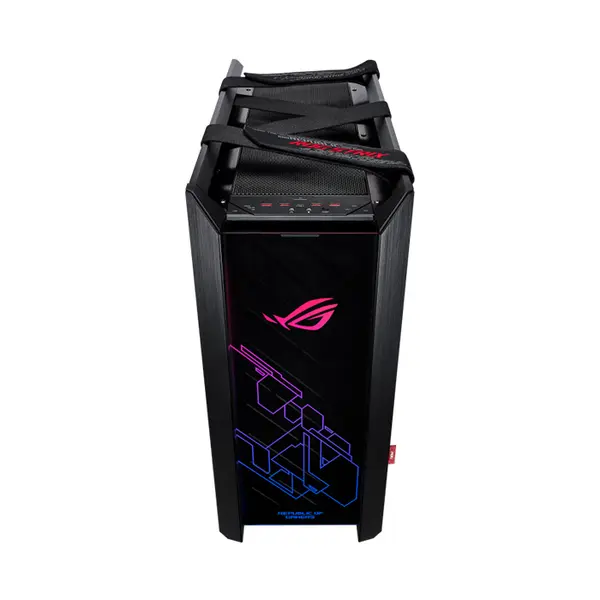
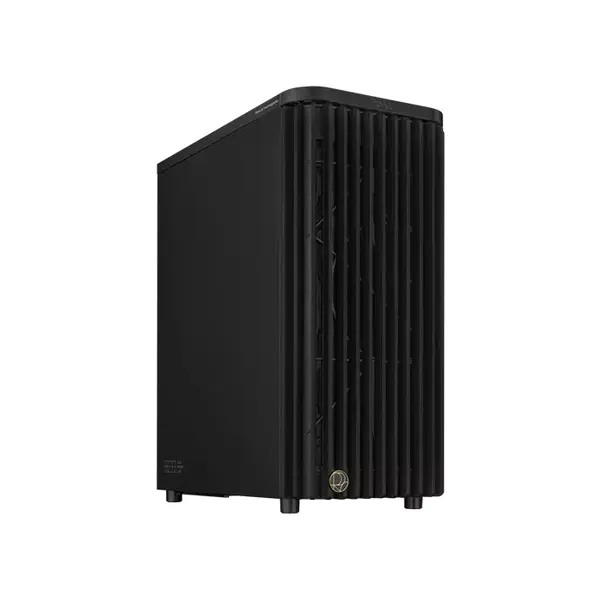
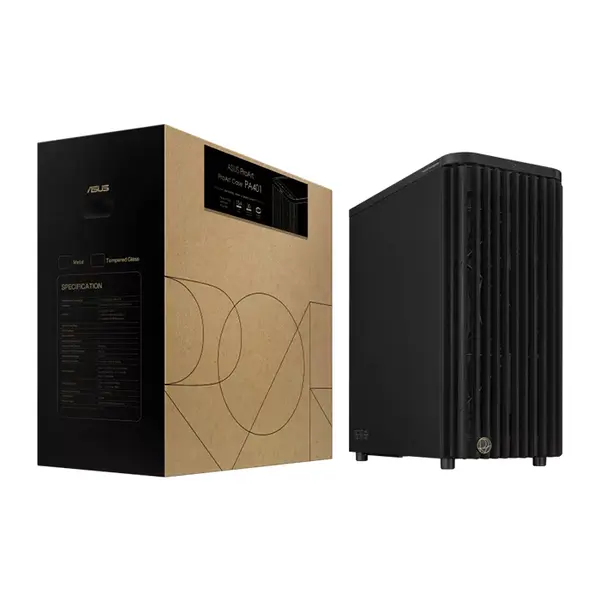
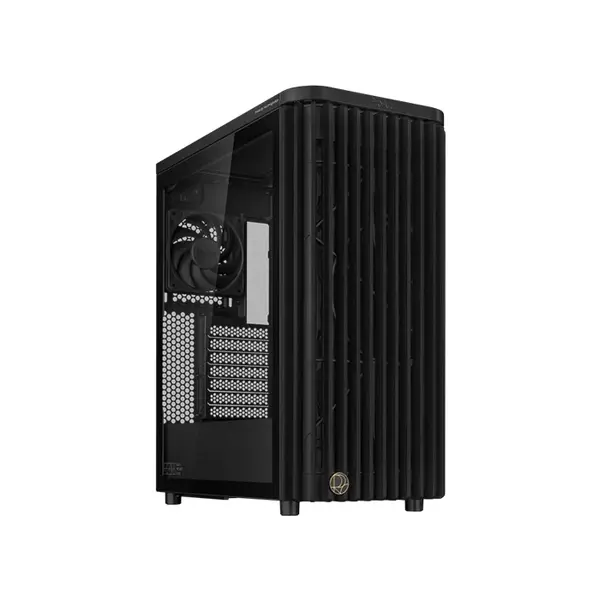
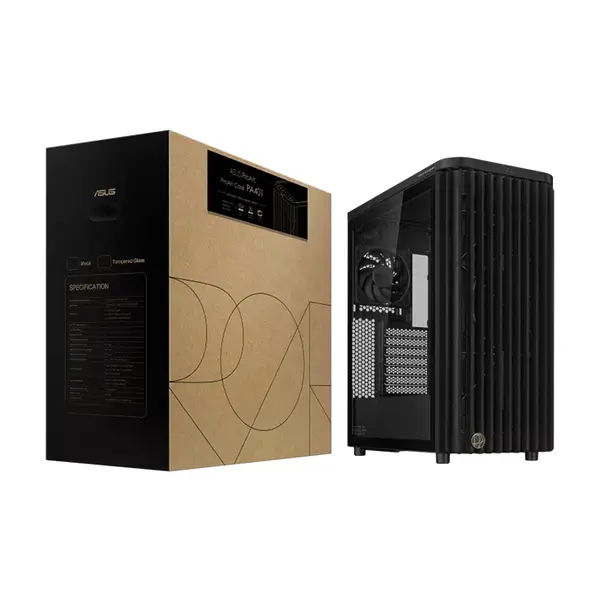
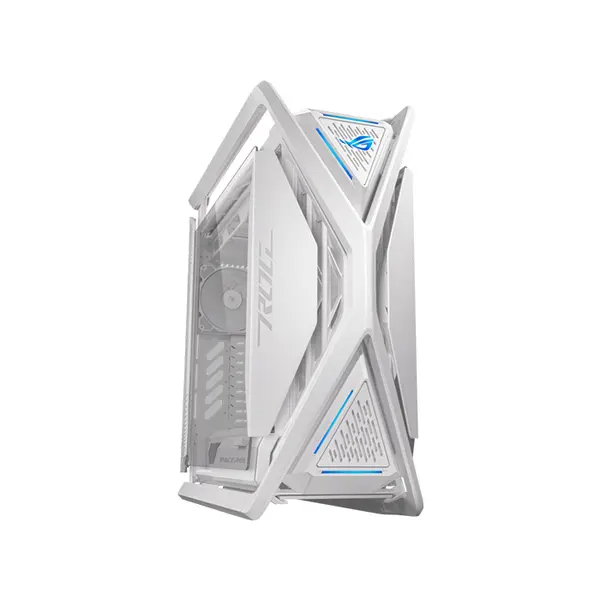
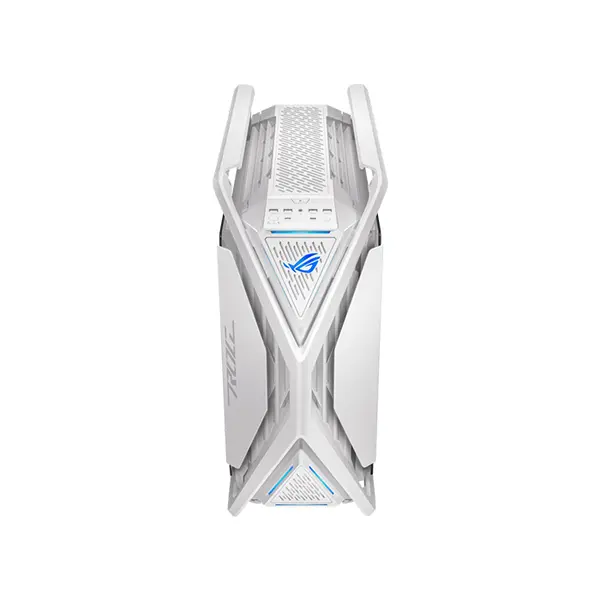
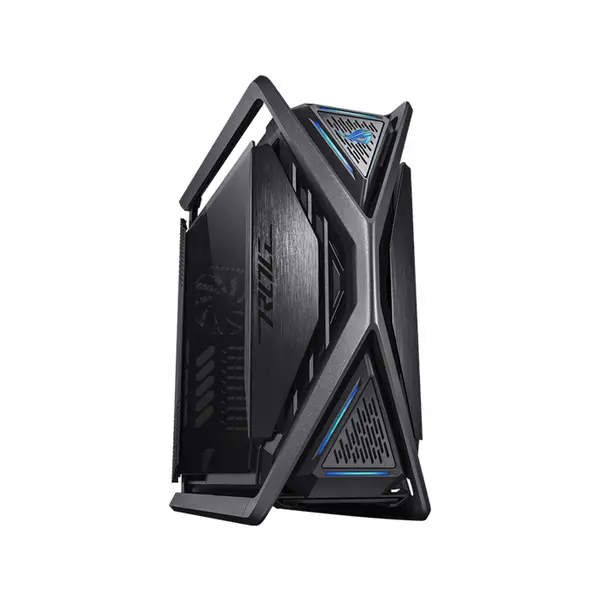
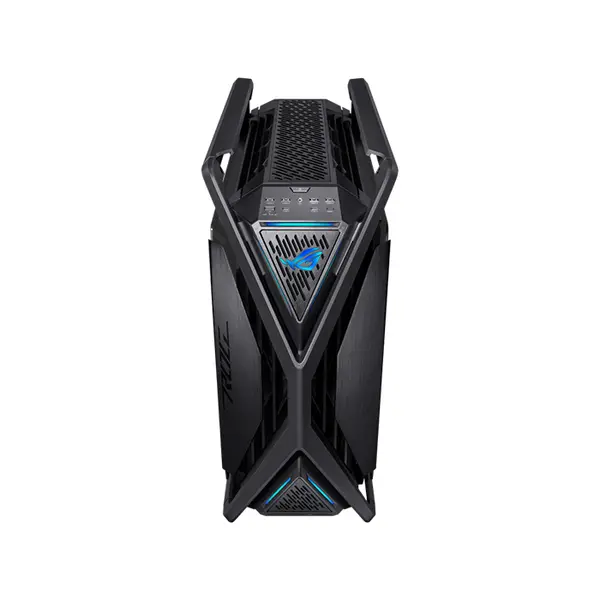
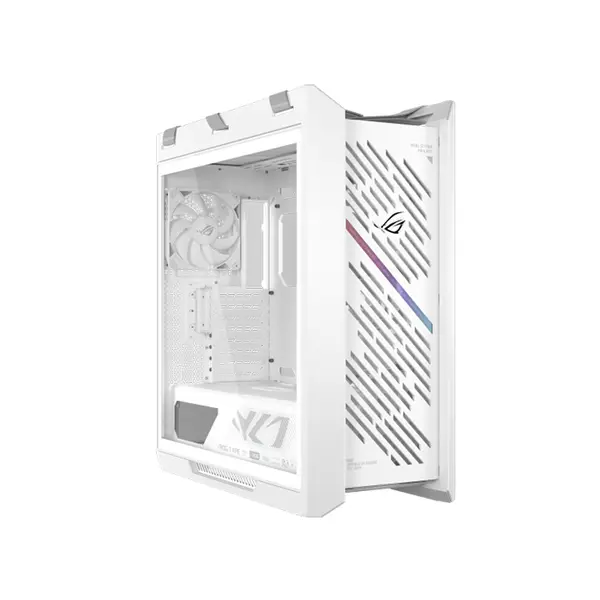
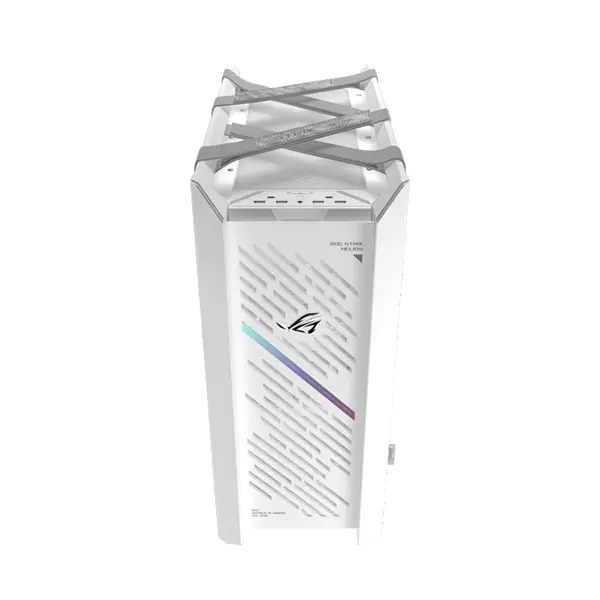
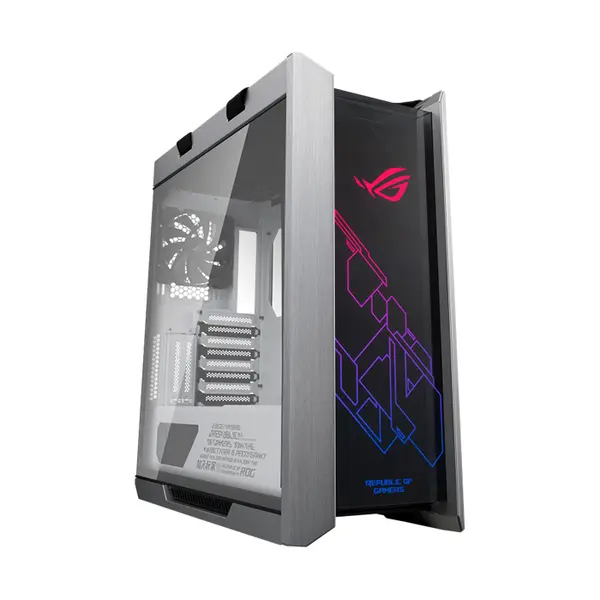
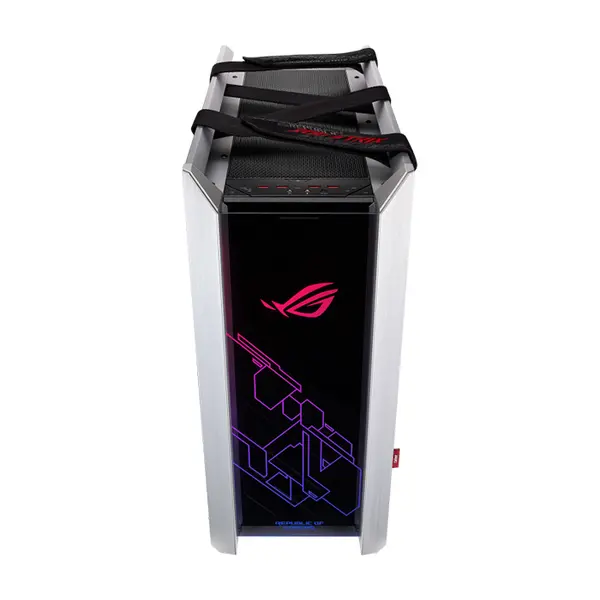
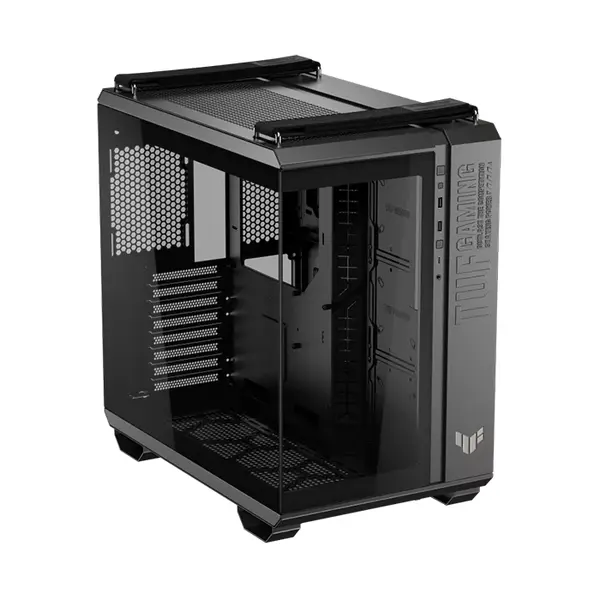
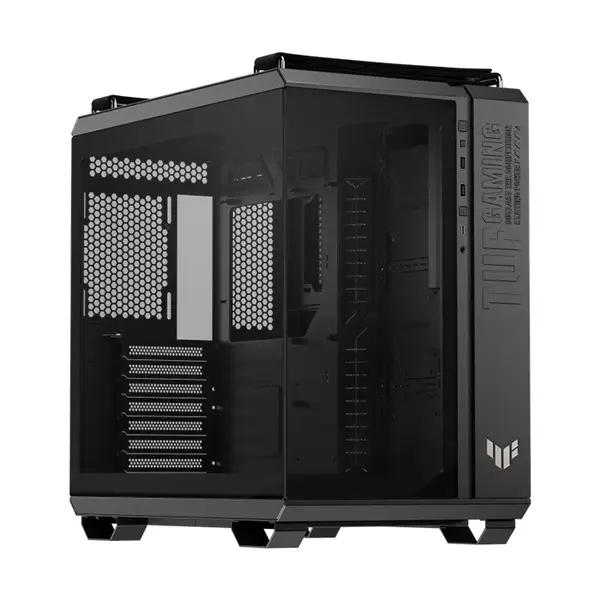
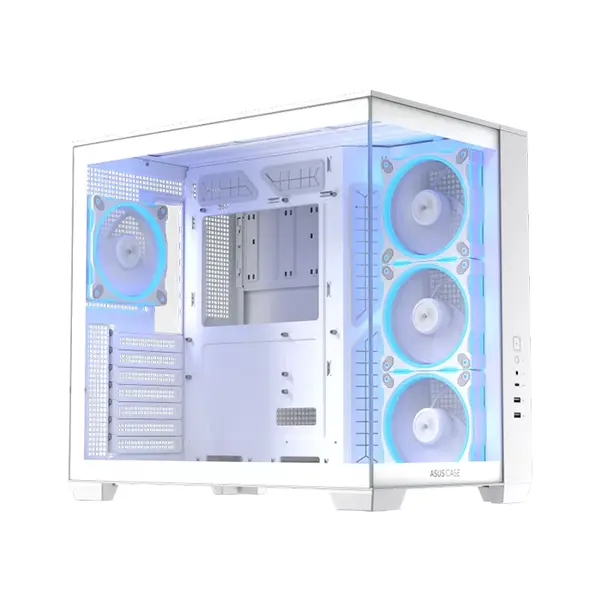
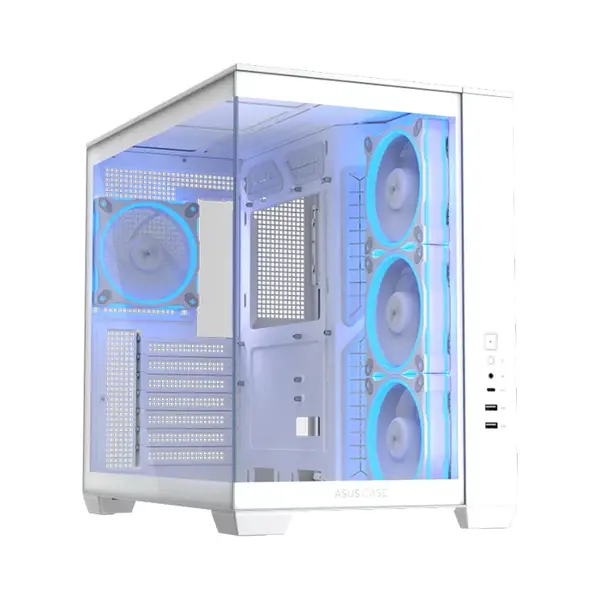
PC Case Price in Pakistan
Compare PC case prices in Pakistan across cases designed for gaming PCs, workstations, everyday systems, and custom builds. PC cases vary in motherboard support, dimensions, GPU clearance, CPU cooler clearance, fan and radiator compatibility, airflow design, storage support, front-panel connectivity, materials, and other features. Choose according to the components you intend to install rather than case appearance alone.
PC Cases for Gaming & Custom PC Builds
A PC case provides the physical enclosure and mounting locations for the motherboard, graphics card, power supply, storage devices, cooling hardware, and other components. Case compatibility depends on the exact hardware being installed, so check the manufacturer's specifications and component dimensions before building your system.
ATX, Micro-ATX & Mini-ITX PC Cases
PC cases can support different motherboard form factors depending on the individual model. ATX, Micro-ATX, and Mini-ITX are common motherboard sizes, but case size alone should not be used to assume compatibility. Check the exact motherboard form factors listed as supported by the case manufacturer.
Mid-Tower, Full-Tower & Compact PC Cases
Cases are available in different physical sizes and layouts. Larger cases can provide additional internal space, while compact cases can reduce the overall system footprint. However, component clearance and expansion support vary between individual designs, so compare actual dimensions and specifications rather than relying only on labels such as mid-tower or full-tower.
Gaming PC Cases
Gaming cases can include features such as tempered-glass panels, mesh ventilation, additional fan mounting locations, radiator support, RGB or ARGB lighting support, and other design elements depending on the model. Browse Gaming Cases if you specifically want cases designed around gaming-oriented builds and presentation.
PC Case Airflow
Case airflow depends on ventilation design, fan configuration, component placement, internal restrictions, and other factors. Mesh panels and ventilation openings can provide pathways for airflow, but cooling performance depends on the complete system configuration. Consider the heat produced by your components and the available intake and exhaust positions when planning cooling.
PC Case Fan Support
Cases provide different numbers, sizes, and positions of fan mounts. Some cases include pre-installed fans while others may require fans to be purchased separately. Check supported fan sizes, available mounting positions, included fans, and component clearance before planning your cooling configuration.
Liquid Cooling & Radiator Support
If you intend to install an AIO liquid CPU cooler, verify the radiator sizes and mounting positions supported by the case. Radiator compatibility can also be affected by motherboard components, RAM height, GPU dimensions, fans, and other installed hardware. A listed radiator size does not always guarantee compatibility with every possible component combination.
GPU Clearance
Modern graphics cards can differ significantly in length, height, thickness, and slot requirements. Compare the exact dimensions of your graphics card with the case's specified GPU clearance. Also consider whether front-mounted cooling hardware, storage brackets, or other components reduce the available clearance.
CPU Cooler Clearance
Air CPU coolers vary in height and overall dimensions. Check the case's maximum CPU cooler height against the exact cooler you intend to install. Clearance around RAM, motherboard components, side panels, and other hardware should also be considered when selecting larger air coolers.
Power Supply Compatibility
PC cases can support different PSU form factors and maximum dimensions depending on their design. Check whether the case supports your power supply form factor and available PSU length, particularly when drive cages, cables, or other components share the same internal area.
Storage & Drive Support
PC cases can provide mounting locations for 2.5-inch drives, 3.5-inch drives, or other storage configurations depending on the model. The number and position of available mounts vary considerably. Check the exact case specifications if you intend to install multiple SATA SSDs or hard drives.
Front-Panel Ports & Connectivity
Front or top I/O can include USB-A, USB-C, audio connections, buttons, and other interfaces depending on the case. The presence of a particular connector on the case does not by itself guarantee that it will function with every motherboard. Check the required internal motherboard headers and supported capabilities when front-panel connectivity is important.
PC Case Cable Management
Cable-management features can include routing openings, channels, tie-down points, PSU shrouds, and space behind the motherboard tray. Available space and features vary between cases. Good cable planning can help keep cables away from fans and make component installation and future maintenance easier.
PC Case Materials & Side Panels
Cases can use steel, plastic, glass, mesh, and other materials in different parts of their construction. Tempered-glass side panels are commonly used to display internal components, while mesh sections can provide ventilation. Material alone does not determine overall case quality, airflow, or durability, so compare the complete construction.
Choose the Right PC Case
Start with your motherboard form factor and then check the dimensions of your graphics card, CPU cooler, power supply, storage devices, and cooling hardware. Compare these requirements with case dimensions, clearances, fan and radiator support, drive mounts, front-panel connectivity, cable-management space, and other features before purchasing.
Buy PC Cases Online in Pakistan
Browse available PC cases at Connect2Aryans and compare current prices, motherboard support, dimensions, GPU and CPU cooler clearances, airflow designs, cooling support, storage options, connectivity, materials, and available models. Compare the specifications of the individual case against your complete component list before purchasing.
Frequently Asked Questions About PC Cases
What size PC case do I need?
Choose according to your motherboard form factor and complete component dimensions. Check motherboard support, GPU clearance, CPU cooler height, PSU compatibility, cooling hardware, and storage requirements against the exact case specifications.
How do I know whether my graphics card will fit?
Check the graphics card's exact length, height, thickness, and slot requirements against the case specifications. Remember that front-mounted radiators, fans, or other internal hardware can reduce available space in some cases.
How many case fans do I need?
There is no universal fan count suitable for every PC. Cooling requirements depend on the case design, ventilation, CPU, graphics card, cooler, fan characteristics, ambient conditions, and workload. Use the case's supported mounting positions to plan airflow for your particular components.
Can I install a liquid CPU cooler in any PC case?
No. The case must support the radiator dimensions and mounting position required by the cooler, and sufficient clearance must remain for the motherboard, RAM, graphics card, fans, and other components.
Not sure which case fits your build? Read our guide on choosing the right PC case for more detailed buying advice.

